Photo-to-Scene-Map Split Poster
Turn each uploaded photo into an individual 3:4 lifestyle poster, pairing the original photo with an asymmetrical acrylic-style scene map.
Example outputs
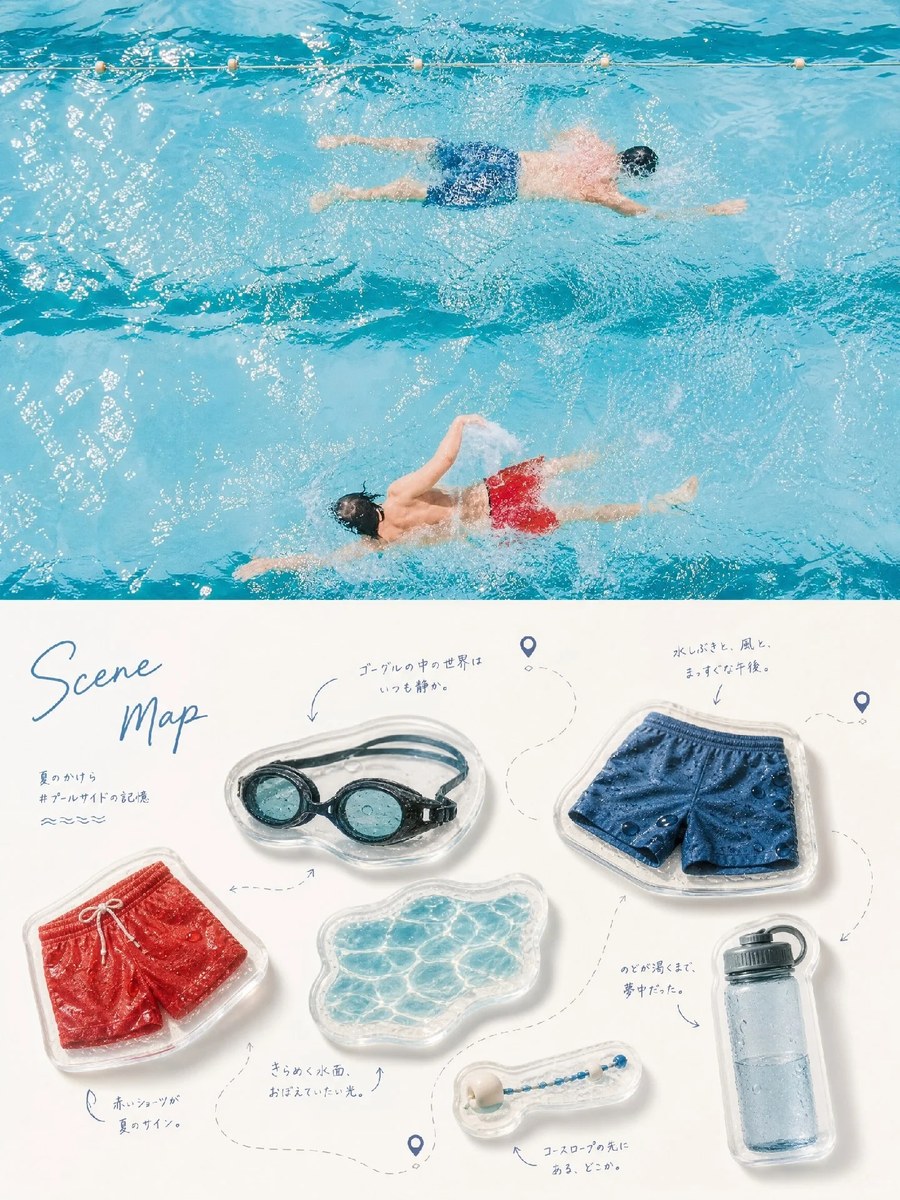
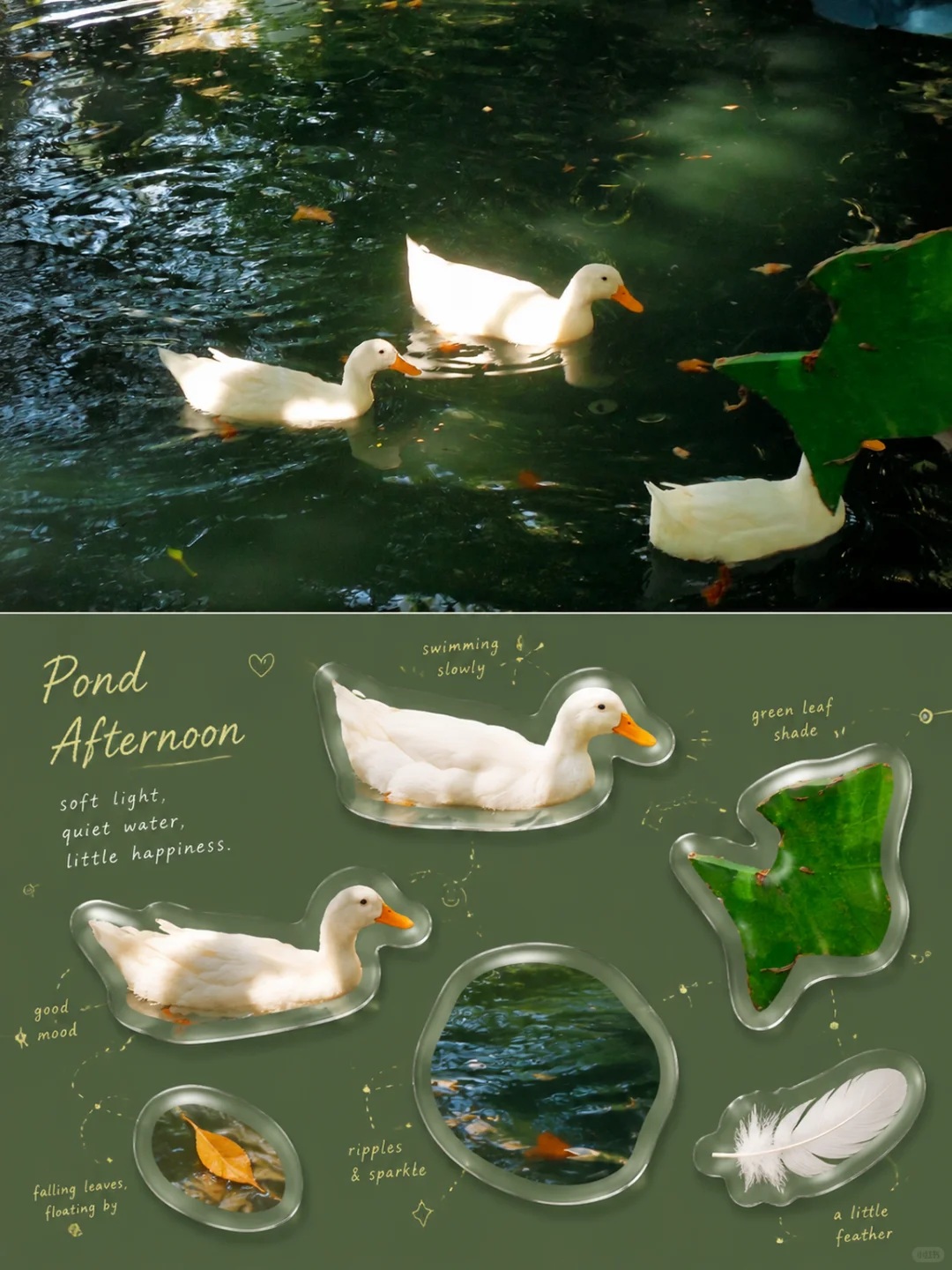
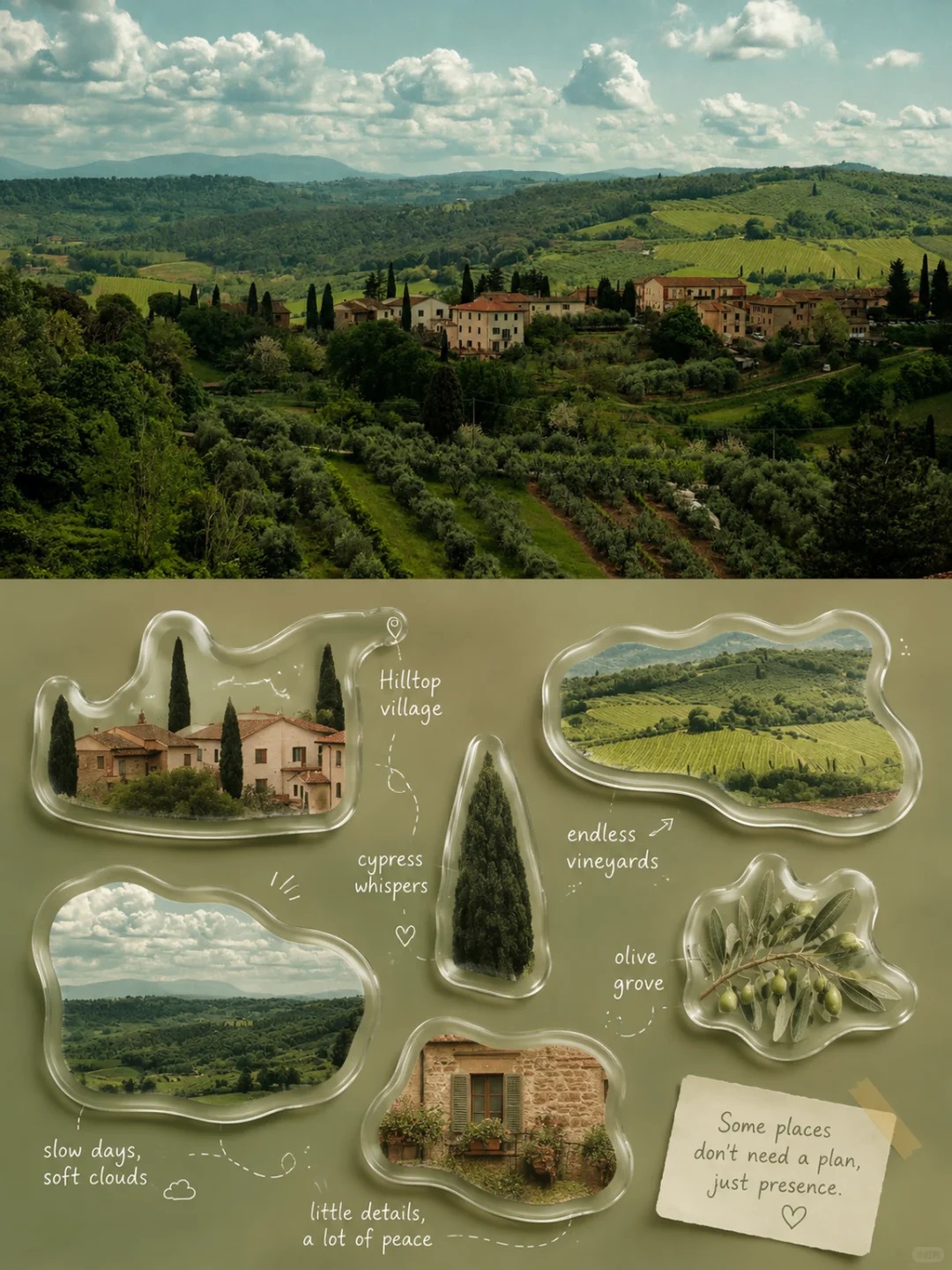
Prompt template
- Format
- Text Parameterized
- Inputs
- Uploaded_photo (image) · Required aspect_ratio (text) · Optional · Default: 3:4
- Outputs
- Scene_map_poster (image)
Create one separate premium design poster for each uploaded photo. Do not combine multiple photos into a collage. Use a ${aspect-ratio:3:4} portrait composition divided into two sections of exactly equal height, with each section occupying 50% of the canvas.

In the upper section, preserve the original photo, including the subject's identity, structure, pose, realistic texture, natural lighting, and original color atmosphere. Apply only subtle, refined color grading to give it the feel of an art magazine, independent publication, or lifestyle editorial. You may naturally extend the background to fit the canvas, but do not stretch, distort, or alter the subject.

In the lower section, extract the most recognizable relationships between subjects, object characteristics, everyday details, and narrative or emotional details from the photo. Reimagine them as a Japanese-style everyday-moments “Scene Map / Acrylic Collector's Catalog.” Do not reproduce the entire photo. Select approximately 4–7 of its most memorable elements, such as part of a person, food, a drink, an object, a plant, an animal, an architectural feature, a vehicle, or a small detail with emotional significance.

Give each element a realistic, clear, tactile material quality; do not render it as flat cartoon art. Use a cohesive Instagram lifestyle aesthetic: soft natural light, clean highlights, creamy bright areas, a slight soft haze, clear shadows, and a comfortable balance of warm and cool tones. Gently reduce harsh contrast and brighten the colors so the objects feel gentle, refined, clean, and soothing while still resembling real photography. Add a transparent, rounded acrylic or resin rim, slight thickness, delicate highlights, and soft contact shadows around each object, so it looks like a real small collectible rather than a plastic 3D toy.

Arrange the objects dynamically according to their individual sizes, orientations, shapes, and visual weight. Do not default to a four-square grid, evenly spaced horizontal row, or uniform sizing. Vary the composition from image to image; possible arrangements include a diagonal flow, an S-shaped route, a ring, staggered vertical placement, a stepped rhythm, a central radial arrangement, two clusters, elements entering from the edges, or asymmetrical floating. Allow contrasts in scale, slight rotation, partial overlaps, and elements touching or cropping at the edges. Maintain a clear reading path and ample negative space, keeping the layout lively but not cluttered, relaxed but organized.

Where appropriate, add delicate dashed lines, curved arrows, route nodes, location markers, dots, brackets, small hand-drawn strokes, or light annotations between elements. Let these follow the composition naturally; not every element needs to be connected. Lines may curve around, jump between elements, break off, or form a local loop. Make the layout feel like a carefully arranged personal memory map, not a flowchart or a complex infographic.
Replace the ${…} placeholders with your values
before using this prompt. See parameters
and defaults below
Parameters
Replace each placeholder with your own value, or use its default when one is provided
${aspect-ratio:3:4}
aspect-ratio
Default: 3:4
What you'll create
The upper half preserves the original photograph with subtle editorial grading. Four to seven memorable elements become a Japanese-style collector’s scene map in the equal-height lower section.
Frequently asked questions
Should several uploaded photos share one collage?
No. Each uploaded photo receives its own separate poster.
Is the lower section a copy of the whole photograph?
No. It selects key relationships and memorable details rather than reproducing the full scene.
Comments
Tried this prompt? Share what you made, compare results, or ask a question