PANTONE-Inspired Outfit Color Cards
Add two or three color cards sampled from an outfit to an existing fashion photograph. The original image stays intact, while card placement adapts to the available negative space
Example outputs
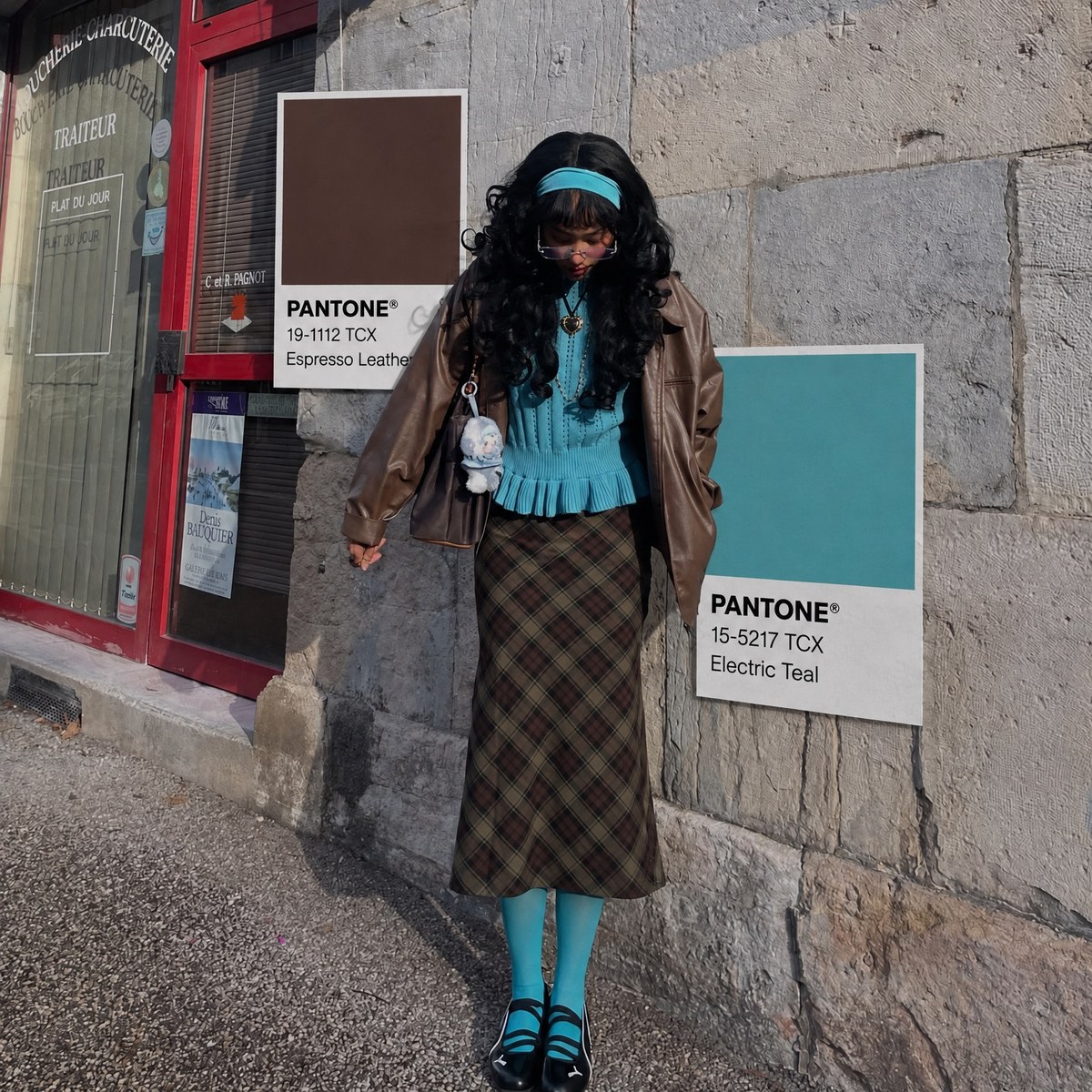
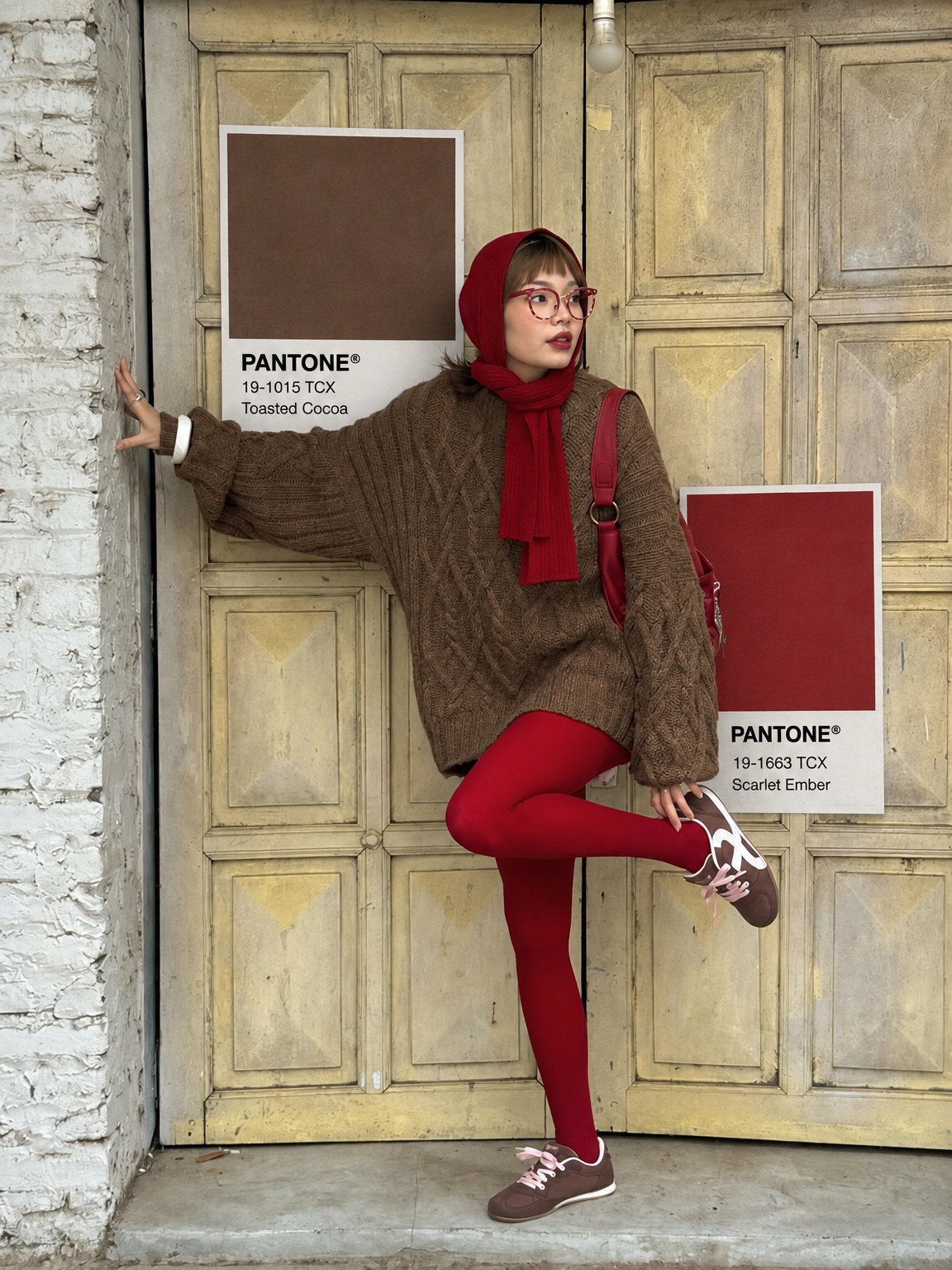
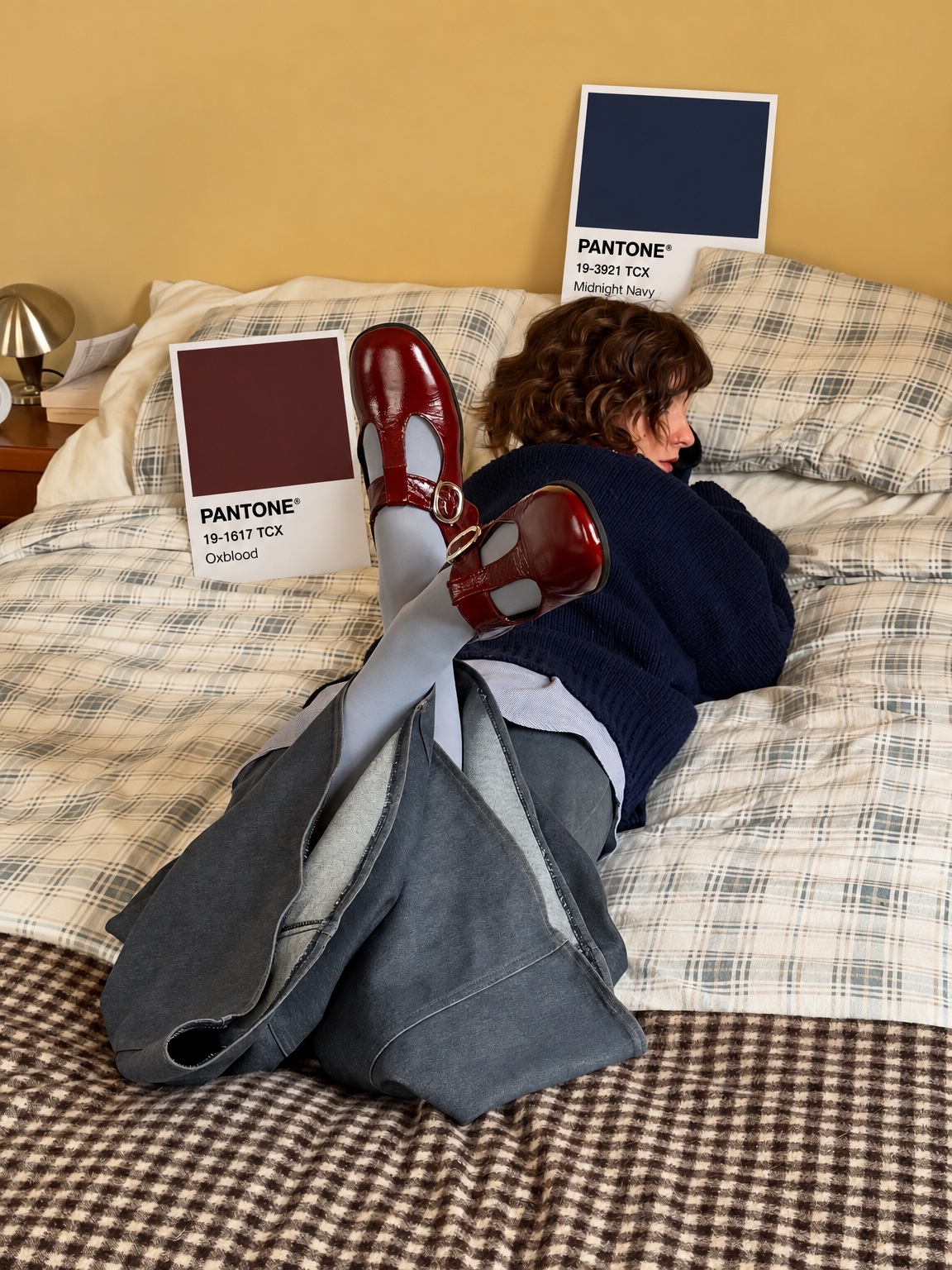
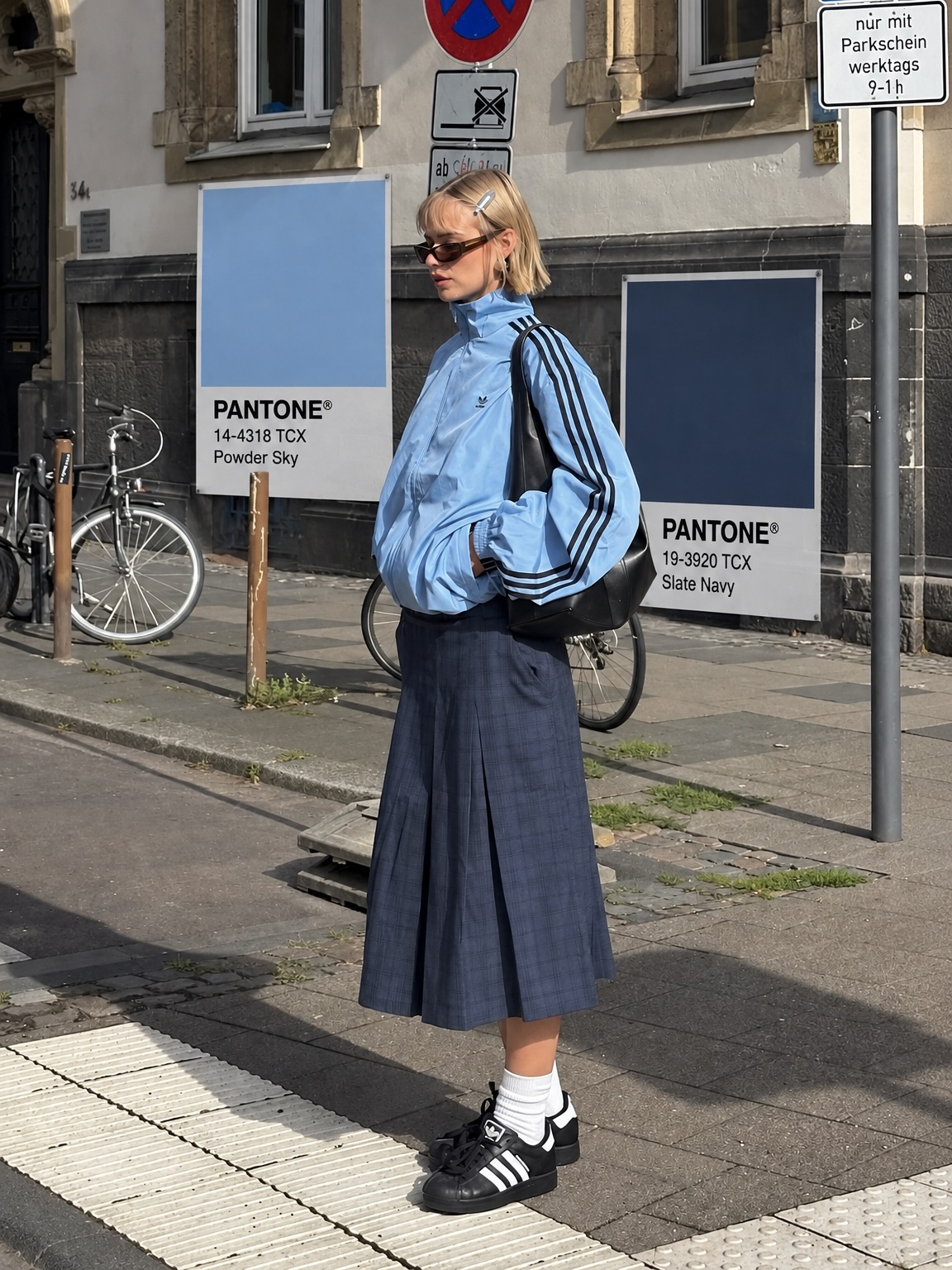
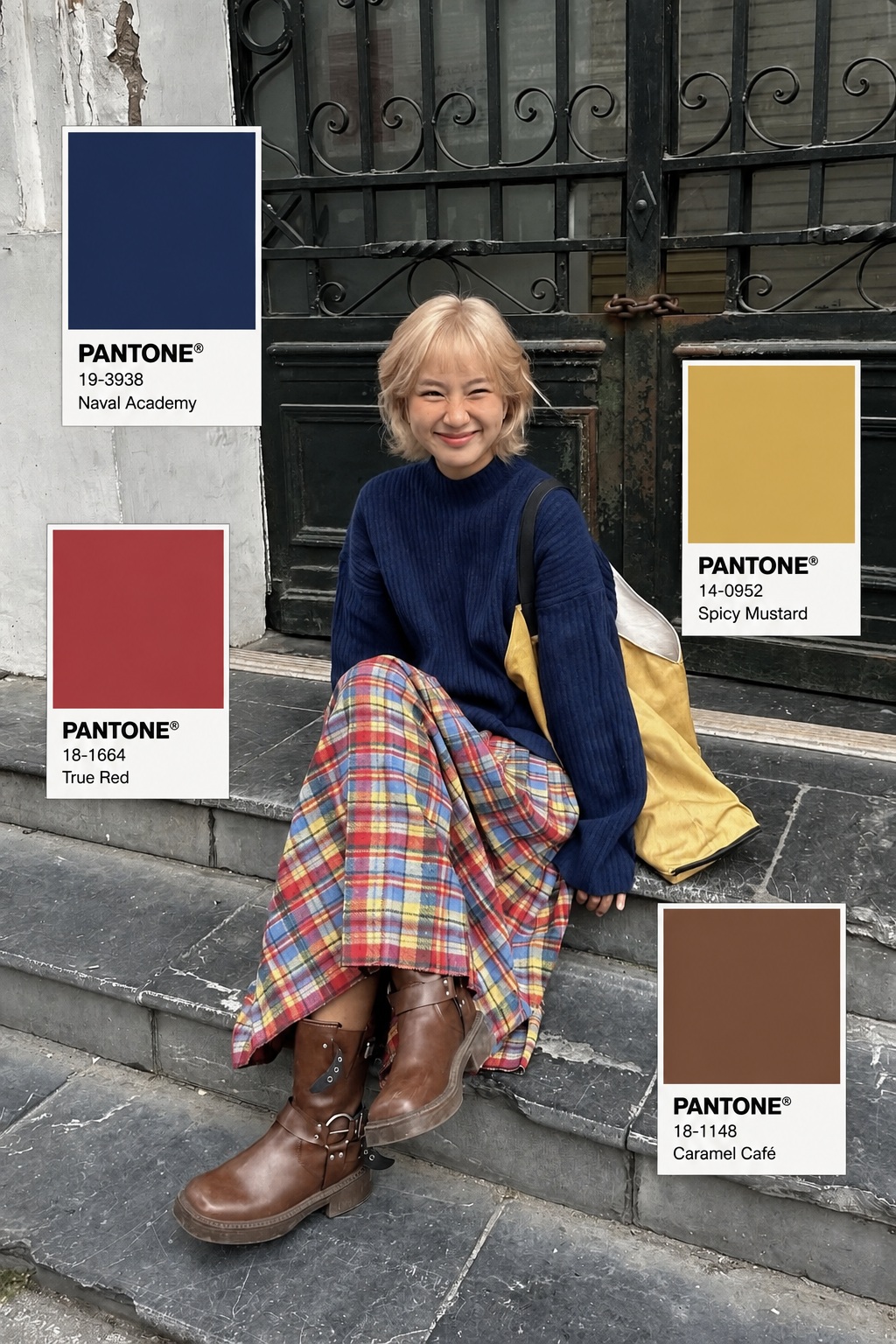
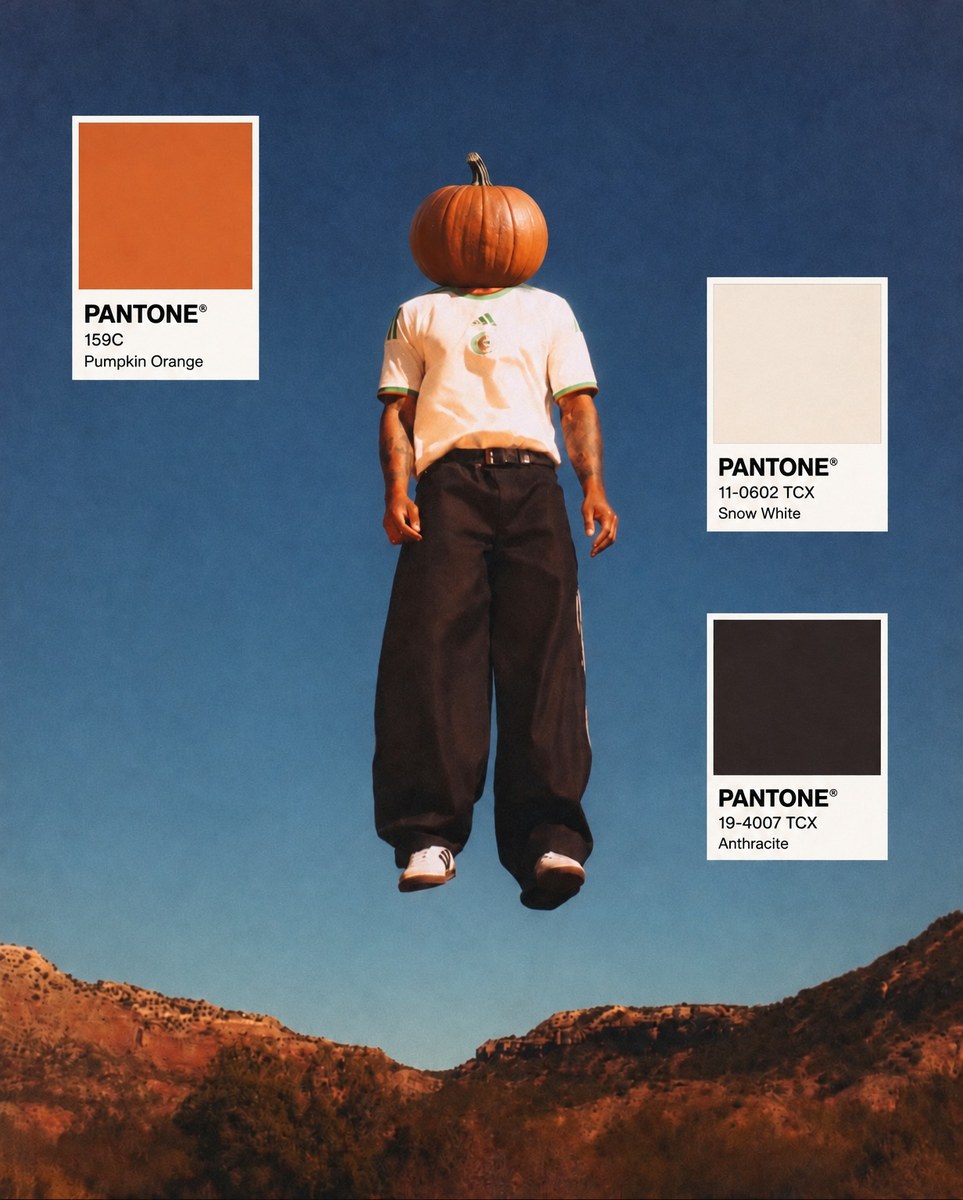
Prompt template
- Format
- Markdown
- Inputs
- Outfit_photo (image) · Required
- Outputs
- Edited_fashion_photo (image)
Use the uploaded outfit photo as the base image. Preserve the original photograph as faithfully as possible. Do not change the person, face, body, pose, clothing, accessories, hairstyle, background, camera angle, lighting, composition, or photographic texture.

Analyze the visible outfit and accessories, then automatically identify the 2–3 most visually distinctive colors present in the styling. Prioritize colors from the clothing, shoes, bags, hats, jewelry, or other fashion accessories rather than colors from the background or skin. From these detected outfit colors, randomly select 2 or 3 representative colors that best describe the overall look.

Add a new graphic overlay layer containing 2–3 Pantone-inspired color swatch cards, each corresponding closely to one of the selected outfit colors. Each color card should include:
- A large rectangular color swatch
- A clean white information area underneath
- Bold black PANTONE® text
- A small plausible color code
- An optional short color name

The swatch color must visually match the actual color sampled from the outfit. For example, if the outfit contains burgundy leather, cream, dark brown, pastel blue, black, or pale yellow, generate matching swatches rather than unrelated colors.

Place the cards naturally in the unused negative space of the original photograph, preferably near the outer edges or beside the subject. The cards should never cover the face, body, important clothing details, shoes, bags, or other key fashion elements.

Arrange the cards with a casual high-fashion editorial composition. They may be vertically stacked, slightly separated, or asymmetrically positioned depending on the available space in the image. Adapt the scale and placement to each photo rather than using a fixed layout.

The Pantone cards should look like clean flat graphic overlays placed on top of the photograph, with sharp edges, accurate rectangular geometry, and minimal or no shadow. They should feel like a fashion moodboard or editorial styling annotation added after the photo was taken.

Do not recolor the original outfit. Do not add new garments or accessories. Do not change the background. Do not turn the entire image into a graphic design. Only add the 2–3 color cards as an overlay layer.

Final result: a realistic original outfit photograph with 2–3 carefully placed Pantone-style color cards whose colors are automatically derived from the outfit itself, creating a polished Pinterest / Instagram fashion color-palette editorial aesthetic.
What you'll create
This prompt adds two or three flat Pantone-inspired color cards sampled from the clothing and accessories in an outfit photo. It preserves the original photograph and places the cards in unused space as a fashion editorial annotation
Usage instructions
Provide the outfit photograph as the required reference; the prompt derives the palette from visible clothing and accessories. The cards’ scale and placement adapt to available negative space, so keep important fashion details unobstructed
Frequently asked questions
Where should the cards go?
Place them in available negative space, adapting their scale and arrangement to the photo while keeping faces, clothing details, and other important elements unobstructed
How are the swatch colors chosen?
Choose representative colors from the outfit and its accessories, rather than from the background or skin, and make each swatch closely match its sampled color



Comments
Tried this prompt? Share what you made, compare results, or ask a question