Turn a Photo into a Yellow Cartoon Character
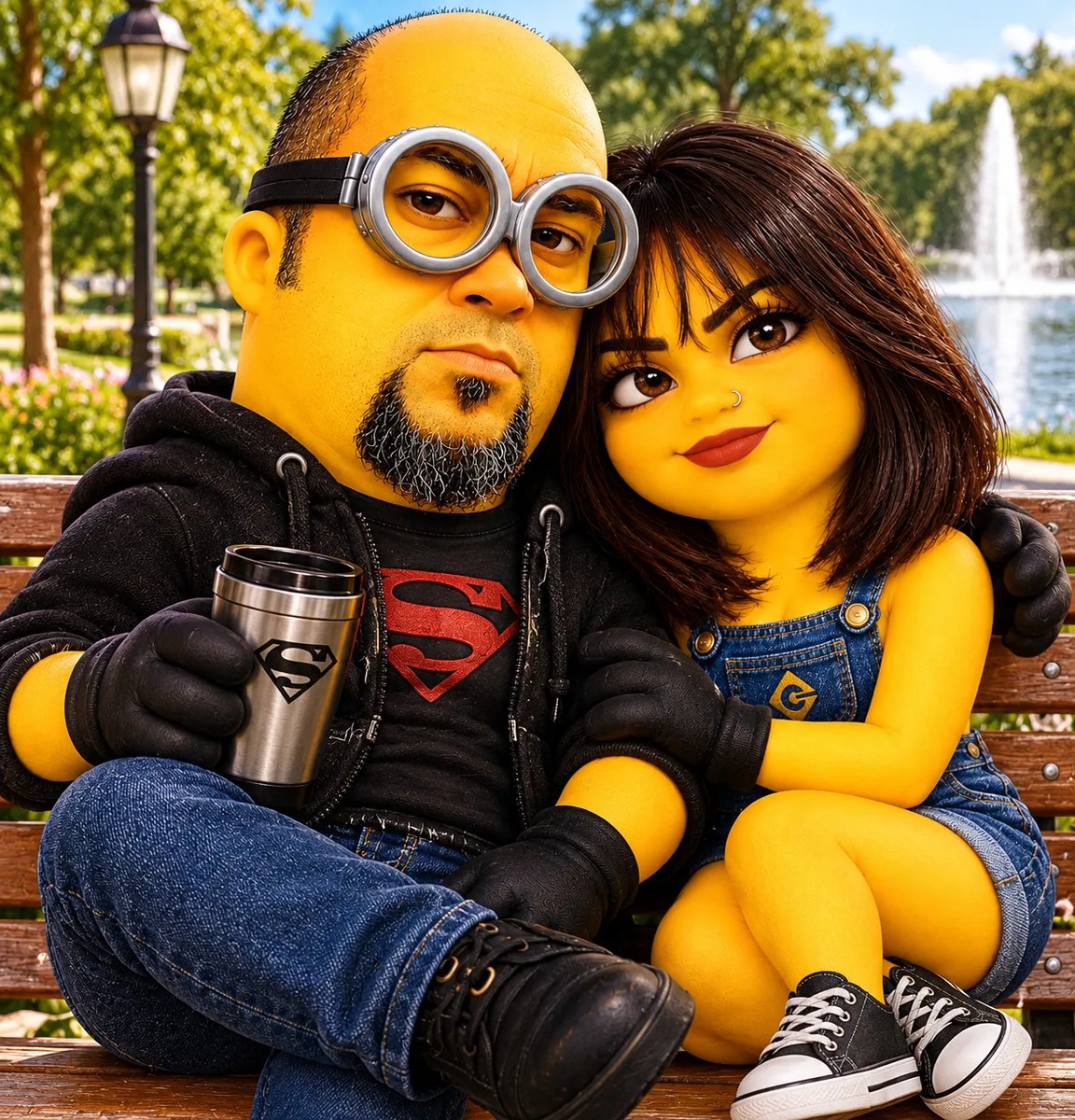
Transform a photograph into a small, oval-bodied yellow cartoon character while preserving recognizable facial features. The outfit and background can be customized.
Example outputs
Prompt template
- Format
- Text Parameterized
- Inputs
- Photograph (image) · Required Outfit (text) · Optional · Default: blue denim overalls Background (text) · Optional · Default: a simple background with no additional elements
- Outputs
- Transformed_image (image)
Transform my photograph into a small yellow cartoon character with an oval body, a fun aesthetic, ${outfit:blue denim overalls}, and caricatured proportions. Faithfully preserve my hair, eyebrows, eyes, and facial features. Use ${background:a simple background with no additional elements}.Replace the ${…} placeholders with your values
before using this prompt. See parameters
and defaults below
Parameters
Replace each placeholder with your own value, or use its default when one is provided
${outfit:blue denim overalls}
outfit
Default: blue denim overalls
${background:a simple background with no additional elements}
background
Default: a simple background with no additional elements
What you'll create
Create a small, yellow cartoon character with an oval body, caricatured proportions, and a fun look. Preserve the photograph’s hair, eyebrows, eyes, and facial features, and use a simple background without extra elements
Usage instructions
Provide a photograph that clearly shows the features you want retained. The prompt transforms it into a yellow cartoon character while preserving those features; change the outfit or background wording to customize those elements
Frequently asked questions
Which features from the photograph should remain recognizable?
Preserve the subject’s hair, eyebrows, eyes, and facial features


Comments
Tried this prompt? Share what you made, compare results, or ask a question