Nighttime Rose Bouquet Portrait with Motion Blur
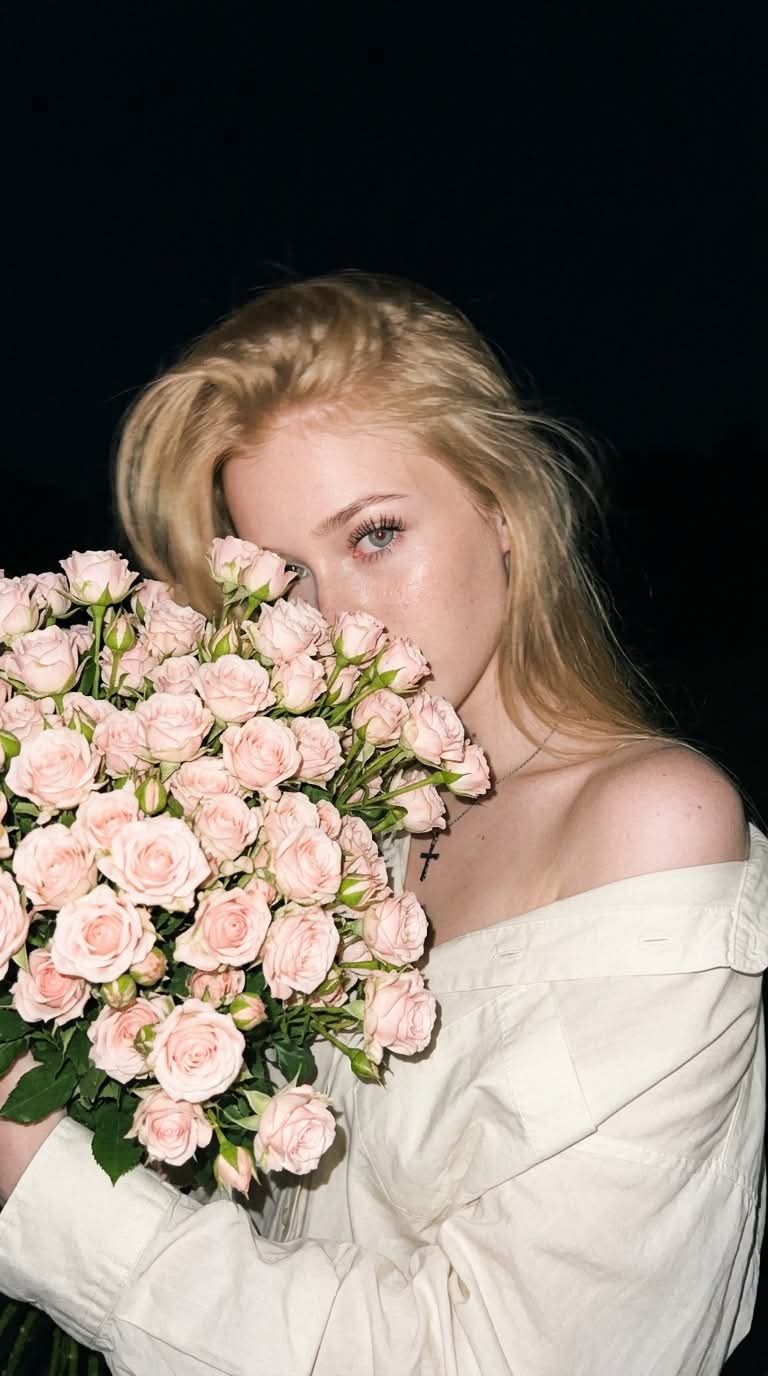
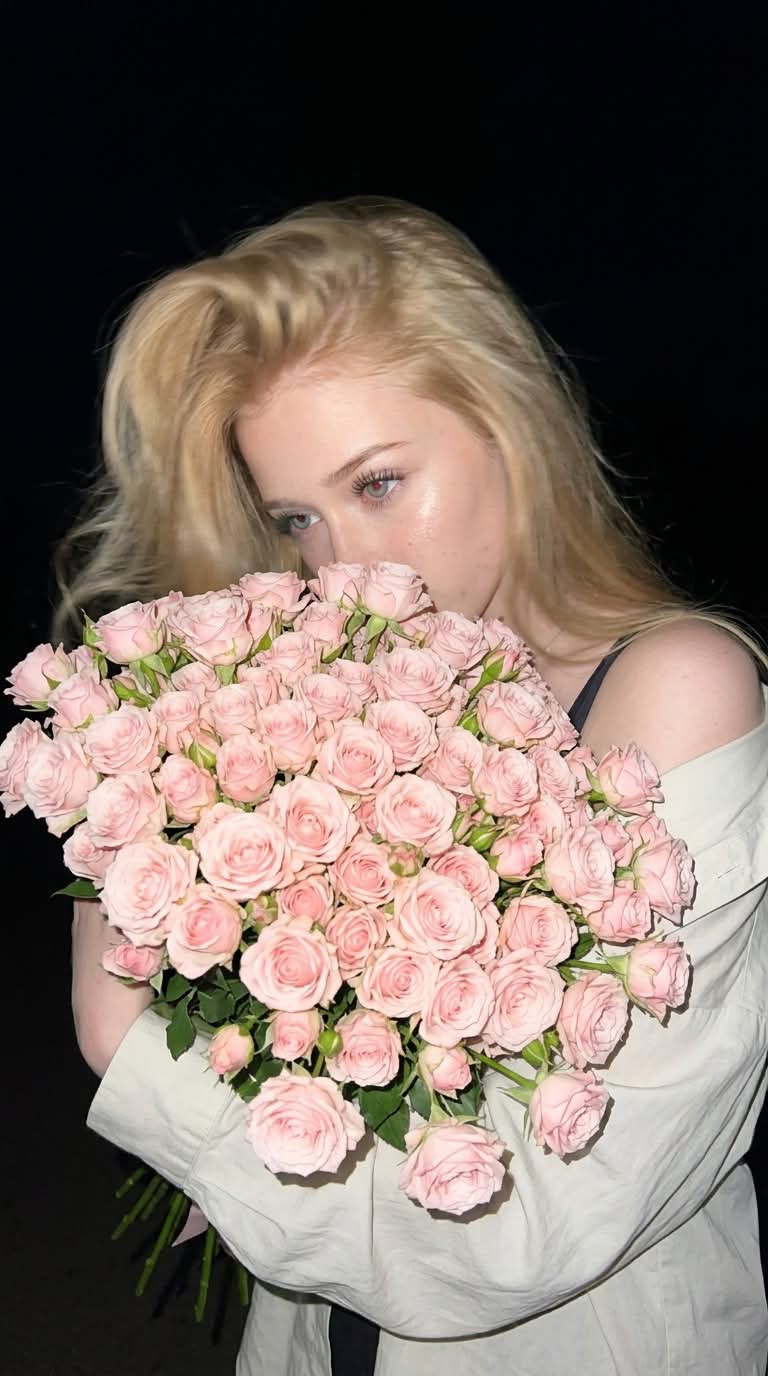
Transform a reference photo into a candid nighttime iPhone portrait, preserving the subject’s appearance and clothing. The subject holds pale pink roses over most of her face as direct flash and controlled motion blur create a raw night-snapshot look
Example outputs
Prompt template
- Format
- Text
- Inputs
- Reference_image (image) · Required
- Outputs
- Portrait (image)
Use the reference image to preserve the subject’s appearance, facial features, proportions, and clothing without changes. Keep her light oversized shirt slipped off one shoulder and the visible dark strap exactly as shown in the reference.

Create an ultra-realistic candid nighttime iPhone photo in a 9:16 aspect ratio with a Hype aesthetic. Use a low angle. The woman holds a huge bouquet of small, pale pink roses in front of her face, almost completely covering it. Show only her left eye, part of her forehead, and long eyelashes. Her eyes look directly at the flowers.

SHARPNESS 50: The woman moves her head sharply and naturally toward the bouquet. Add moderate directional motion blur to her face and hair while keeping her recognizable. Keep the main mass of the bouquet and her body stable.

HAIR: Dyson-style styling, with voluminous hair naturally framing her face and a few individual strands blurred by the movement.

SETTING: Deep night instead of a daytime sky, in a dark open space without extra details.

FLASH: Hard, direct phone flash sharply illuminates the woman and bouquet against the darkness. Include bright highlights on the petals and skin, deep shadows, and rapid light falloff into the surrounding space.

Use photorealism, natural skin with visible pores, slight digital noise and grain, handheld framing, and a slightly imperfect crop for a raw night snapshot. No smile, HDR, bokeh, plastic-looking skin, or AI look.

--ar 9:16 --raw --style motion 50
What you'll create
This prompt transforms a reference photo into a photorealistic nighttime portrait with a large bouquet of pale pink roses obscuring most of the subject’s face. Direct phone flash, a low angle, and moderate motion blur give the image a candid, raw snapshot feel
Generation settings
Usage instructions
Frequently asked questions
What should move in the image?
The subject’s head and some strands of hair should blur as she moves toward the bouquet, while the main bouquet and body remain stable
How much of the subject’s face should the bouquet cover?
The bouquet should cover nearly all of her face, leaving only the left eye, part of the forehead, and long eyelashes visible


Comments
Tried this prompt? Share what you made, compare results, or ask a question