Photography
Couple Portrait
Lockscreen Wallpaper
Photorealistic
OpenAI GPT Image
Nano Banana
OpenAI GPT Image Or Nano Banana 3
Realistic Couple Sky Selfie Lockscreen Wallpaper
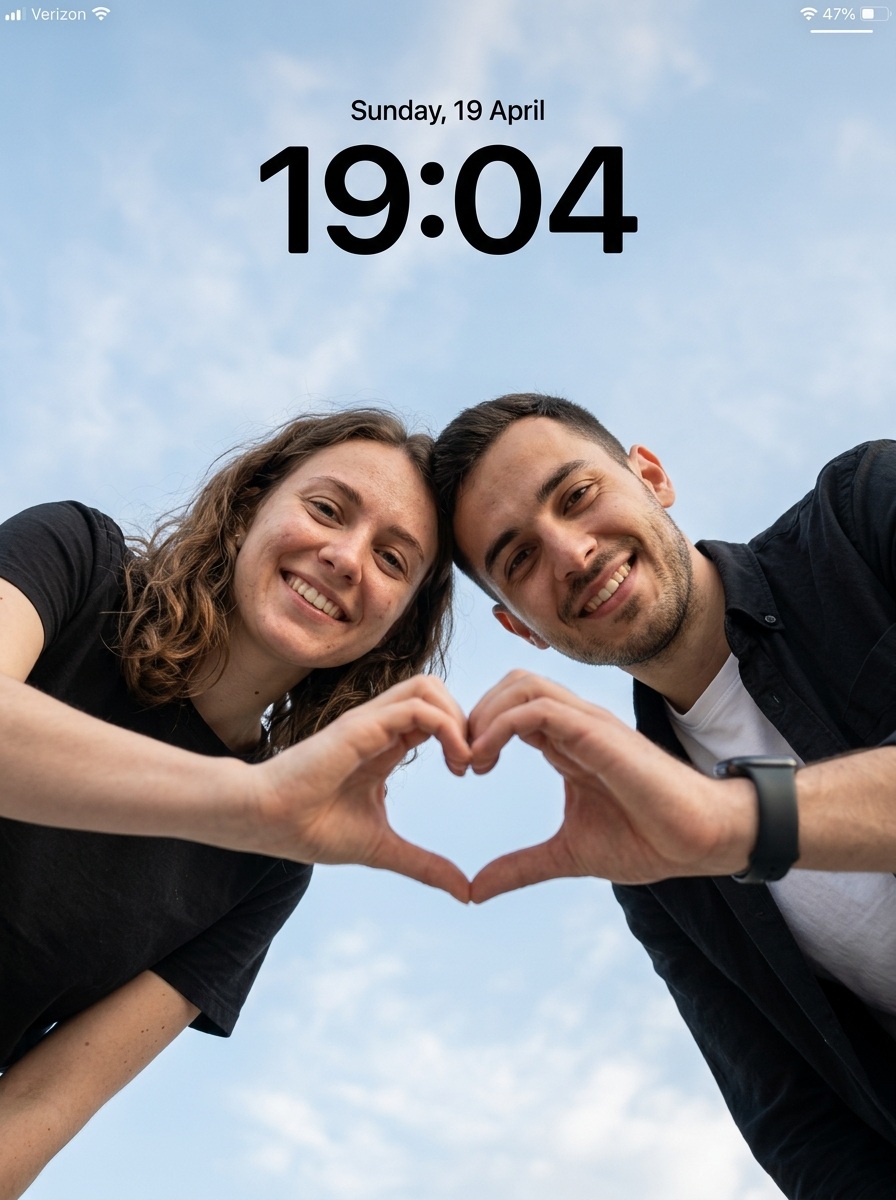
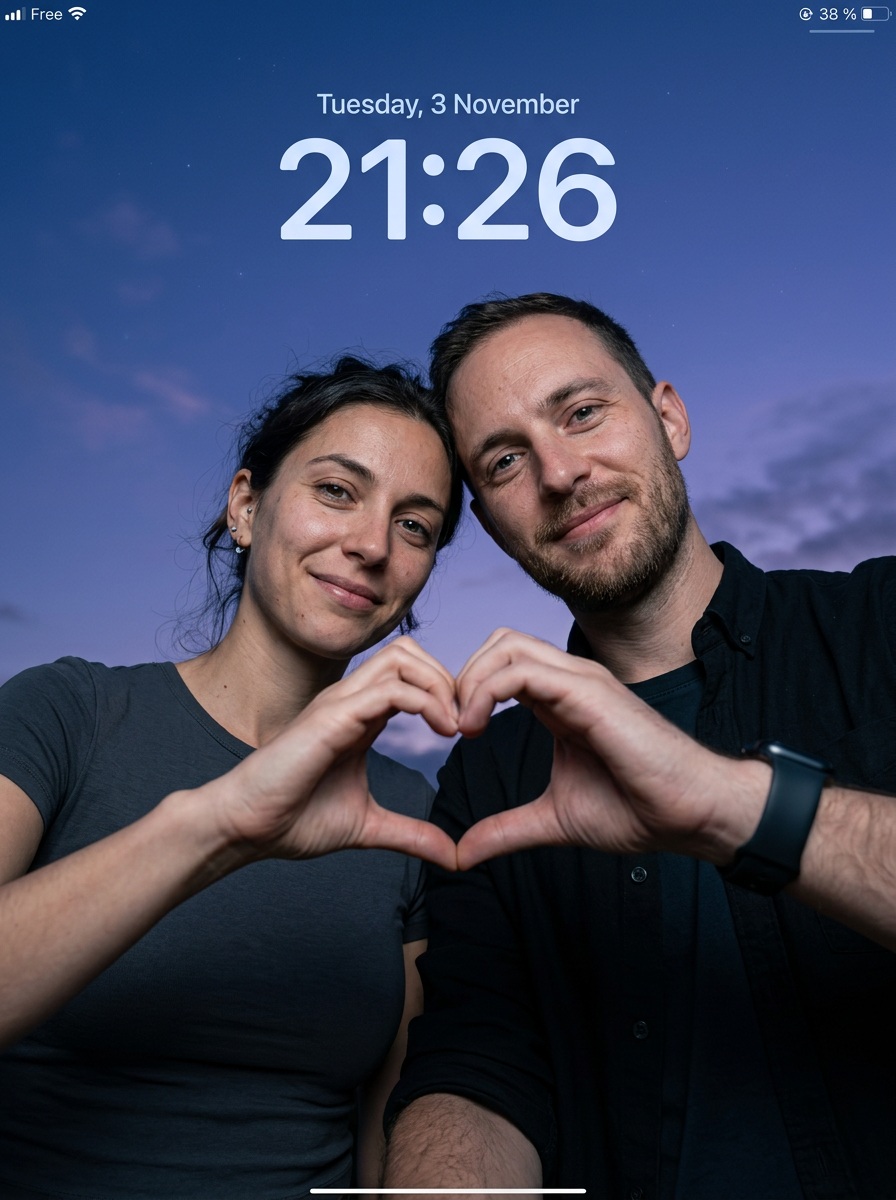
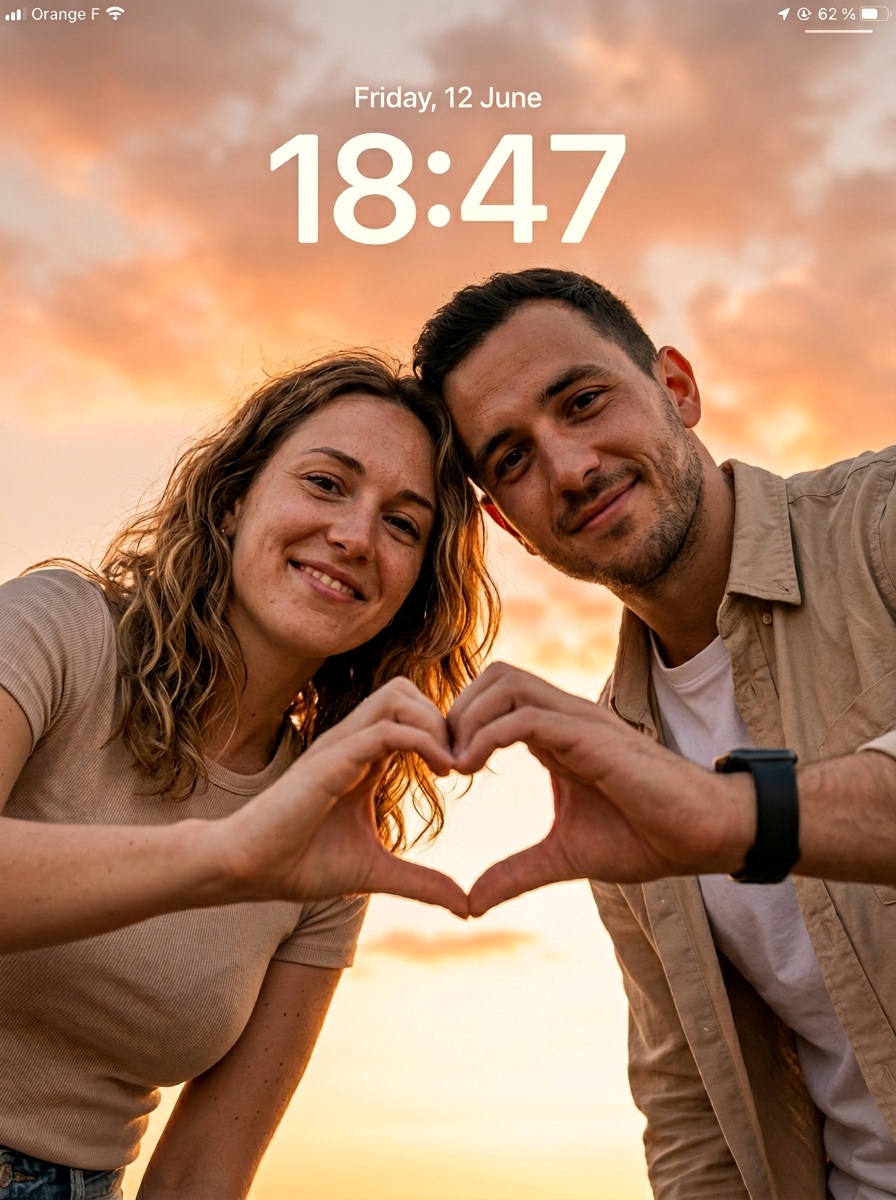
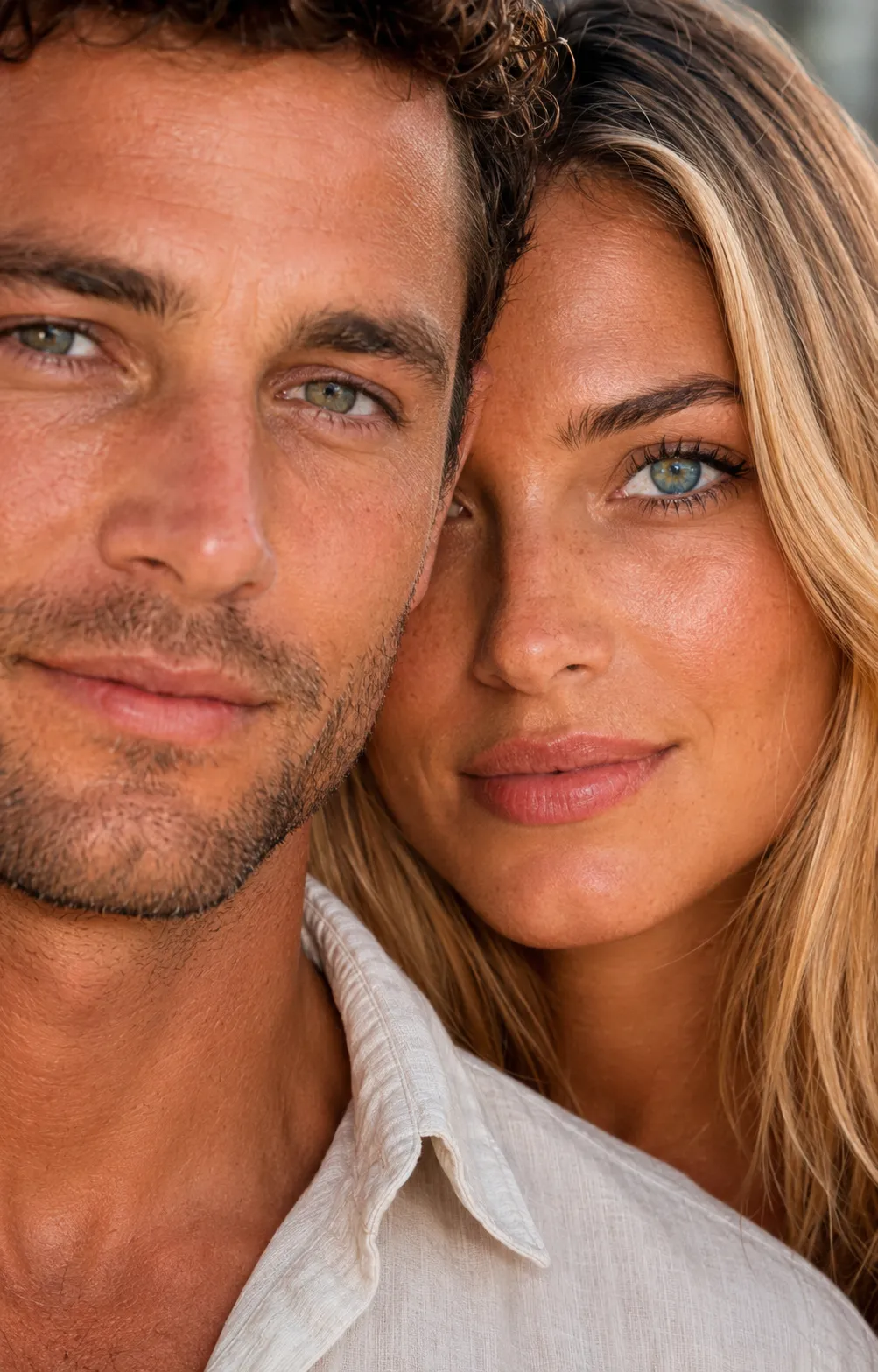
Create a sharp, natural-looking low-angle couple portrait with a centered hand-heart pose and a minimal smartphone lockscreen overlay.
Example outputs
Prompt template
- Format
- Text Parameterized
- Inputs
- reference_photo (image) · Required lockscreen_date (text) · Optional · Default: Sunday, 19 April lockscreen_time (text) · Optional · Default: 19:04 carrier (text) · Optional · Default: Verizon battery_percentage (text) · Optional · Default: 47%
- Outputs
- couple_lockscreen_wallpaper (image)
Create an ultra-realistic, cinematic low-angle portrait of a couple with a subtle smartphone lockscreen UI overlay. Use the uploaded reference photo to preserve the depicted person’s identity. Render in an 8K DSLR photography style with extremely sharp focus, realistic skin texture, detailed fabric, and clear surroundings. No blur, artificial smoothing, CGI, or cartoon look.

ASPECT RATIO
Vertical 3:4.

SCENE AND BACKGROUND
An open outdoor setting with a clean, minimal sky background. Fill the frame with a light blue sky and subtle natural clouds. Show no buildings, objects, or other distractions.

SUBJECT AND POSE
Show a couple leaning slightly forward toward the camera from above, in a modern selfie-style composition. Use a low-angle perspective, with both faces and hands clearly visible. Their heads tilt slightly inward, close together. Each person extends one hand toward the camera; their thumbs and fingers touch to form a clear heart shape centered in the frame. Both look directly at the camera.

IDENTITY AND EXPRESSION
Keep faces natural and identity-preserved. Do not beautify, reshape, or smooth skin. Preserve real human imperfections, including pores, texture, and subtle asymmetry. Use soft, natural happy smiles and a warm, romantic, friendly mood. Avoid exaggerated expressions.

OUTFITS
The woman wears a simple, minimal black T-shirt with soft fabric and natural drape. The man wears a white inner T-shirt with a black casual shirt, natural folds, and an optional smartwatch. Clothing should look real, with visible texture and folds.

LIGHTING
Use natural daylight from the front and above. Illuminate both faces softly and evenly, with no harsh shadows. Add natural highlights to the cheeks and forehead. Keep exposure balanced and skin tones realistic.

CAMERA AND COMPOSITION
Use a low-angle shot with the camera below the couple and pointing upward. Frame closely so the faces and hands are clearly visible. Use a realistic 50 mm lens perspective. Center the heart shape precisely. Keep faces, hands, and sky in ultra-sharp focus, with no blur anywhere.

STYLE
Hyper-realistic outdoor couple photography with a modern, clean social-media aesthetic and natural color grading. Avoid overprocessing.

LOCKSCREEN UI OVERLAY
Add a clean, subtle, minimal iOS-style lockscreen overlay:
- Top center: “${lockscreen-date:Sunday, 19 April}”
- Below it: large, bold “${lockscreen-time:19:04}”
- Top left: a signal icon and “${carrier:Verizon}”
- Top right: a battery icon showing ${battery-percentage:47%}

NEGATIVE PROMPT
Blur, motion blur, depth of field, soft focus, background blur, CGI look, cartoon style, plastic skin, distorted hands, extra fingers, extra hands, incorrect heart-shaped hand pose, bad anatomy, identity change, watermark, low resolution.
Replace the ${…} placeholders with your values
before using this prompt. See parameters
and defaults below
Parameters
Replace each placeholder with your own value, or use its default when one is provided
${lockscreen-date:Sunday, 19 April}
lockscreen-date
Default: Sunday, 19 April
${lockscreen-time:19:04}
lockscreen-time
Default: 19:04
${carrier:Verizon}
carrier
Default: Verizon
${battery-percentage:47%}
battery-percentage
Default: 47%
What you'll create
Two faces lean toward the camera above a clear blue sky, with sharp hands, natural smiles and customizable date, time, carrier and battery details.
Frequently asked questions
Should the sky be blurred?
No. Faces, hands and sky remain sharply focused.





Comments
Tried this prompt? Share what you made, compare results, or ask a question