Taiwanese Supermodel in a High-Relief Portrait Scene
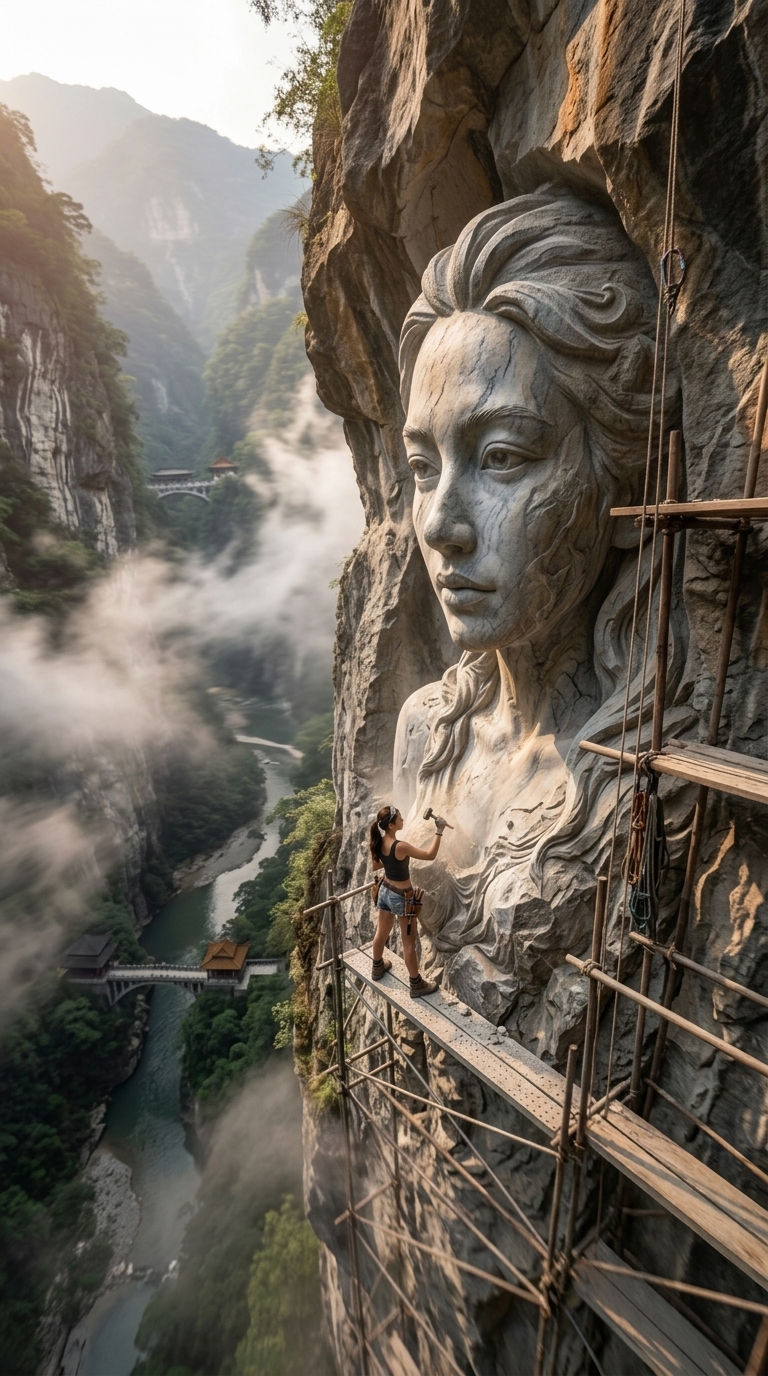
Create a vertical 8K scene of a Taiwanese supermodel beside a high-relief wall carving of her portrait, then animate it with timelapse and orbit-reveal treatments.
Example outputs
Prompt template
- Format
- Text Parameterized
- Inputs
- uploaded_photo (image) · Required background (text) · Optional · Default: Taipei 101
- Outputs
- image (image) video (video)
Use the uploaded photo as a reference for the model. Create a striking scene of a Taiwanese supermodel with exaggerated nine-head-tall proportions, positioned in the bottom-left corner. She wears a U-neck underboob top and low-rise micro denim shorts, and is creating a majestic high-relief wall carving of her own portrait. Set the background to ${background:Taipei 101}. Render in 8K with a 9:16 aspect ratio (FIG4). Then create video treatments using /Timelapse and /OrbitReveal (FIG1–2).Replace the ${…} placeholders with your values
before using this prompt. See parameters
and defaults below
Parameters
Replace each placeholder with your own value, or use its default when one is provided
${background:Taipei 101}
background
Default: Taipei 101
What you'll create
A reference-based Taiwanese model stands at the lower left beside a majestic wall carving of her portrait. An editable city landmark background and exaggerated nine-head fashion proportions define the vertical scene.
Frequently asked questions
What is the default background?
Taipei 101.
Which video treatments are requested afterward?
Timelapse and OrbitReveal treatments.


Comments
Tried this prompt? Share what you made, compare results, or ask a question