Design & Image
Packaging Design
Industrial Design
Image Generation
Moleculai
OpenAI GPT Image 2-5
Stability AI Stable Diffusion
Turn Packaging Photos into Industrial Design Sheets
Create a portfolio-ready industrial design illustration sheet from a packaging reference photo, combining a realistic 3D hero render with technical views, construction details, material annotations, and color samples.
Example outputs
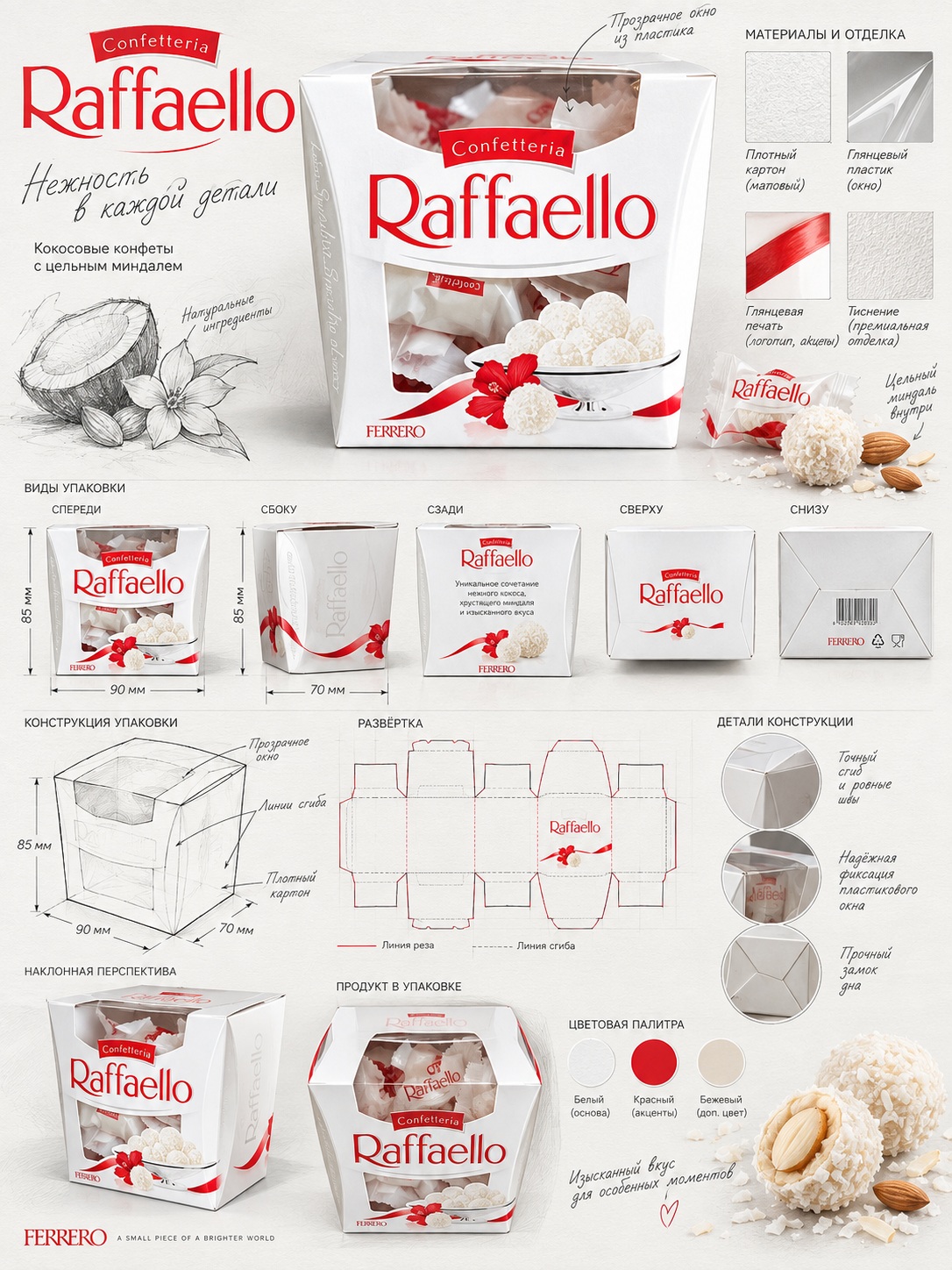
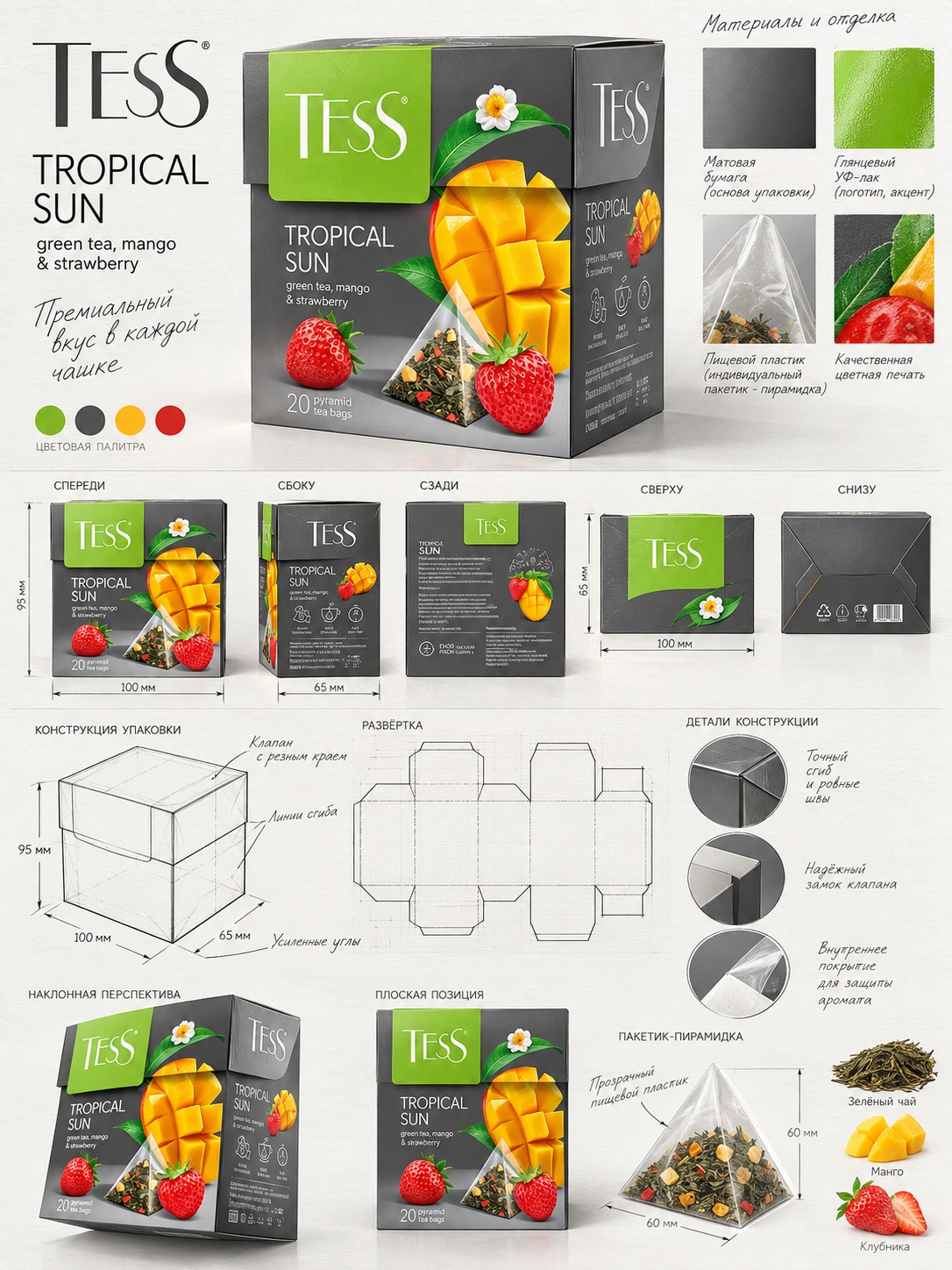
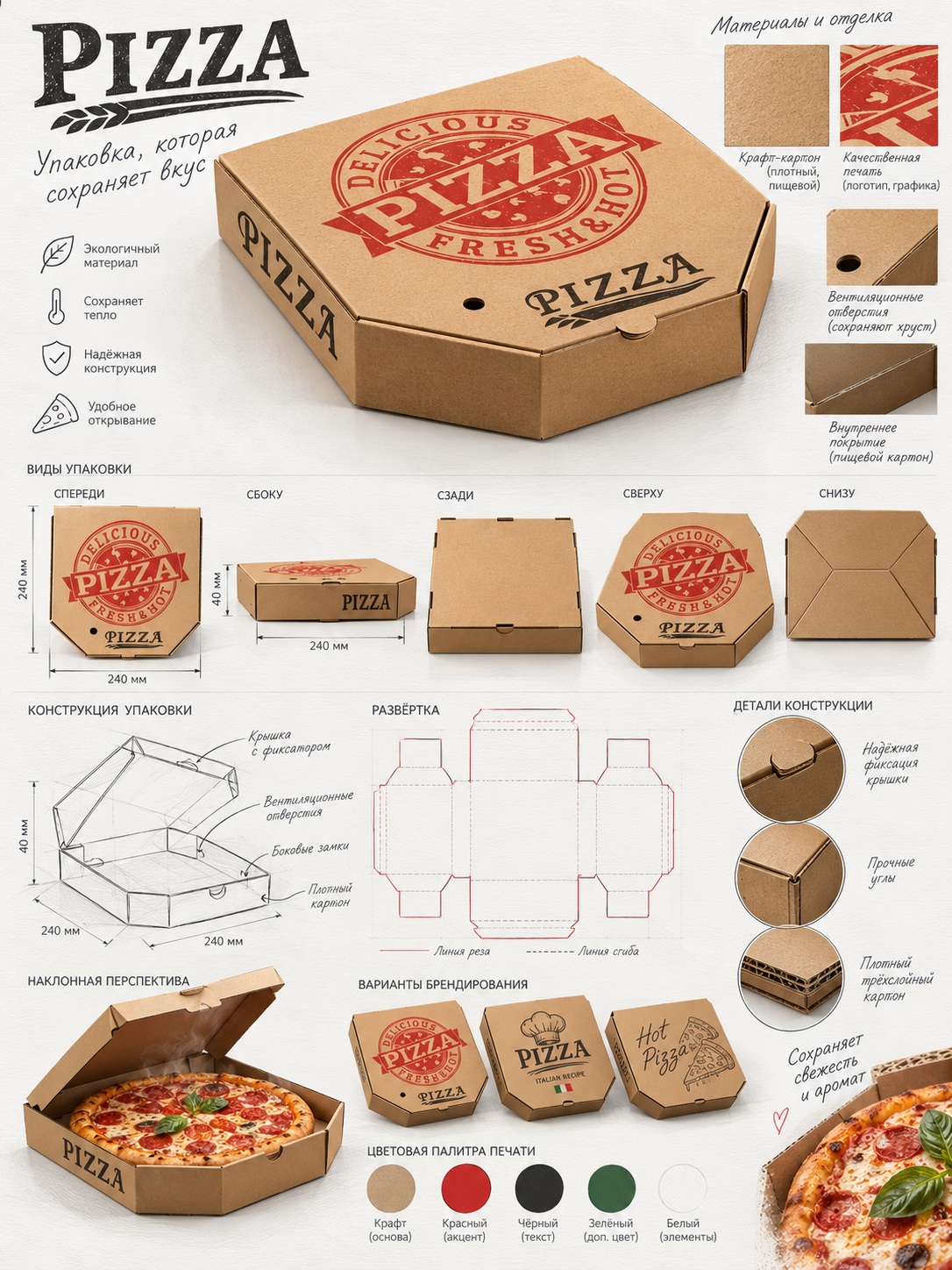
Prompt template
- Format
- Text Parameterized
- Inputs
- packaging_reference_image (image) · Required package_type (text) · Required
- Outputs
- industrial_design_sheet (image)
Using the attached image, create a professional industrial-design illustration sheet for a bag-style package (${package-type}). Place a centered hero 3D render with realistic materials, soft studio lighting, and commercial-quality finishing. Surround it with technical views: front, side, top, bottom, angled perspective, and flat layout. Include structural frame sketches, fold lines, seam details, and dimension arrows labeled in millimeters. Show materials and finishes (such as matte, glossy print, plastic, paper, or glass) in handwritten annotations. Add color swatches, realistic product illustrations, and subtle shadows. Use a clean sketchbook background and combine realistic rendering with pencil sketching. Aim for a contemporary design, high detail, and a portfolio-ready result.

Settings: CFG 7–9; 30–40 steps; DPM++ sampler; resolution 1024×1280 or higher; aspect ratio 3:4.
Replace the ${…} placeholders with your values
before using this prompt. See parameters
and defaults below
Parameters
Replace each placeholder with your own value, or use its default when one is provided
${package-type}
package-type
Required
What you'll create
A bag-style package is shown in dimensional and flat views, surrounded by seam and fold sketches, millimeter arrows, materials notes and color swatches.
Frequently asked questions
Is the sheet only a front product view?
No. It includes side, top, bottom, angled and flat-layout views as well.


Comments
Tried this prompt? Share what you made, compare results, or ask a question