5 creative ways to use the new GPT image 2
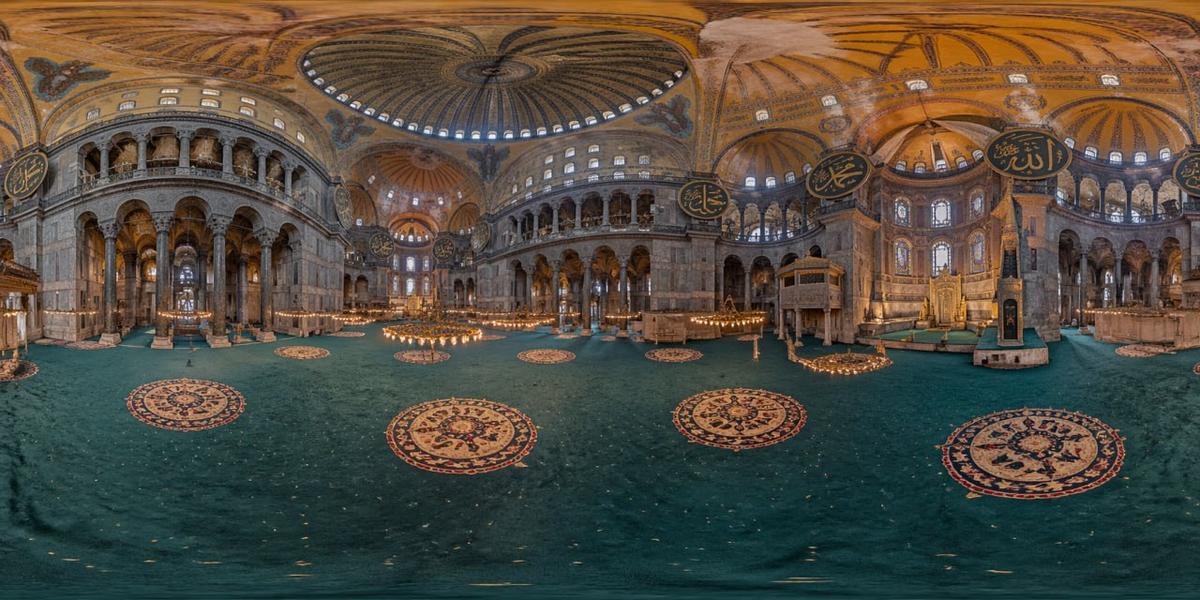
360-degree image of the interior of St. Sophia Cathedral for everyone Create a stylish multi-page branded kit (with multiple images) for the DAILY PROMPTS company.
Example outputs
Prompt template
- Format
- Text Parameterized
- Outputs
- result (image)
360-degree image of the interior of St. Sophia Cathedral for everyone

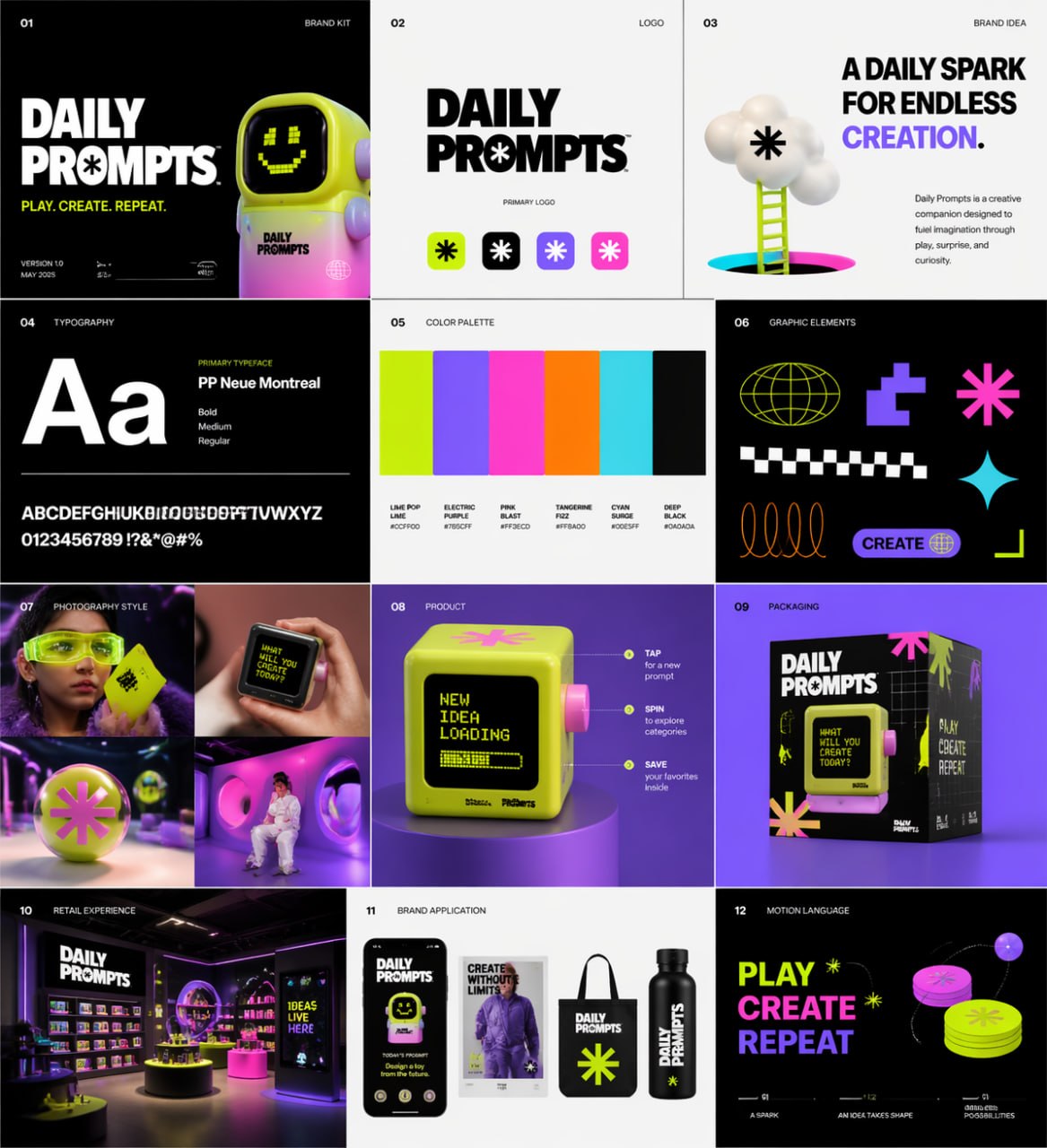
Create a stylish multi-page branded kit (with multiple images) for the DAILY PROMPTS company. The brand should be playful, futuristic, vibrant, and focused on modern design, combining the energy of a toy-inspired product with the sophistication of a premium creative technology brand. Use a bold, experimental visual style with vibrant colors, crisp geometry, modern typography, dynamic movements, and slightly surreal imagery. The overall mood should be creative, youthful, rhythmic, tactile and conceptual, with a balance between a culture of consuming fun products, fashionable presentation and modern digital design. Include product passion, visual experimentation, packaging exploration, editorial photography, immersive retailing, and cross-platform brand application. Create a sense of self-confident modern brand world that is both accessible and art-oriented, with a strong graphic connection and the aesthetics of a premium creative studio.

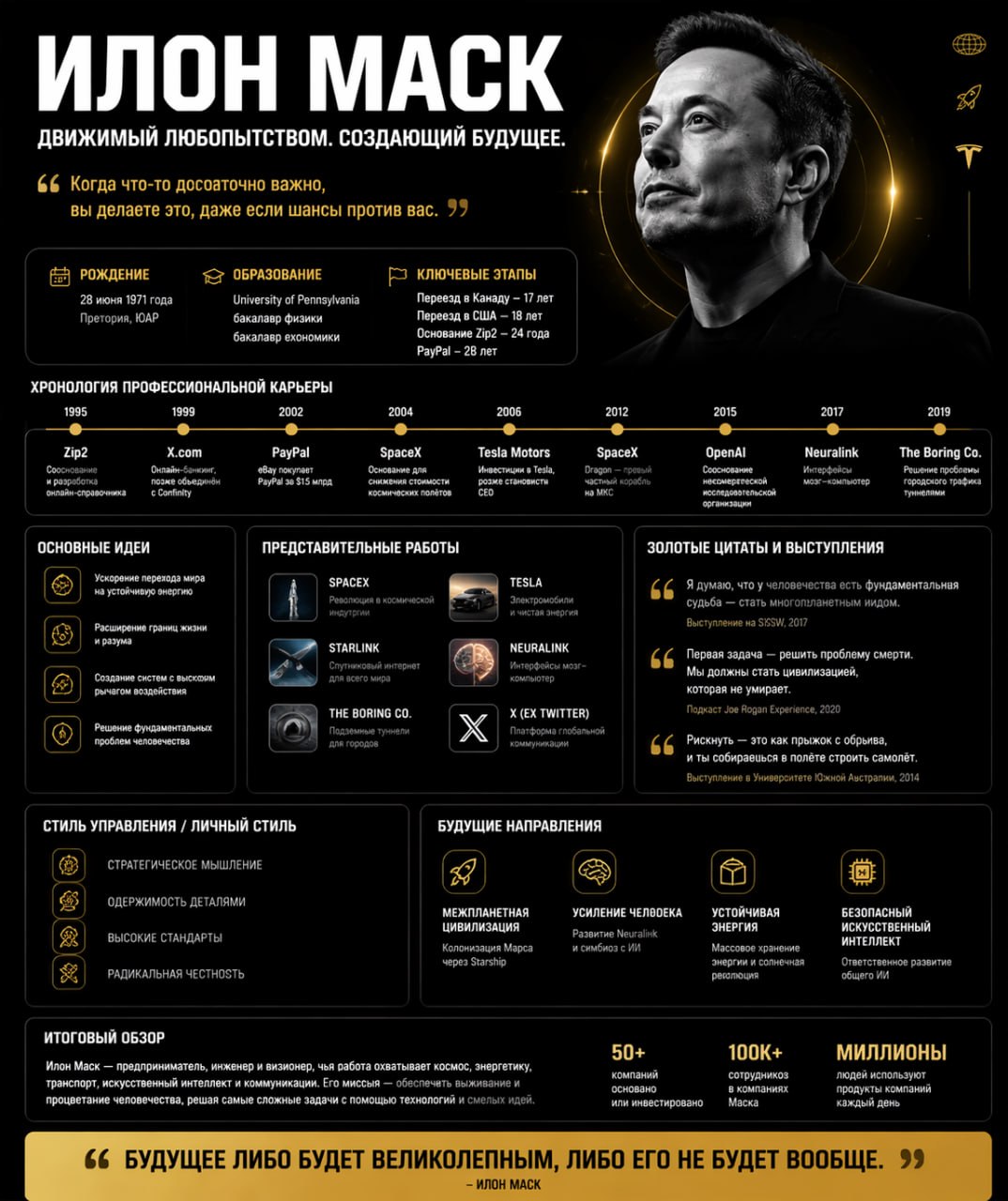
Use the layout of this picture to explore ${the-character}, create a poster with the character in the same style.

You must enable:
1. Top part: name + slogan + golden quote + portrait
2. Basic information: birth/education/key milestones
3. Chronology of professional career
4. Basic ideas (4 points)
5. Representative works (6 pieces)
6. Golden quotes and speeches (3 points)
7. Management style/personal style (4 keywords)
8. Future directions (4 points)
9. Bottom part: final review + banner with golden quote

Prioritize real data, mark fictional parts.

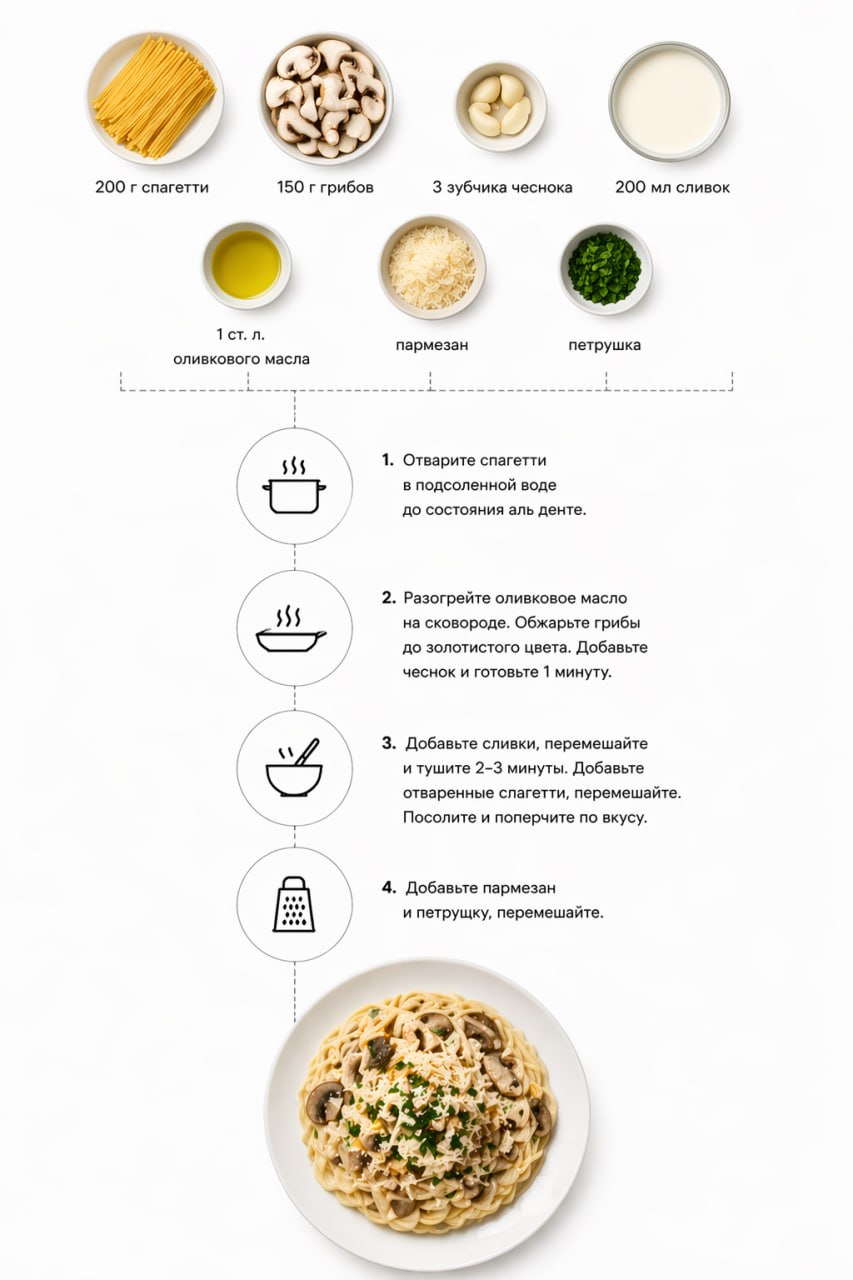
Create a step-by-step infographic with a recipe for creamy garlic and mushroom paste. Top view, minimalistic style, white background, photos of ingredients with captions: "200 g of spaghetti", "150 g of mushrooms", "3 cloves of garlic", "200 ml of cream", "1 tbsp olive oil", "parmesan", "parsley". The dotted lines show the cooking stages with icons (cooking pot, frying pan, mixing). Below is a ready—made pasta dish.

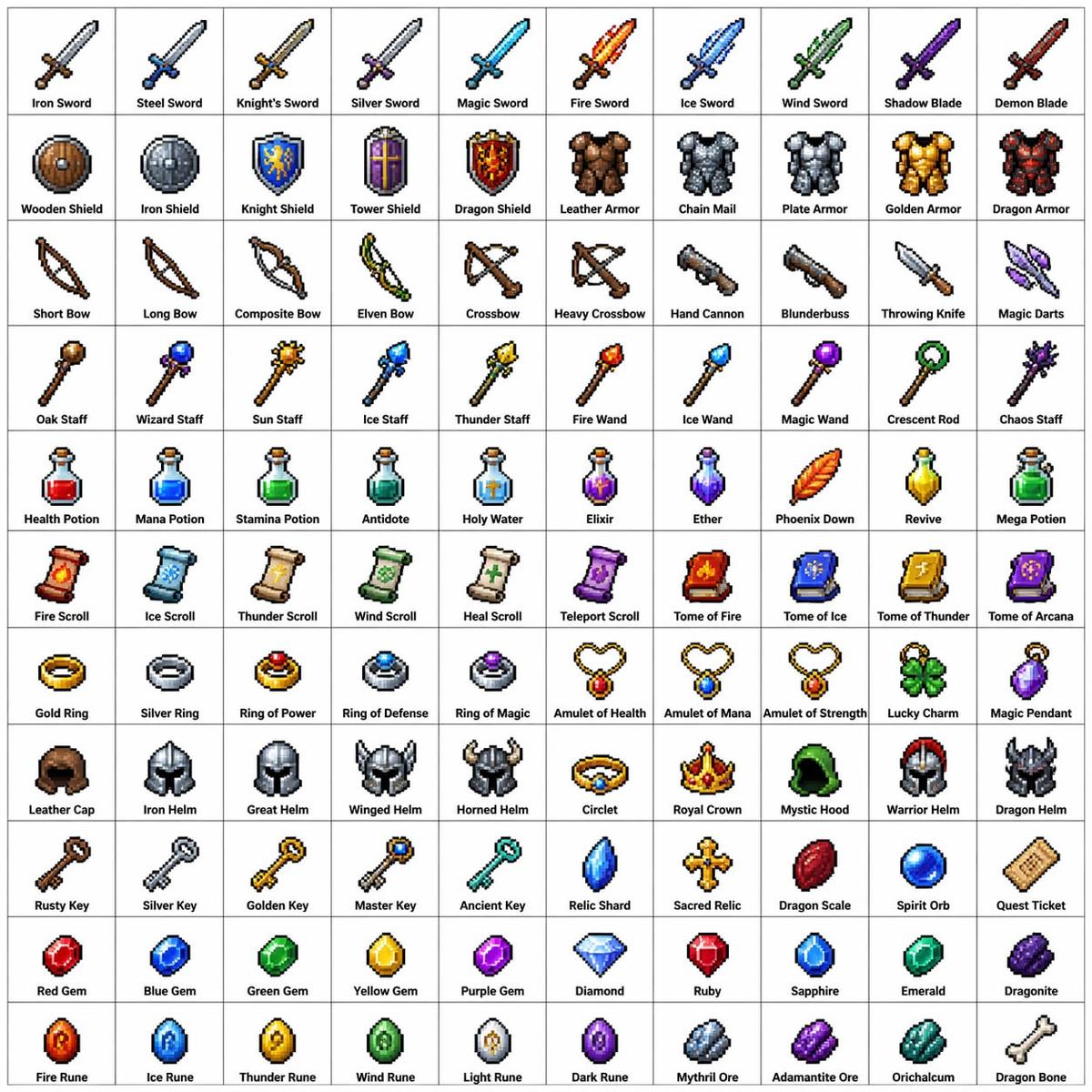
Create a 10x10 grid of 100 different fantasy RPG elements made in the classic pixel graphics style (16-bit or 32-bit sprite graphics, reminiscent of JRPGs from the SNES/GBA era). Each item should be displayed in a separate square cell with a short, clear label below it. Keep the grid sharp against a white background. Make each element visually distinct, and each label correctly written. Use clear pixel boundaries, a limited palette for each sprite, and a subtle blur for shading.
Use the following line subjects:
Line 1: Swords and blades
Line 2: Shields and armor
Line 3: Bows, crossbows, and ranged weapons
Row 4: Staffs, magic wands, and magic tricks
Row 5: Potions, elixirs, and flasks
Row 6: Scrolls, volumes, and spell books
Row 7: Rings, amulets, and enchanted trinkets
Row 8: Helmets, crowns and headdresses
Row 9: Keys, relics, and quest items
Row 10: Gems, runes, and crafting materials
Show each tile as a sprite of an object centered on a blank background square, decorated in the form of a classic inventory icon, such as you might see in a fantasy RPG menu. Keep the overall style consistent, seamless, and reminiscent of your favorite retro fantasy role—playing games - charming, detailed, and instantly readable at a small size.
Replace the ${…} placeholders with your values
before using this prompt. See parameters
and defaults below
Parameters
Replace each placeholder with your own value, or use its default when one is provided
${the-character}
the-character
Required
What you'll create
A collection of creative-image directions spans a vibrant multi-page brand world, a structured character-information poster and other visual formats. The character layout includes milestones, ideas, works and future directions, with fictional parts marked rather than passed off as fact.
Frequently asked questions
Does the character-information brief allow invented facts to look verified?
No. It explicitly prioritizes real data and asks for fictional parts to be marked.


Comments
Tried this prompt? Share what you made, compare results, or ask a question