Reference-Matched Baahubali Set Selfie
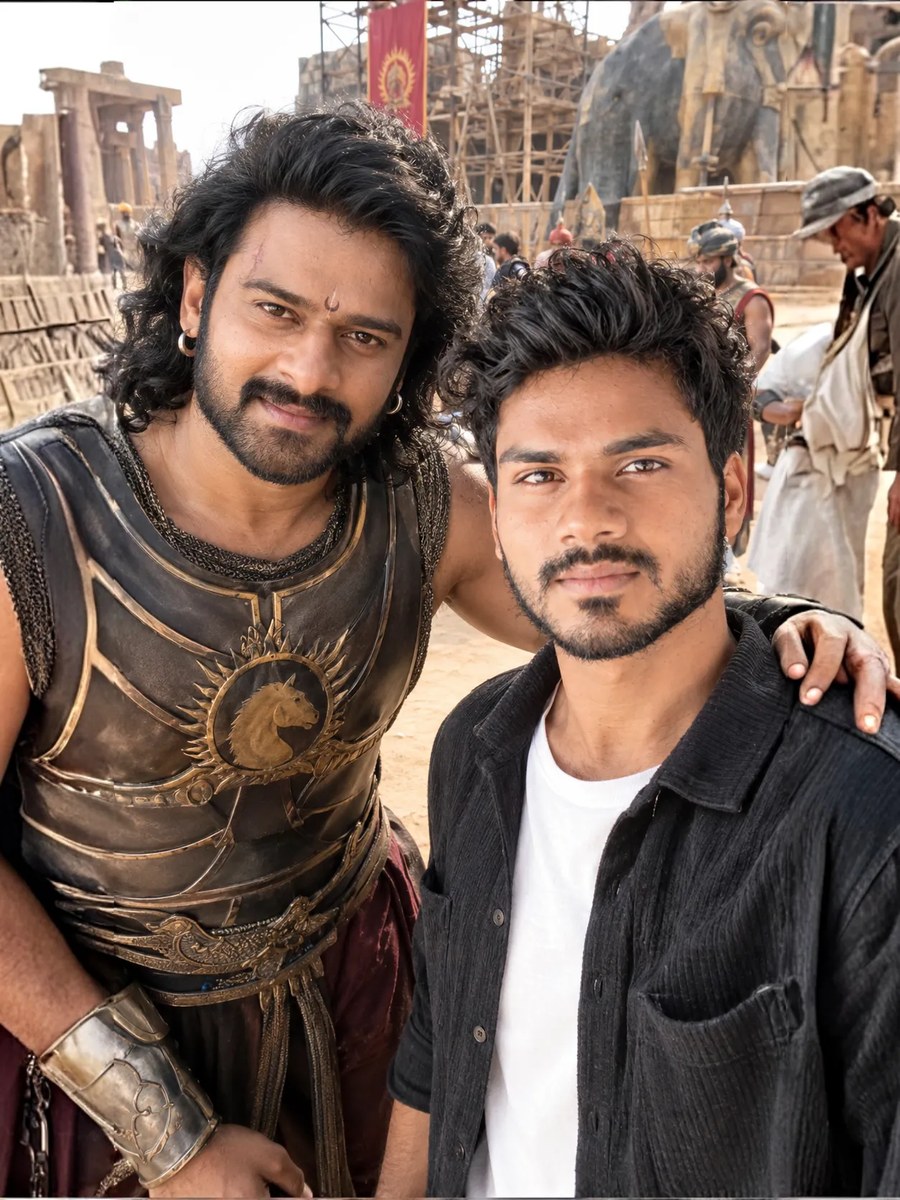
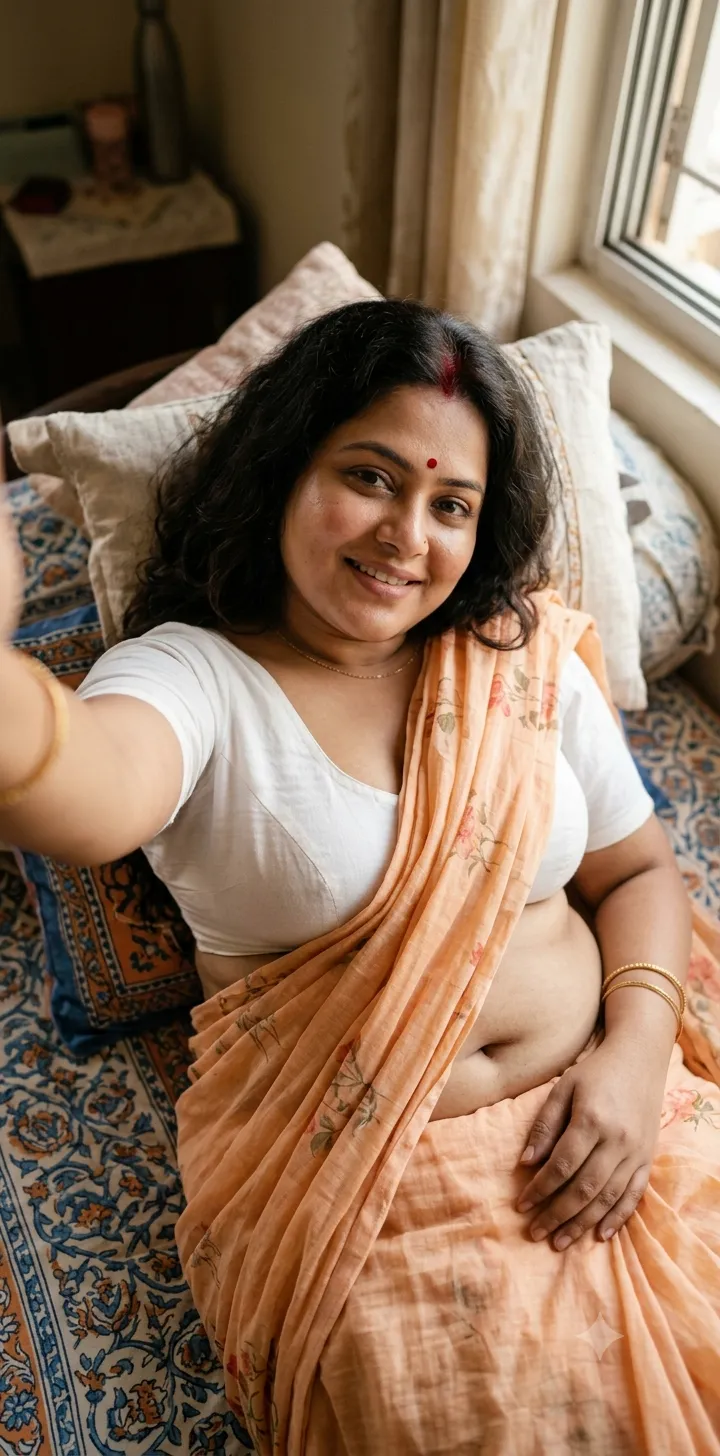
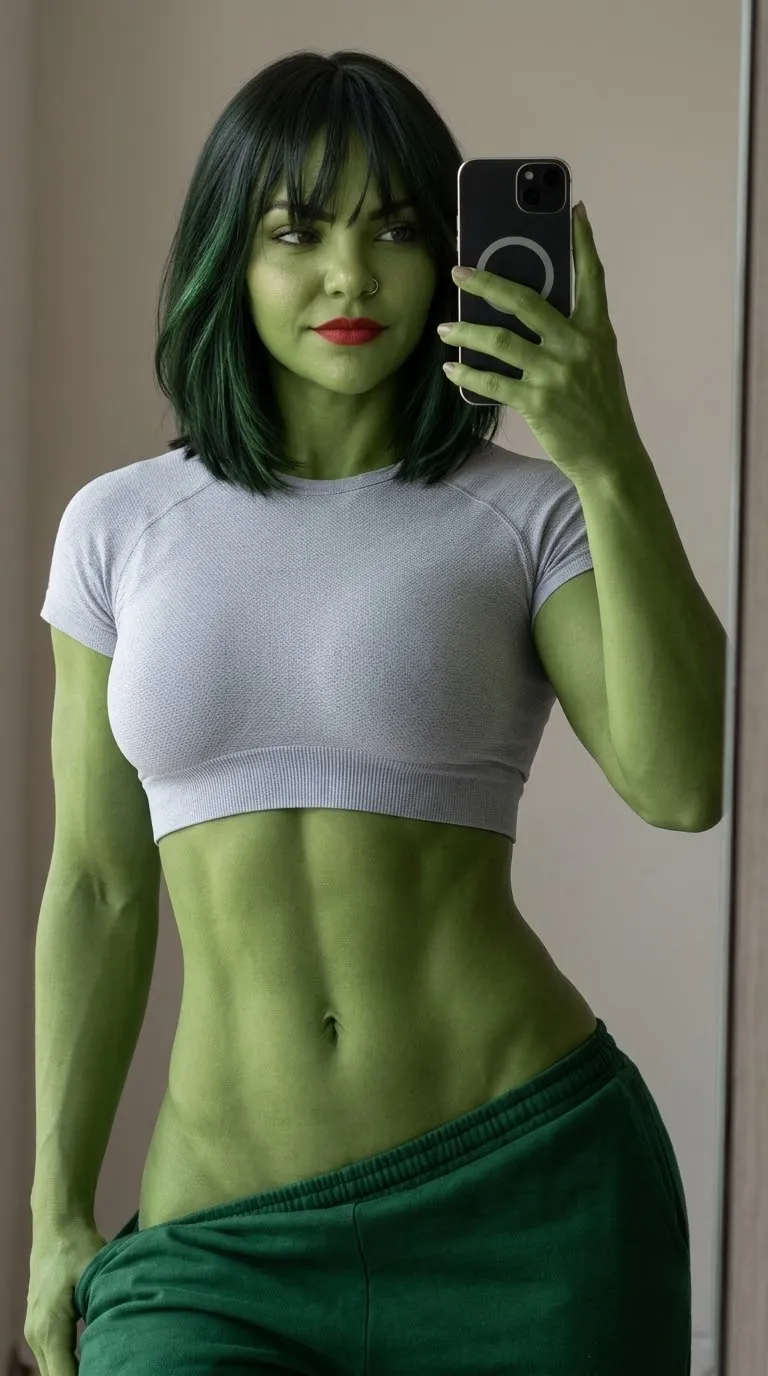
Create a vertical selfie featuring the person in the reference image alongside Prabhas as a Baahubali character on the Baahubali set.
Example outputs
Prompt template
- Format
- Text Parameterized
- Inputs
- Reference_image (image) · Required character (text) · Optional · Default: Prabhas as a Baahubali character set (text) · Optional · Default: the set of Baahubali outfit (text) · Optional · Default: a Zudio-branded outfit, with no visible logo or lettering watermark (text) · Optional · Default: @mr.hemantamuduli
- Outputs
- Generated_image (image)
Create a realistic vertical 9:16 selfie of the person in the provided reference image with ${character:Prabhas as a Baahubali character} on ${set:the set of Baahubali}. Dress the person in ${outfit:a Zudio-branded outfit, with no visible logo or lettering}. Preserve the reference person's facial features, skin tone, and expression exactly; do not alter their identity or appearance. Render at 8K quality. Include the creator credit ${watermark:@mr.hemantamuduli}.Replace the ${…} placeholders with your values
before using this prompt. See parameters
and defaults below
Parameters
Replace each placeholder with your own value, or use its default when one is provided
${character:Prabhas as a Baahubali character}
character
Default: Prabhas as a Baahubali character
${set:the set of Baahubali}
set
Default: the set of Baahubali
${outfit:a Zudio-branded outfit, with no visible logo or lettering}
outfit
Default: a Zudio-branded outfit, with no visible logo or lettering
${watermark:@mr.hemantamuduli}
watermark
Default: @mr.hemantamuduli
What you'll create
A person appears with a chosen character on a selected set in a vertical cinematic selfie. The reference face, skin tone and expression remain while the outfit stays free of visible logos.
Frequently asked questions
Can the character and set be changed?
Yes; character and set are separate parameters.





Comments
Tried this prompt? Share what you made, compare results, or ask a question