Monochrome Paris Landmark Composition
Transform a Paris photograph into a high-contrast urban composition framed by oversized “PARIS” lettering, with photocopy grain, aged-paper texture, and limited spot color.
Example outputs
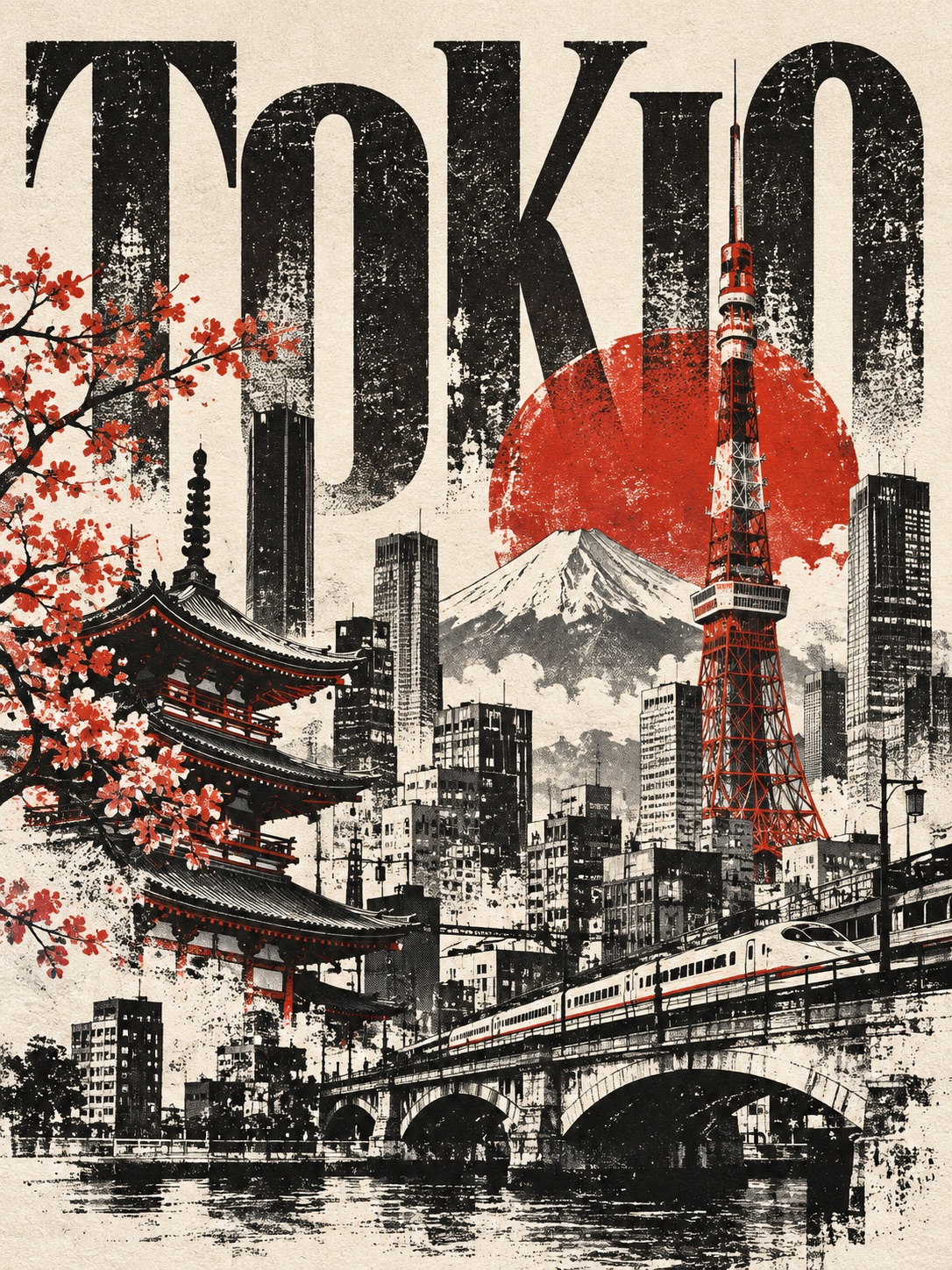
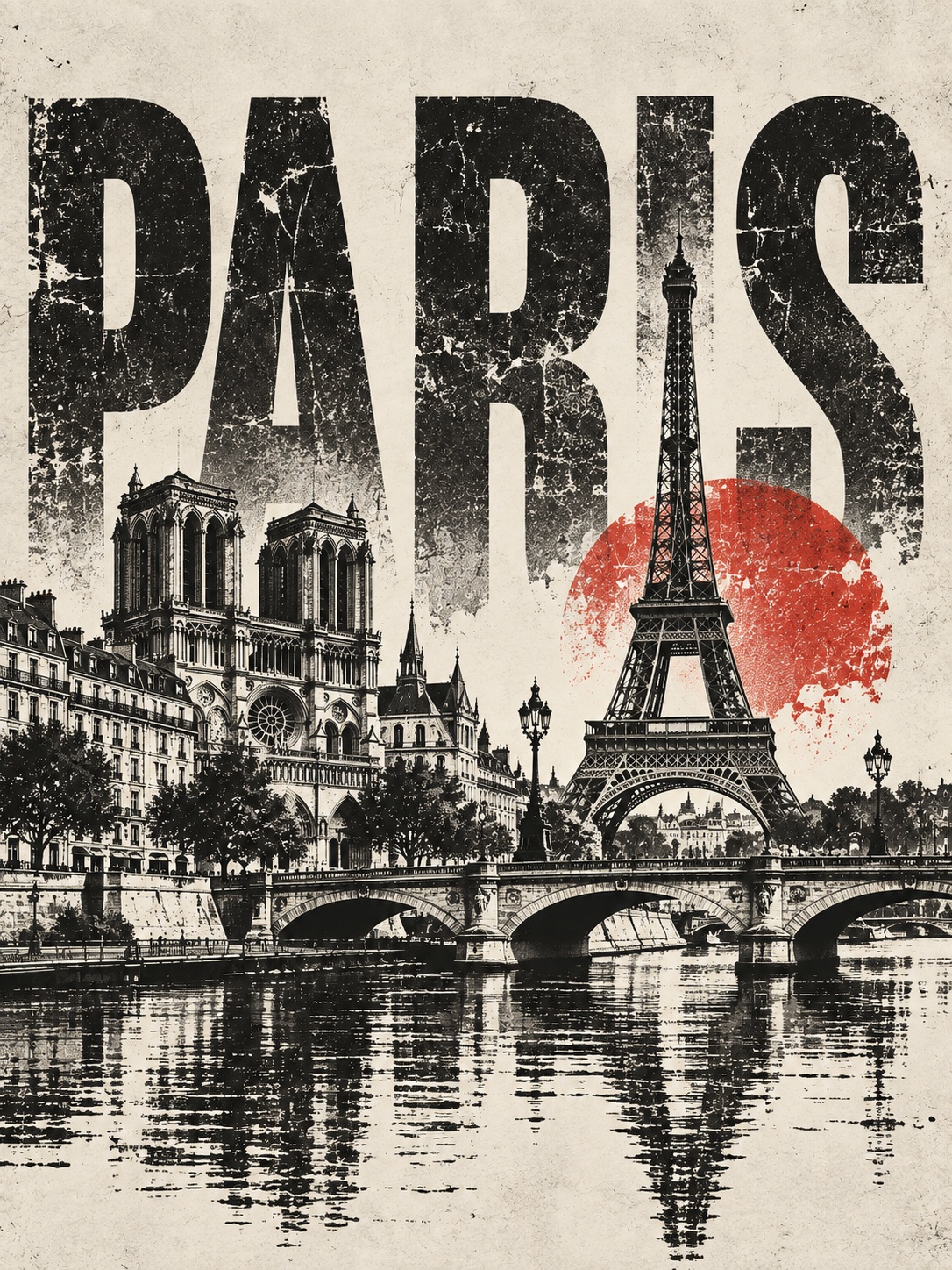
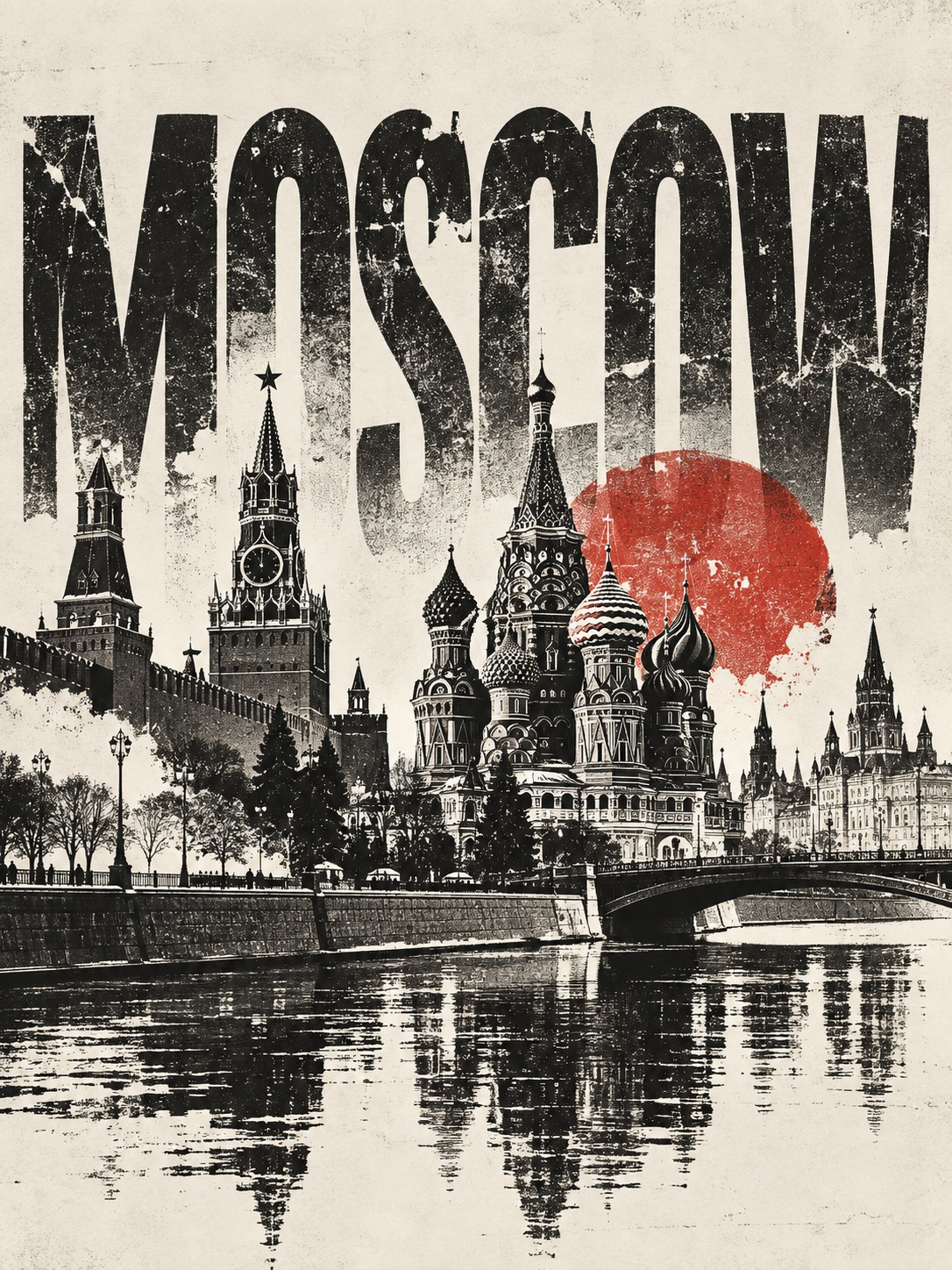
Prompt template
- Format
- Text Parameterized
- Inputs
- Reference_photograph (image) · Required City (text) · Optional · Default: Paris Title (text) · Optional · Default: PARIS
- Outputs
- Urban_composition (image)
Transform the reference photograph into a travel composition for ${city:Paris}, titled “${title:PARIS},” in a “Monochrome City” style with oversized black-and-white symbols and urban composition.

Use high-contrast black-and-white architectural silhouettes in the lower part of the image. Apply a warm white tone with dense grayscale photocopy particles, uneven toner coverage, and worn old-paper texture to emphasize the urban landmarks as accurately as possible. Make the large English title “${title:PARIS}” frame the composition, alternating the letters with the buildings. Draw and overlay some strokes. Retain only one or two spot colors from the reference photograph.

Do not use gradients or apply shading across the entire image. Vary the scale of objects and the density of information together, while preserving continuous, low-information empty areas. Keep the middle line clear. Avoid standard two-color filters, photo collages, inappropriate landmarks, logos, watermarks, counterfeit Chinese characters, distorted code, and original-image or AI corner markers. Use a 3:4 aspect ratio.
Replace the ${…} placeholders with your values
before using this prompt. See parameters
and defaults below
Parameters
Replace each placeholder with your own value, or use its default when one is provided
${city:Paris}
city
Default: Paris
${title:PARIS}
title
Default: PARIS
What you'll create
Architectural silhouettes from a reference photo interweave with a large city title against warm white paper. Dense toner grain, uneven coverage and one or two retained spot colors create a rough urban-publication aesthetic.
Usage instructions
Provide the reference photograph to be transformed. The city and title parameters set the location and lettering, while the reference photo supplies the landmarks and any retained spot colors; changing the spot-color limit is a direct way to adjust the result’s color balance.
Frequently asked questions
Are gradients part of the design?
No; the source explicitly excludes gradients in favor of photocopy-like tonal texture.
Comments
Tried this prompt? Share what you made, compare results, or ask a question