Real-Photo Background with Black-and-White Sticker Characters
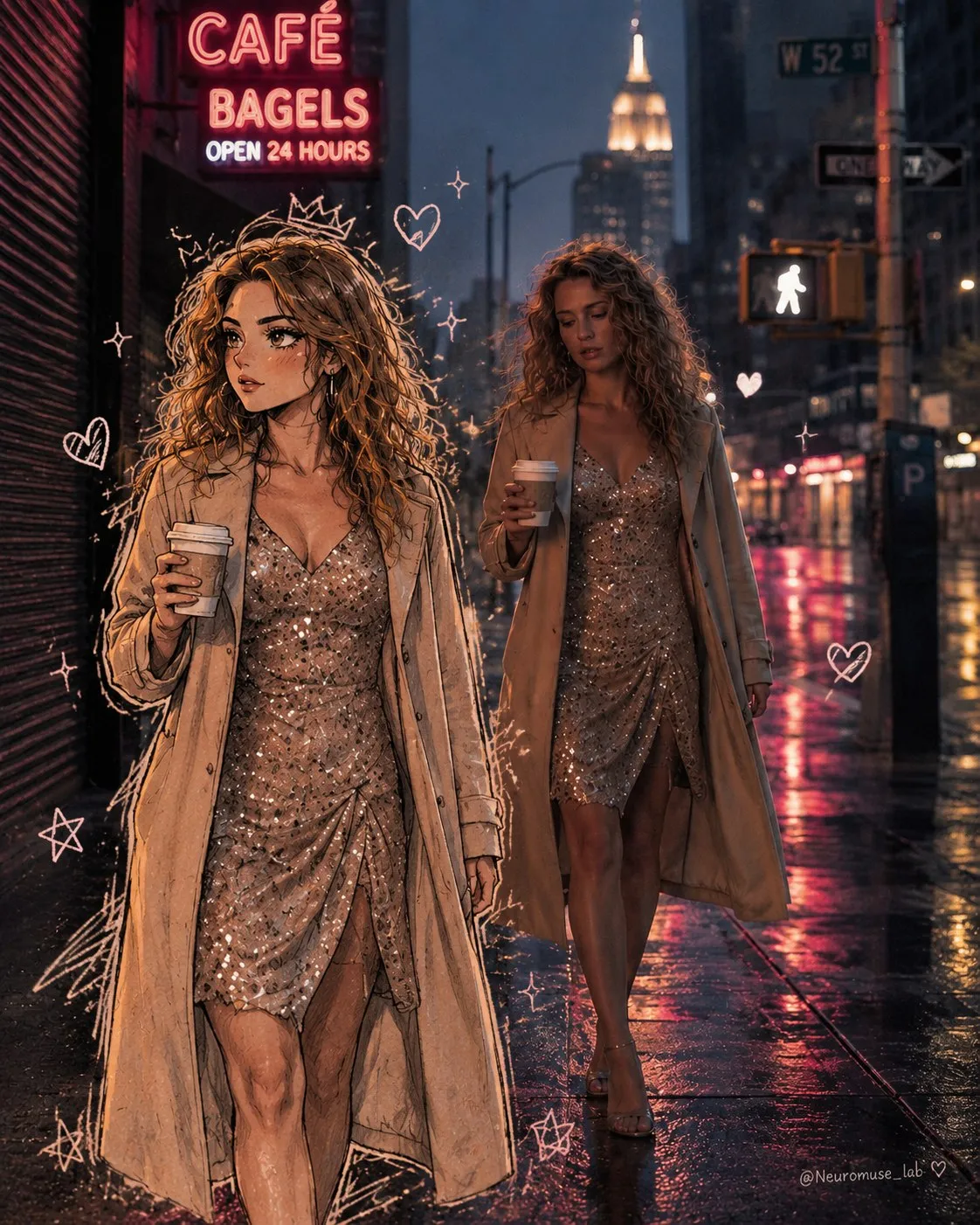
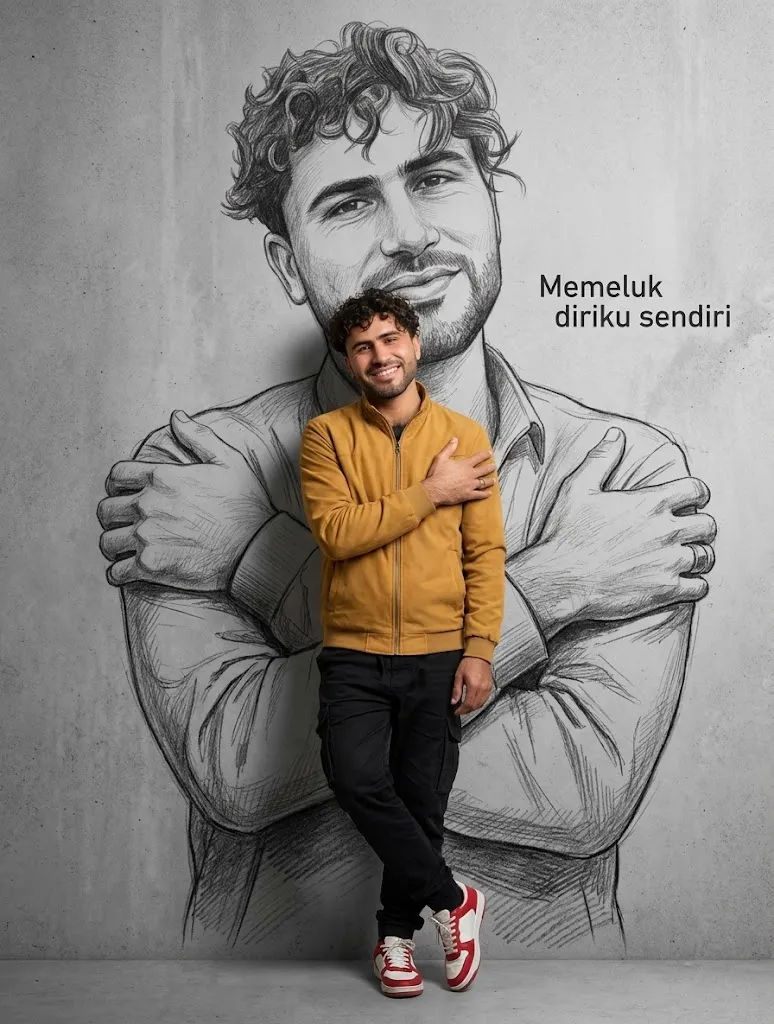
Edit an image by preserving its photographic setting while turning its characters into rough, hand-drawn monochrome sticker illustrations.
Example outputs
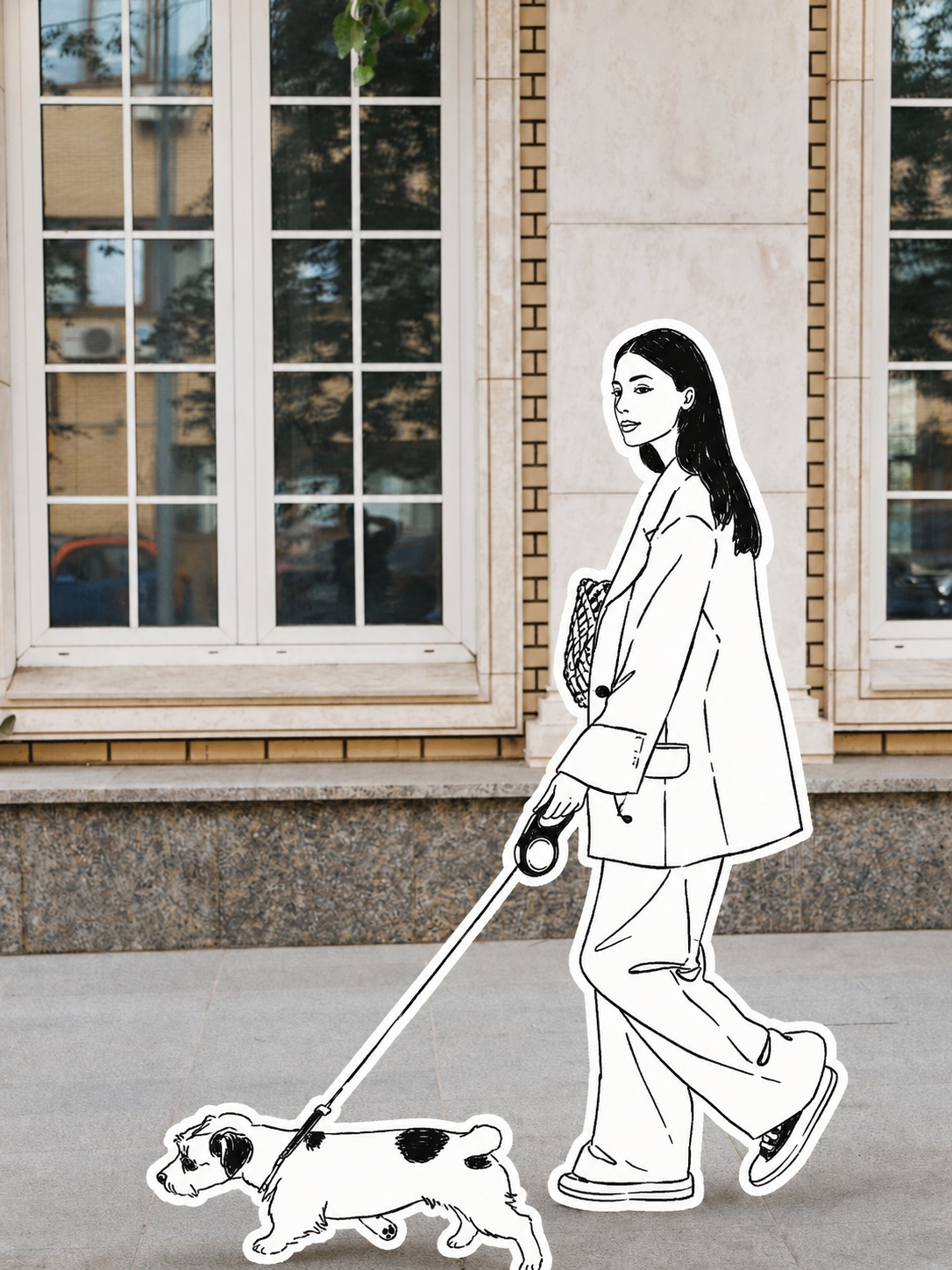
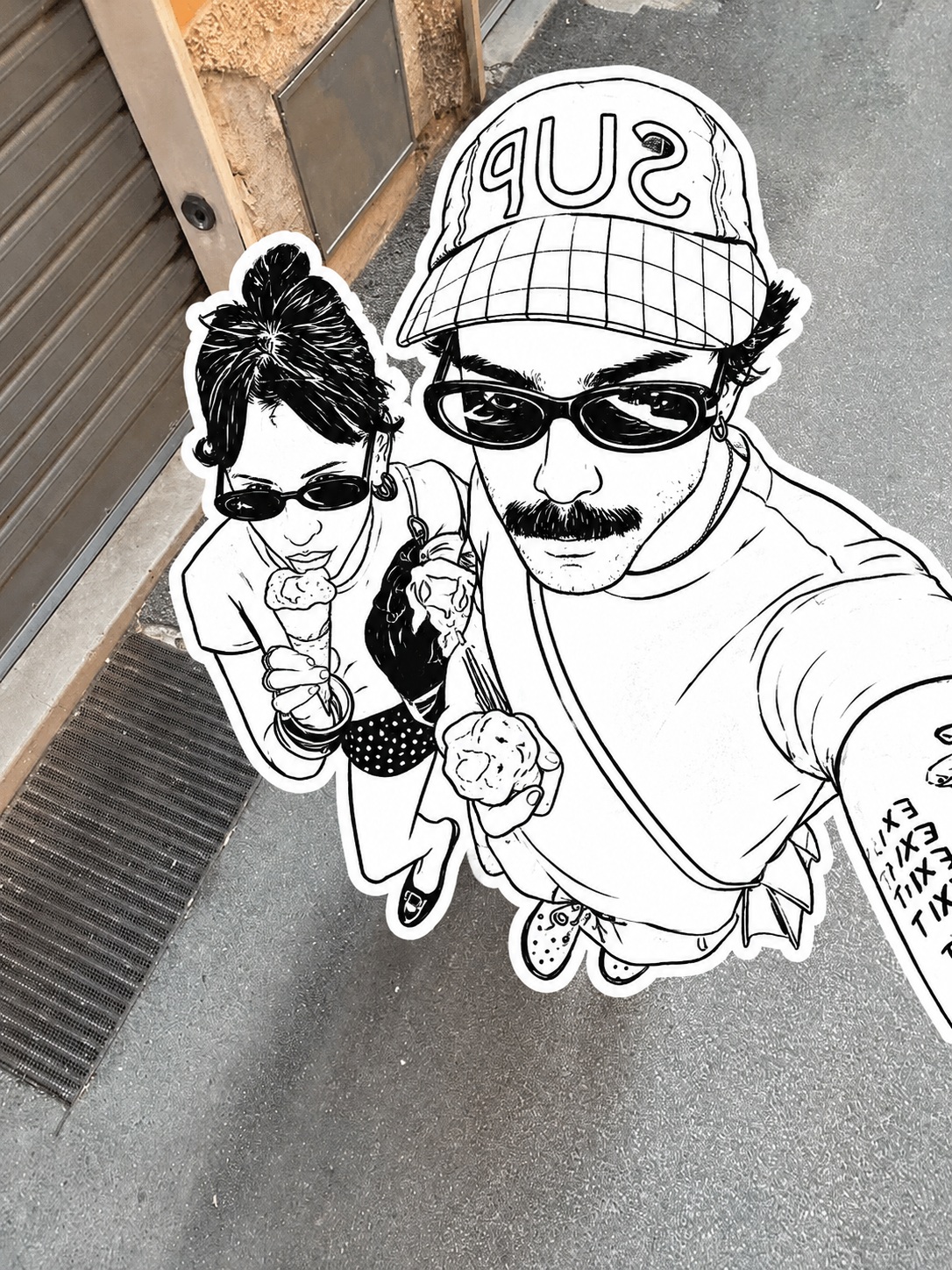
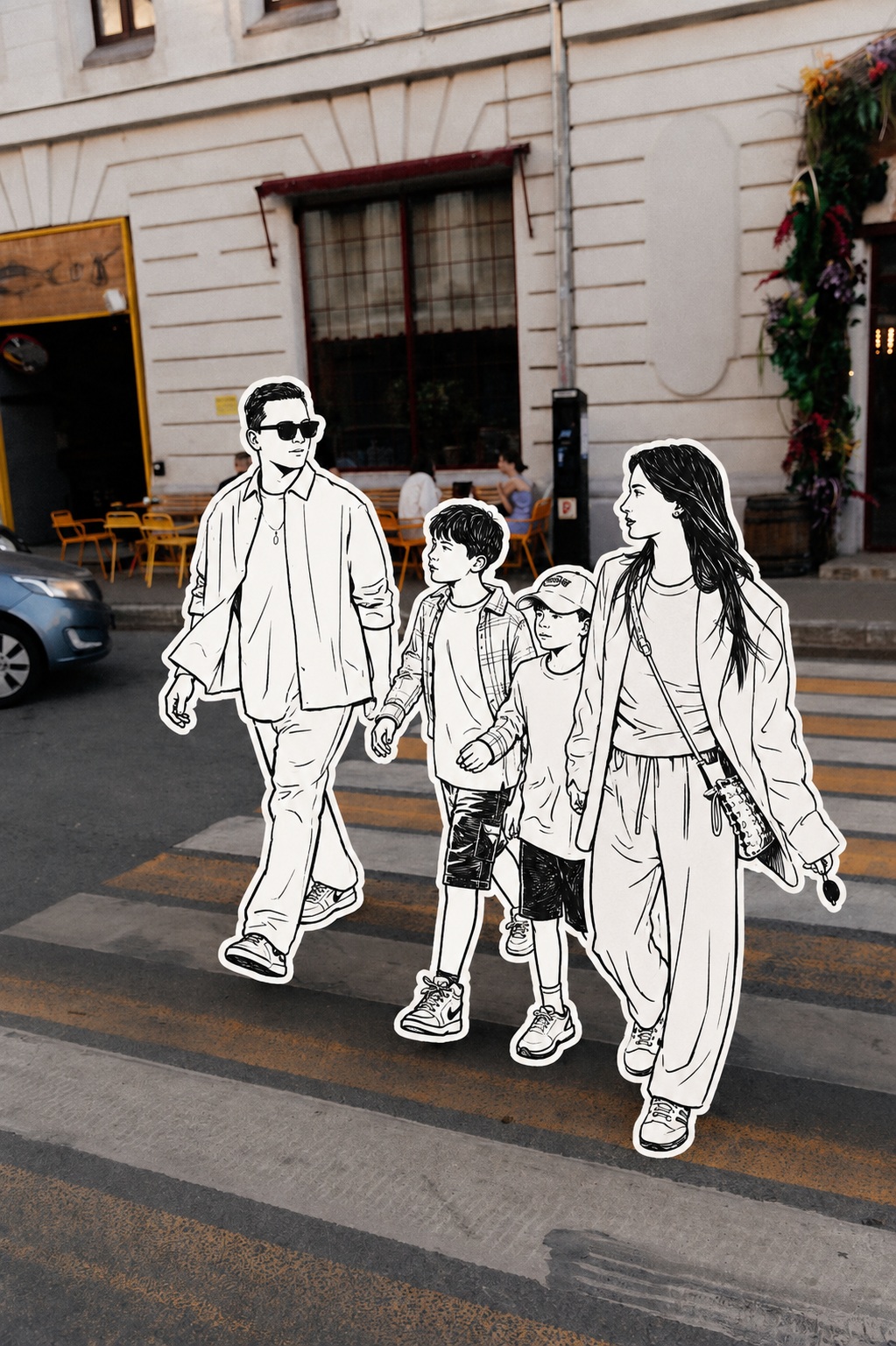
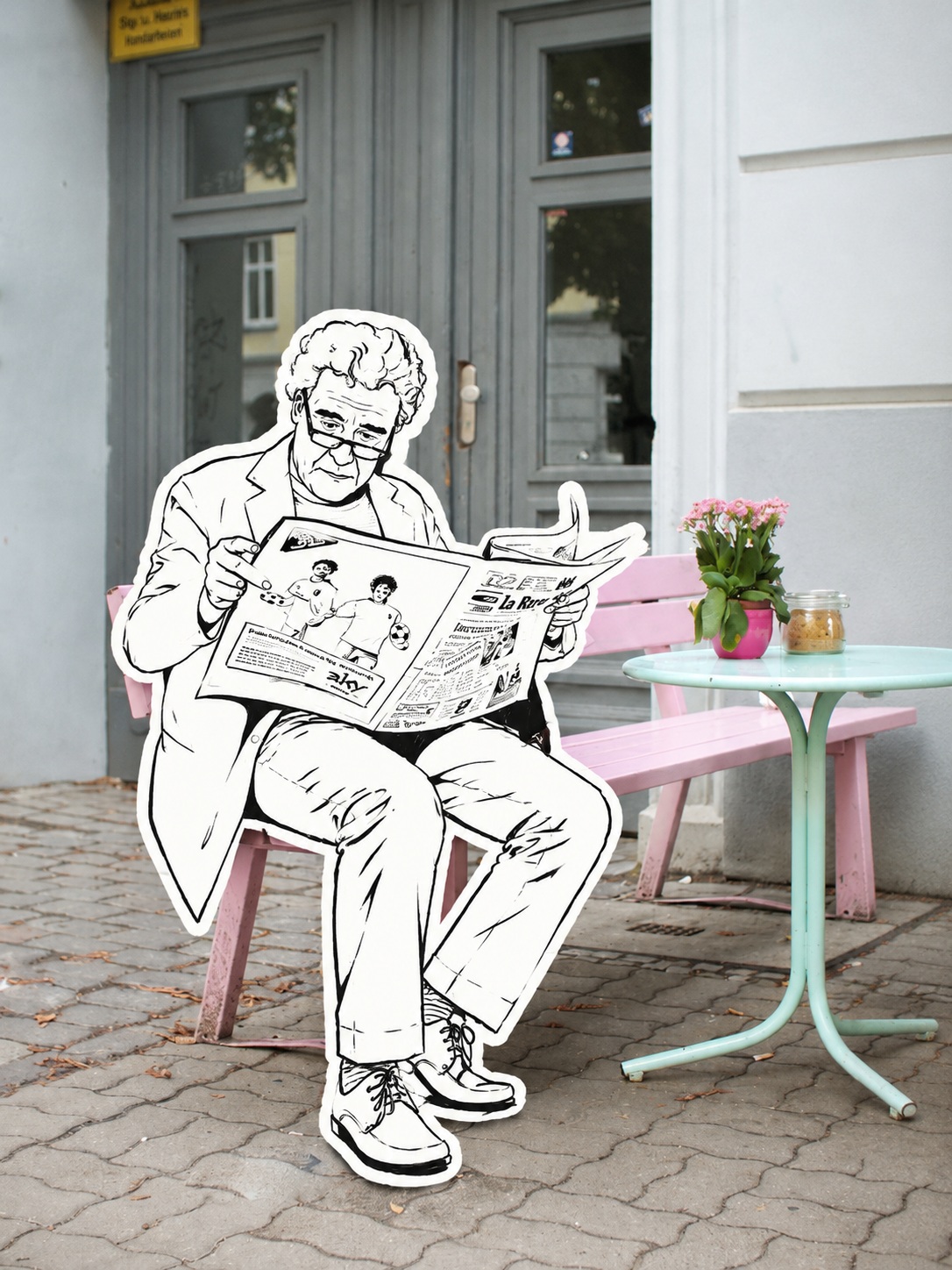
Prompt template
- Format
- Text Parameterized
- Inputs
- Reference_image (image) · Required aspect_ratio (text) · Optional · Default: 3:4 or 9:16
- Outputs
- Edited_image (image)
Use the uploaded image as the reference. Preserve its real-world scene, composition, spatial relationships, buildings, streets, interior objects, environmental details, natural lighting, shadows, materials, and photographic textures. Do not redraw or alter the background, change the scene, or change the camera viewing angle.

Replace only the characters with flat, minimalist black-and-white, one-line hand-drawn illustrations styled as cut-out stickers. Preserve the characters’ pose, action, direction, number, body proportions, relative positions, clothing contours, and defining features. Use rough, natural, slightly irregular strokes. Use only pure black and pure white—no gray, color, or gradients. Draw clothing, hair, facial features, and body details with simple black lines; use a few solid black shapes for hair, clothing folds, or shadows. Add a clean, consistent white outline around each character to create a cut-paper collage effect.

Overlay the illustrated characters naturally on the realistic photographic background, keeping their flat two-dimensional texture distinct from the detailed setting. Aim for minimalist, Instagram-inspired graffiti, reportage photography, editorial collage, and mixed media. Keep the background realistic and detailed, the characters simple and flat, and the boundary between the two visual styles clear. Render with high-definition detail, sharpness, clarity, and realistic photographic texture.

Aspect ratio: ${aspect-ratio:3:4 or 9:16}
Replace the ${…} placeholders with your values
before using this prompt. See parameters
and defaults below
Parameters
Replace each placeholder with your own value, or use its default when one is provided
${aspect-ratio:3:4 or 9:16}
aspect-ratio
Default: 3:4 or 9:16
What you'll create
Flat hand-drawn figures sit naturally on the original photographic background, with rough black strokes and clean white cutout borders.
Frequently asked questions
Can the camera angle or setting change?
No, both remain exactly as in the original photograph.





Comments
Tried this prompt? Share what you made, compare results, or ask a question