Turn a Photo into a Naive Designer Illustration
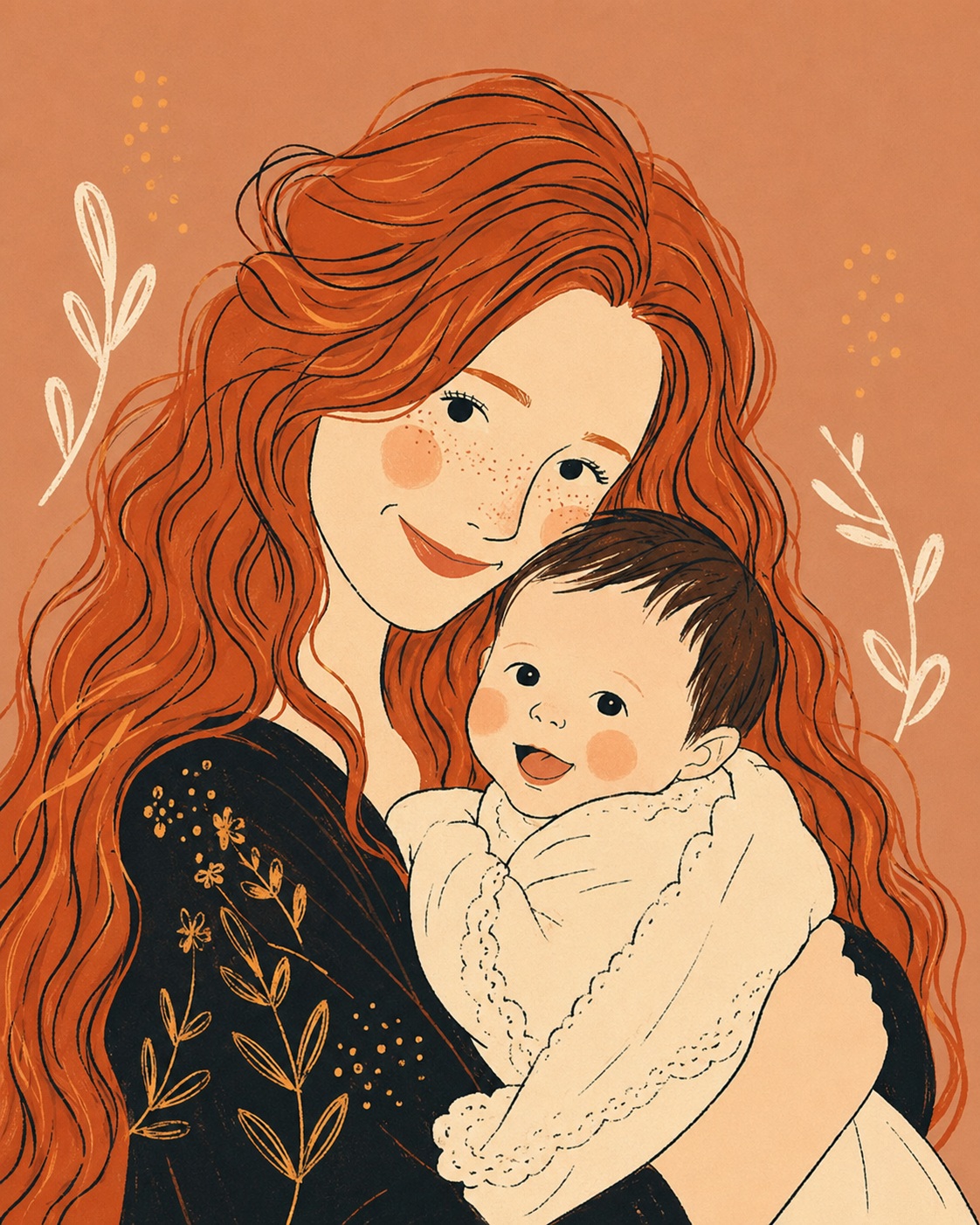
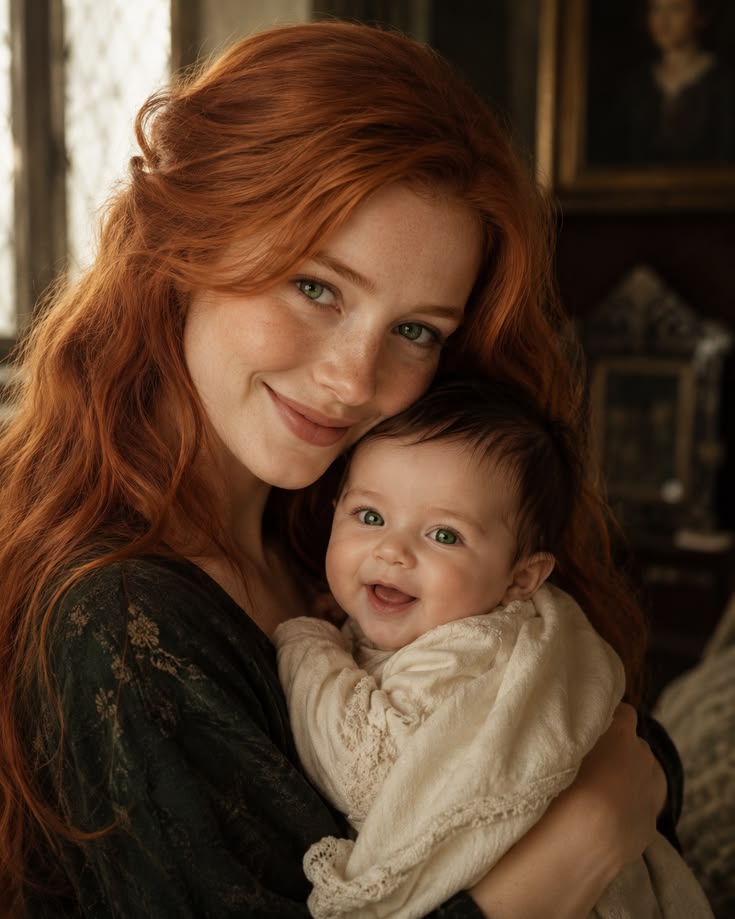
Reinterpret a supplied photo as a minimalist, hand-drawn naive illustration with playful proportions and a polished poster feel.
Example outputs
Prompt template
- Format
- Text
- Inputs
- photo (image) · Required
- Outputs
- illustration (image)
Draw the supplied photo in the style of a modern naive illustration: use minimalism, hand-drawn lines, funny proportions, uneven contours, flat contrasting colors, and decorative touches. Do not use shadows, gradients, or 3D effects. Make it look like an expensive designer poster.What you'll create
Uneven hand-drawn contours and decorative touches simplify the scene into a premium poster-like graphic.
Frequently asked questions
Can gradients or three-dimensional shading be used?
No, the source explicitly excludes shadows, gradients and 3D effects.


Comments
Tried this prompt? Share what you made, compare results, or ask a question