Turn a Photo into a Vintage Travel Stamp
Transform an uploaded photo into a bold, distressed mid-century travel-stamp illustration while preserving its recognizable content and story.
Example outputs
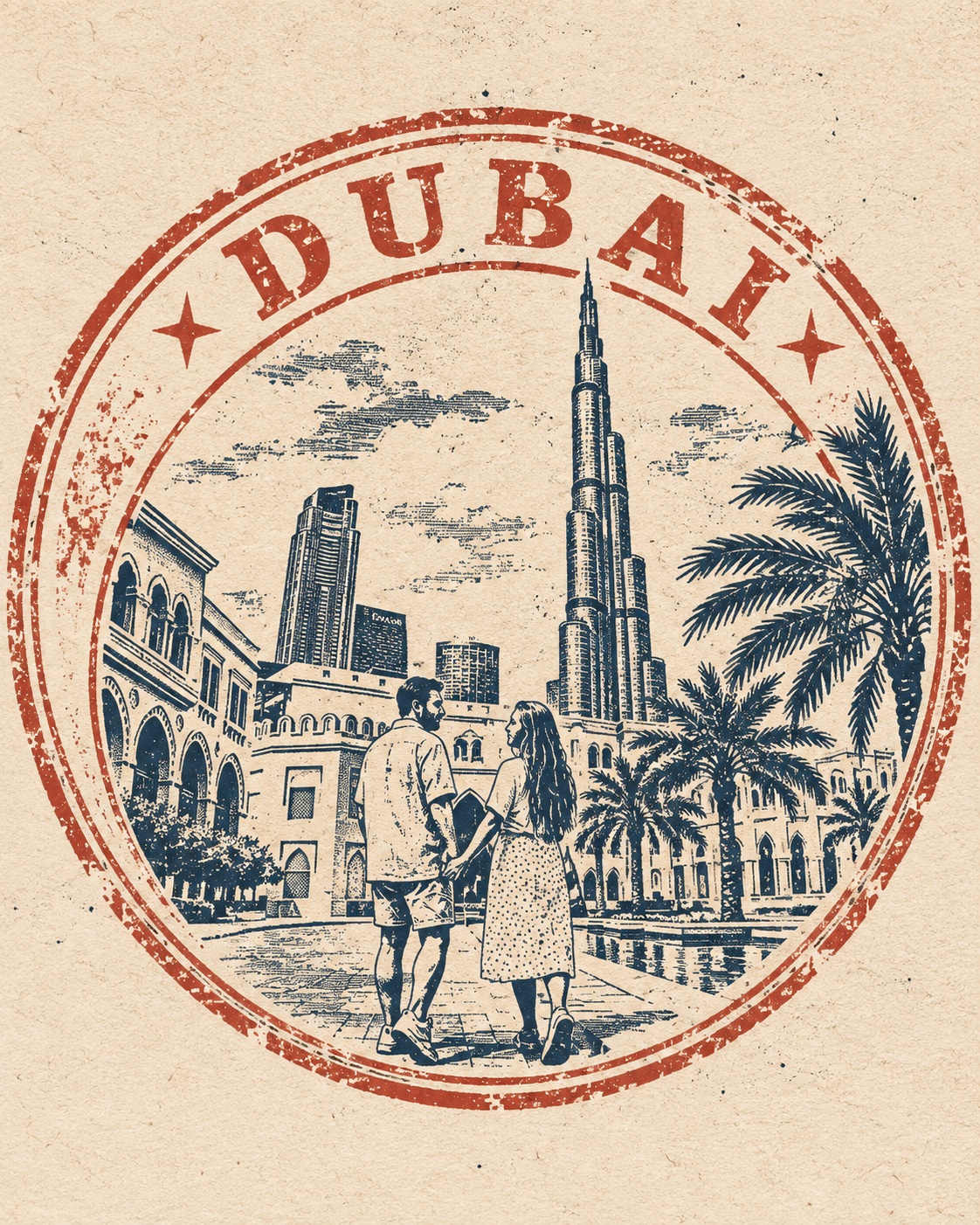
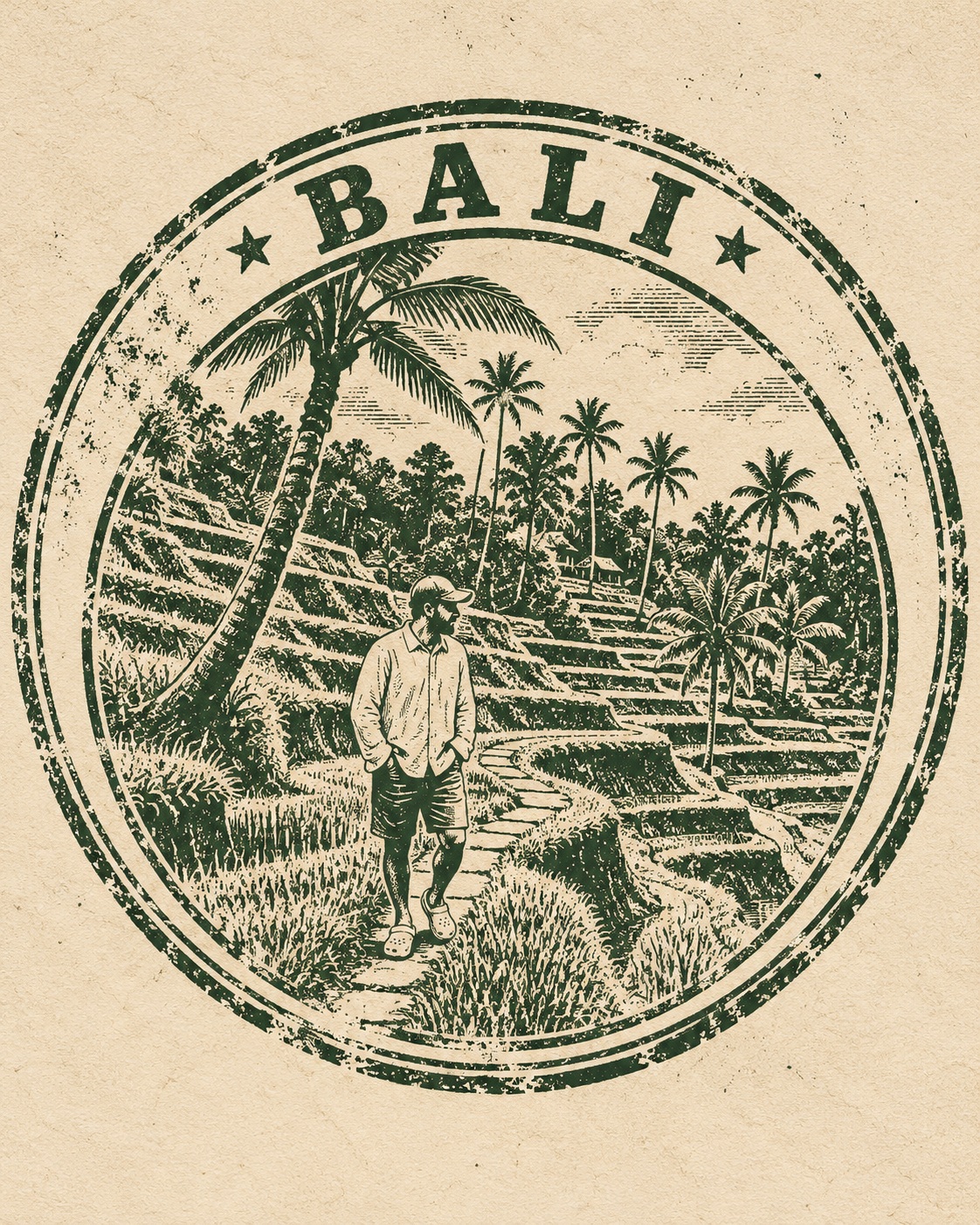
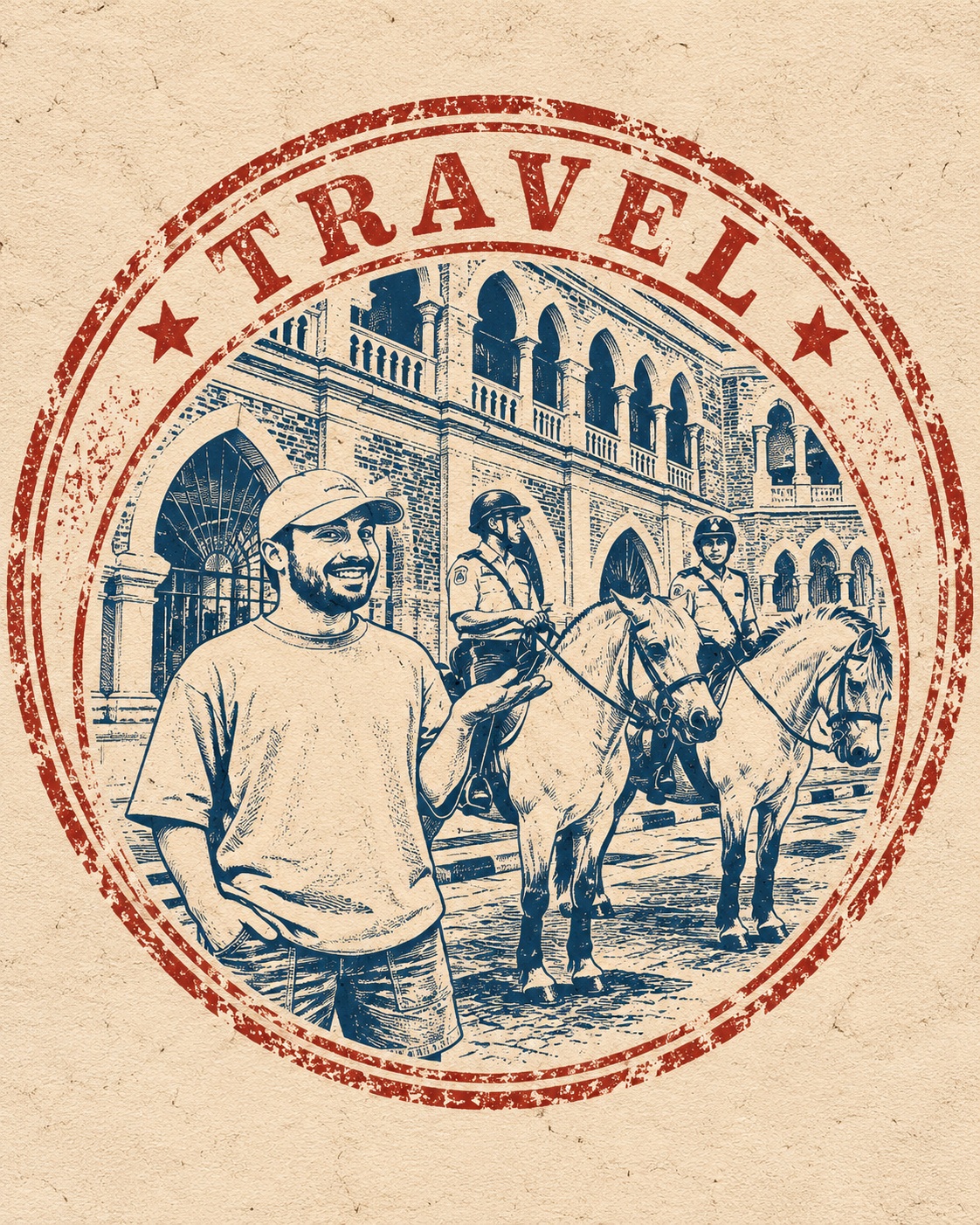
Prompt template
- Format
- Text
- Inputs
- Uploaded_photo (image) · Required
- Outputs
- Vintage_travel_stamp_illustration (image)
Transform the uploaded photo into an authentic vintage travel stamp or old tourist passport-stamp illustration.

Recreate the content and story of the original photo as if that exact moment had been turned into a collectible travel stamp from the mid-20th century.

The result must be 100% illustrated: no photography, photorealism, smooth digital painting, or modern vector perfection.

Preserve the most recognizable elements of the uploaded photo: the same people and animals, recognizable facial characteristics and silhouettes, hairstyles, poses and interactions, clothing and important accessories, key objects, distinctive landscape, architecture or environment, and the overall mood and story. Simplify everything aggressively into bold graphic shapes suitable for an old printed stamp.

STAMP COMPOSITION
Place the entire scene inside a strong circular or oval stamp composition that feels like a real vintage tourist souvenir seal or passport-style destination stamp. Use a thick outer circular or oval border, one or two imperfect concentric rings, a simplified central illustration based on the photo, curved typography following the border, and small decorative separators such as stars, dots, diamonds, or short lines. Redraw and reinterpret the scene specifically for the stamp format; do not simply place the original photo inside a circle.

COLOR PALETTE
Use only 2–3 ink colors for the entire artwork. Choose a vintage combination appropriate to the original photo, such as deep navy, faded red, and warm cream; forest green, rust orange, and beige; or burgundy, dusty blue, and aged paper. Use no gradients, realistic colors, or large variety of shades.

VINTAGE PRINT TEXTURE
Make the stamp look physically printed with old ink. Include rough distressed edges, uneven ink coverage, faded areas, tiny missing patches of ink, coarse grain, imperfect registration, worn rubber-stamp texture, and slightly irregular lines. The print should feel aged and imperfect, not digitally clean.

SIMPLIFICATION
Reduce faces, clothing, buildings, landscapes, and objects to large recognizable shapes. Avoid tiny details. Use bold silhouettes, chunky shadows, and simplified linework. Keep the image understandable even when viewed very small.

TYPOGRAPHY
Generate a short inscription inspired by the actual content of the uploaded photo. It may reference a clearly identifiable visible location, activity, season, mood, journey, or moment shown in the photo. Keep it short, approximately 1–4 words. Do not invent a specific city, country, date, or factual location that cannot be determined from the photo. Use condensed uppercase lettering that resembles old travel stamps and looks slightly imperfect and worn.

FINAL LOOK AND FORMAT
Make the result feel like an authentic old travel stamp discovered in a vintage passport or travel journal: bold, simple, nostalgic, slightly faded, and visibly handmade. Use a vertical 4:5 Instagram format. Center the stamp prominently with comfortable negative space around it.
What you'll create
Recognizable people, objects and scenery fit inside an imperfect circular or oval souvenir seal. Heavy borders, simplified graphic forms and faded handmade texture evoke a mid-century travel journal.
Frequently asked questions
Should any photographic areas remain?
No. The stamp is entirely illustrated.
How is the source story preserved?
Key poses, interactions, silhouettes and distinctive scenery remain recognizable despite simplification.




Comments
Tried this prompt? Share what you made, compare results, or ask a question