Golden-Hour Portrait in a Brown Camisole
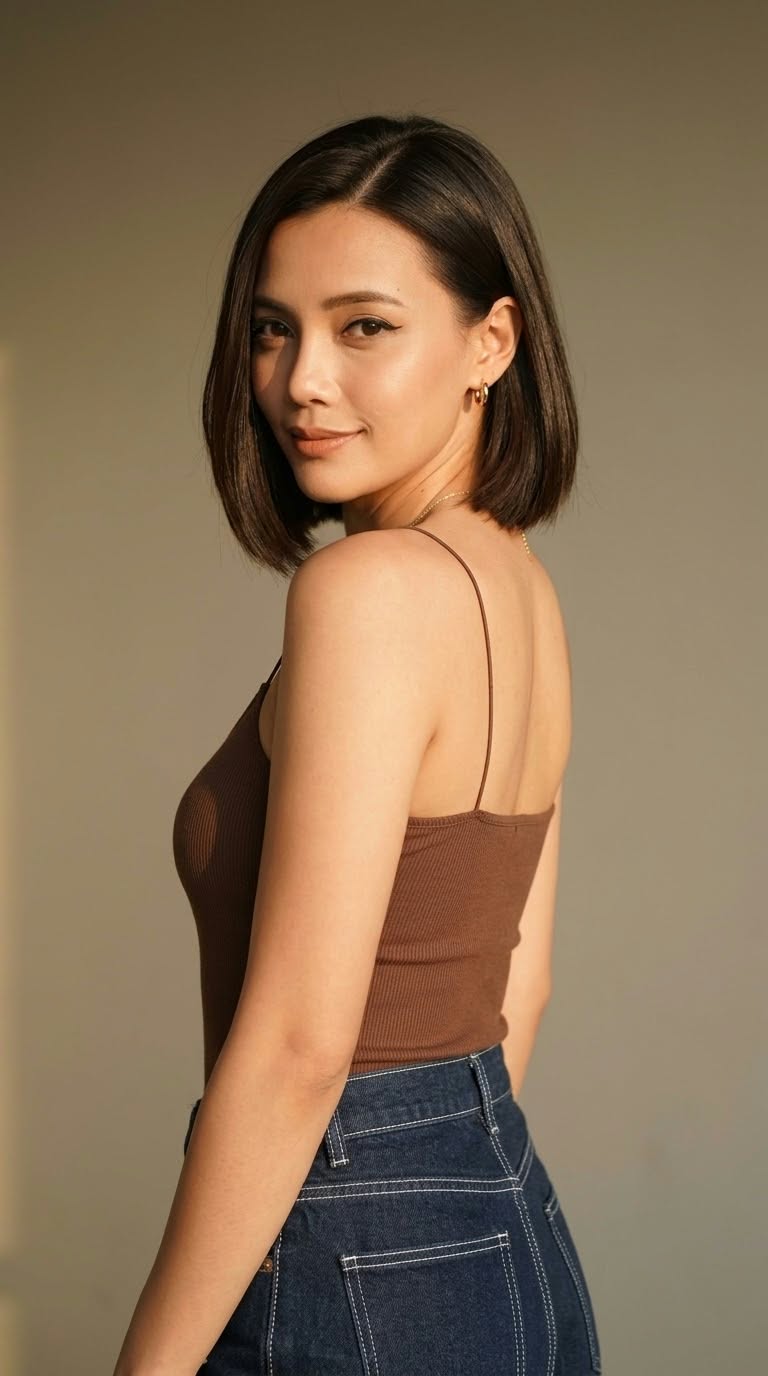
Create a softly lit portrait of a woman looking over her shoulder, wearing a brown camisole and dark denim. The aspect ratio is customizable, with 9:16 as the starting value
Example outputs
Prompt template
- Format
- Text Parameterized
- Inputs
- Aspect_ratio (text) · Optional · Default: 9:16
- Outputs
- Portrait (image)
A woman with short dark brown hair parted off-center, looking over her shoulder toward the camera with a soft, confident expression. She is wearing a fitted brown ribbed spaghetti-strap camisole paired with dark blue denim jeans featuring distinct white contrast stitching. She wears minimal jewelry, including small gold hoop earrings and a delicate, thin gold chain necklace. Her makeup is polished with defined winged eyeliner and warm, neutral-toned lipstick. The background consists of a warm, muted neutral wall illuminated by soft, golden-hour-style lighting that casts gentle, dramatic shadows and highlights across her silhouette and the wall behind her. Aspect ratio: ${aspect-ratio:9:16}Replace the ${…} placeholders with your values
before using this prompt. See parameters
and defaults below
Parameters
Replace each placeholder with your own value, or use its default when one is provided
${aspect-ratio:9:16}
aspect-ratio
Default: 9:16
What you'll create
This prompt creates a portrait of a woman with short dark brown hair, wearing a fitted brown camisole and dark blue jeans with white contrast stitching. Soft golden-hour-style lighting and a muted neutral wall frame her over-the-shoulder pose
Generation settings
Usage instructions
Frequently asked questions
What gives the portrait its lighting?
Soft, golden-hour-style light creates gentle dramatic shadows and highlights across the woman and the wall
Can I change the framing?
Yes. The aspect ratio is a customizable value, set to 9:16 by default


Comments
Tried this prompt? Share what you made, compare results, or ask a question