Turn a Photo into a Cozy Coloring Page
Create a recognizable, detailed coloring-page illustration from a reference image, using crisp black line art on white.
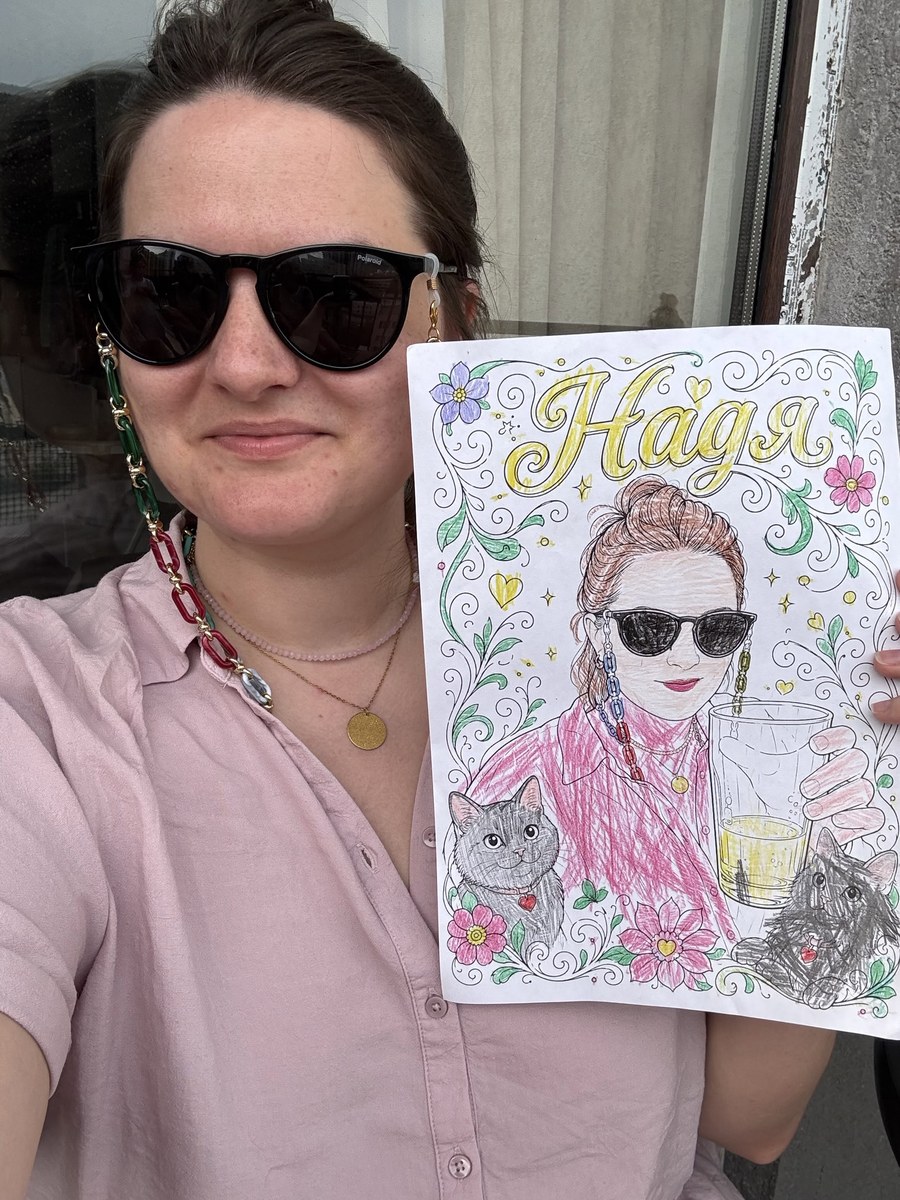
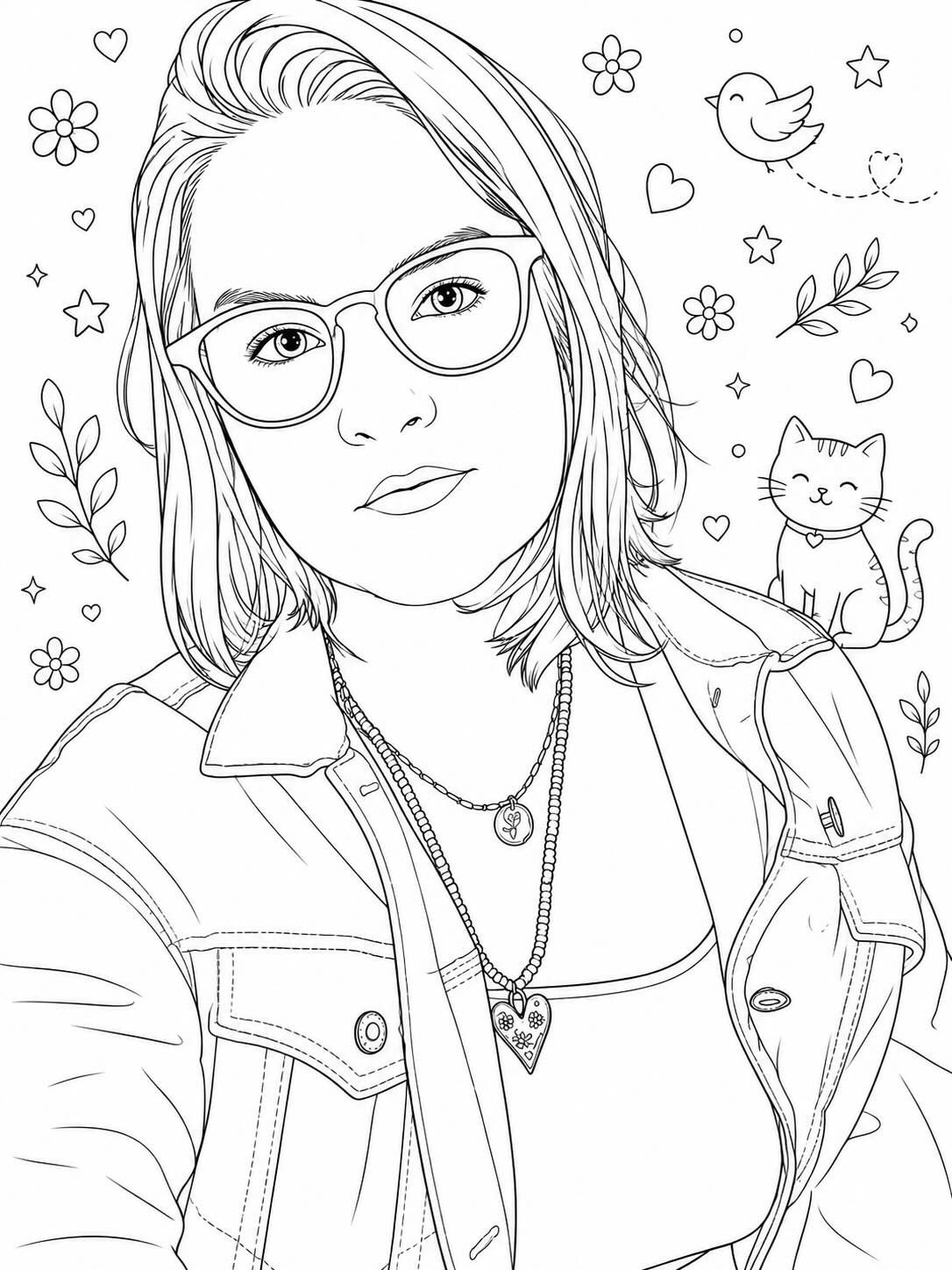
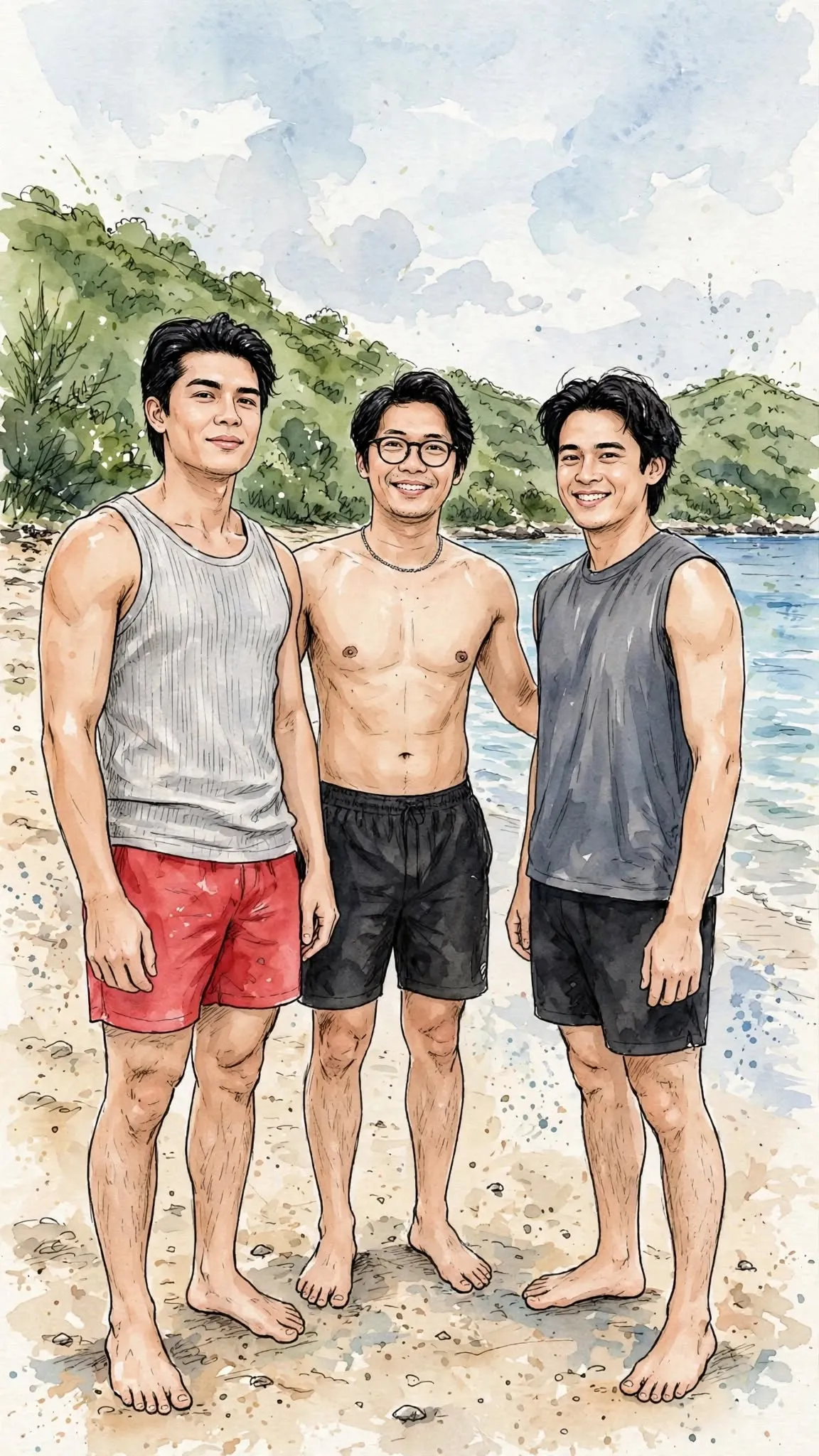
Example outputs

Prompt template
- Format
- Text Parameterized
- Inputs
- Reference_image (image) · Required aspect_ratio (text) · Optional · Default: 3:4
- Outputs
- Coloring_page_illustration (image)
Convert the provided image into a coloring-page illustration. Carefully preserve and accurately reproduce the facial features, expressions, proportions, and distinctive characteristics of every person or character in the image. Their face shape, eyes, nose, mouth, hairstyle, and any unique details must remain clearly recognizable in the line art. Use clean, thin black outlines on a pure white background. Divide the scene into medium- and small-sized elements with enough space between them to color comfortably. Simplify complex textures into clear, distinct shapes. Remove all shading, gradients, and fills; use only crisp line art. Use a semi-realistic style with cozy details and fine linework. Separate every element with visible outlines. You may add small decorative pattern elements in empty spaces, such as tiny flowers, geometric shapes, birds, cats, leaves, stars, or other cute motifs, to make the composition more interesting and fun to color. Use a ${aspect-ratio:3:4} vertical orientation.Replace the ${…} placeholders with your values
before using this prompt. See parameters
and defaults below
Parameters
Replace each placeholder with your own value, or use its default when one is provided
${aspect-ratio:3:4}
aspect-ratio
Default: 3:4
What you'll create
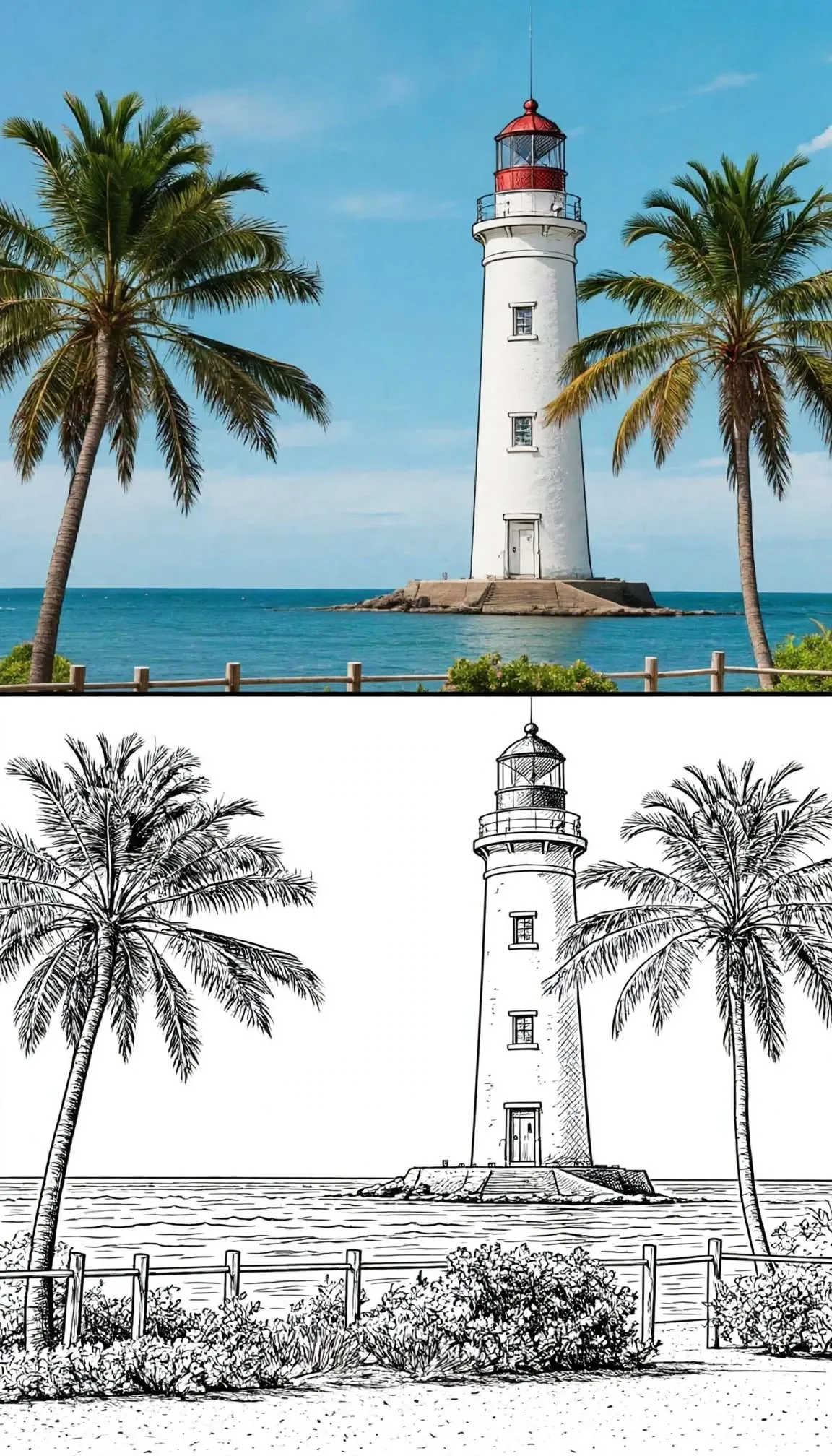
The scene becomes crisp black line art on pure white, with separate shapes large enough to color. Complex textures simplify into distinct elements while expressions and identities remain readable.
Frequently asked questions
Are shading and grey fills allowed?
No. Only line art remains.
Can small decorations fill empty space?
Yes. Simple flowers, stars, leaves or similar motifs may be added.



Comments
Tried this prompt? Share what you made, compare results, or ask a question