Natural-Looking Image Prompt with Composition Options
Create a polished image with natural color, photographic depth, and composition tailored for a thumbnail or slide illustration.
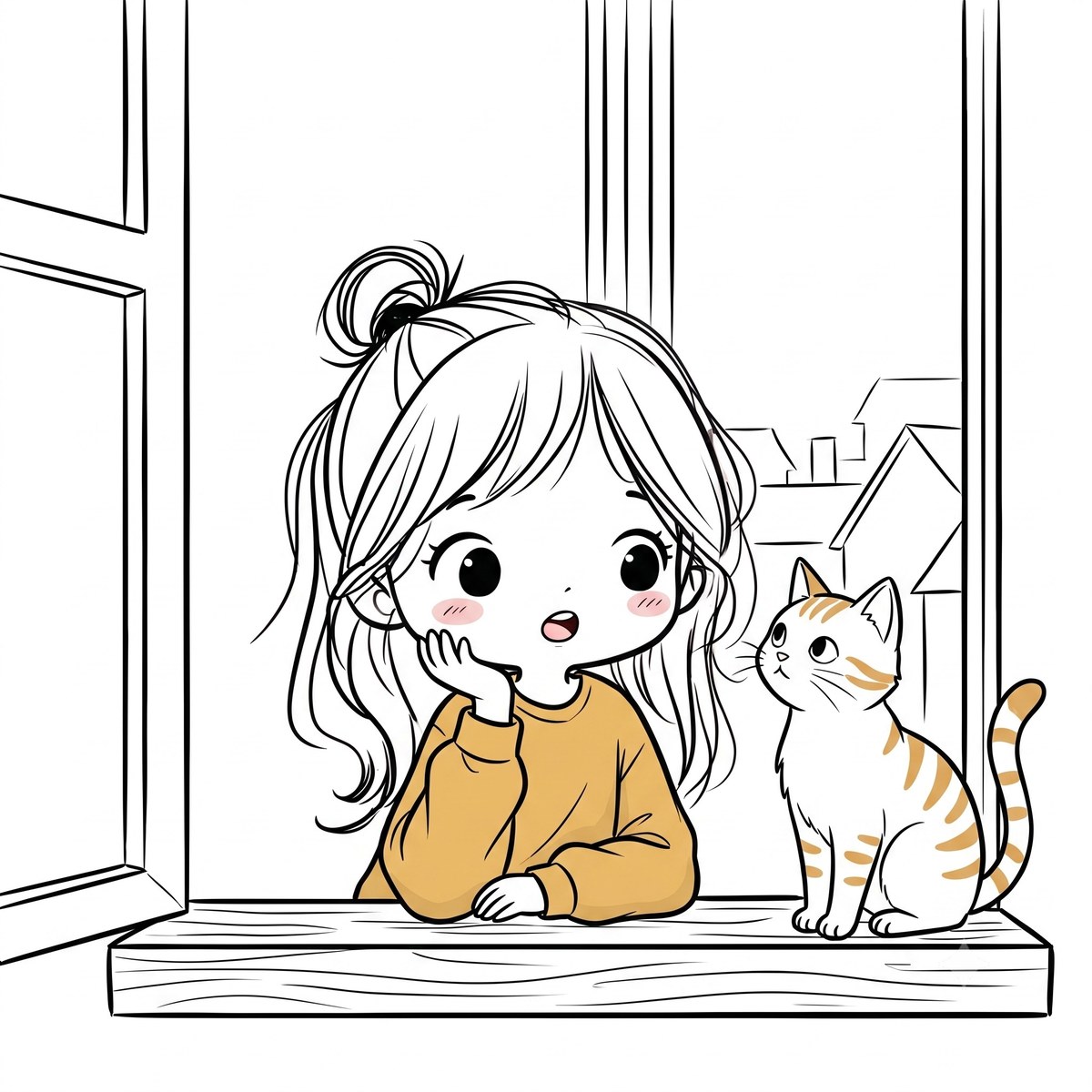
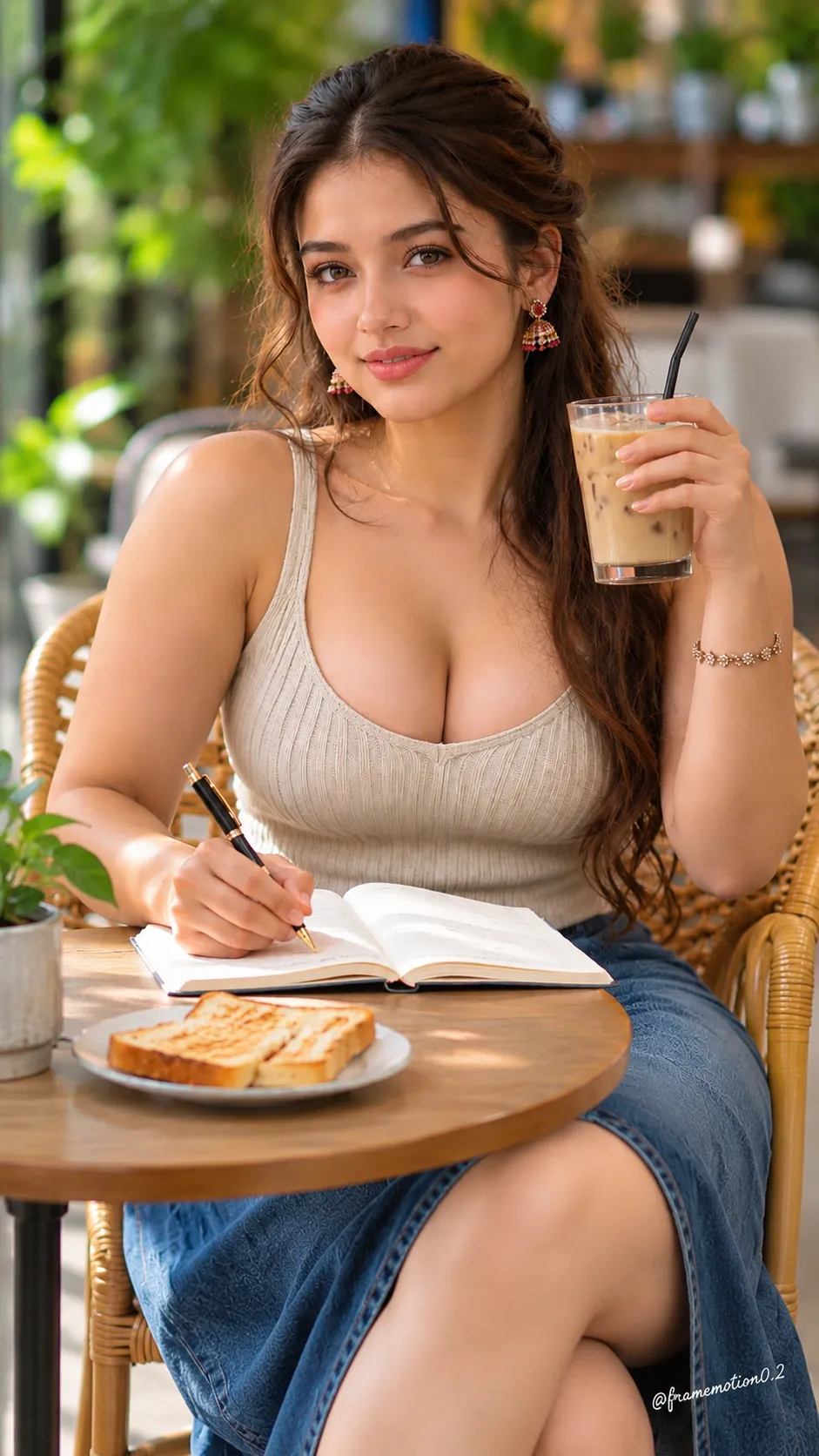
Example outputs
Prompt template
- Format
- Text Parameterized
- Inputs
- subject (text) · Required style (text) · Required use_case (text) · Required
- Outputs
- generated_image (image)
Create an image of ${subject} in a ${style} style. Use natural daylight color around 5500K, avoiding blue or yellow color casts and keeping the tones natural. Use a 50mm lens and an F1.8-equivalent shallow depth of field, with a naturally blurred background and 4K-equivalent resolution.

Tailor the composition to this use: ${use-case}. If it is a thumbnail, leave clear space at the top or bottom for text and place the main subject slightly off-center. If it is a slide illustration, use a solid-color or gradient background and exclude unnecessary decorations, text, and props.

Remove unwanted elements, use soft natural shadows, avoid excessive saturation, and finish with a restrained, polished tone at high quality.
Replace the ${…} placeholders with your values
before using this prompt. See parameters
and defaults below
Parameters
Replace each placeholder with your own value, or use its default when one is provided
${subject}
subject
Required
${style}
style
Required
${use-case}
use-case
Required
What you'll create
Neutral daylight color, soft shadows and restrained saturation support a chosen subject, with space or background simplicity tailored to its intended use.
Frequently asked questions
How does thumbnail composition differ?
It leaves clear text space and places the subject slightly off-center.



Comments
Tried this prompt? Share what you made, compare results, or ask a question