Pocky Day Fashion Scene
Create a playful Pocky Day fashion scene based on a person in a reference image. The AI chooses the Pocky flavor and color theme, then designs a distinctive outfit and stylish setting around it.
Example outputs
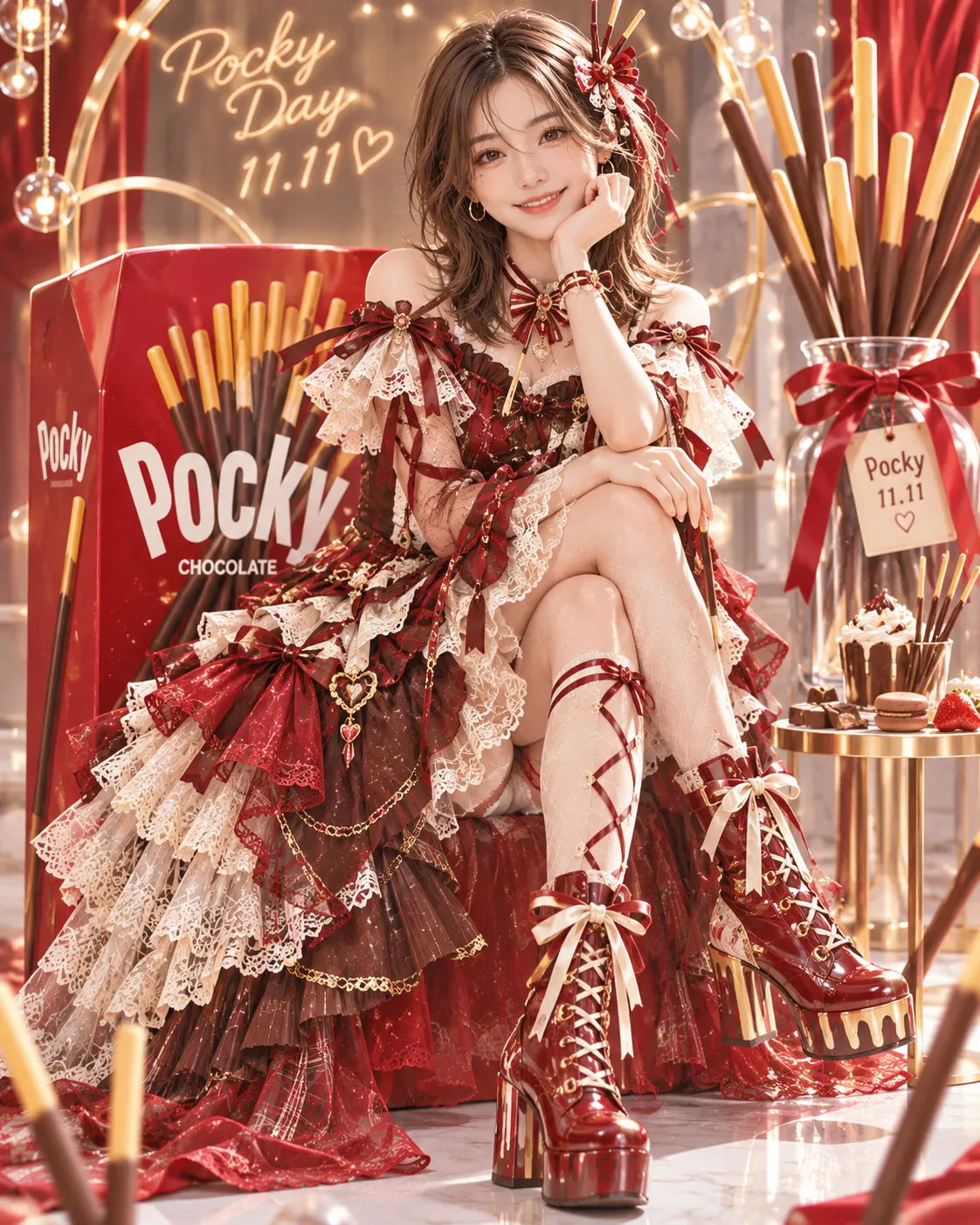
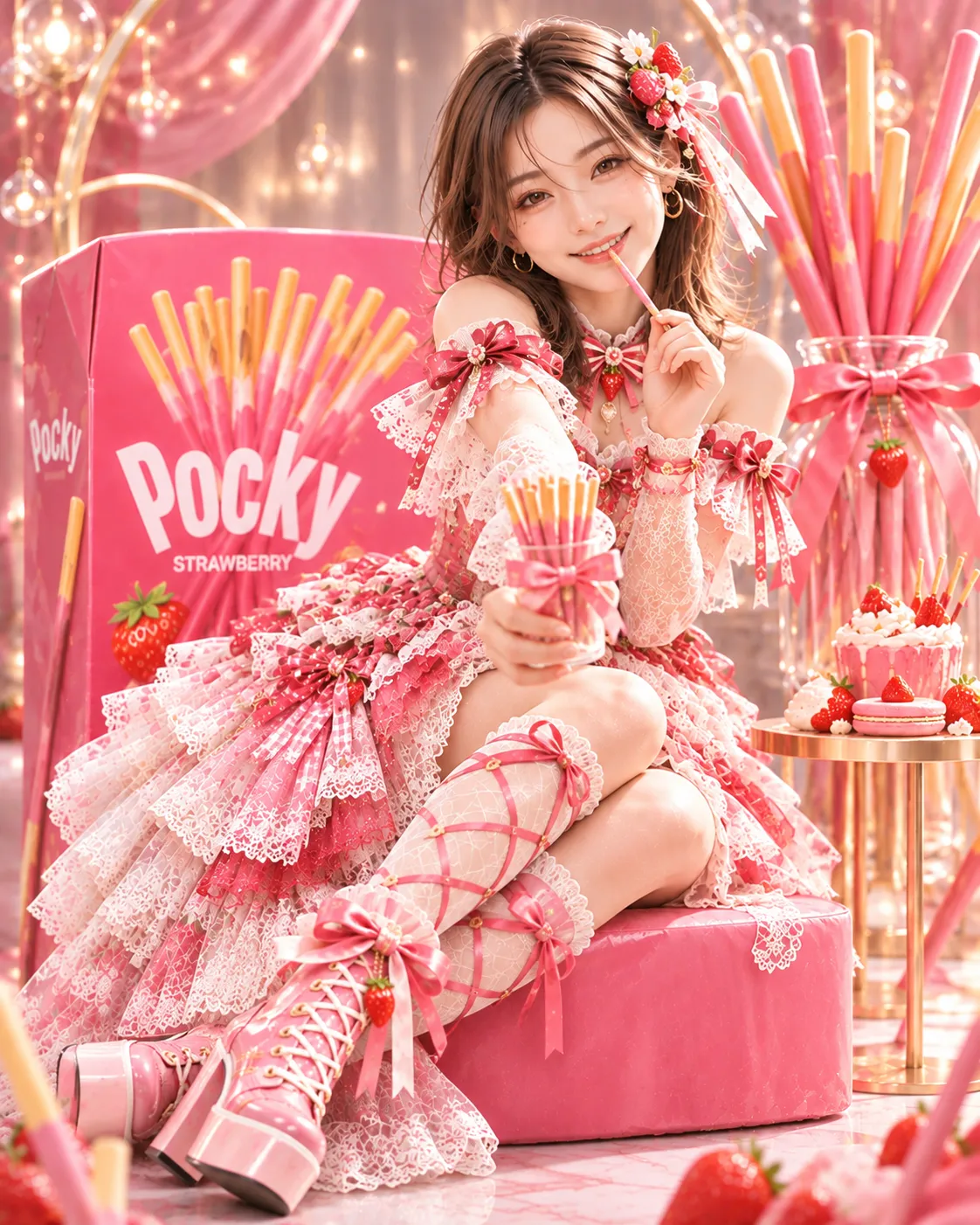
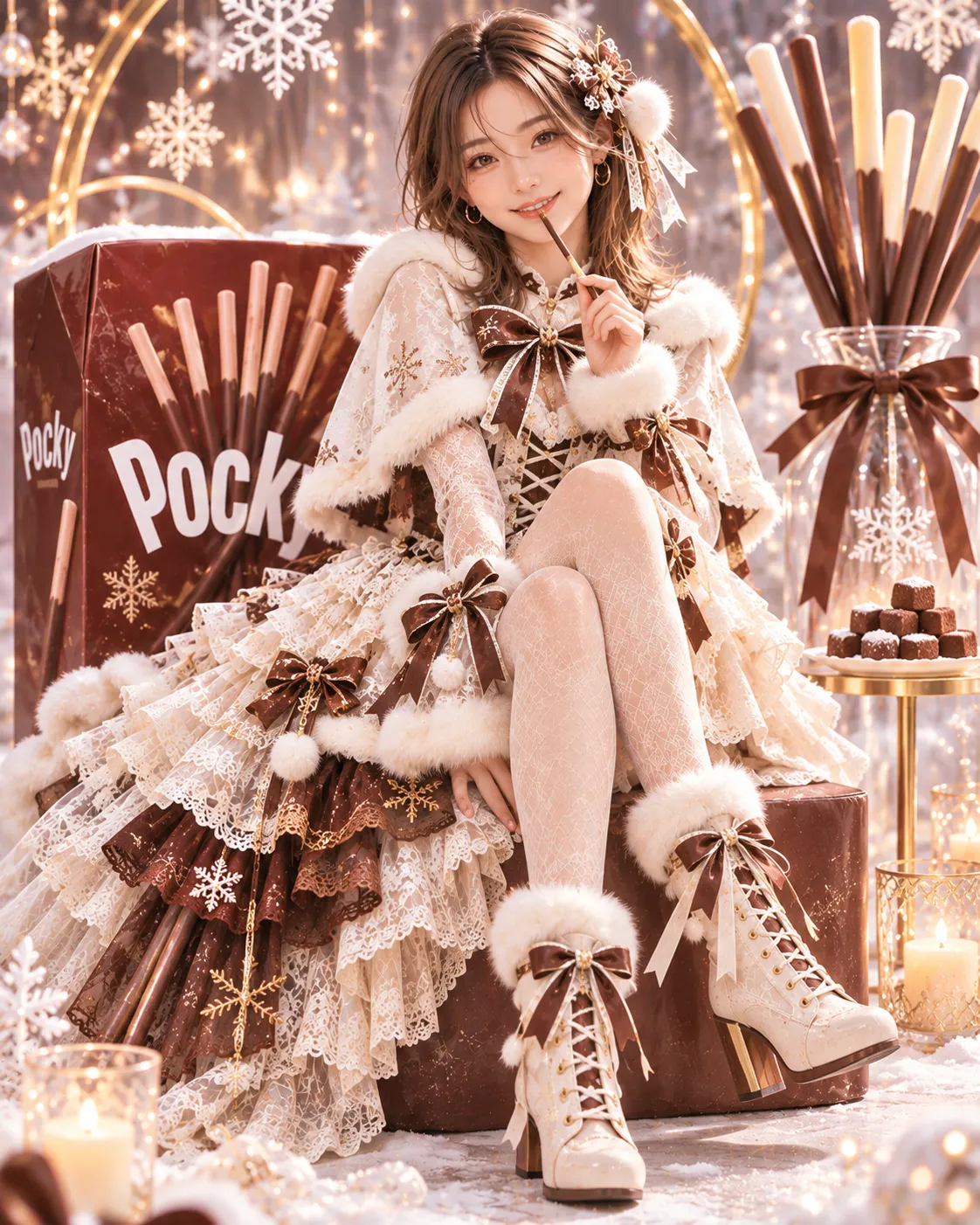
Prompt template
- Format
- Text
- Inputs
- Reference_person_image (image) · Required
- Outputs
- Fashion_scene (image)
Create a playful fashion image themed around Pocky Day, using the attached person as a reference. Preserve the person’s overall facial impression while giving them a bright expression.

Let the AI choose the Pocky flavor and use its color as the outfit’s theme. Combine a variety of fabrics and lace in that color to create a fresh, distinctive, glamorous outfit and shoes that reflect the personality you perceive in the person.

Create a stylish setting that makes the outfit stand out. Use Pocky boxes large enough to serve as chairs and arrange Pocky objects in the background to make the scene playful. Give the person proportions of about seven heads tall; have them occupy 75% of the image. Use a vertical 4:5 composition. Do not fix the Pocky flavor in advance.
What you'll create
The prompt creates a playful Pocky Day fashion scene featuring a person whose facial impression is preserved from a reference image. It calls for a distinctive, colorful outfit and shoes, with Pocky boxes and objects arranged in a stylish setting.
Usage instructions
Provide a reference image of the person; the prompt uses it to preserve their overall facial impression while giving them a bright expression. The Pocky flavor is intentionally left to the AI, so the color palette will be chosen for you; to use a specific palette instead, replace the instruction that leaves the flavor open.
Frequently asked questions
How is the outfit’s color theme chosen?
The AI chooses a Pocky flavor and uses its color as the theme; no flavor is fixed in the prompt.



Comments
Tried this prompt? Share what you made, compare results, or ask a question