Create a 10-Second ASMR Product Storyboard and Video
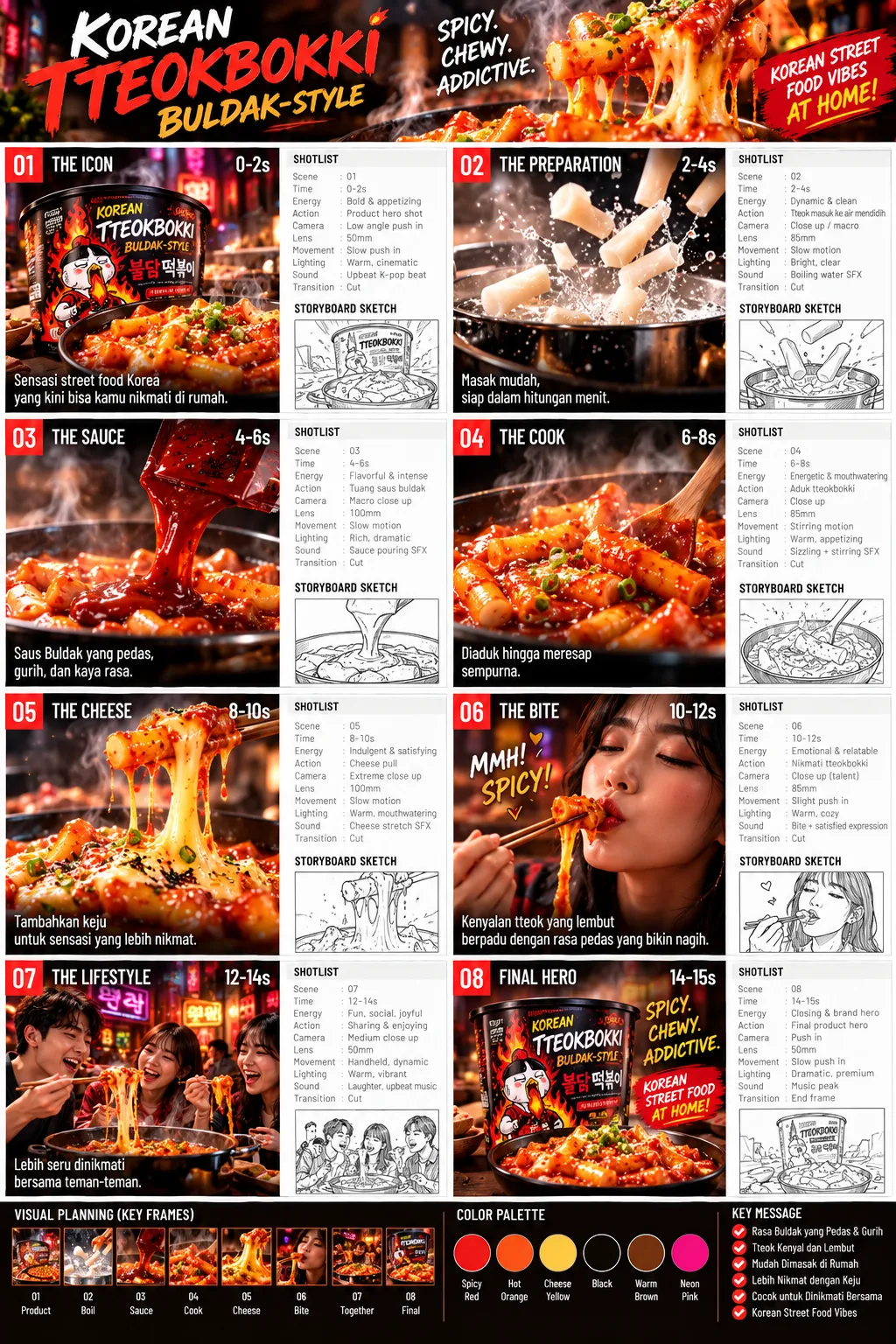
Turn a product image into an ASMR storyboard, then create a video prompt and script for a 10-second vertical video.
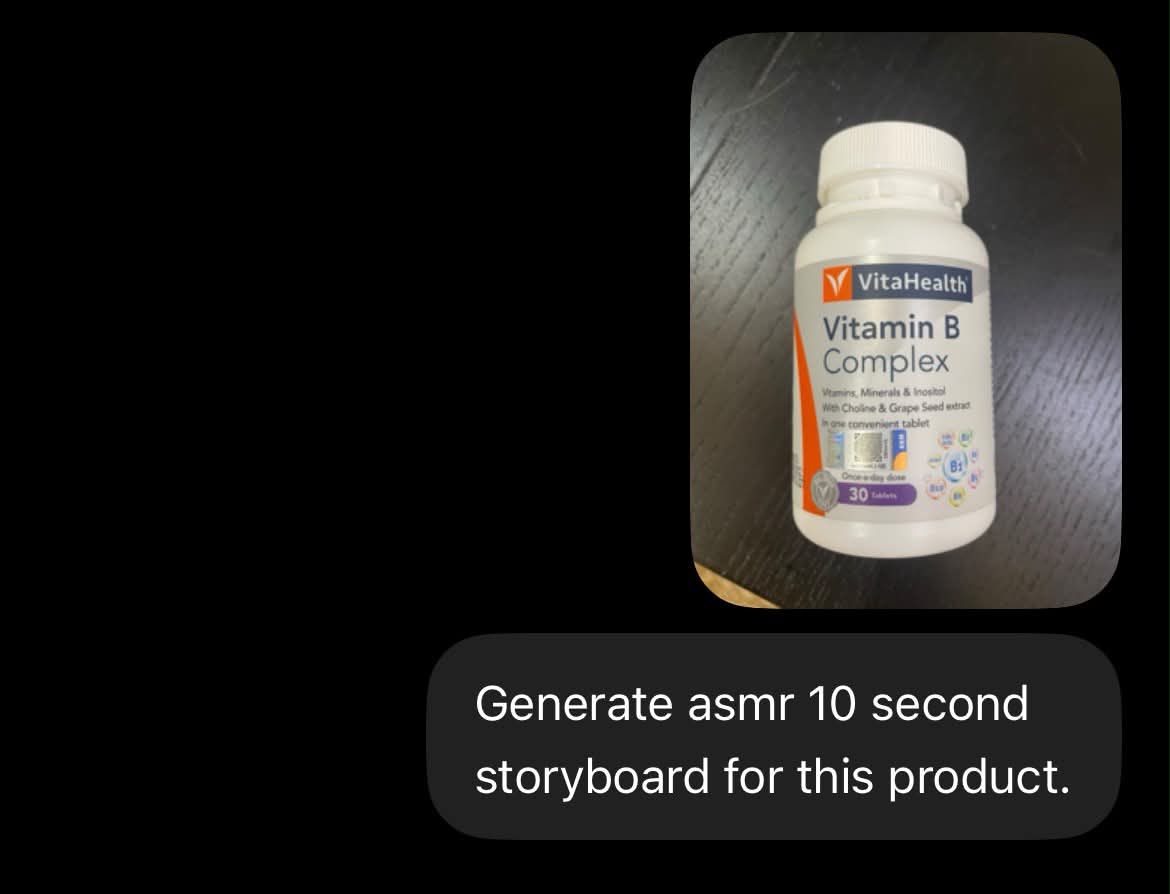
Example outputs
Prompt template
- Format
- Text Parameterized
- Inputs
- Product_image (image) · Required Duration (text) · Optional · Default: 10-second Aspect_ratio (text) · Optional · Default: 9:16
- Outputs
- Storyboard (image) Video_prompt_and_script (text) Generated_video (video)
1. In ChatGPT, upload the product image and ask: “Generate an ASMR ${duration:10-second} storyboard for this product.” Wait for the storyboard image.
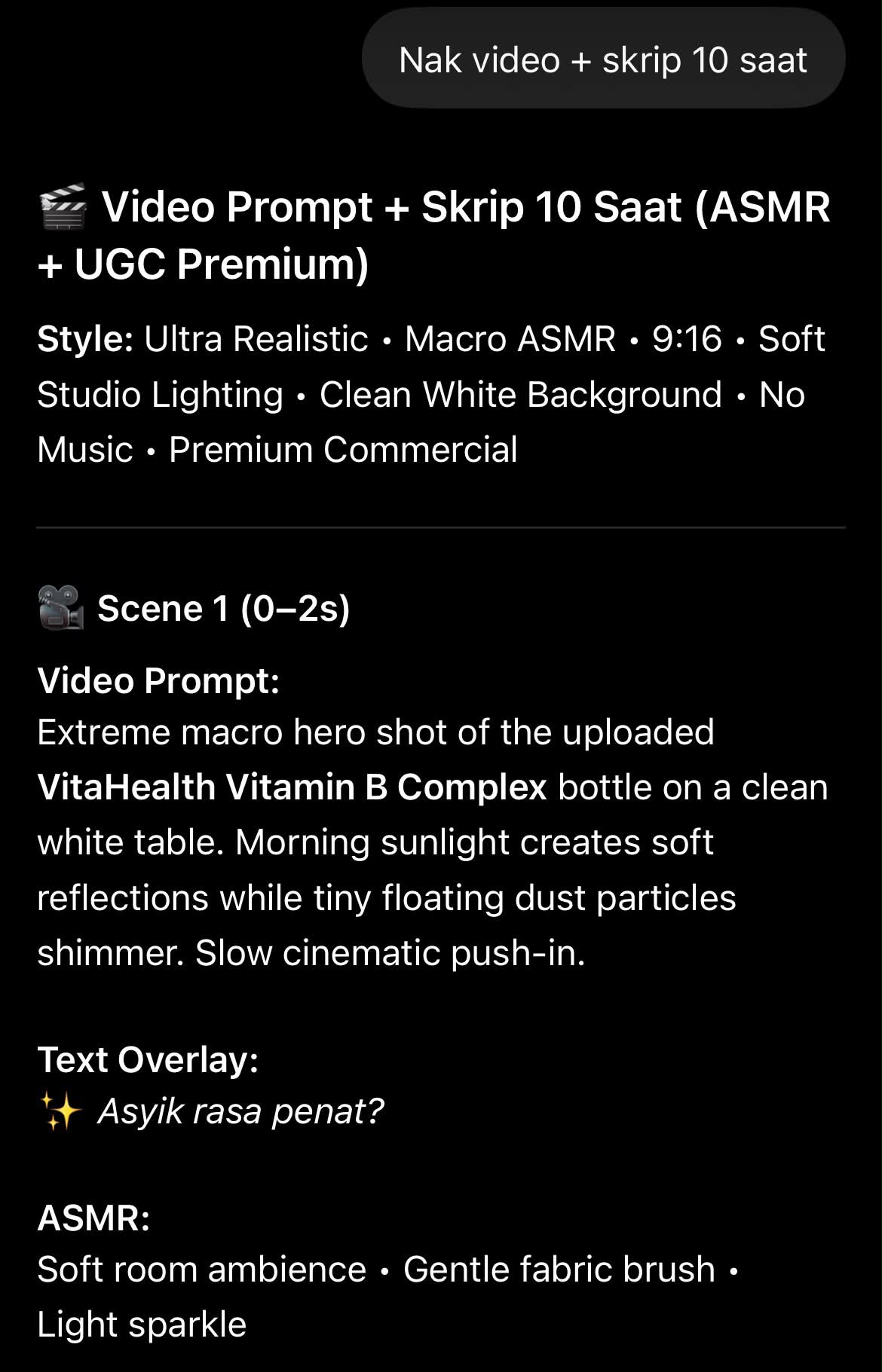
2. In the same ChatGPT conversation, ask: “I want a video prompt and a ${duration:10-second} script.”
3. Open Omni Flash and copy the video prompt and script. Paste them into Omni Flow, set the aspect ratio to ${aspect-ratio:9:16}, and set the video duration to ${duration:10 seconds}.
4. Generate the video.
Replace the ${…} placeholders with your values
before using this prompt. See parameters
and defaults below
Parameters
Replace each placeholder with your own value, or use its default when one is provided
${duration:10-second}
duration
Default: 10-second
${aspect-ratio:9:16}
aspect-ratio
Default: 9:16
What you'll create
A product-reference workflow develops a ten-second vertical video concept through a storyboard and a matching concise script.
Frequently asked questions
What duration is the default?
The source defaults to ten seconds.






Comments
Tried this prompt? Share what you made, compare results, or ask a question