Create a 10-Second Product Review Storyboard and Video
Generate a six-scene storyboard image, then use it with the product image and a video prompt and script to create a 10-second, 9:16 product video.
Example outputs
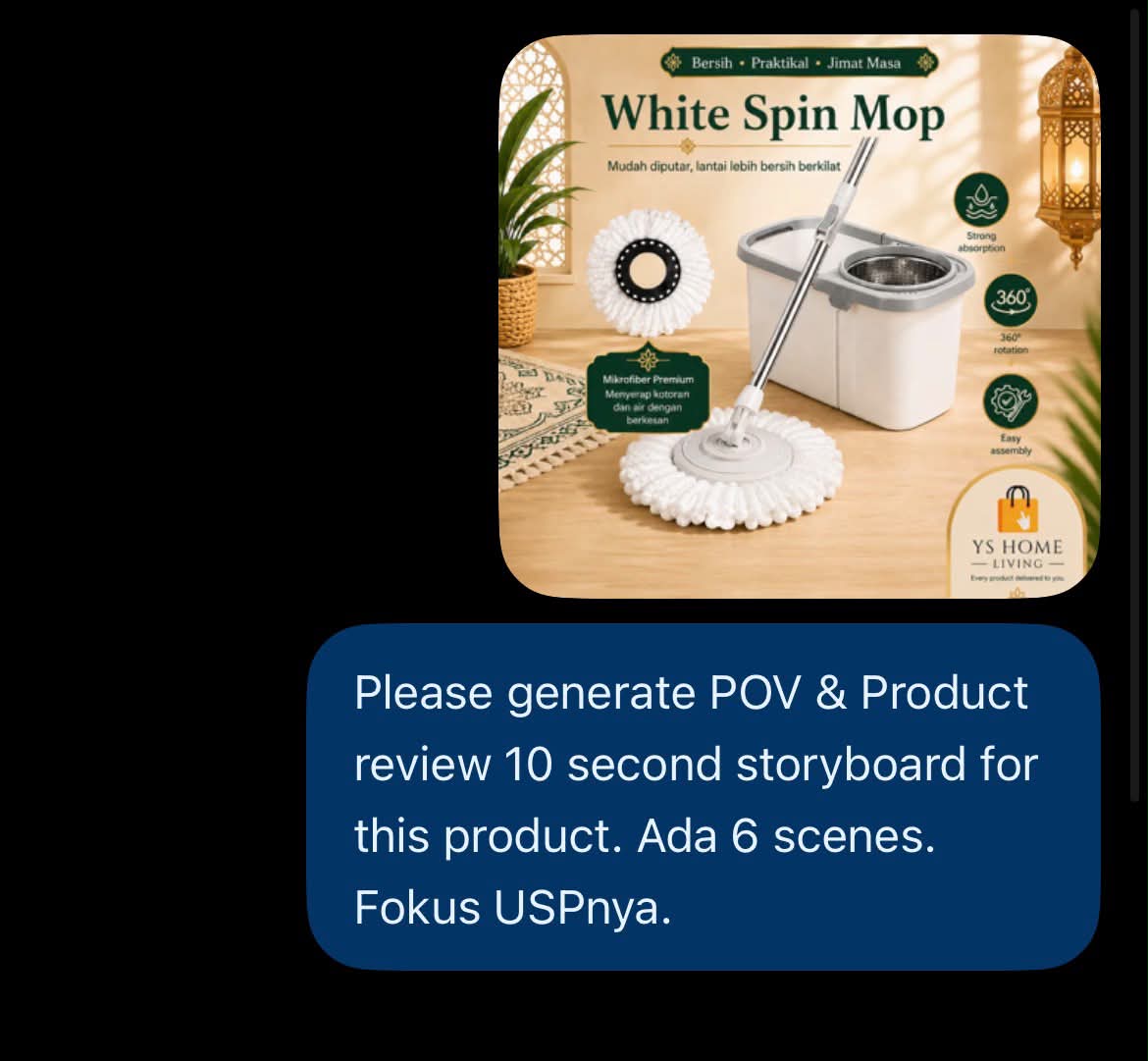
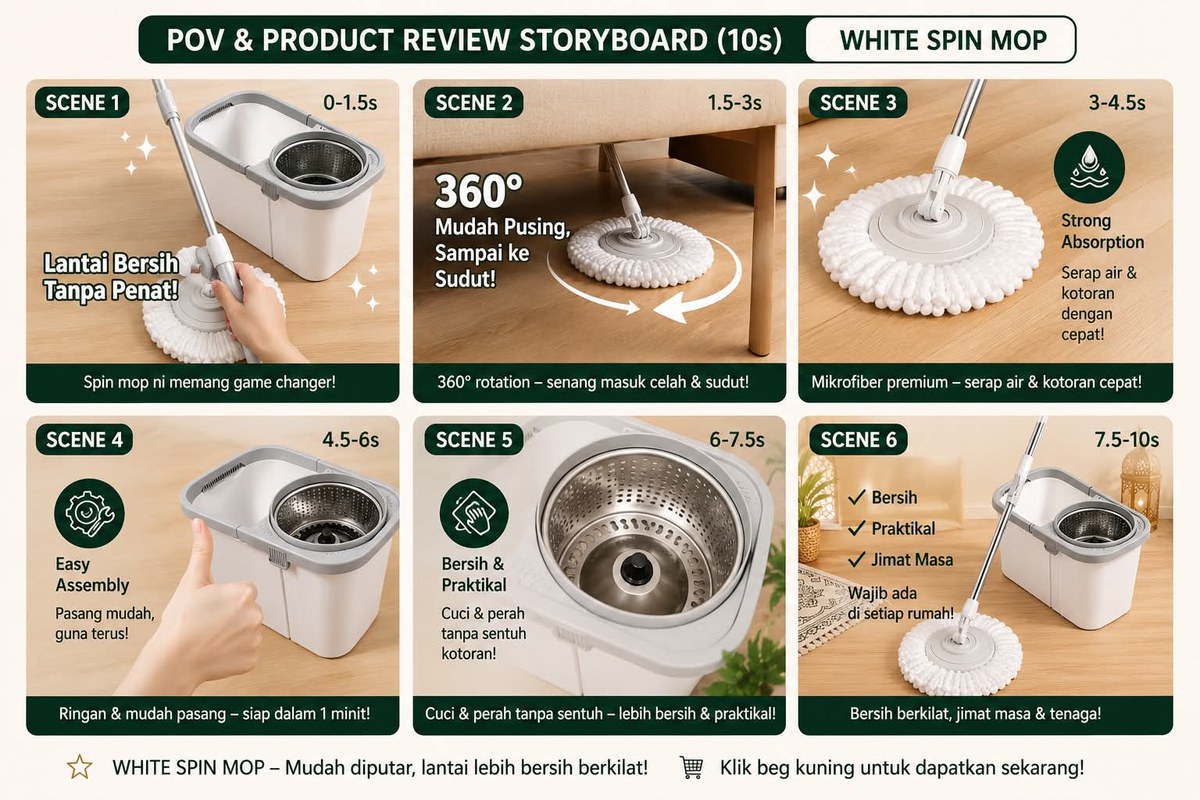
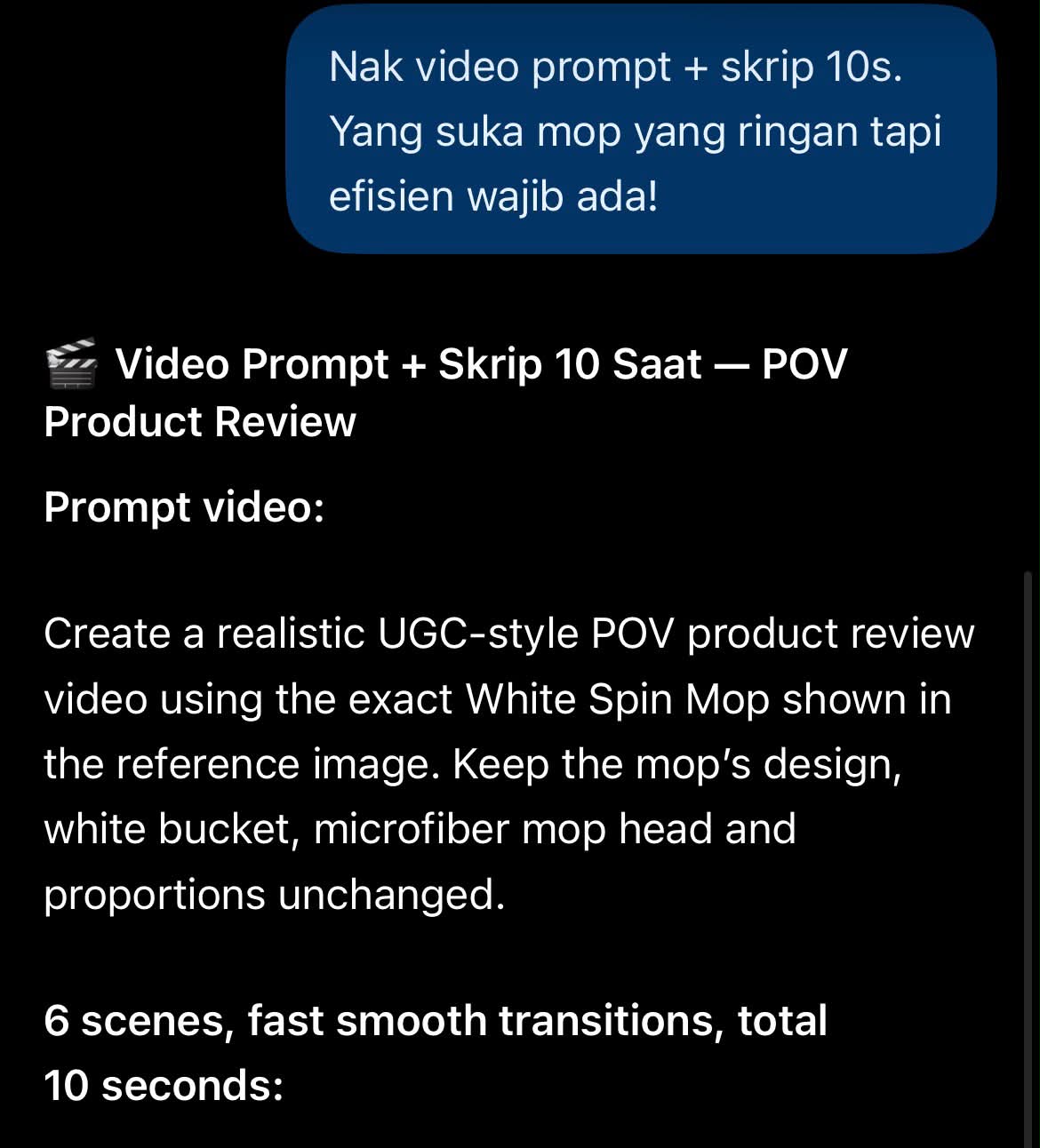
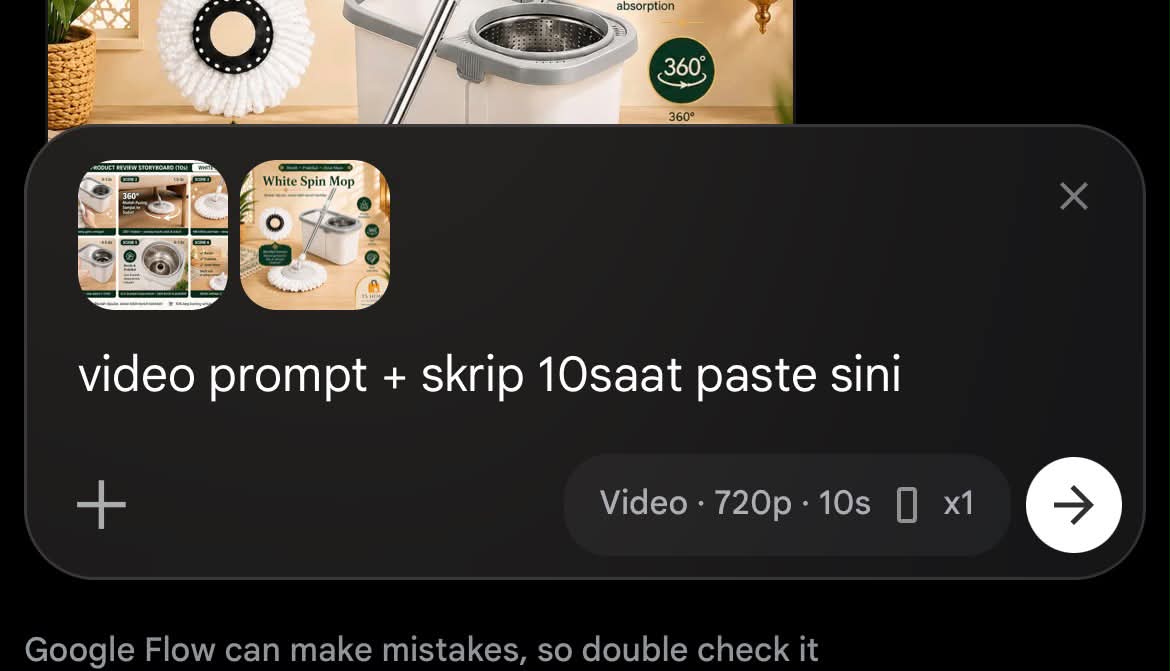
Prompt template
- Format
- Text Parameterized
- Inputs
- Product_image (image) · Required Product (text) · Optional · Default: a mop USP (text) · Optional · Default: lightweight and efficient Voiceover_line (text) · Optional · Default: Anyone who wants a lightweight but efficient mop needs this!
- Outputs
- Storyboard (image) Video_prompt_and_script (text) Product_video (video)
Using the attached product image, create a POV-style product review storyboard for ${product:a mop}. Make exactly 6 scenes for a 10-second video, focusing on the product’s USP: ${usp:lightweight and efficient}. Generate the storyboard as an image.

Then write a video-generation prompt and a spoken script for a 10-second product video. Use this line as the core message: “${voiceover-line:Anyone who wants a lightweight but efficient mop needs this!}”

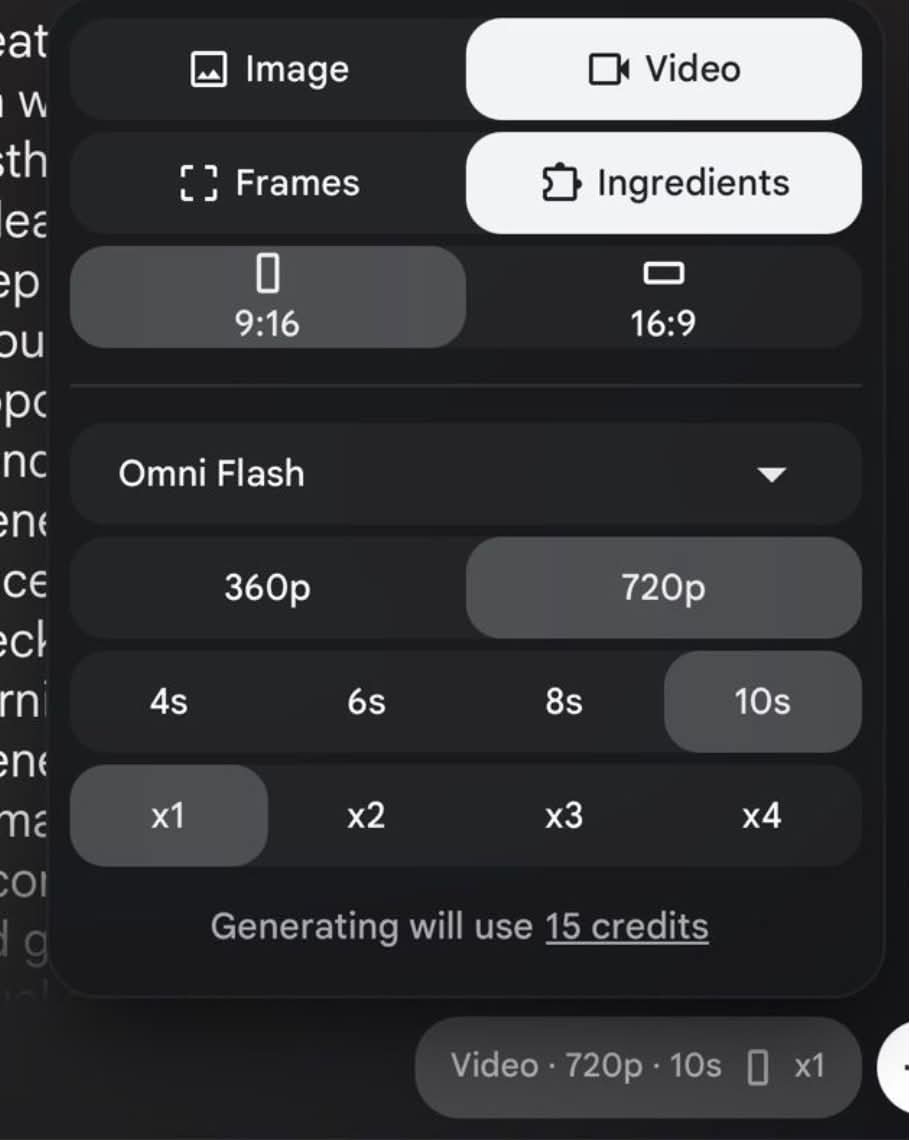
In Google Flow, choose Video — Omni Flash. Attach the storyboard image and product image, then provide the video prompt and script. Set the aspect ratio to 9:16, duration to 10 seconds, and quantity to 1 video.
Replace the ${…} placeholders with your values
before using this prompt. See parameters
and defaults below
Parameters
Replace each placeholder with your own value, or use its default when one is provided
${product:a mop}
product
Default: a mop
${usp:lightweight and efficient}
usp
Default: lightweight and efficient
${voiceover-line:Anyone who wants a lightweight but efficient mop needs this!}
voiceover-line
Default: Anyone who wants a lightweight but efficient mop needs this!
What you'll create
A POV-style storyboard emphasizes the product’s stated selling point, followed by a vertical video brief and matching short dialogue.
Frequently asked questions
How many storyboard scenes are requested?
The source specifies exactly six.





Comments
Tried this prompt? Share what you made, compare results, or ask a question