Create a Product Video from a Storyboard
Generate a Malay hand-POV product storyboard, then use it with a product image and video script to create a vertical 10-second video.
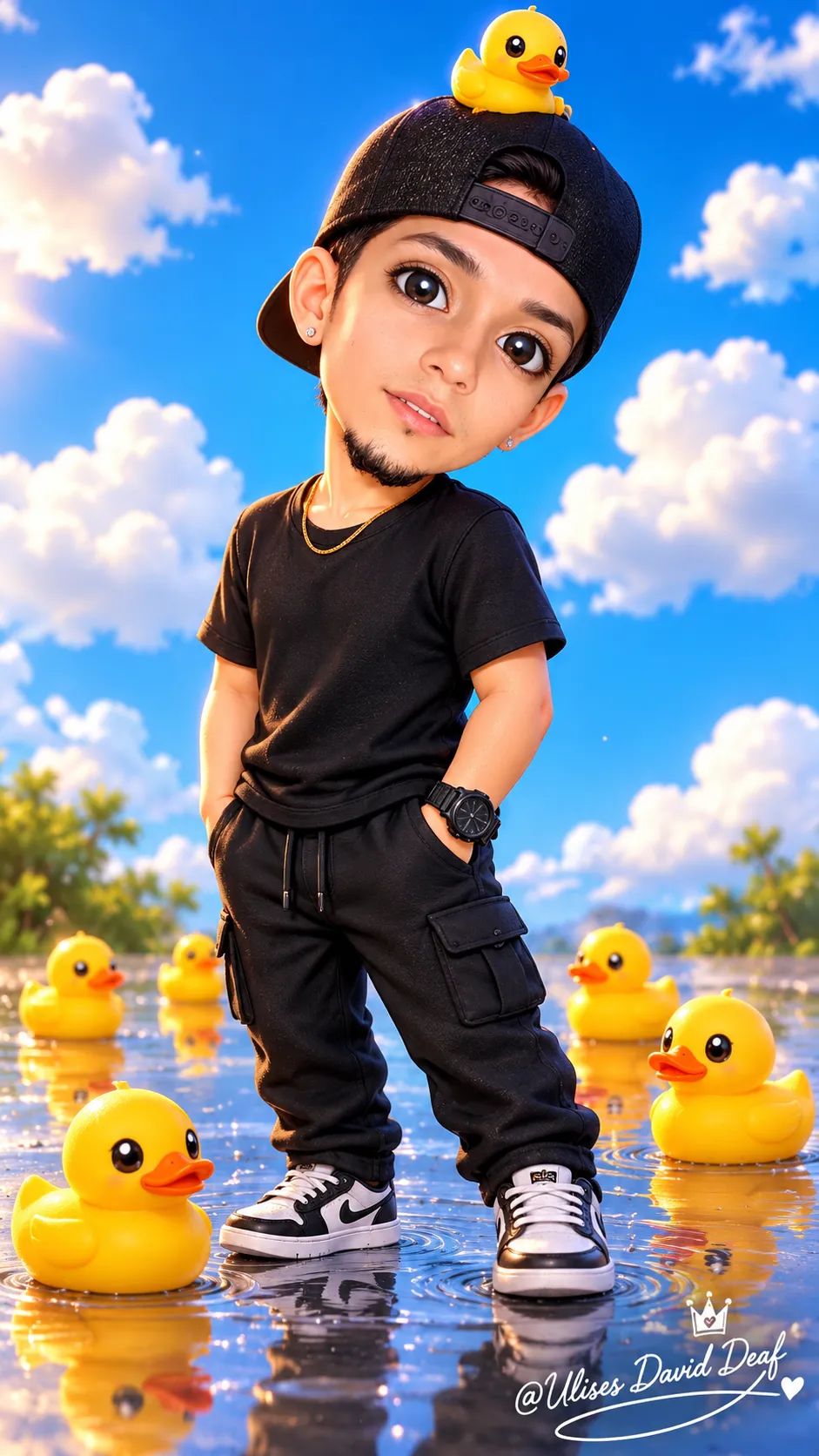
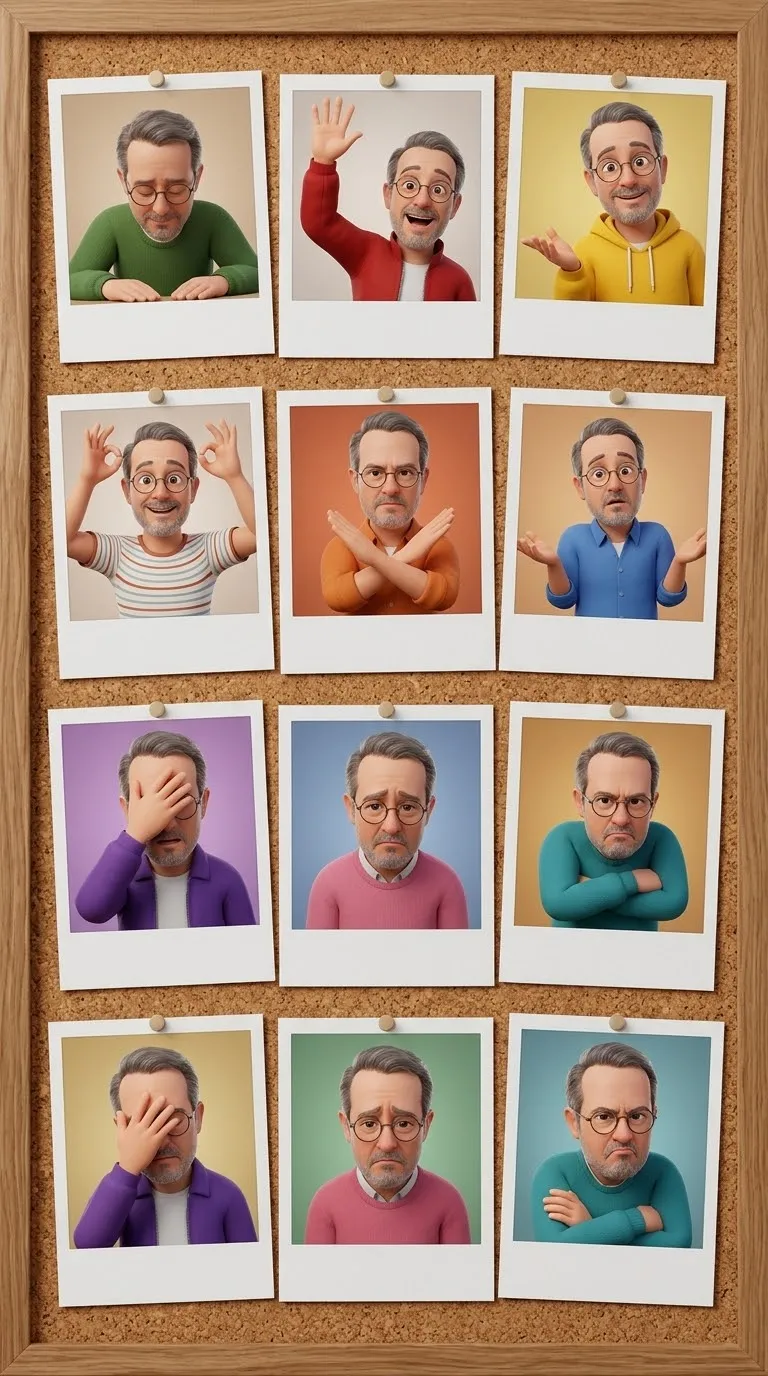
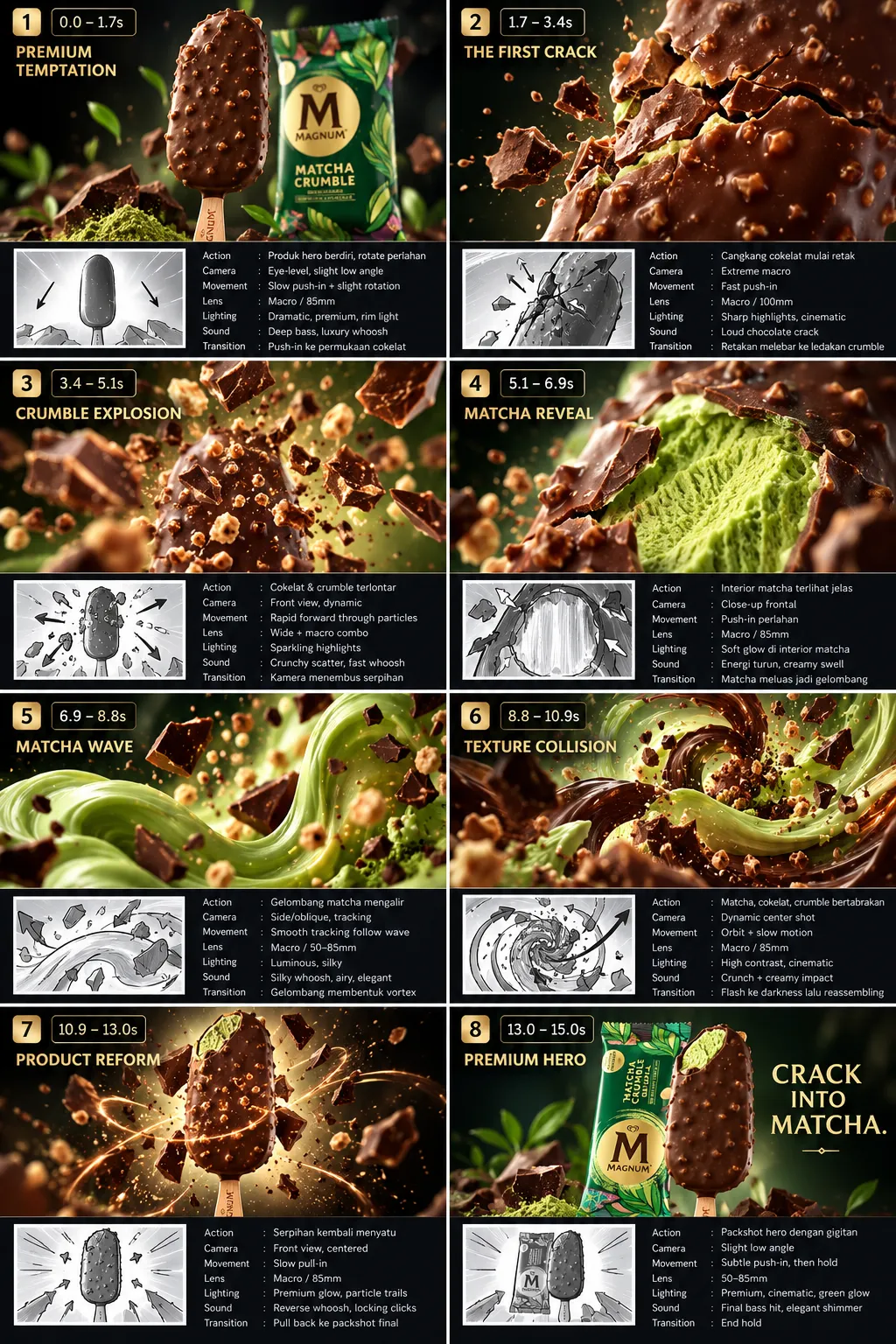
Example outputs
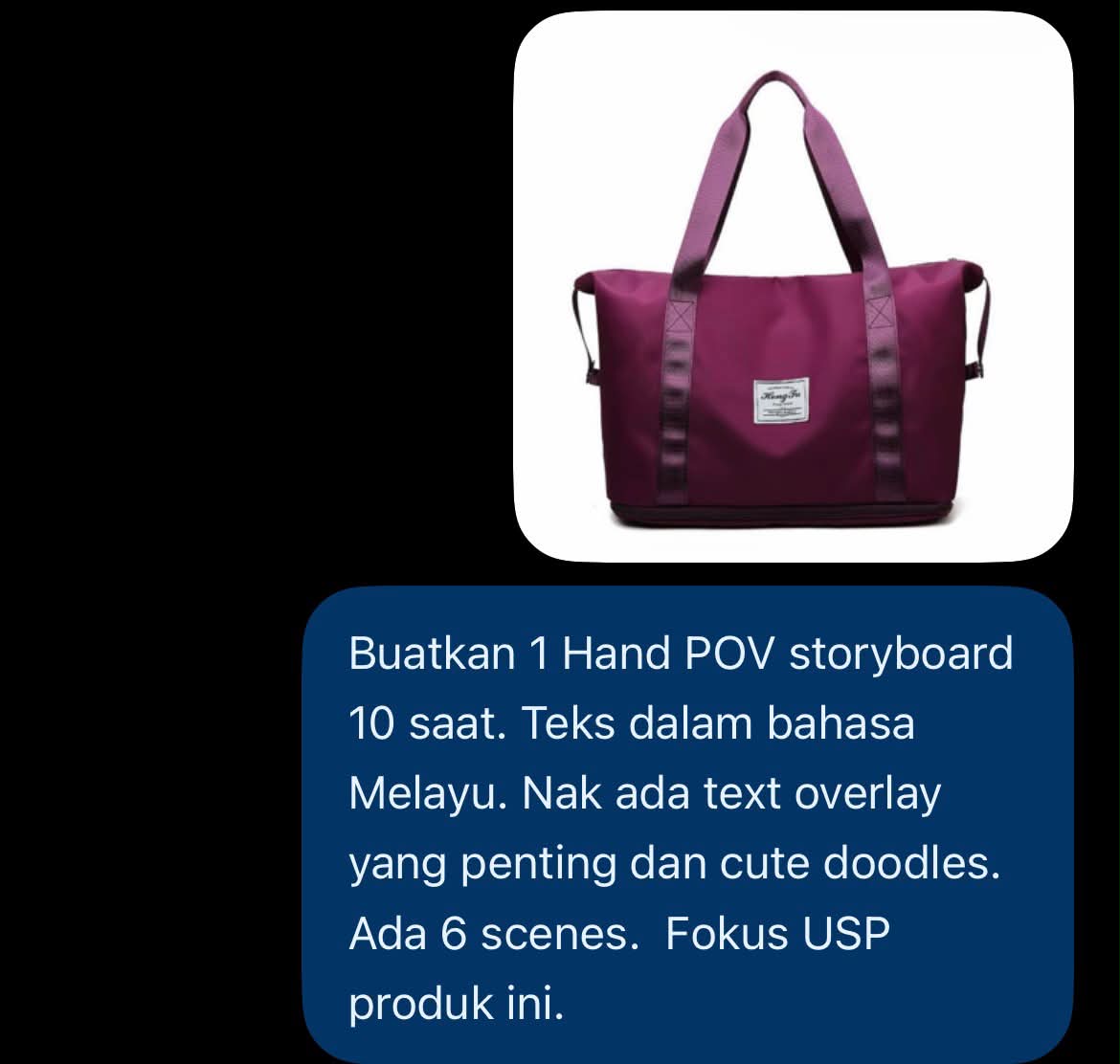
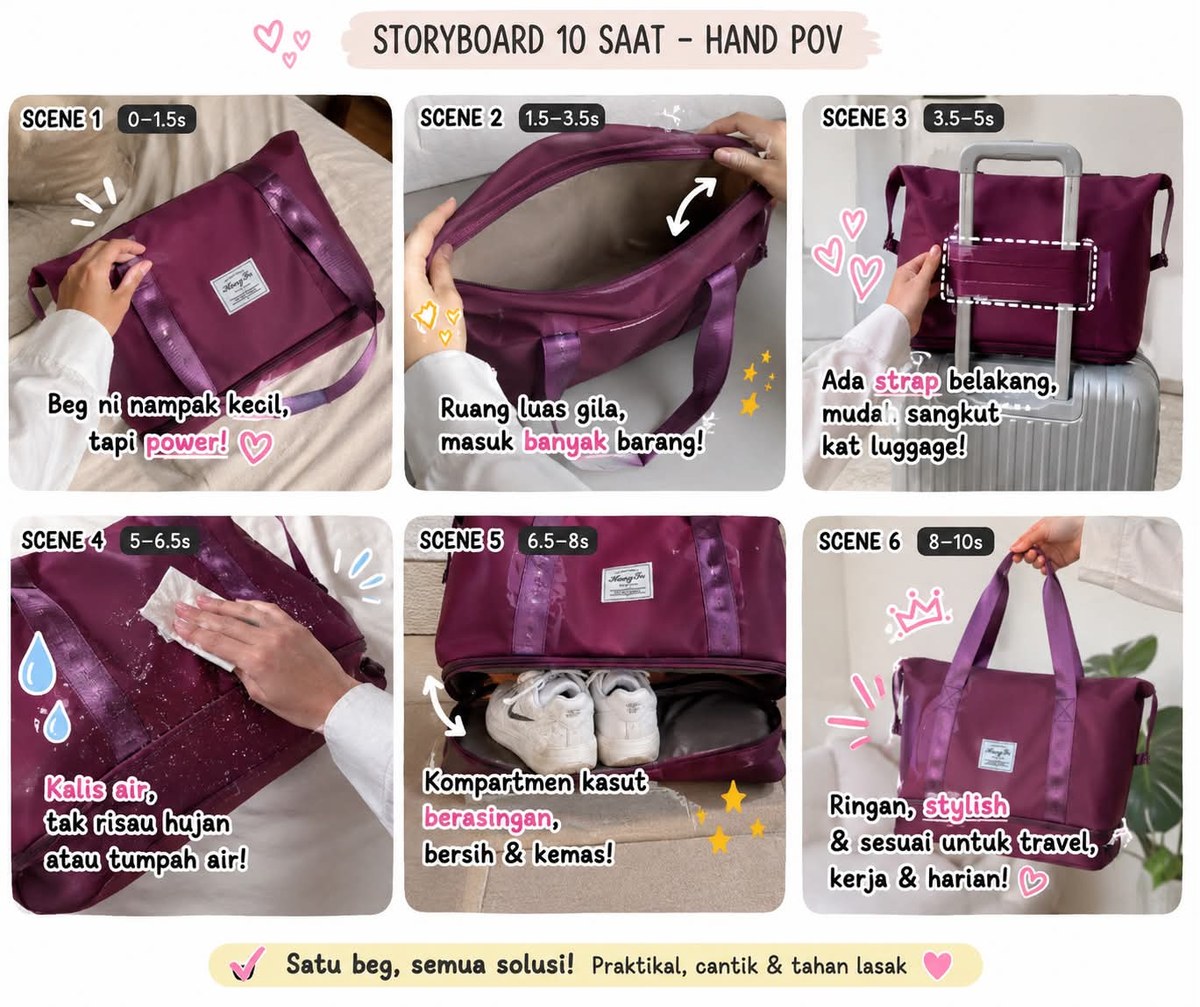
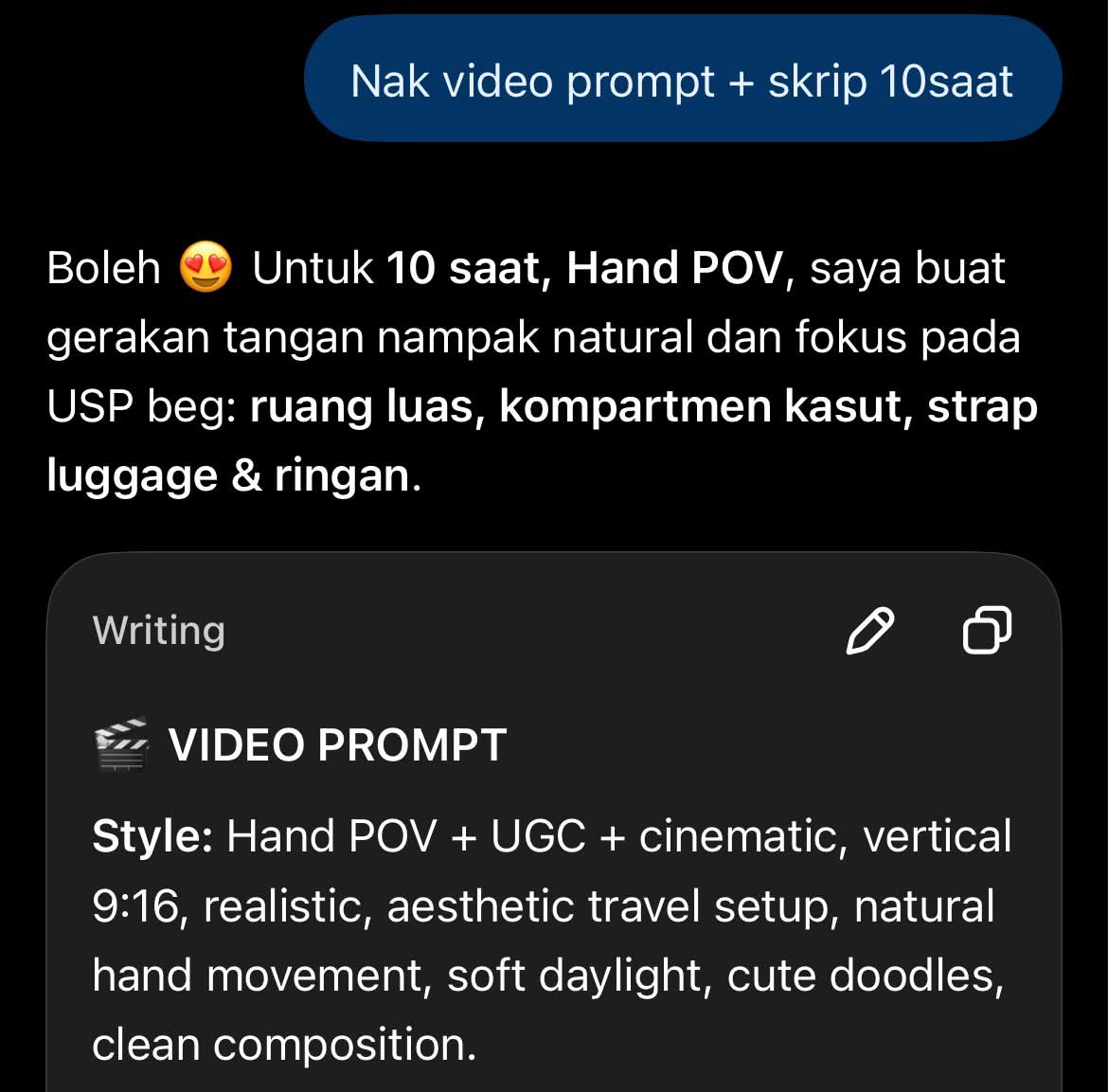
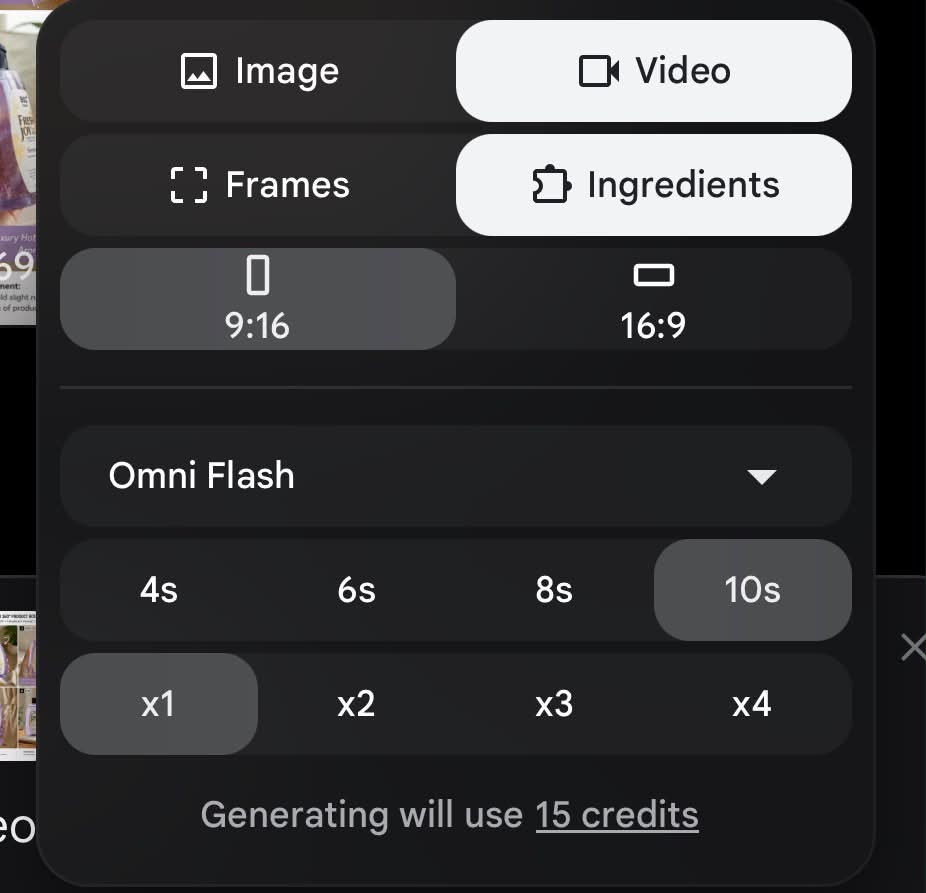
Prompt template
- Format
- Markdown Parameterized
- Inputs
- Product_details (text) · Required Product_image (image) · Required Language (text) · Optional · Default: Malay Duration (text) · Optional · Default: 10-second Scene_count (text) · Optional · Default: 6 Aspect_ratio (text) · Optional · Default: 9:16 Video_count (text) · Optional · Default: 1
- Outputs
- Storyboard (image) Video_prompt_and_script (text) Product_video (video)
## 1. Create the storyboard and video materials in ChatGPT
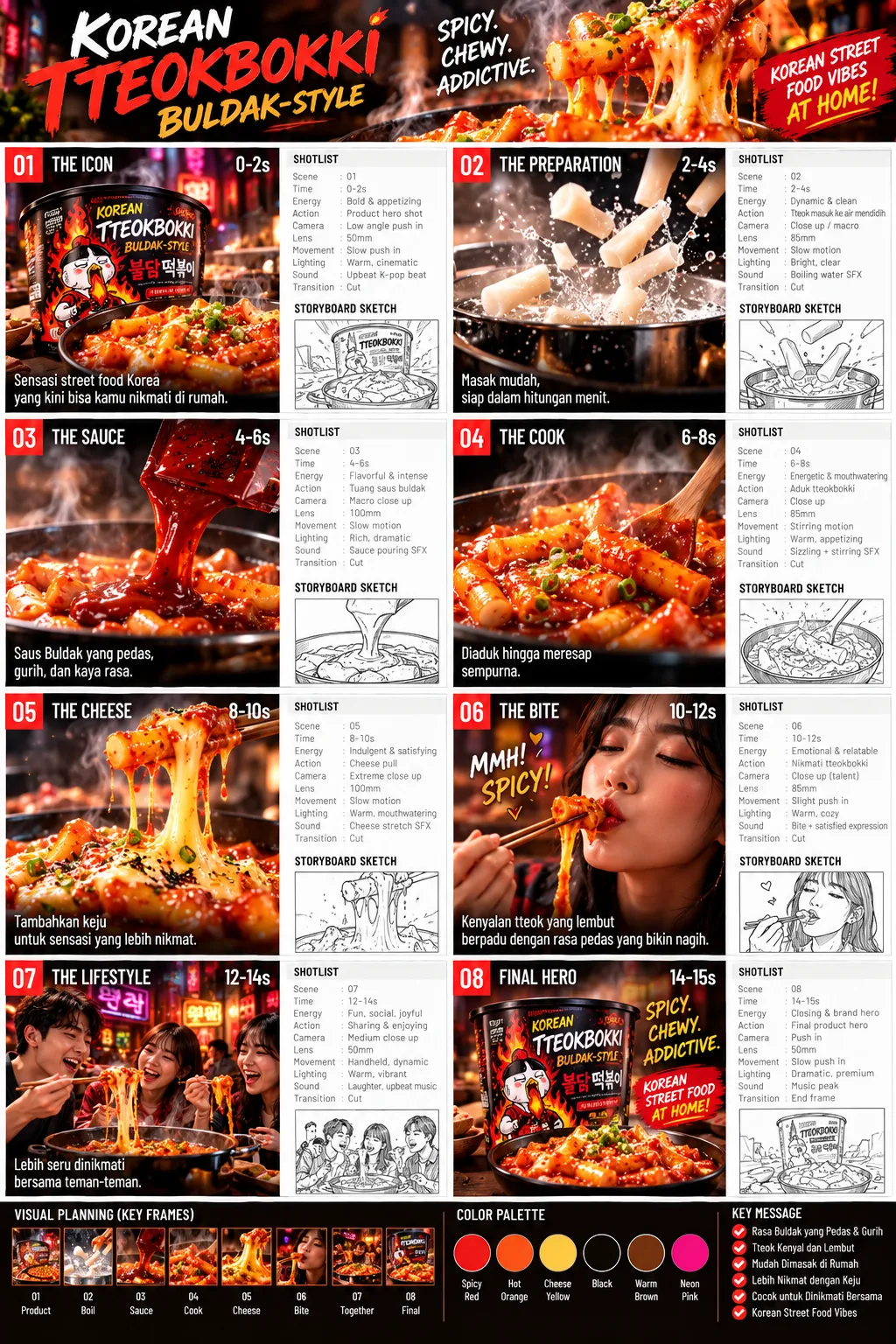
Using the product information below, create a ${duration:10-second} hand-POV storyboard in ${language:Malay} with ${scene-count:6} scenes. Focus on the product’s key USP. Include important text overlays and cute doodles. Provide the storyboard as an image.

Then create a video-generation prompt and a script for the same ${duration:10-second} video, based on the storyboard and product.

Product information and USP:
${product-details}

## 2. Generate the video in Google Flow AI
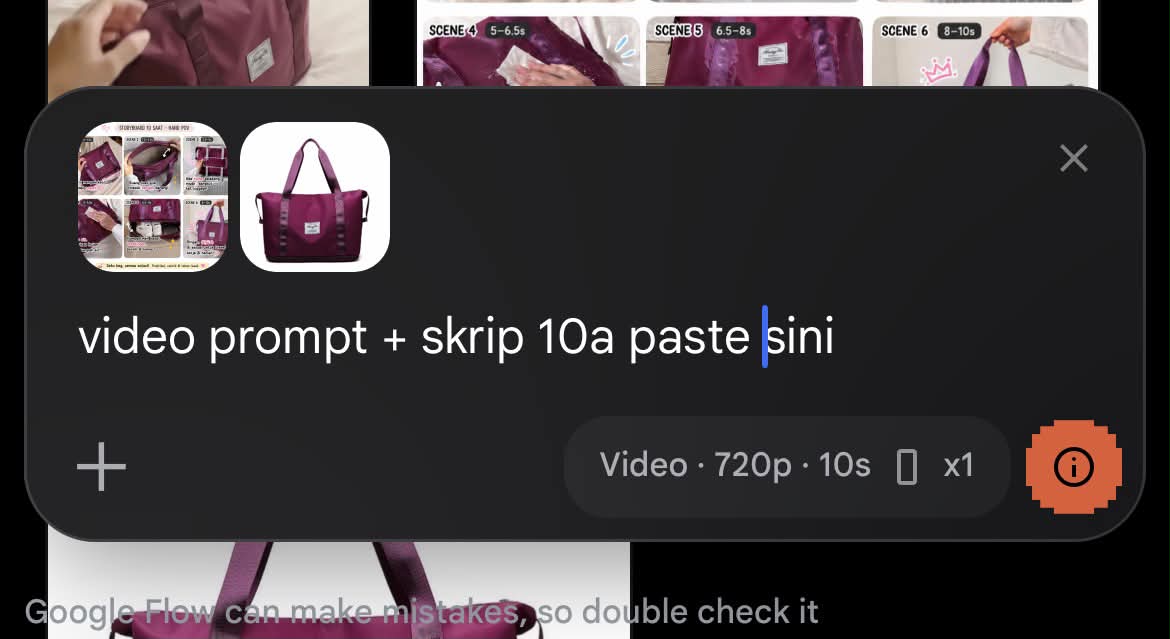
Choose Video → Omni Flash. Attach the storyboard image and product image, then provide the video prompt and script. Set the format to ${aspect-ratio:9:16}, the duration to ${duration:10 seconds}, and the number of videos to ${video-count:1}.
Replace the ${…} placeholders with your values
before using this prompt. See parameters
and defaults below
Parameters
Replace each placeholder with your own value, or use its default when one is provided
${duration:10-second}
duration
Default: 10-second
${language:Malay}
language
Default: Malay
${scene-count:6}
scene-count
Default: 6
${product-details}
product-details
Required
${aspect-ratio:9:16}
aspect-ratio
Default: 9:16
${video-count:1}
video-count
Default: 1
What you'll create
A customizable short-video package pairs scene timing with text overlays and cute doodles. The workflow uses the storyboard and product image as generation references, with adjustable language, duration, scene count and format.
Frequently asked questions
Is the storyboard only a written list?
No. The source asks for it as an image, followed by a matching video prompt and script.




Comments
Tried this prompt? Share what you made, compare results, or ask a question