Mint Gingham Stone-Wall Selfie Portrait
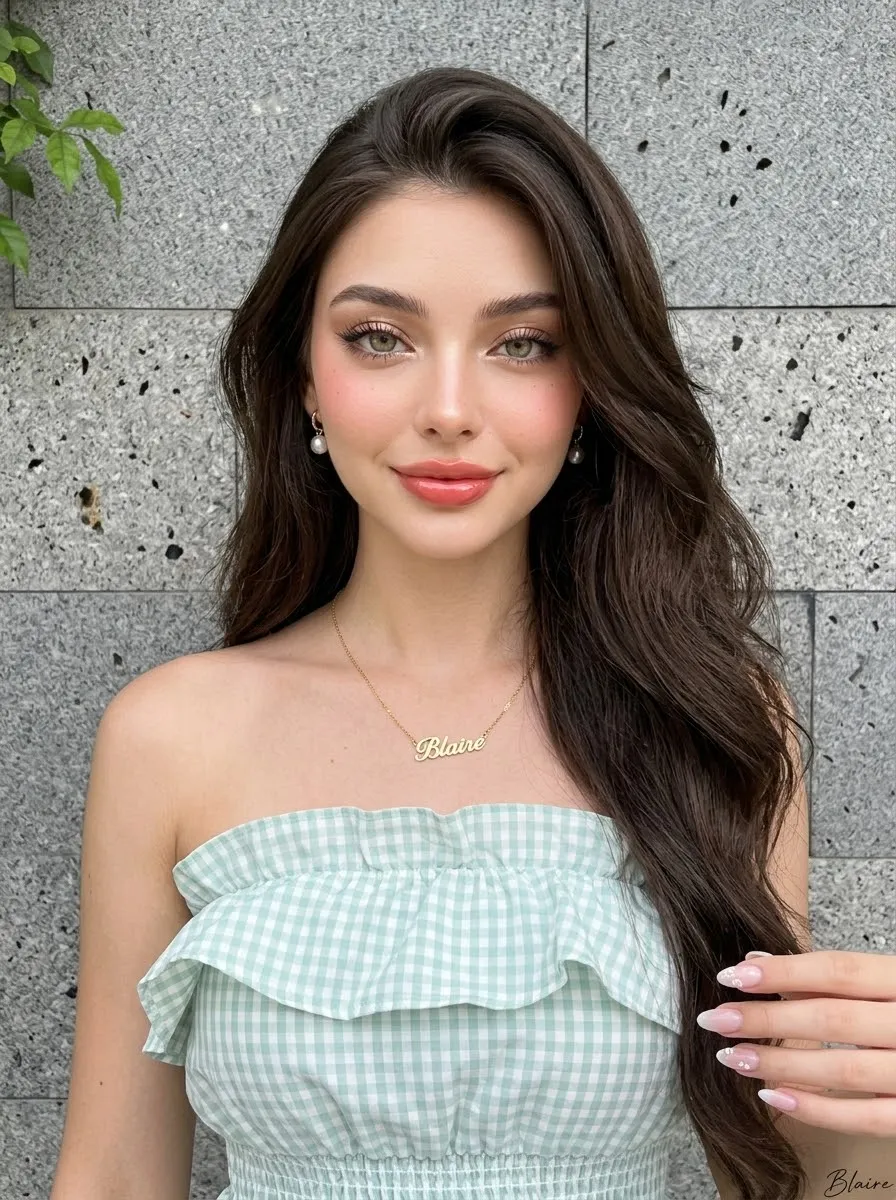
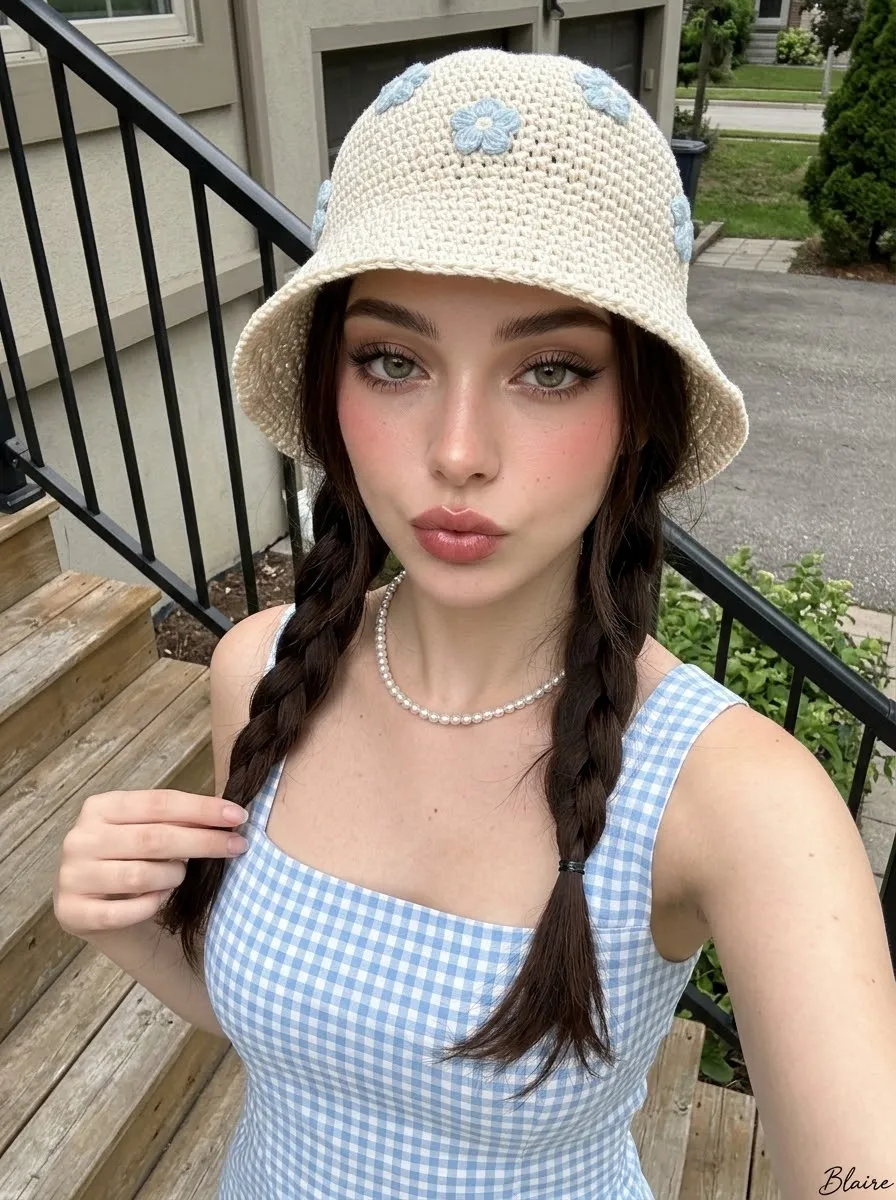
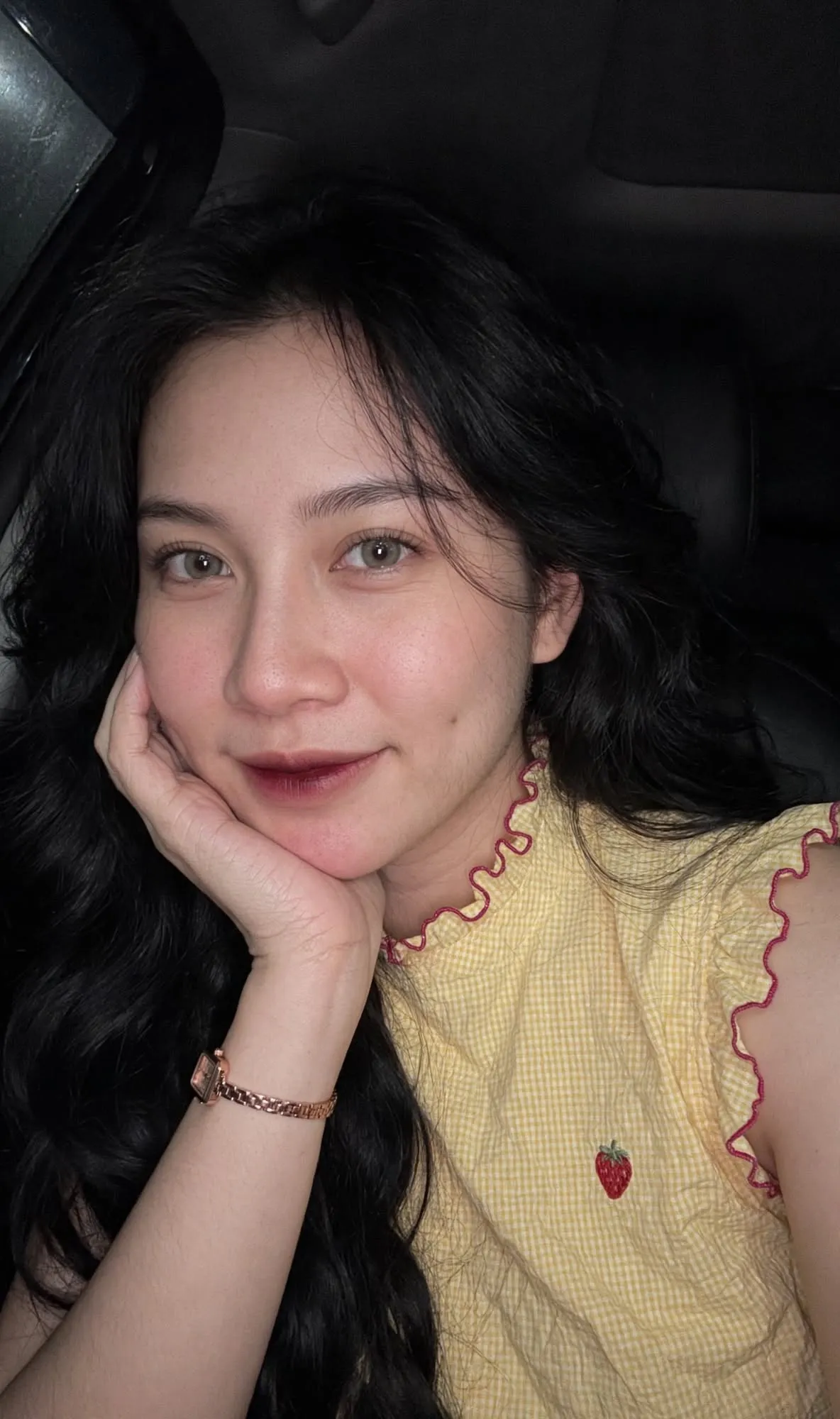
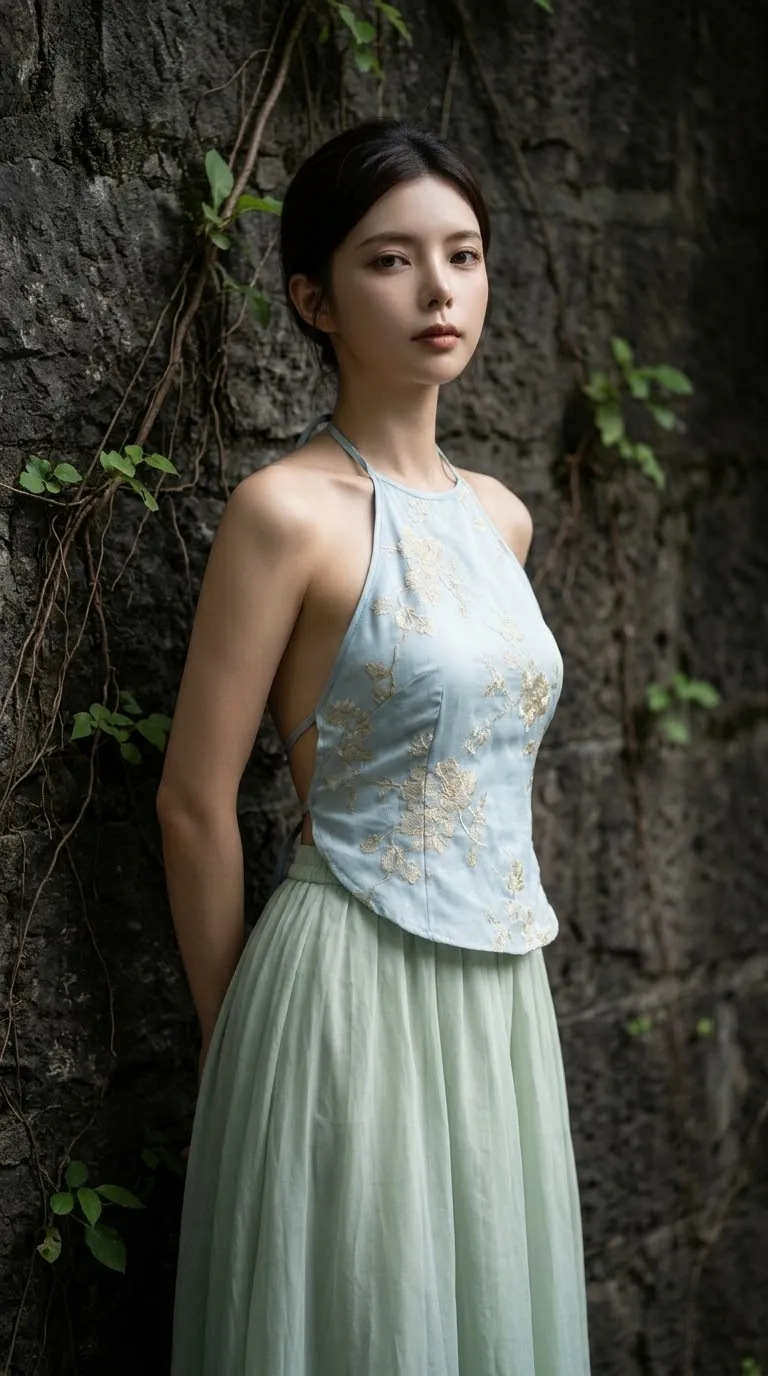
Create a close, natural-looking selfie portrait of a woman in a mint gingham ruffle top against a textured stone-tile wall, using a reference image to preserve her identity.
Example outputs
Prompt template
- Format
- Text Parameterized
- Inputs
- Facial_reference_image (image) · Required name (text) · Optional · Default: Blaire
- Outputs
- Portrait (image)
Using the supplied image as the facial reference, preserve the subject’s exact facial structure, proportions, features, expression, and identity. Add a small written signature reading ${name:Blaire} at the bottom right.

Create a close-medium portrait of a beautiful adult woman with a slim hourglass figure. Her shoulders face slightly toward the camera, her head is gently angled, and she looks directly into the lens with a soft, composed expression and a subtle closed-mouth smile.

POSE AND CAMERA ANGLE: Use a front-facing, slightly elevated selfie perspective. Frame the subject from the upper chest to above the head, with a relaxed, natural posture.

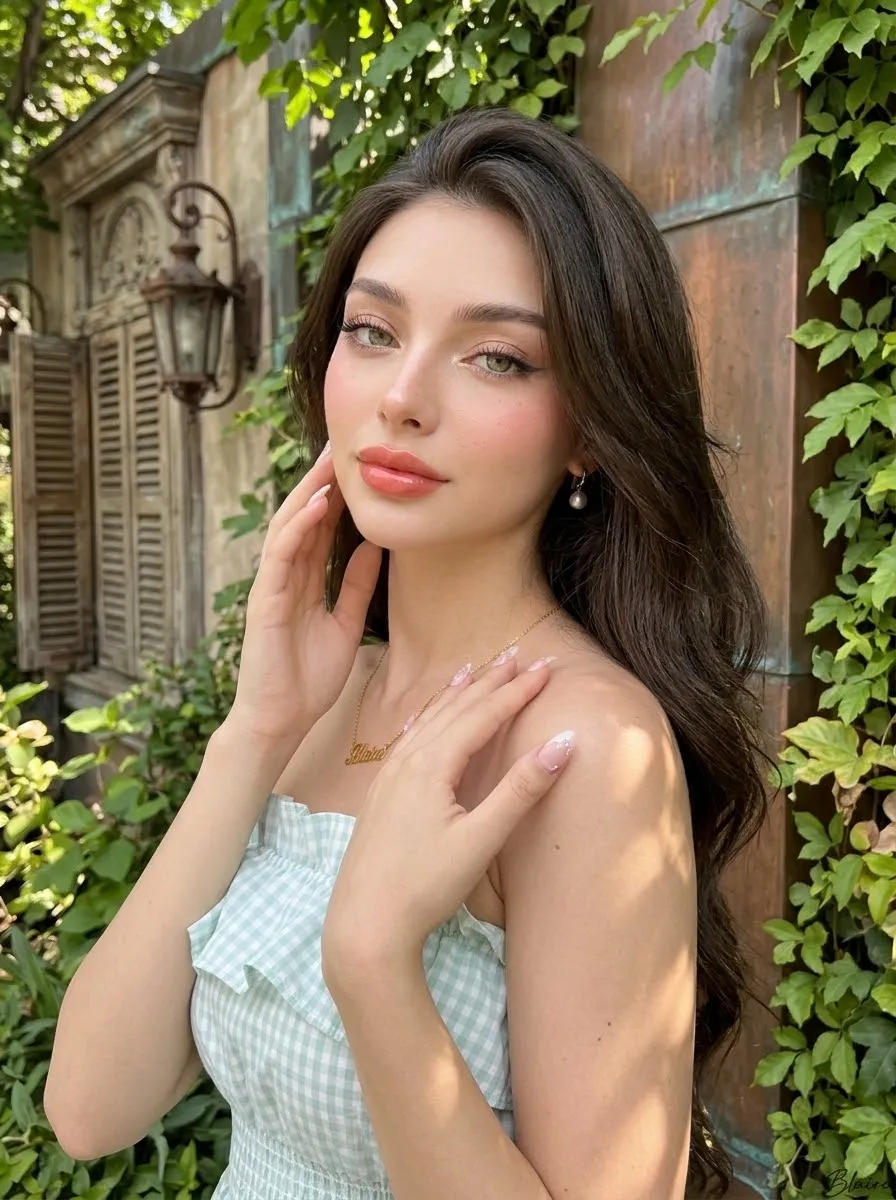
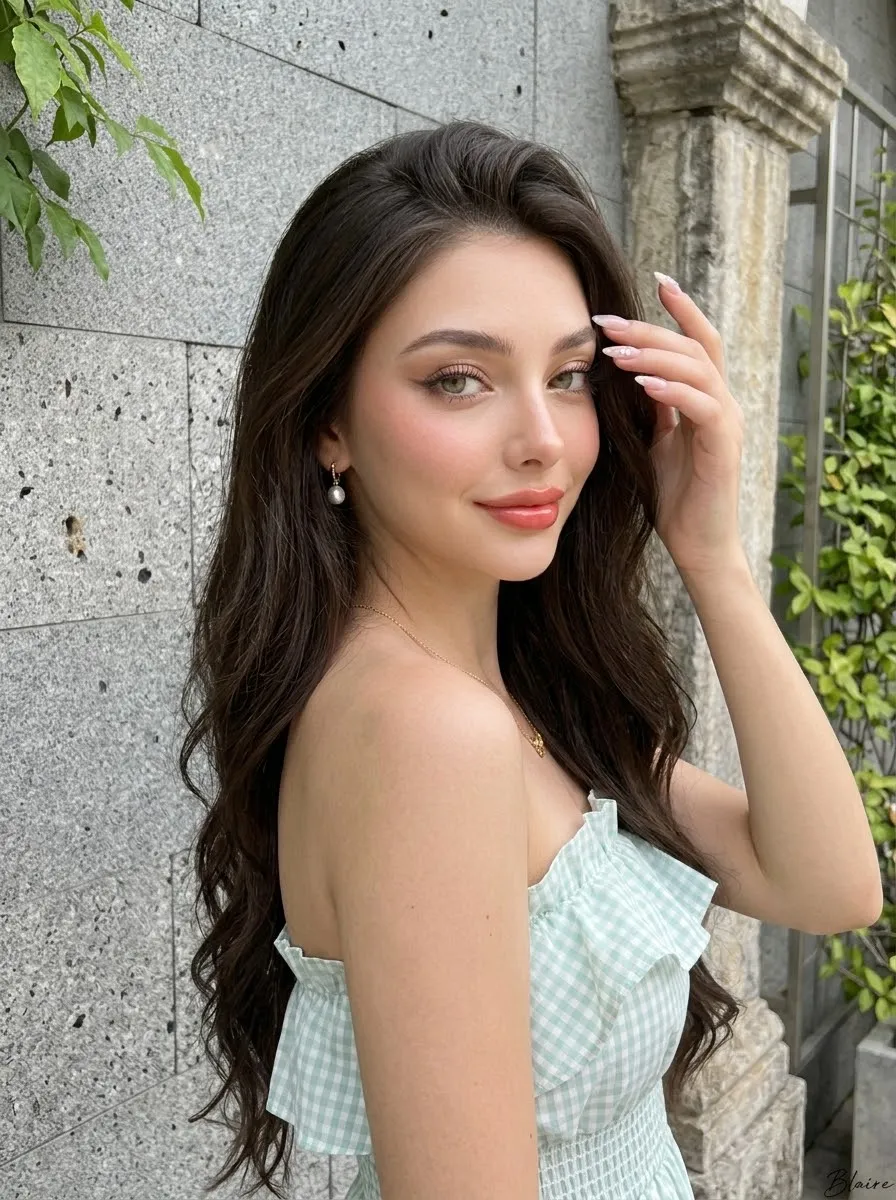
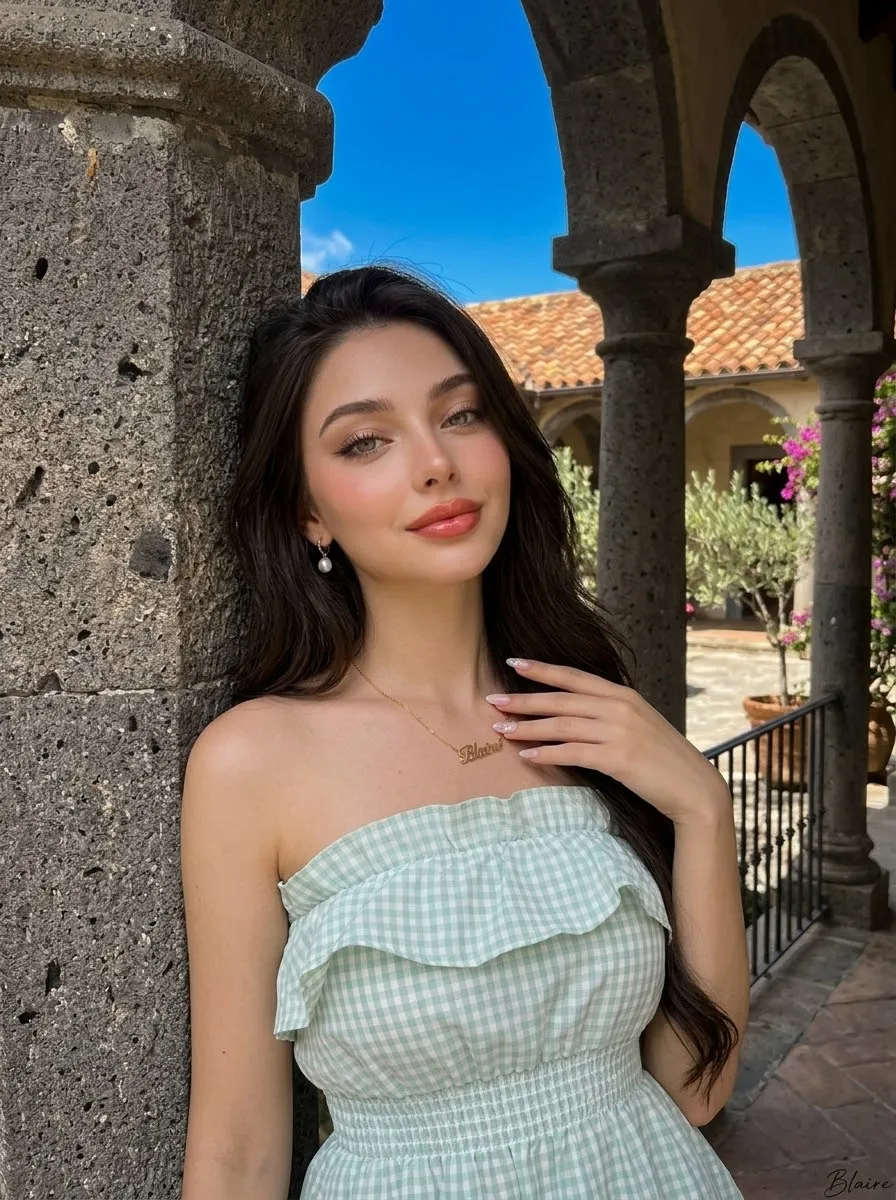
HAIR, MAKEUP, AND OUTFIT: Give her long, voluminous, dark chocolate-brown hair in a side-swept arrangement, flowing heavily over her right shoulder and across her chest. Use soft matte Thai-Korean glam makeup, radiant natural skin, delicate rosy blush, champagne-shimmer eyelids, subtle brown eyeliner, long curled lashes with a flick, naturally defined eyebrows, and plump glossy coral-pink jelly lips. Dress her in a pale mint-green and white gingham strapless top with a gathered elastic bodice, prominent layered ruffle neckline, soft fabric folds, and a delicate checkered pattern. Preserve the garment’s construction and colors. Add small pearl-drop earrings and a fine gold chain necklace with a delicate script pendant reading “${name:Blaire}.”

NAIL ART: Give her neatly manicured almond-shaped nails with sheer milky-pink polish and delicate white floral accents.

SETTING AND LOCATION: Reproduce the original gray textured stone-tile wall, preserving the visible horizontal and vertical tile joints, irregular natural stone speckles, subtle dark marks, and small green leaves entering from the upper-left edge.

PROPS AND DECOR: Add no objects. Keep the stone-wall background uncluttered.

COMPOSITION AND PHOTOGRAPHIC STYLE: Use a tight vertical portrait with the subject centered, a natural smartphone-selfie aesthetic, and realistic perspective and proportions.

LIGHTING AND COLOR: Use soft frontal natural daylight with gentle highlights on the cheeks, nose, and forehead. Keep the background neutral gray and skin tones naturally warm.

REALISM: Show authentic skin pores, subtle facial texture, natural hair flyaways, realistic fabric stitching, believable shadows, and delicate facial asymmetry.

CAMERA SETTINGS: UHD 8K, authentic RAW photographic quality, Canon EOS R5, RF 85mm portrait lens, ISO 100, 1/200 sec, f/2.2, 3:4 vertical.

NEGATIVE PROMPT: Do not change facial identity; avoid artificial skin, a plastic appearance, exaggerated body proportions, distorted hands, extra fingers, an altered outfit, missing ruffles, a different background, cartoon effects, excessive retouching, or blurry details. Do not add a watermark or any text other than the specified signature and necklace pendant.
Replace the ${…} placeholders with your values
before using this prompt. See parameters
and defaults below
Parameters
Replace each placeholder with your own value, or use its default when one is provided
${name:Blaire}
name
Default: Blaire
What you'll create
An adult woman faces a slightly elevated selfie camera with a gentle closed-mouth smile. Side-swept chocolate waves, rosy makeup and coral-pink gloss shape a close-medium portrait.
Generation settings
Advanced settings
- Negative prompt
- Do not change facial identity; avoid artificial skin, a plastic appearance, exaggerated body proportions, distorted hands, extra fingers, an altered outfit, missing ruffles, a different background, cartoon effects, excessive retouching, or blurry details. Do not add a watermark or any text other than the specified signature and necklace pendant.
Frequently asked questions
Can the small signature be changed?
The name input defaults to Blaire and controls the bottom-right signature.


Comments
Tried this prompt? Share what you made, compare results, or ask a question