Outdoor White-Dress Fashion Portrait
Create a full-length, photorealistic fashion portrait using a reference image to guide the subject’s facial identity. The signature text is customizable.
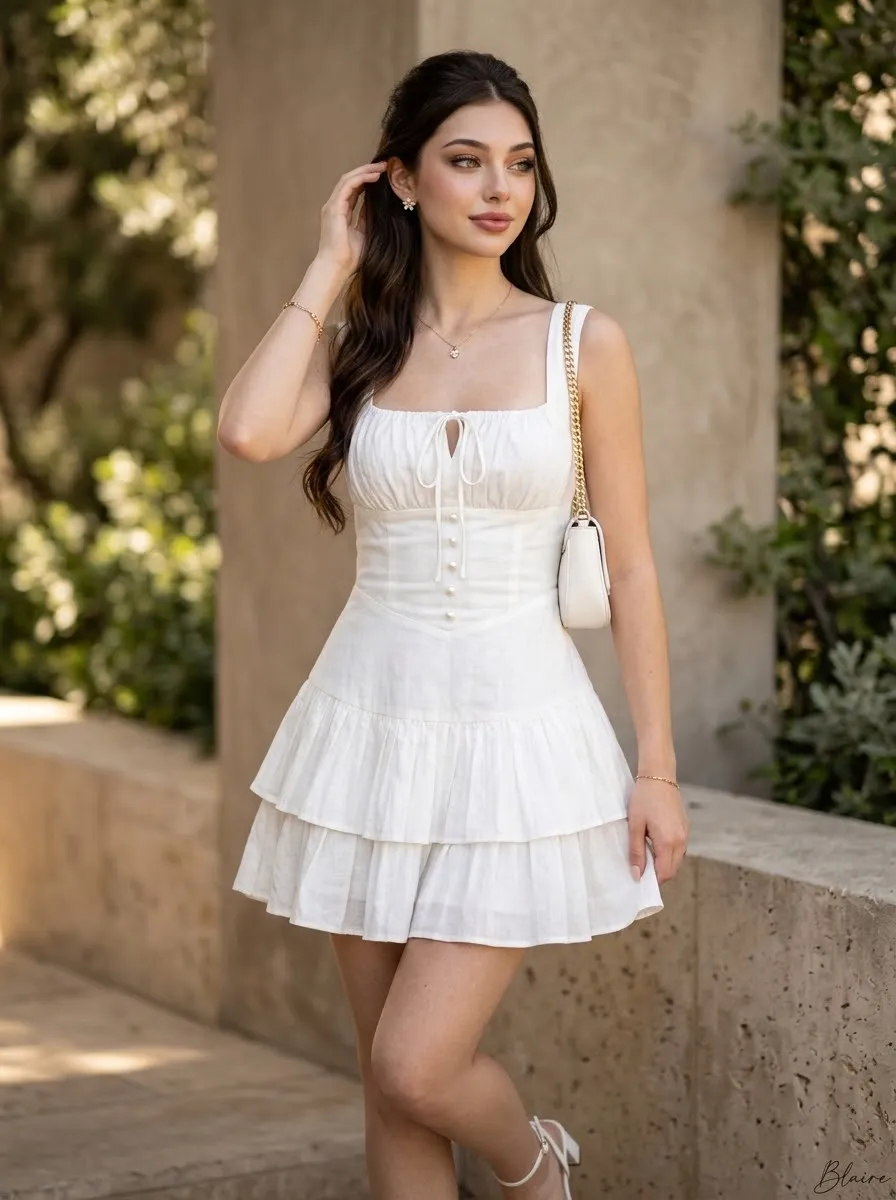
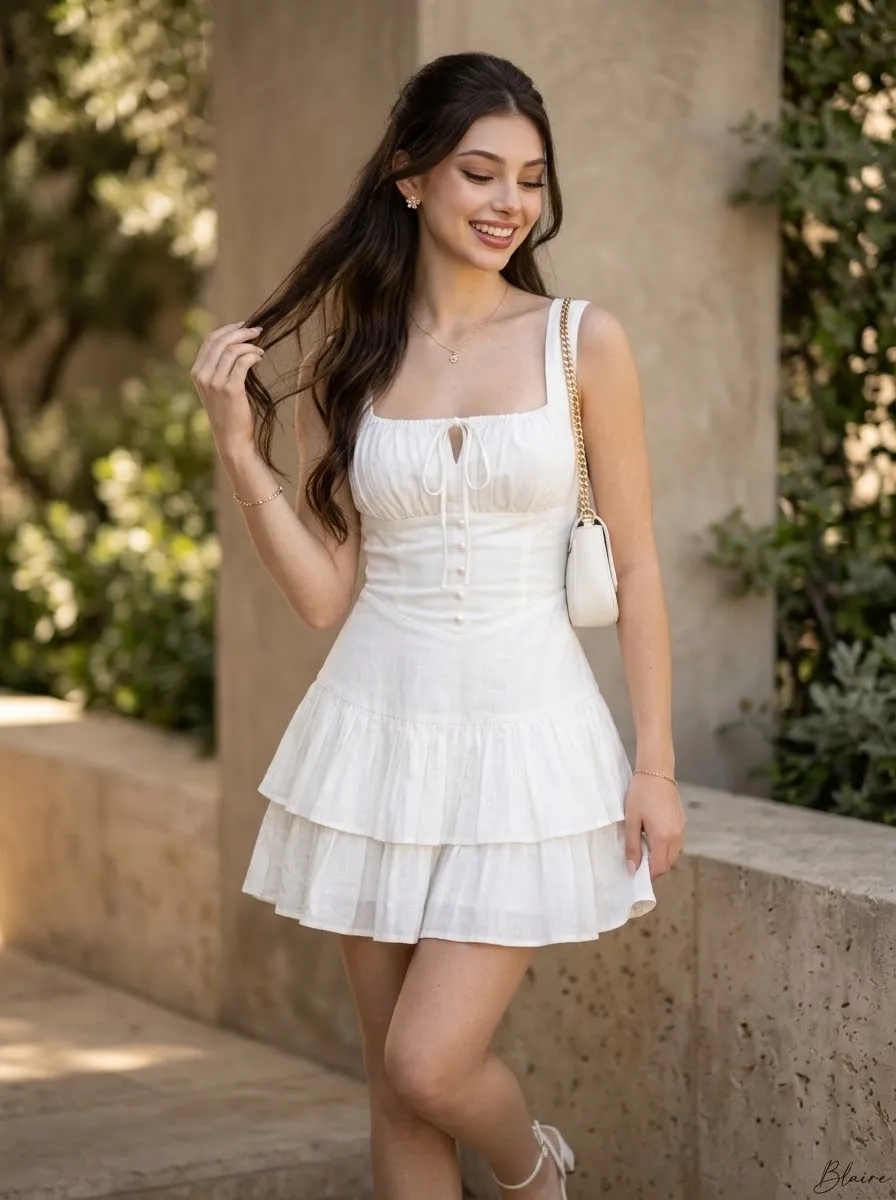
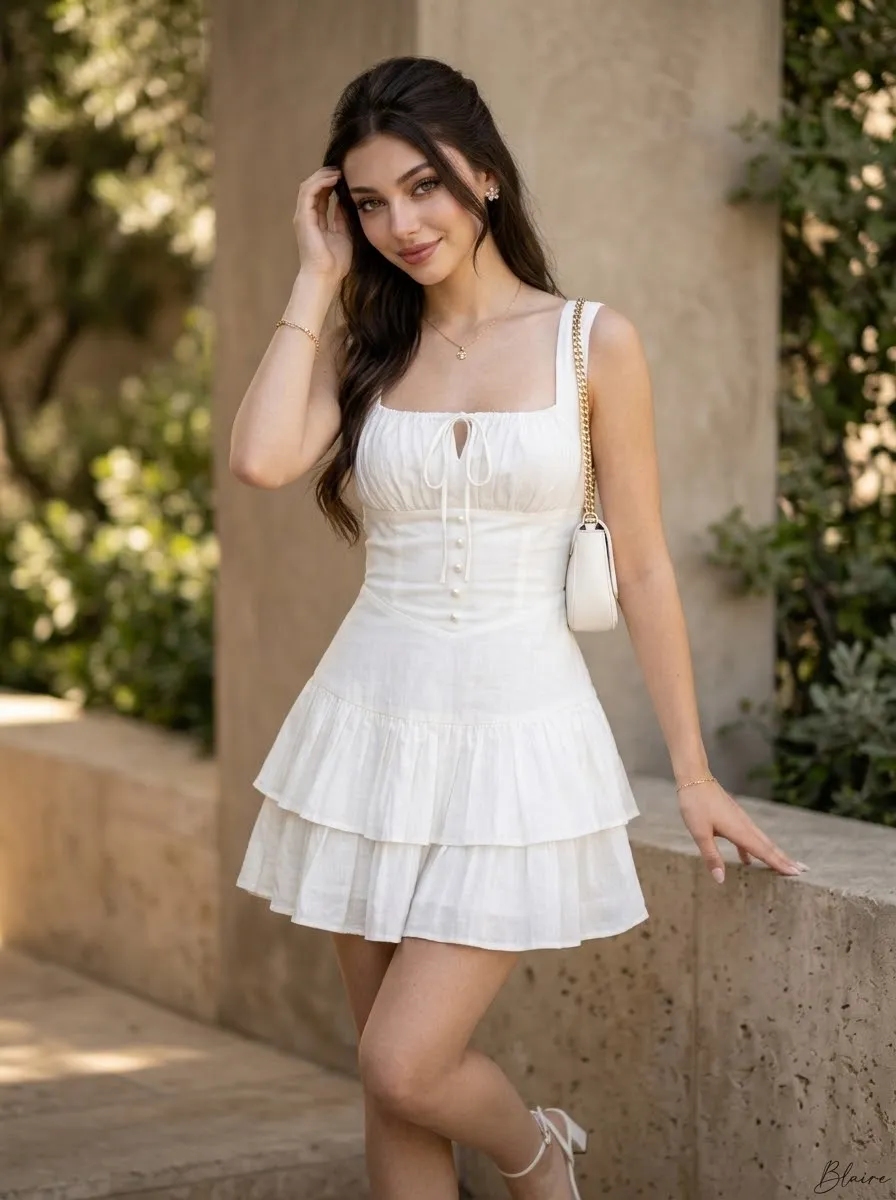
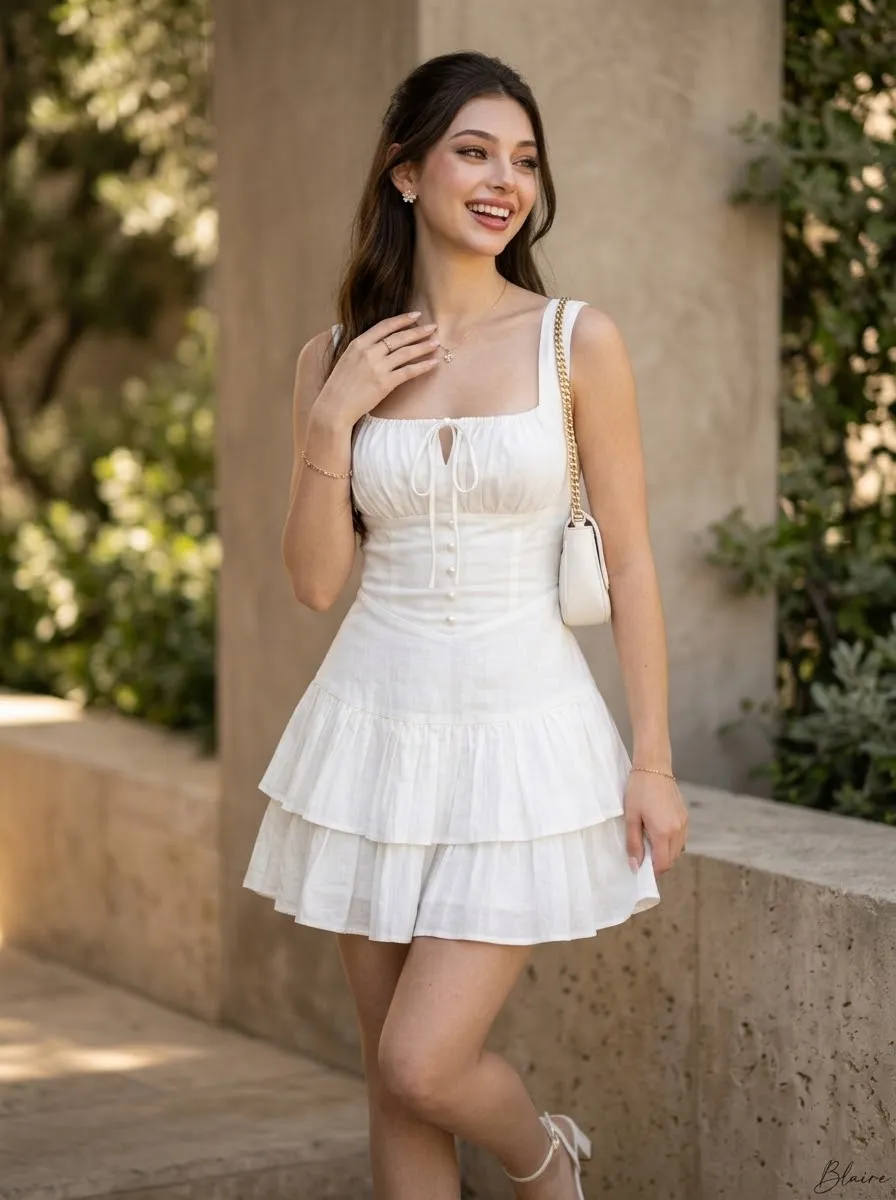
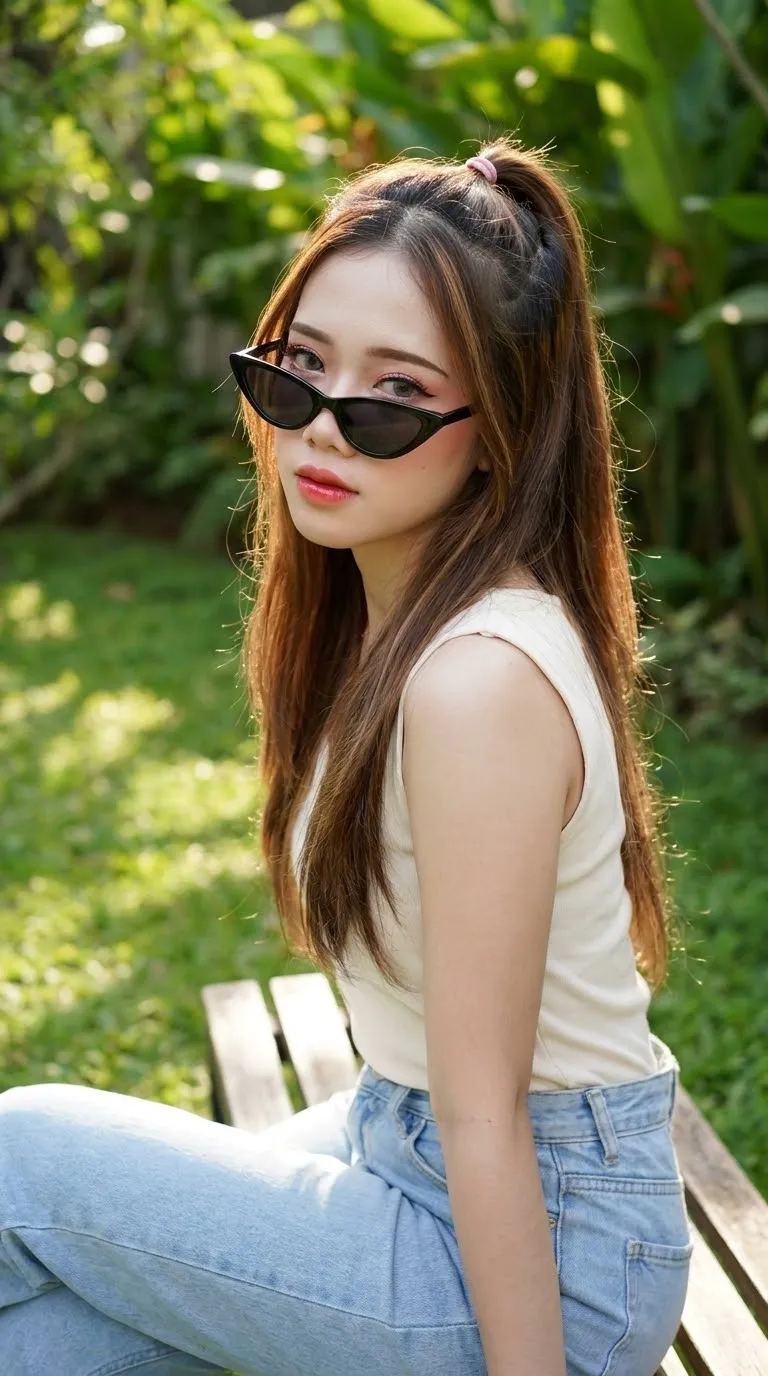
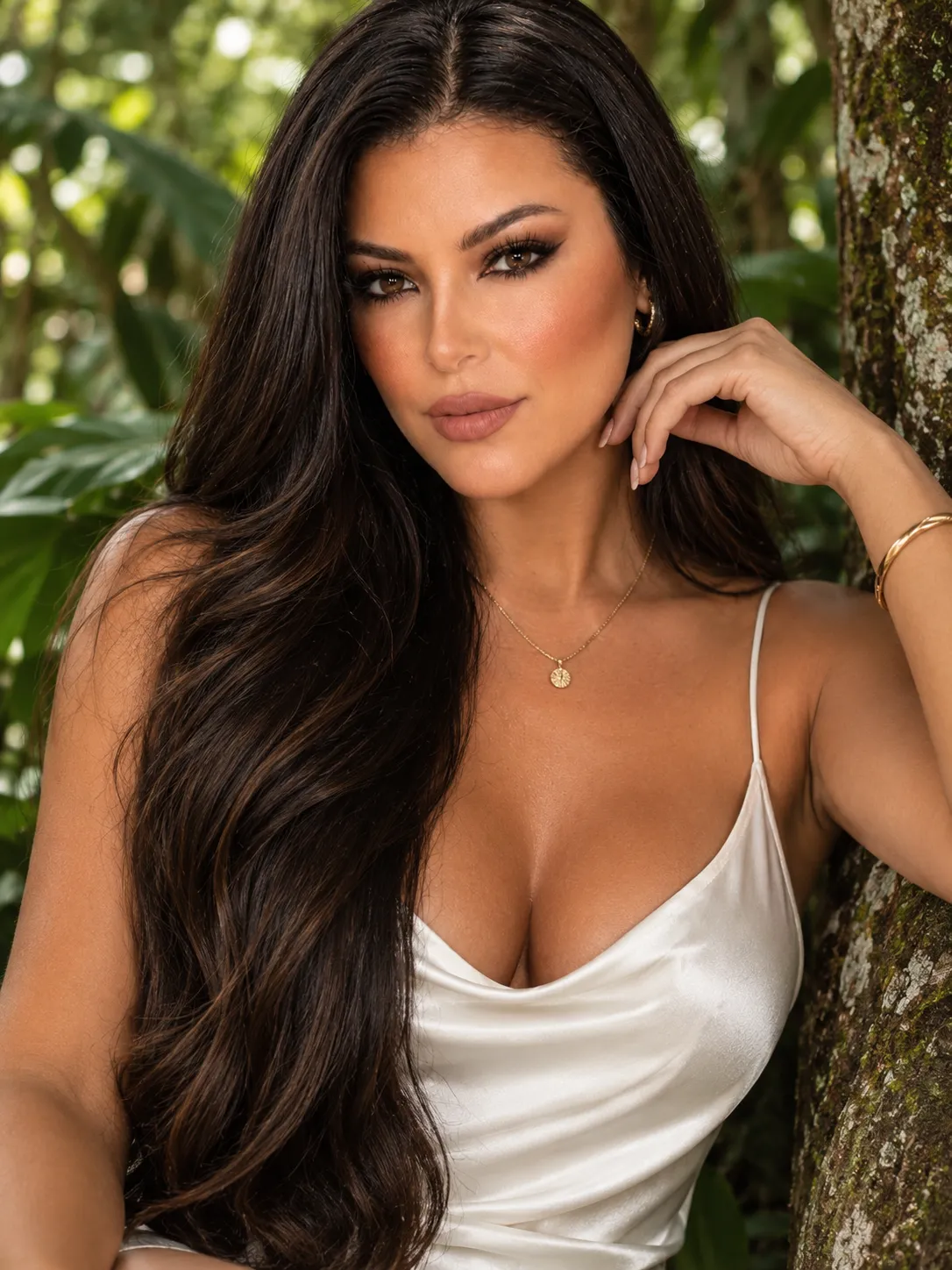
Example outputs
Prompt template
- Format
- Text Parameterized
- Inputs
- Facial_reference_image (image) · Required Signature (text) · Optional · Default: Blaire
- Outputs
- Fashion_portrait (image)
Using the provided image as the facial reference, maintain the same facial structure, proportions, features, and expression for a consistent identity. Add the small written signature ${signature:Blaire} at the bottom right.

Create a full-length, ultra-realistic portrait of a young woman with long, lustrous dark wavy hair, standing gracefully outdoors against a neutral-toned architectural background with soft green foliage. She has a gentle, subtle smile and looks slightly away from the camera while gently tucking a strand of hair behind her ear. She wears a chic white mini-dress featuring a square neckline, a ruched bodice with a delicate tie string at the center, a fitted waistline with a vertical row of subtle buttons, and a flared, pleated skirt. She is accessorized with small floral stud earrings, a delicate gold necklace with a tiny pendant, a thin bracelet, and a small white shoulder bag with a gold chain strap over her left shoulder. Use soft, natural lighting with gentle shadows and a warm, sun-kissed ambiance. Photorealistic, 8k resolution, highly detailed textures, natural skin tones, professional fashion photography style.
Replace the ${…} placeholders with your values
before using this prompt. See parameters
and defaults below
Parameters
Replace each placeholder with your own value, or use its default when one is provided
${signature:Blaire}
signature
Default: Blaire
What you'll create
This prompt creates a full-length, photorealistic fashion portrait of a young woman in a white mini-dress, posed outdoors with soft greenery and neutral architecture. Warm natural light, detailed clothing and accessories, and a small customizable signature complete the composition.
Usage instructions
Frequently asked questions
What should the reference image guide?
Use it as the facial reference for the portrait, maintaining the person’s facial structure, proportions, features, and expression.
Can I change the signature?
Yes. Replace the default “Blaire” text with the exact signature you want placed at the bottom right.


Comments
Tried this prompt? Share what you made, compare results, or ask a question