Sunlit Garden Portrait with Wildflowers
Create a realistic garden portrait using a reference image to preserve the subject’s facial identity. The signature is customizable and defaults to “Blaire.”
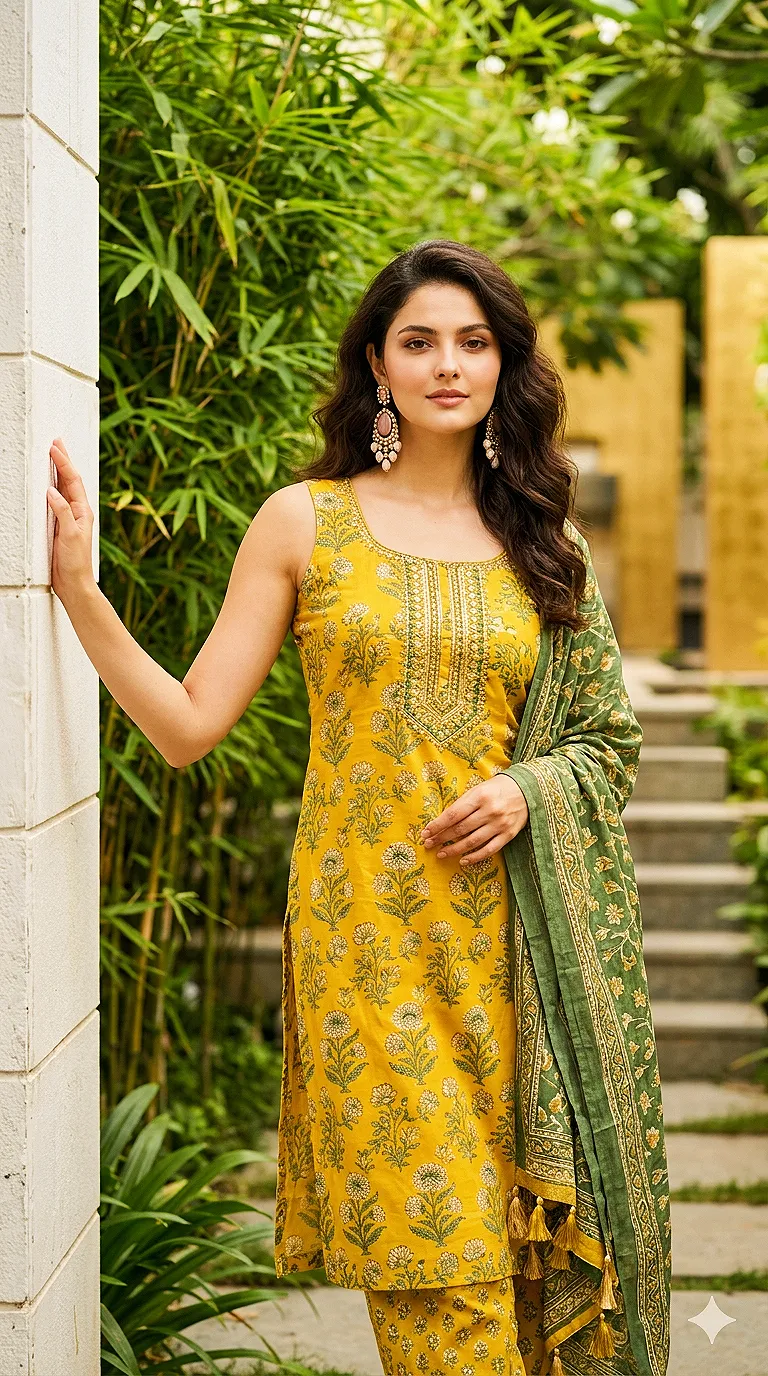
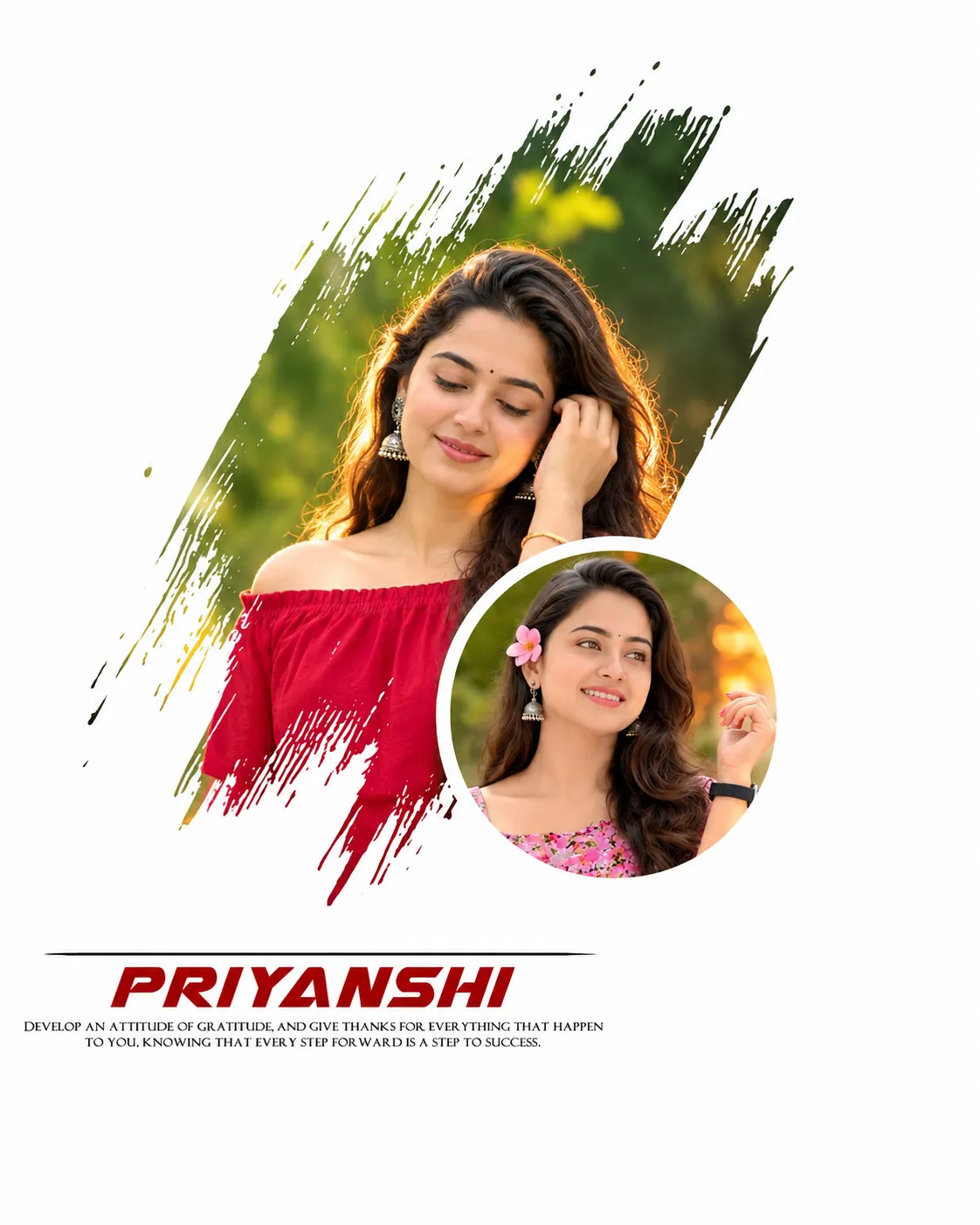
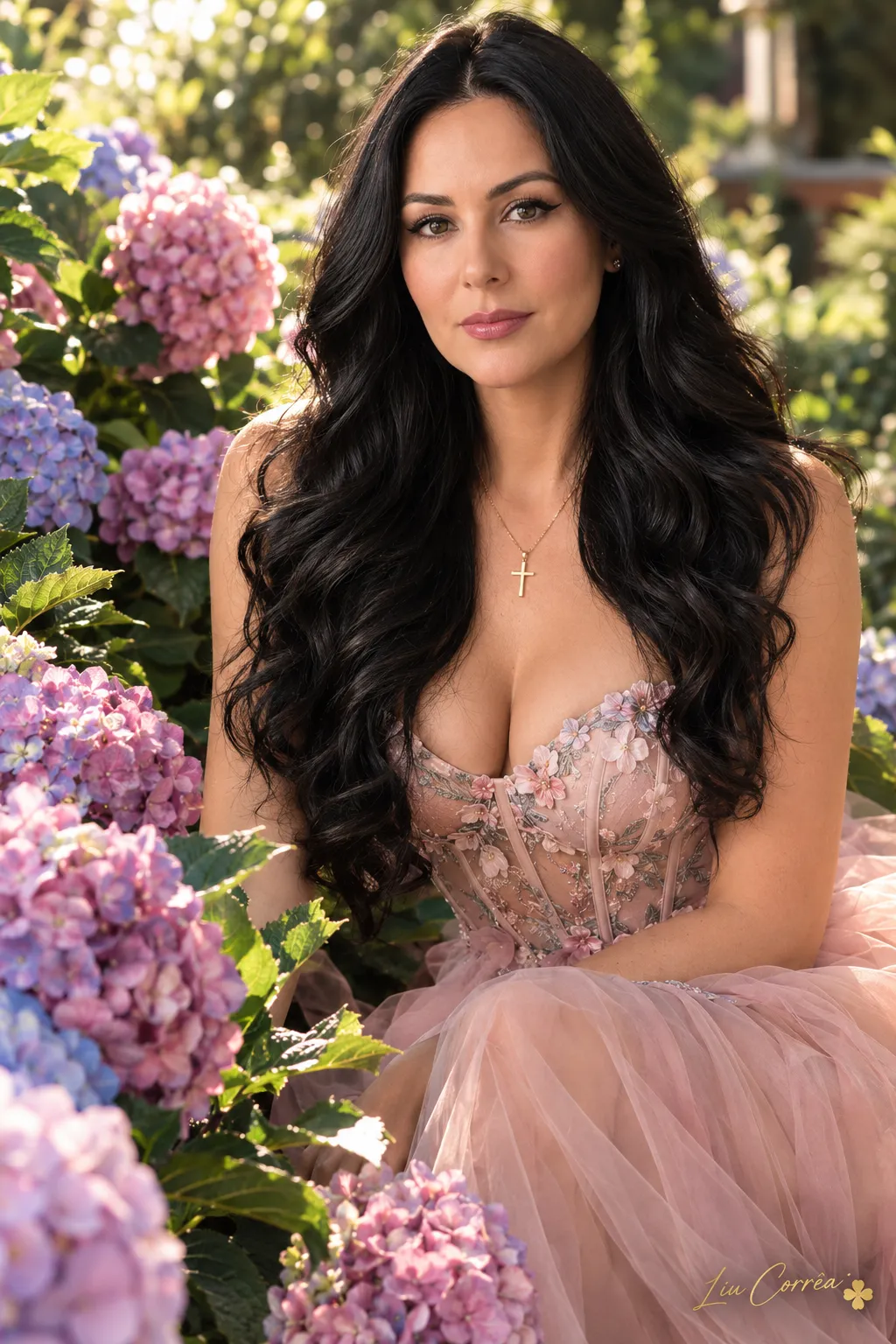
Example outputs
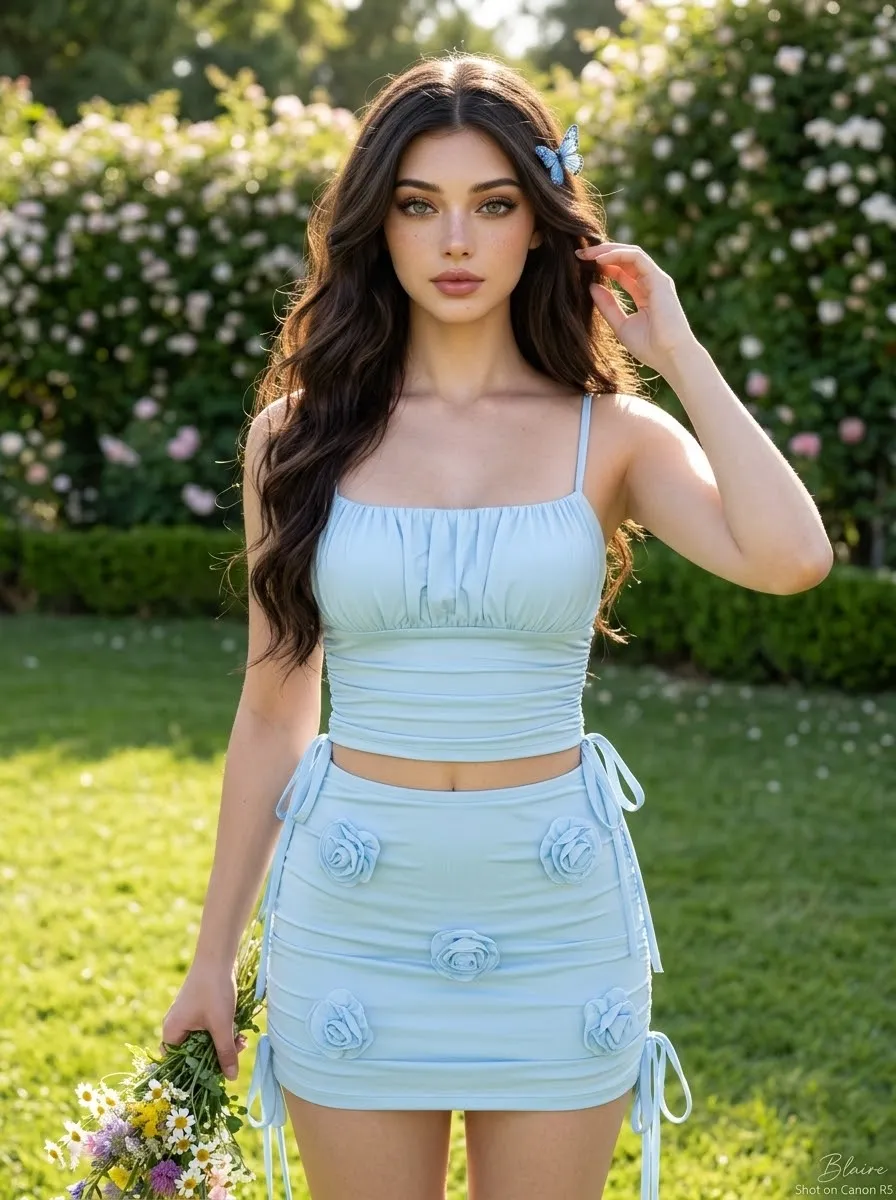
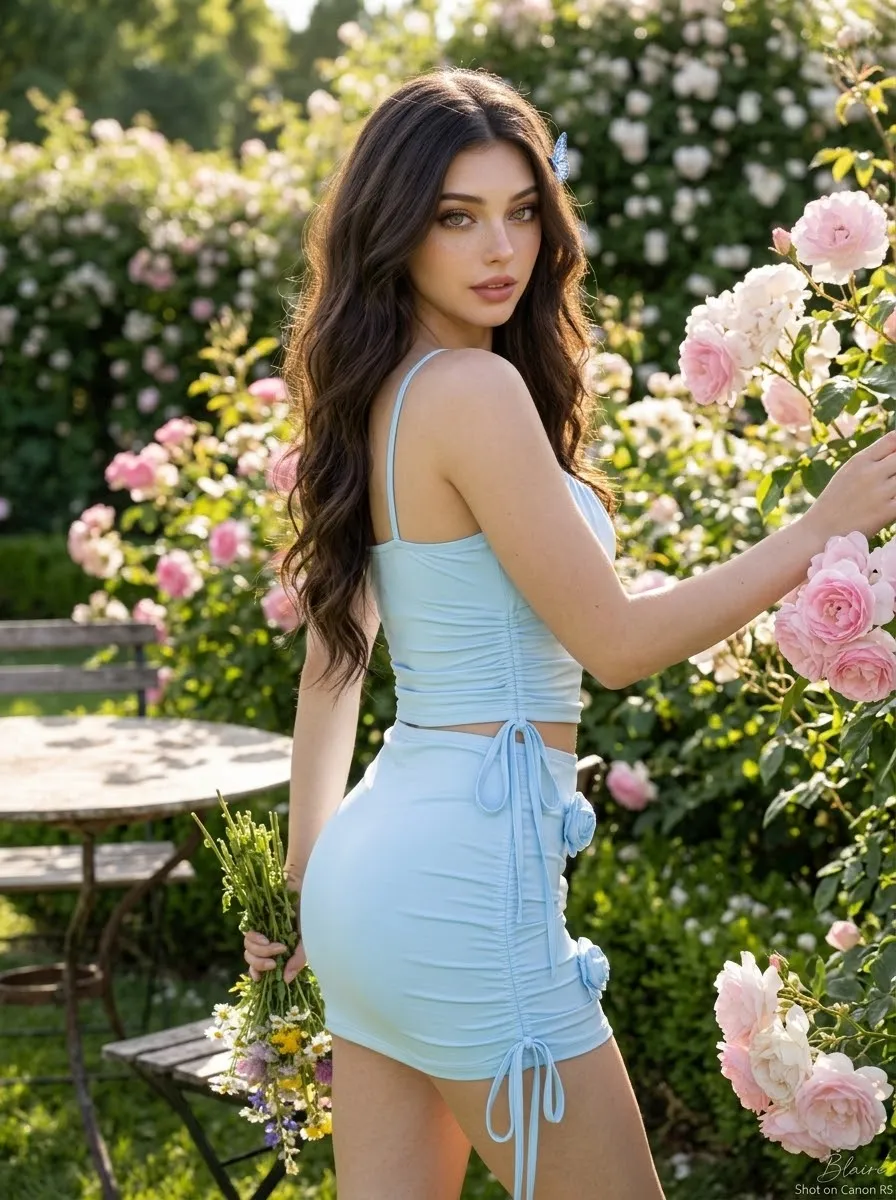
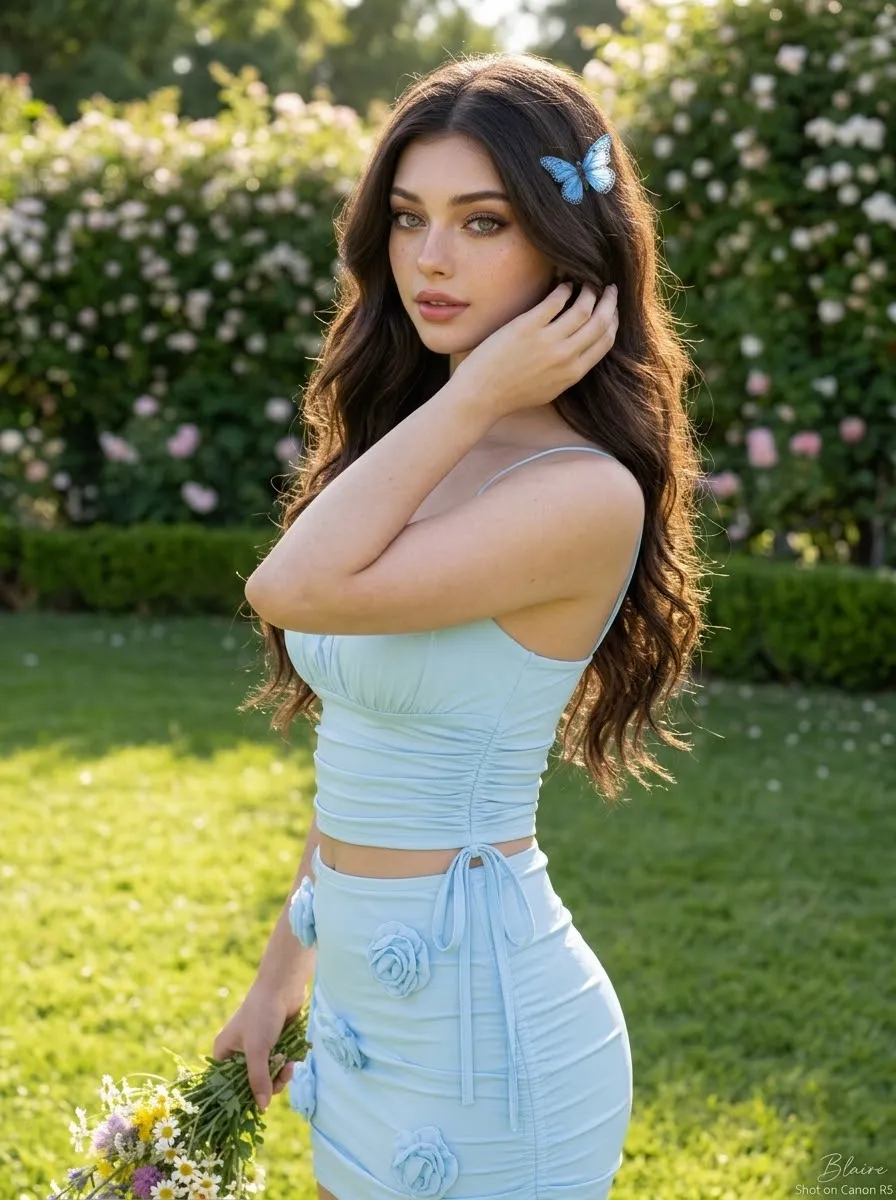
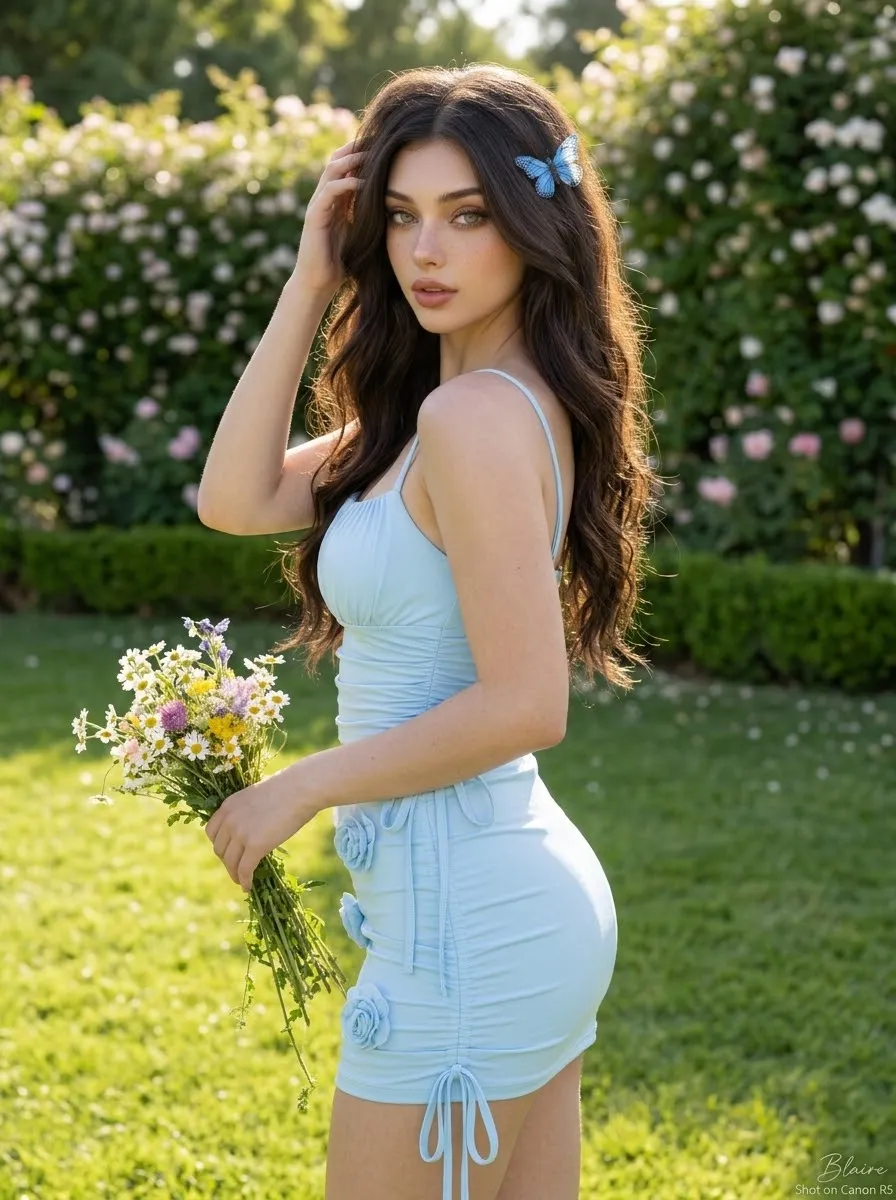
Prompt template
- Format
- Text Parameterized
- Inputs
- Facial_reference_image (image) · Required signature (text) · Optional · Default: Blaire
- Outputs
- Garden_portrait (image)
Using the supplied image as the facial reference, maintain the exact facial structure, proportions, features, and expression to preserve a consistent identity. Add a small written signature, ${signature:Blaire}, at the bottom right.

Create an ultra-realistic, hyper-detailed, true-to-life photograph of a young, attractive South Asian woman in her early 20s posing outdoors in a sunlit garden. She has long, wavy, dark brown hair styled with a small blue butterfly hair clip pinning back a section on the side. She is wearing a matching pastel light-blue two-piece outfit consisting of a ruched spaghetti-strap crop top and a matching mini skirt adorned with delicate 3D floral appliqués and side-tie ribbon details. She is holding a small bouquet of wildflowers in one hand while gently touching her hair with the other. The background features lush green grass, a manicured hedge with blooming white and pink flowers, and warm, soft natural sunlight casting gentle highlights on her skin and clothing. Capture the scene with a shallow depth of field, sharp focus, natural skin texture, and vibrant yet soft color grading.
Replace the ${…} placeholders with your values
before using this prompt. See parameters
and defaults below
Parameters
Replace each placeholder with your own value, or use its default when one is provided
${signature:Blaire}
signature
Default: Blaire
What you'll create
This prompt creates a hyper-detailed, true-to-life portrait of a South Asian woman posing in a sunlit garden. She wears a pastel-blue two-piece outfit with floral appliqués, holds wildflowers, and appears against lush greenery and blooming flowers in a softly focused background.
Usage instructions
Frequently asked questions
What does the reference image control?
It serves as the facial reference; the prompt asks to maintain the same facial structure, proportions, features, and expression.
Can I change the signature?
Yes. Replace the default “Blaire” with the desired signature text; the prompt places it at the bottom right.


Comments
Tried this prompt? Share what you made, compare results, or ask a question