Cinematic Close-Up Portrait with Warm Bokeh
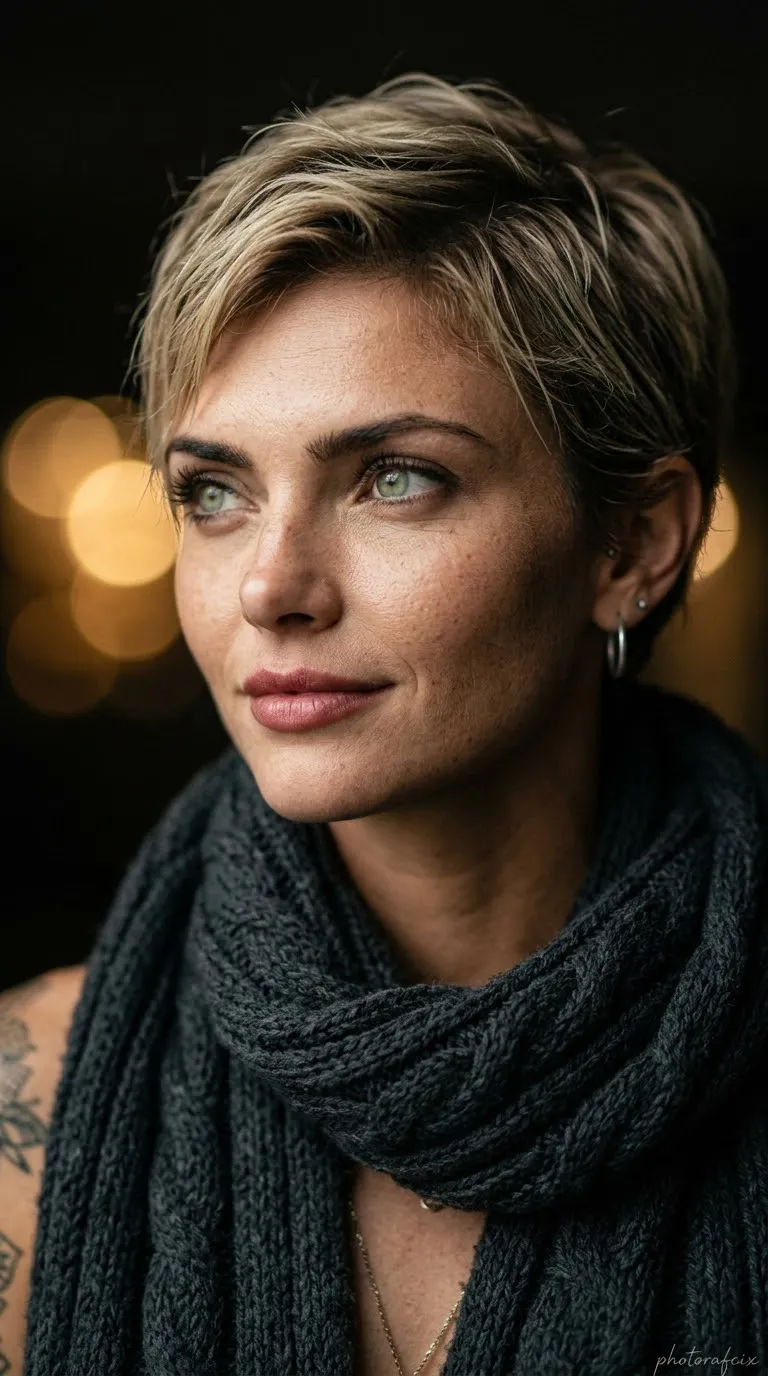
Create a photorealistic cinematic close-up portrait using the face in the supplied reference image without changing it. Include soft side lighting, a randomly colored knitted scarf, and warm bokeh in a blurred dark background.
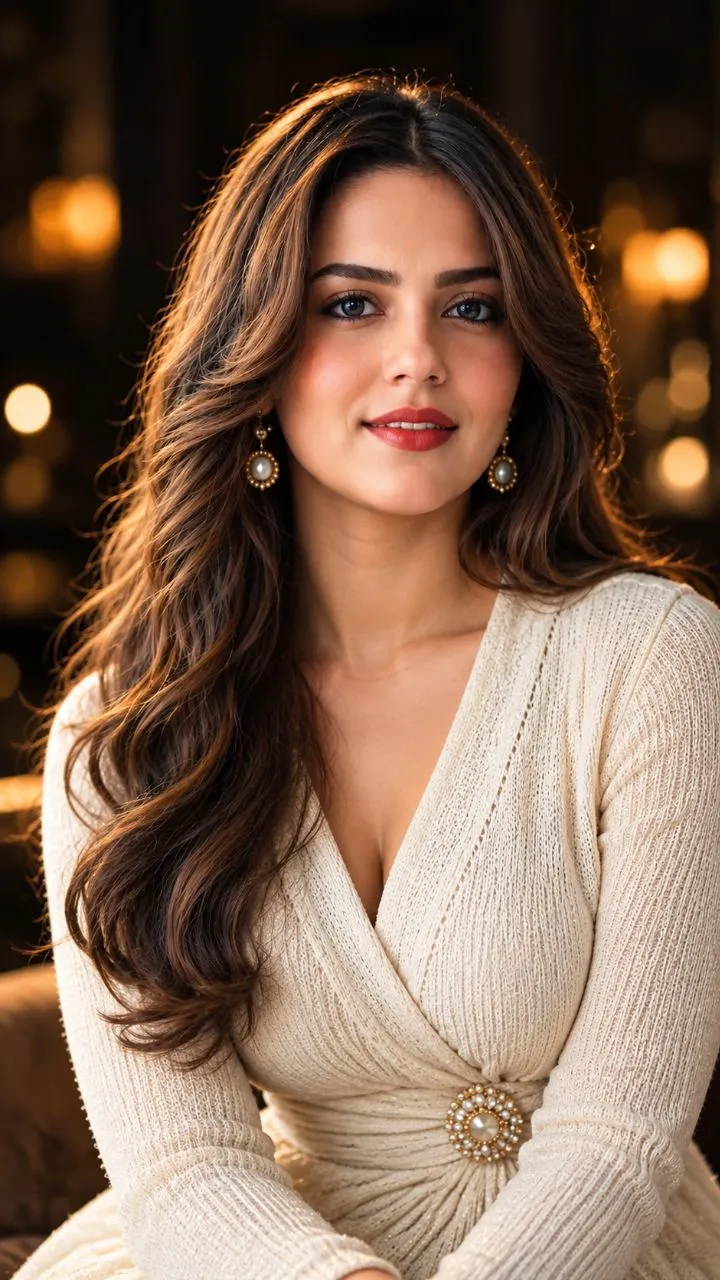
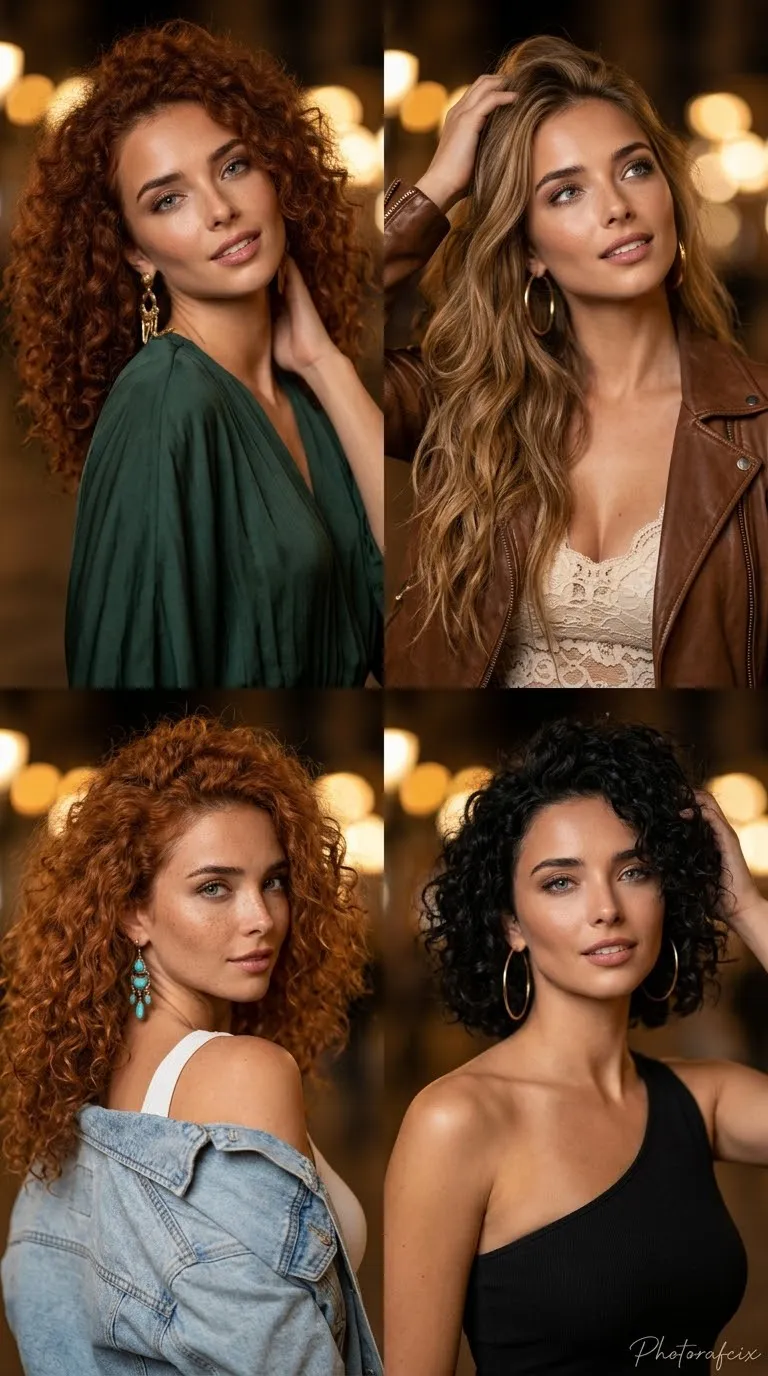
Example outputs
Prompt template
- Format
- Text Parameterized
- Inputs
- Reference_image (image) · Required signature (text) · Optional · Default: Photorafcix
- Outputs
- Portrait_image (image)
Use the face from the supplied reference image and do not alter it. Create a cinematic close-up portrait of a green-eyed woman. She wears a thick knitted scarf whose color is chosen randomly. She has a slight smile and gazes into the distance toward the upper left.

Use soft side lighting, ultra-realistic skin texture, and sharply defined facial features. Keep the background dark and completely blurred with shallow depth of field and warm yellow bokeh reflections.

Add the handwritten signature “${signature:Photorafcix}” in the bottom-right corner of the image.

Negative prompt: deformed face, artificial-looking skin, poor anatomy, sharp background, low resolution, 3D render, drawing, overexposed lighting.

Technical settings: aspect ratio 9:16; photorealistic style; 85 mm lens, f/1.4; cinematic volumetric lighting.
Replace the ${…} placeholders with your values
before using this prompt. See parameters
and defaults below
Parameters
Replace each placeholder with your own value, or use its default when one is provided
${signature:Photorafcix}
signature
Default: Photorafcix
What you'll create
A woman smiles slightly and looks toward the upper left in soft side light. A thick knitted scarf stands sharply against a dark fully blurred background.
Generation settings
Advanced settings
- Negative prompt
- deformed face, artificial-looking skin, poor anatomy, sharp background, low resolution, 3D render, drawing, overexposed lighting.
Frequently asked questions
Is the scarf color fixed?
No; the template asks for a randomly selected color.




Comments
Tried this prompt? Share what you made, compare results, or ask a question