Innocence: Cinematic Veiled Portrait
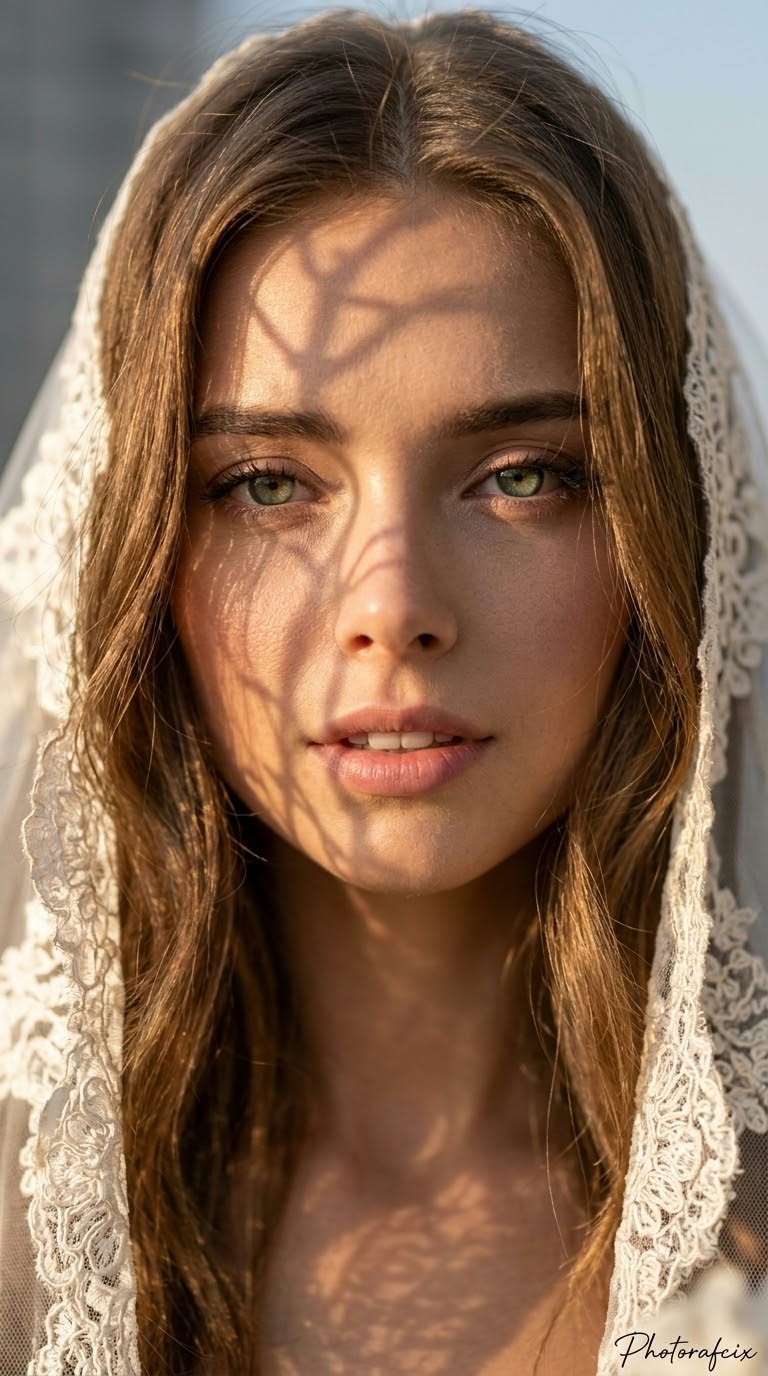
Create a cinematic extreme close-up portrait of a woman with warm golden light, patterned shadows, and a lace veil. The handwritten signature is customizable
Example outputs
Prompt template
- Format
- Text Parameterized
- Inputs
- Face_reference_image (image) · Required Signature (text) · Optional · Default: Photorafcix
- Outputs
- Portrait (image)
Use the face from the reference image without changing it. Create a cinematic portrait with strong perspective in a vertical 9:16 composition.

Composition: An extreme close-up of a woman’s face. Strands of dark, slightly wavy hair are visible along the edges of her face. Her light green eyes look directly at the camera. She has a calm, slightly melancholic, inviting expression, with her lips slightly parted and her teeth visible. A cream-white, lace-textured veil or headscarf hangs down on both sides of her face. Very pronounced, hard, patterned shadows, like those from trees or blinds, fall across her face. Use warm golden-yellow light. The background is completely blurred in neutral gray and light blue tones. Use an extreme close-up, very shallow depth of field with bokeh, and a 105 mm macro/portrait lens at f/1.8. Create a high-resolution, sharp image with natural skin texture, visible pores and eyelashes, clearly defined lace texture, and a romantic cinematic style. Add the handwritten signature "${signature:Photorafcix}" in the bottom-right corner of the image.
Replace the ${…} placeholders with your values
before using this prompt. See parameters
and defaults below
Parameters
Replace each placeholder with your own value, or use its default when one is provided
${signature:Photorafcix}
signature
Default: Photorafcix
What you'll create
This prompt creates an extreme close-up portrait of a woman with dark, softly wavy hair, light green eyes, and a cream-white lace veil. Warm golden light and sharply patterned shadows give the portrait a romantic, cinematic look
Usage instructions
Frequently asked questions
What should the reference image control?
Use the reference image for the woman’s face, which the prompt asks to preserve unchanged
Can I change the signature?
Yes. Replace the default “Photorafcix” with the exact handwritten signature you want in the lower-right corner
What creates the dramatic lighting?
The prompt calls for strong, patterned shadows across the face, like shadows from tree branches or blinds, with warm golden light


Comments
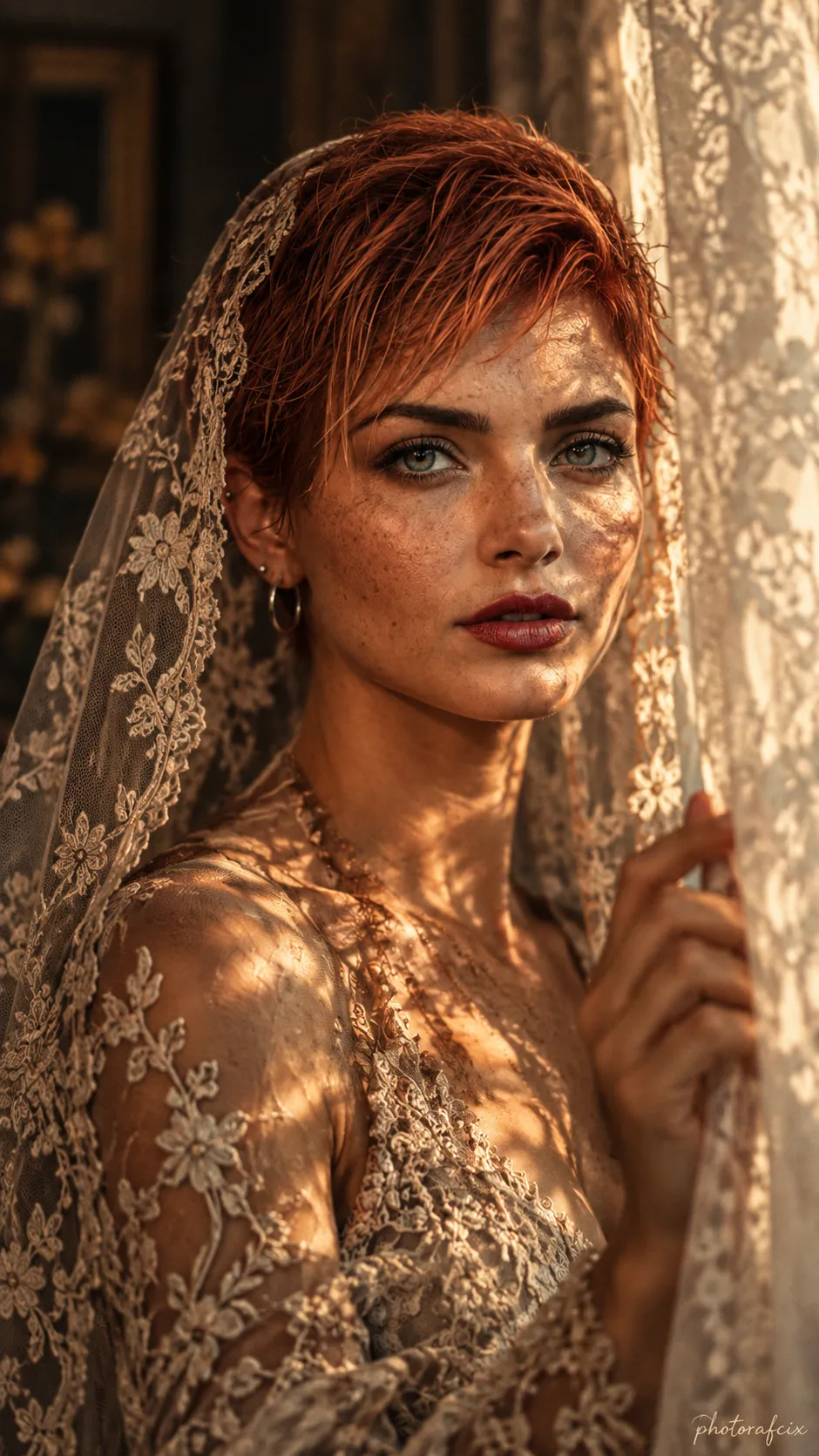
Tried this prompt? Share what you made, compare results, or ask a question