Warm Chiaroscuro Portrait with a Reference Face
Create a cinematic close-up portrait that preserves the face in a supplied reference image. Customize the handwritten signature in the lower-right corner.
Example outputs
Prompt template
- Format
- Text Parameterized
- Inputs
- ReferenceImage (image) · Required signature (text) · Optional · Default: Photorafcix
- Outputs
- Portrait (image)
Use the face from the reference image without changing it. Create a cinematic portrait with strong perspective in a vertical 9:16 composition.

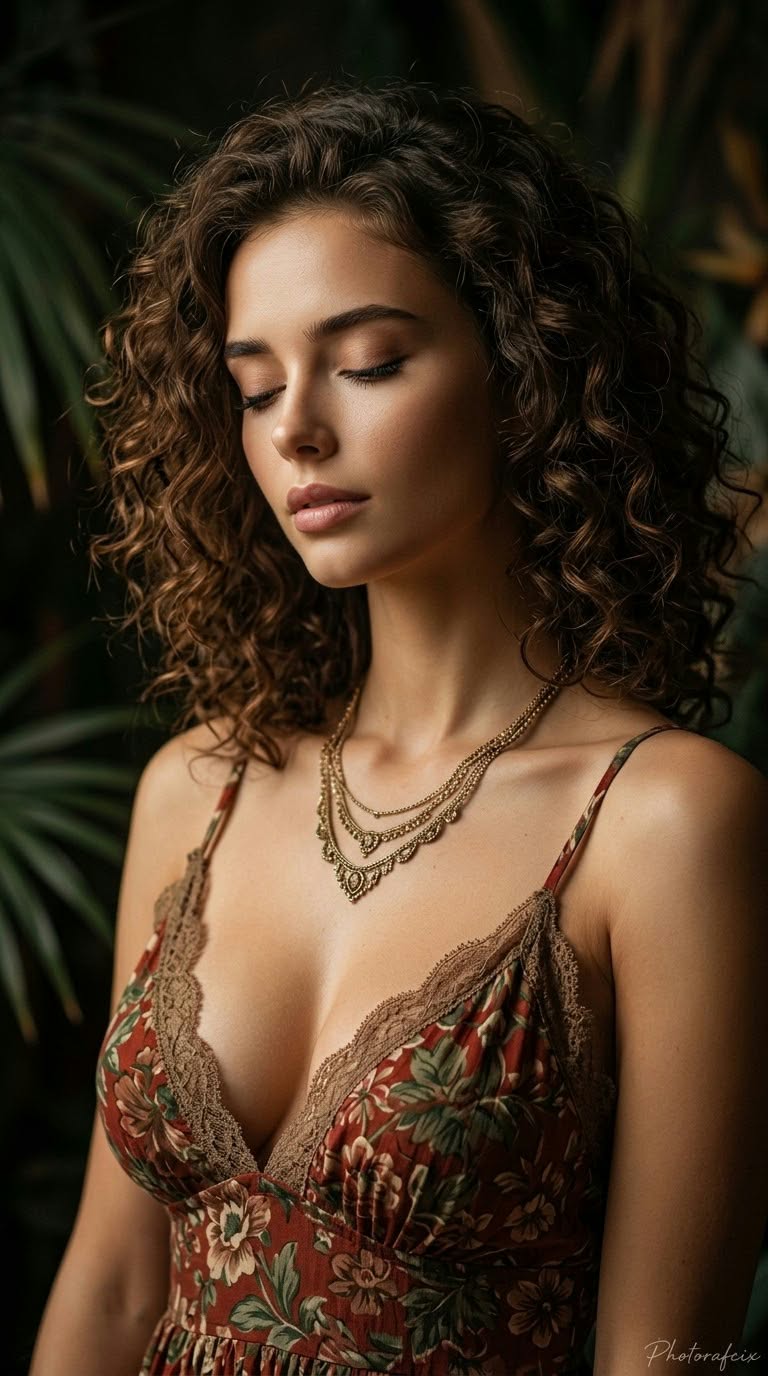
Depict a woman with short, shoulder-length, voluminous, tight dark-brown curls. Her eyes are closed, her eyelashes are prominent, her lips are slightly parted, and her expression is peaceful, calm, and melancholic. Frame her in a close-up from the chest upward, at eye level, with her head tilted slightly forward and turned to the side, and her shoulders bare.

She wears a deep-V-neck garment with lace details and a floral pattern in shades of red, green, and brown, along with a detailed, layered gold-colored necklace. Use soft, warm, directional light to illuminate the left side of her face and her chest, leaving the right side and background in deep shadow for a chiaroscuro effect. Set her against dark, blurred tropical or exotic foliage.

Use shallow depth of field with bokeh, an 85mm portrait lens, and an f/1.8 aperture. Render at high resolution with sharp detail, natural skin texture, and clearly visible fabric and lace textures. Use a vintage, romantic cinematic style and warm earthy tones. Add the handwritten signature "${signature:Photorafcix}" in the bottom-right corner of the image.
Replace the ${…} placeholders with your values
before using this prompt. See parameters
and defaults below
Parameters
Replace each placeholder with your own value, or use its default when one is provided
${signature:Photorafcix}
signature
Default: Photorafcix
What you'll create
This prompt creates a close-up portrait of a woman with voluminous dark curls, a floral lace garment, and a layered gold necklace. Warm directional light, deep shadows, and blurred tropical foliage establish a vintage romantic cinematic look
Usage instructions
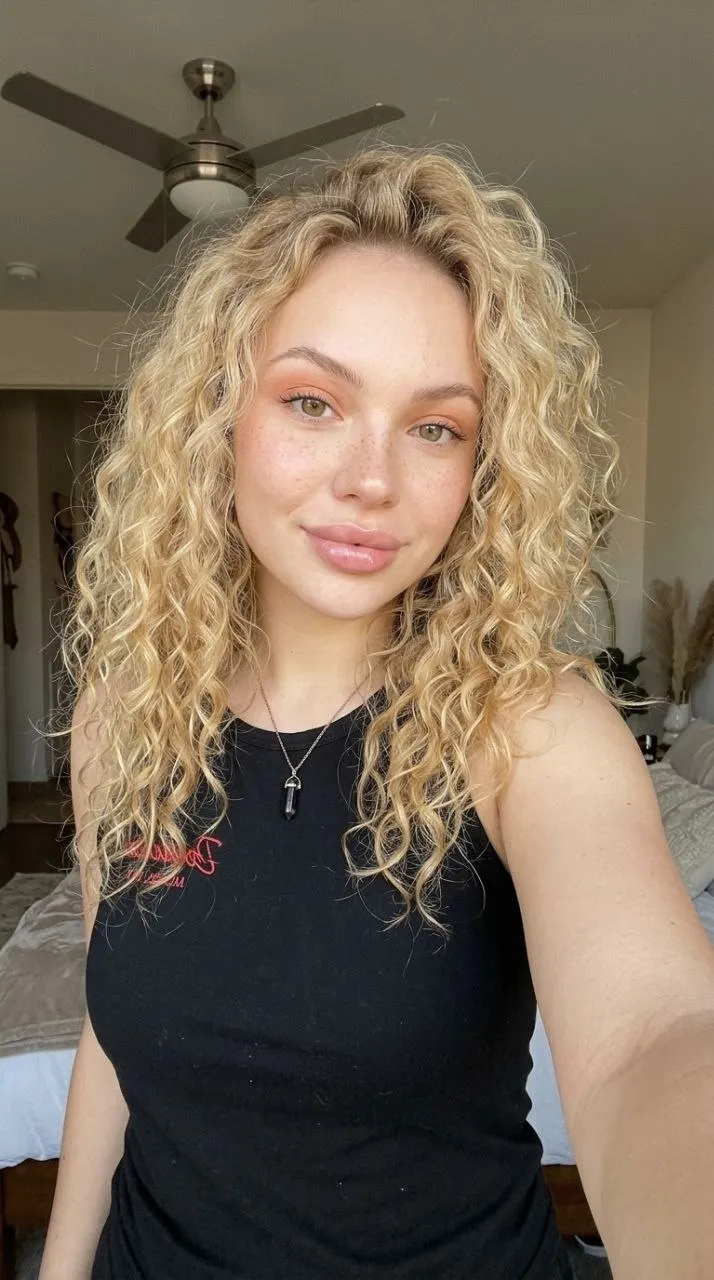
Provide the reference image whose face should be preserved; the prompt uses it as the portrait’s facial reference. You can change the lower-right handwritten signature by editing its default text, while keeping the specified vertical 9:16 composition if you want to retain the original framing
Frequently asked questions
What should the reference image control?
Use its face as the portrait’s face, without changing it





Comments
Tried this prompt? Share what you made, compare results, or ask a question