Cinematic Realism
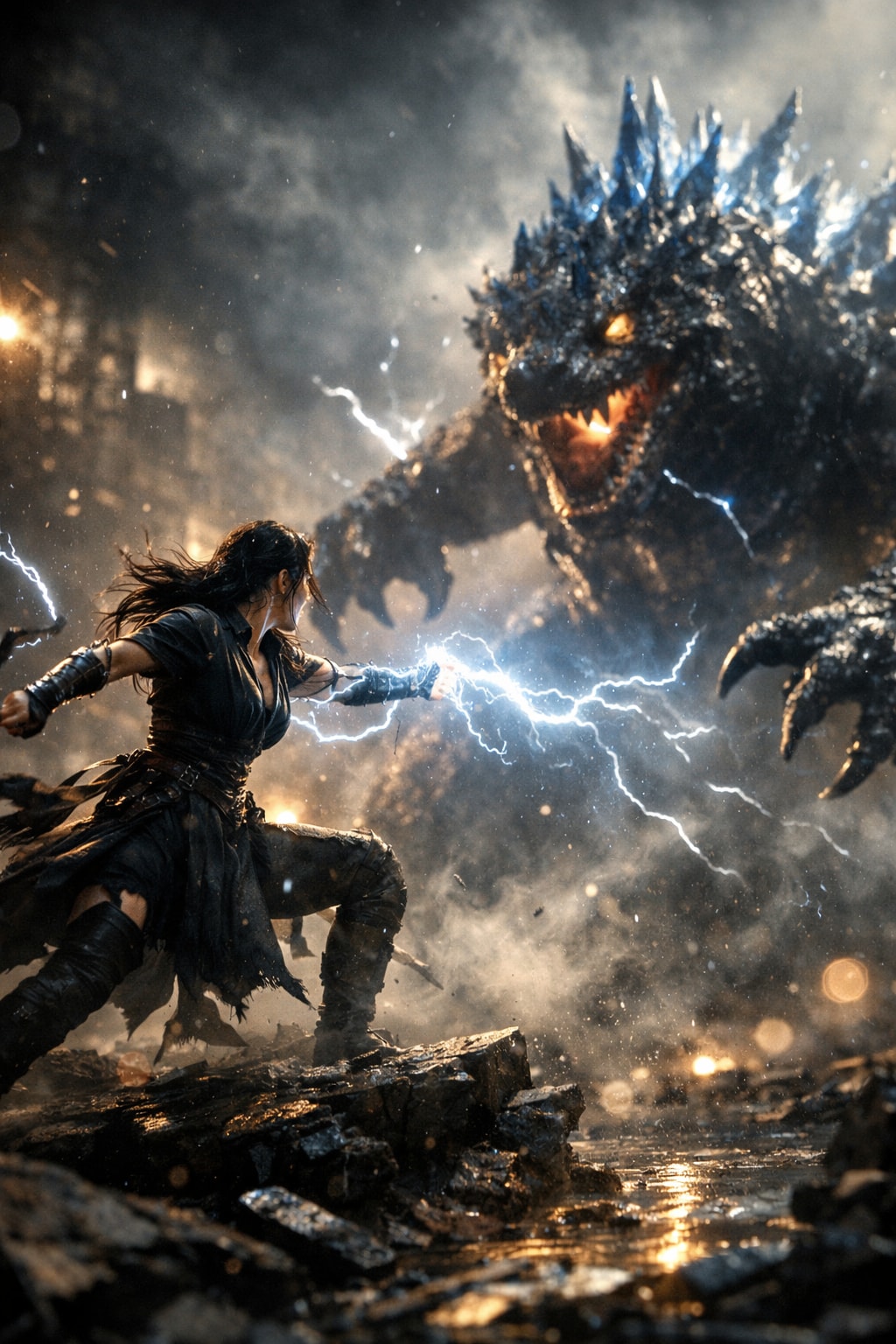
Transform any SUBJECT into a cinematic still. Perfect for creating start and end frames for Video Generation.
Example outputs
Prompt template
- Format
- Text Parameterized
- Outputs
- result (image)
${subject} portrayed in a high-end cinematic realism masterpiece, physically accurate PBR lighting and shading workflow, volumetric fog layers interacting dynamically with rim light and key light, extreme clarity micro-surface details with tactile realism, cinematic depth of field emphasizing subject presence, smooth organic bokeh bloom in background highlights, controlled motion blur simulating real shutter behavior, subtle analog film grain texture, realistic lens artifacts from professional cinema optics, ray-traced reflections and refractions enhancing depth and realism, atmospheric dust and particles suspended in the air, dramatic chiaroscuro lighting composition, HDR filmic exposure with rich shadow detail, premium film camera style captureReplace the ${…} placeholders with your values
before using this prompt. See parameters
and defaults below
Parameters
Replace each placeholder with your own value, or use its default when one is provided
${subject}
subject
Required
What you'll create
A chosen subject receives dramatic light, organic bokeh and subtle film grain, with reflections and particles adding depth.
Frequently asked questions
Should motion blur be uncontrolled?
No, the source specifies restrained shutter-like motion blur.


Comments
Tried this prompt? Share what you made, compare results, or ask a question