Dark Style Image Prompt
Create images with a dark aesthetic, featuring moody lighting and shadowy elements for dramatic effect.
Example outputs
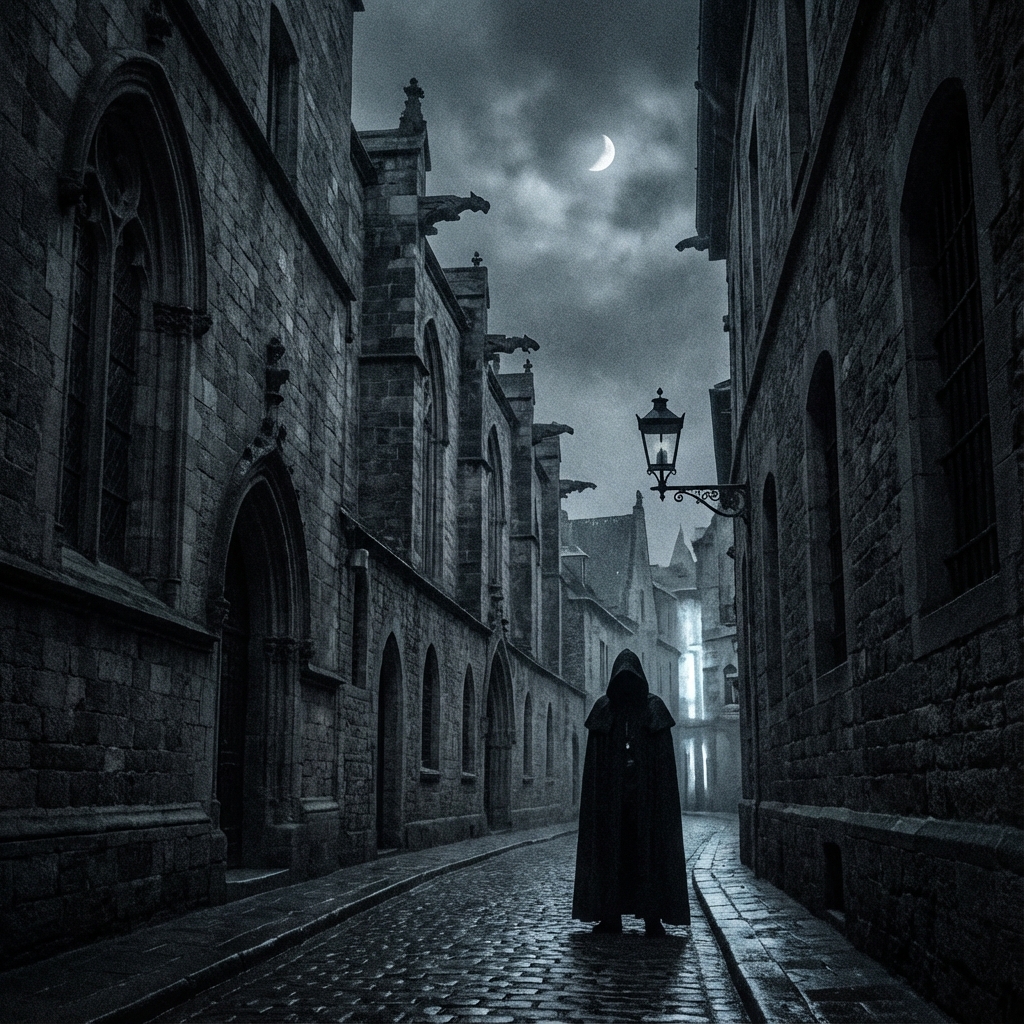
Prompt template
- Format
- Text Parameterized
- Outputs
- result (image)
Create an image with a ${style:dark} aesthetic. Your image should feature:

- **Lighting:** Moody and low-key, highlighting shadows.
- **Color Palette:** Dark tones with high contrast.
- **Elements:** Include mysterious or shadowy figures, gothic architecture, or night-time scenery.

Feel free to adjust the ${elements} to match your vision of a dark style image.
Replace the ${…} placeholders with your values
before using this prompt. See parameters
and defaults below
Parameters
Replace each placeholder with your own value, or use its default when one is provided
${style:dark}
style
Default: dark
${elements}
elements
Required
What you'll create
The visual brief emphasizes moody light and deep tones. Selected figures, architecture or scenery shape the final concept.
Frequently asked questions
Are all three suggested element types mandatory?
No. They are alternative examples, and the elements are customizable.


Comments
Tried this prompt? Share what you made, compare results, or ask a question