Design App Store Style Icons
Create high-quality App Store style icons that capture attention and convey the essence of your app. Perfect for developers and designers looking to enhance app visibility.
Example outputs
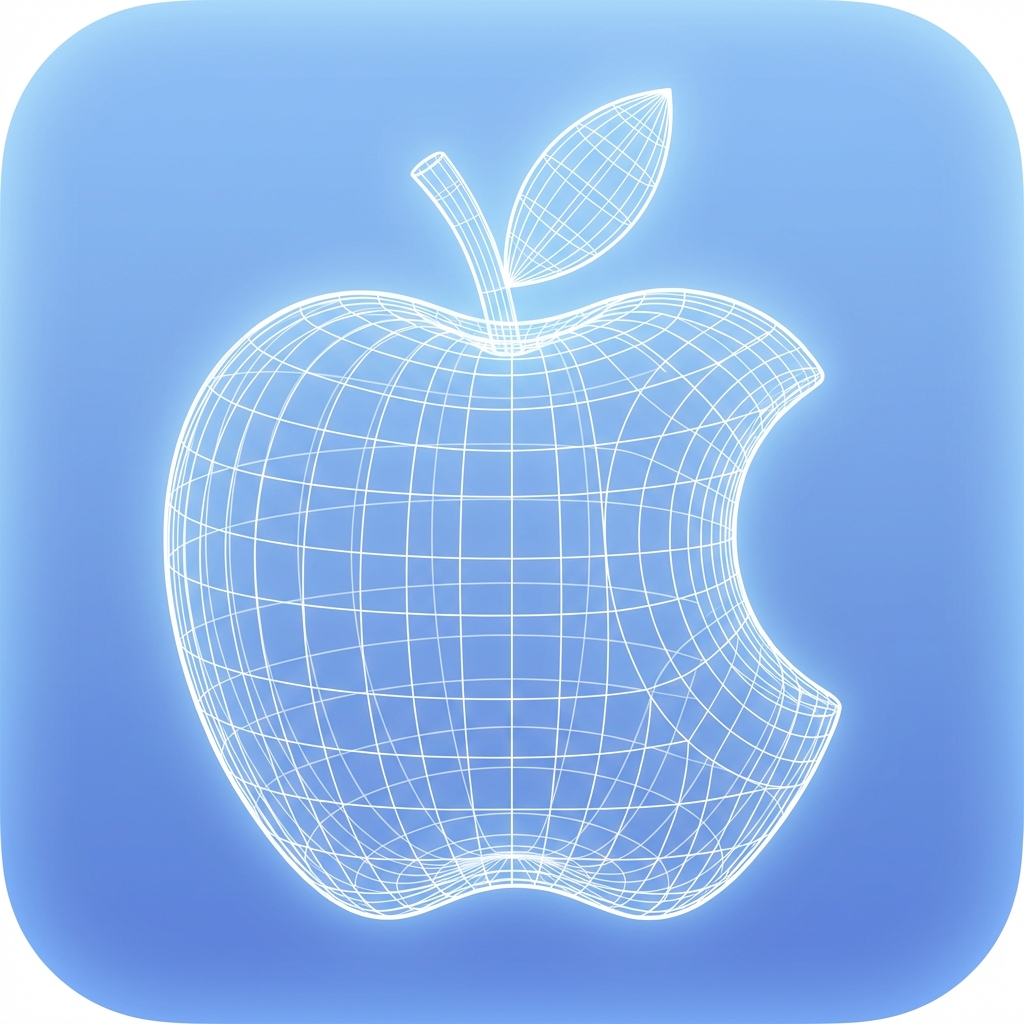
Prompt template
- Format
- Text
- Inputs
- reference_image (image) · Required
- Outputs
- result (image)
Reconstruct the central object of the given 2D image as a true 3D wireframe model.

- Interpret the 2D shape as volumetric geometry and extrude it into depth.

- Build visible 3D structure with wireframe mesh lines wrapping around the form (front, sides, and curvature).

- Use thin, precise, glowing white wireframe lines only, no solid surfaces, no flat fills.

- Apple App Store style icon, premium iOS design language, WWDC-inspired.

- Rounded square app icon, centered and symmetrical.

- Soft blue gradient background, subtle glow.

- Clean orthographic front view with clear depth cues (z-axis wireframe).

- High-resolution, futuristic UI icon.

- No text, no logos, no illustration style


Negatives:

2D flat design, flat icon, illustration, lighting-only depth, fake 3D, gradients on object, shading, shadows, cartoon style, sketch, photorealism, textures, noise, grain
What you'll create
Thin mesh lines wrap around the front, sides and curves of a volumetric form. An orthographic view, soft blue gradient and restrained glow create a clean futuristic icon.
Frequently asked questions
Should the object have filled surfaces or shaded textures?
No. The template specifies white wireframe lines only, without solid fills or object shading.
Comments
Tried this prompt? Share what you made, compare results, or ask a question