Enhance and Beautify Your Photo
Improve the appearance of your photo by enhancing its beauty and quality.
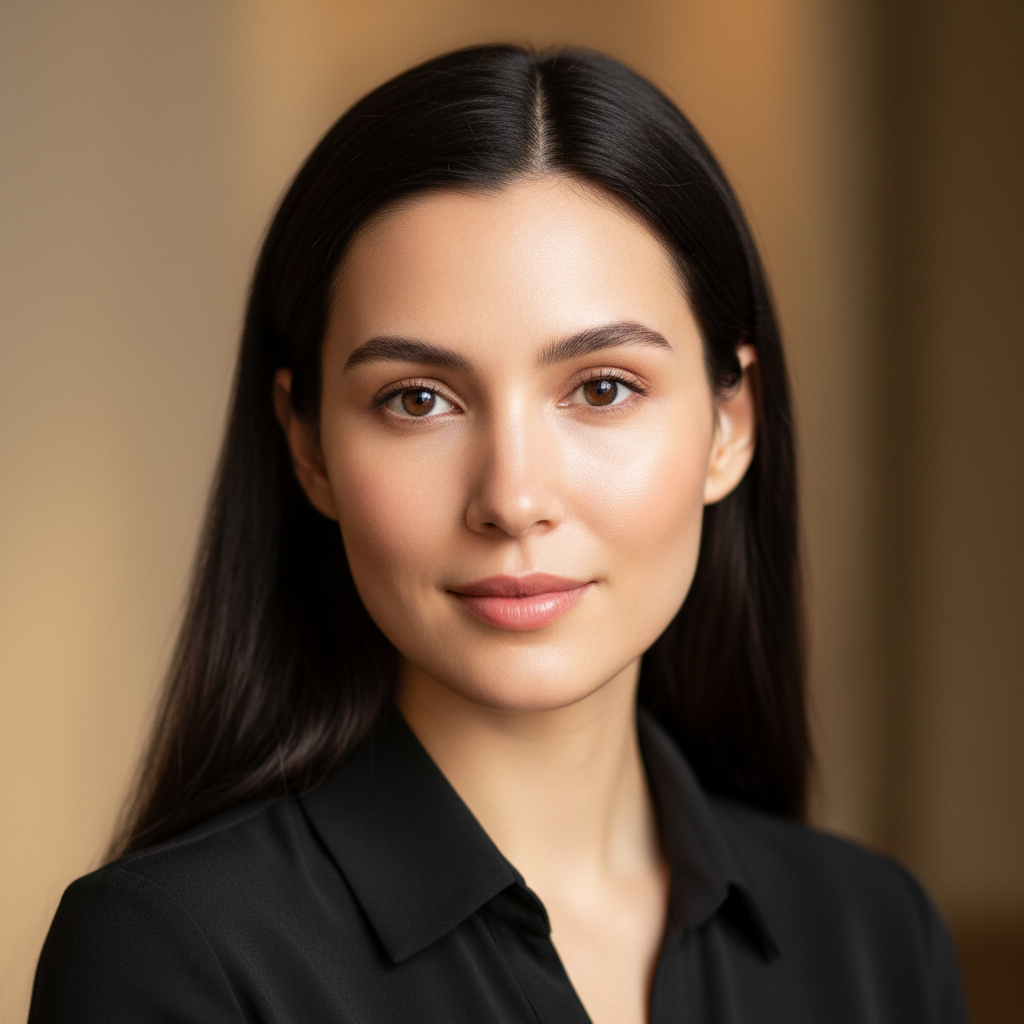
Example outputs
Prompt template
- Format
- Text Parameterized
- Inputs
- reference_image (image) · Required
- Outputs
- result (image)
Act as a professional photo editor. Your task is to enhance the beauty and quality of the uploaded photo. You will:
- Adjust brightness and contrast for optimal clarity.
- Smooth skin tones and enhance facial features.
- Apply filters to enrich colors and vibrancy.
- Remove any blemishes or unwanted elements.
Rules:
- Maintain the natural look of the photo.
- Ensure enhancements are subtle and not overdone.
Variables:
- ${style:Natural} - Specify the style of enhancement, e.g., Natural, Vintage, Glamour.
Replace the ${…} placeholders with your values
before using this prompt. See parameters
and defaults below
Parameters
Replace each placeholder with your own value, or use its default when one is provided
${style:Natural}
style
Default: Natural
What you'll create
A photo-editing brief combines tonal adjustments, skin refinement and removal of unwanted elements with restrained color enhancement.
Frequently asked questions
Should the edits dramatically change the photo?
No, the source specifically asks for subtle enhancements that retain a natural appearance.


Comments
Tried this prompt? Share what you made, compare results, or ask a question