Shower Glass Silhouette
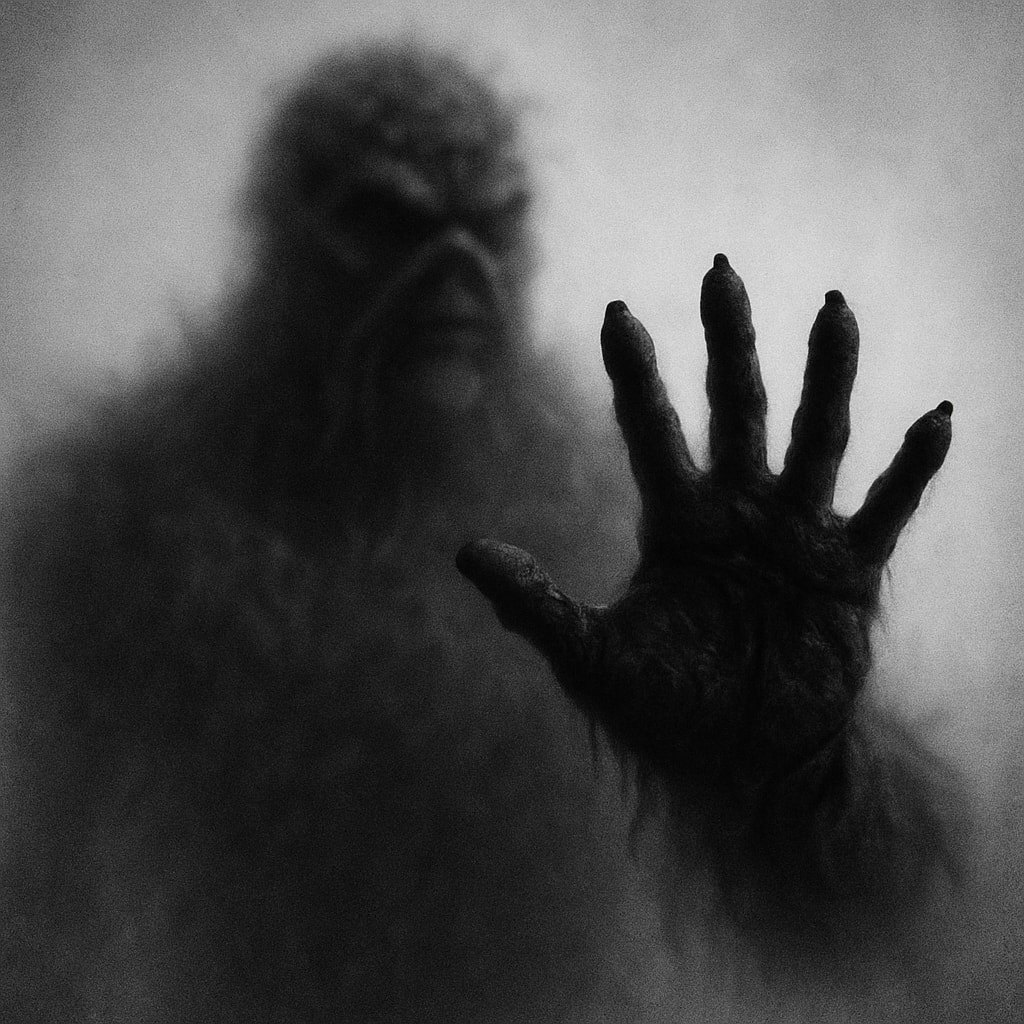
Create a black and white silhouette photo of a [SUBJECT]'s body [PART] touching shower glass
Example outputs
Prompt template
- Format
- Text Parameterized
- Outputs
- result (image)
A black and white photograph shows the blurred silhouette of a ${subject} behind a frosted or translucent surface. The ${part} is sharply defined and pressed against the surface, creating a stark contrast with the rest of the hazy, indistinct figure. The background is a soft gradient of gray tones, enhancing the mysterious and artistic atmosphereReplace the ${…} placeholders with your values
before using this prompt. See parameters
and defaults below
Parameters
Replace each placeholder with your own value, or use its default when one is provided
${subject}
subject
Required
${part}
part
Required
What you'll create
A hazy figure stands behind a translucent surface while a selected body detail presses against it in crisp focus. Soft grey gradients create a mysterious photographic atmosphere.
Frequently asked questions
Where does the visual contrast come from?
A sharply defined detail against the glass contrasts with the blurred remainder of the figure.


Comments
Tried this prompt? Share what you made, compare results, or ask a question