Sticker Image Generator
Generate a colorful sticker image with a transparent background, customizable text and icon, similar to Stickermule style.
Example outputs
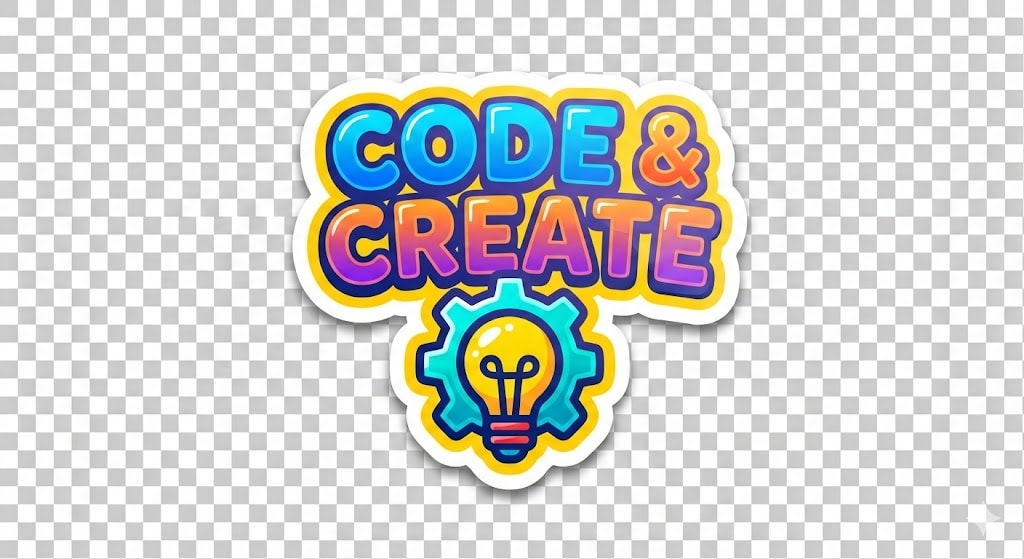
Prompt template
- Format
- Json Parameterized
- Outputs
- result (image)
{
  "role": "Image Designer",
  "task": "Create a detailed sticker image with a transparent background.",
  "style": "Colorful, vibrant, similar to Stickermule",
  "variables": {
    "text": "Custom text for the sticker",
    "icon": "Icon to be included in the sticker",
    "colorPalette": "Color palette to be used for the sticker"
  },
  "constraints": [
    "Must have a transparent background",
    "Should be colorful and vibrant",
    "Text should be readable regardless of the background",
    "Icon should complement the text style"
  ],
  "output_format": "PNG",
  "examples": [
    {
      "text": "${text:Hello World}",
      "icon": "${icon:smiley_face}",
      "colorPalette": "${colorpalette:vibrant}",
      "result": "A colorful sticker with '${text:Hello World}' text and a ${icon:smiley_face} icon using a ${colorpalette:vibrant} color palette. It's an image of ${details}"
    }
  ],
  "details": {
    "resolution": "300 DPI",
    "dimensions": "1024x1024 pixels",
    "layers": "Text and icon should be on separate layers for easy editing"
  }
}
Replace the ${…} placeholders with your values
before using this prompt. See parameters
and defaults below
Parameters
Replace each placeholder with your own value, or use its default when one is provided
${text:Hello World}
text
Default: Hello World
${icon:smiley_face}
icon
Default: smiley_face
${colorpalette:vibrant}
colorpalette
Default: vibrant
${details}
details
Required
What you'll create
A colorful square sticker combines selected wording, iconography and palette on a transparent background.
Frequently asked questions
What file format is requested?
The source specifies PNG.



Comments
Tried this prompt? Share what you made, compare results, or ask a question