Enhance a Photo with Vibrant, Natural Color
Enrich a photo’s color, lighting, and detail while preserving the original subjects and composition.
Example outputs
Prompt template
- Format
- Text
- Inputs
- Original_photo (image) · Required
- Outputs
- Enhanced_photo (image)
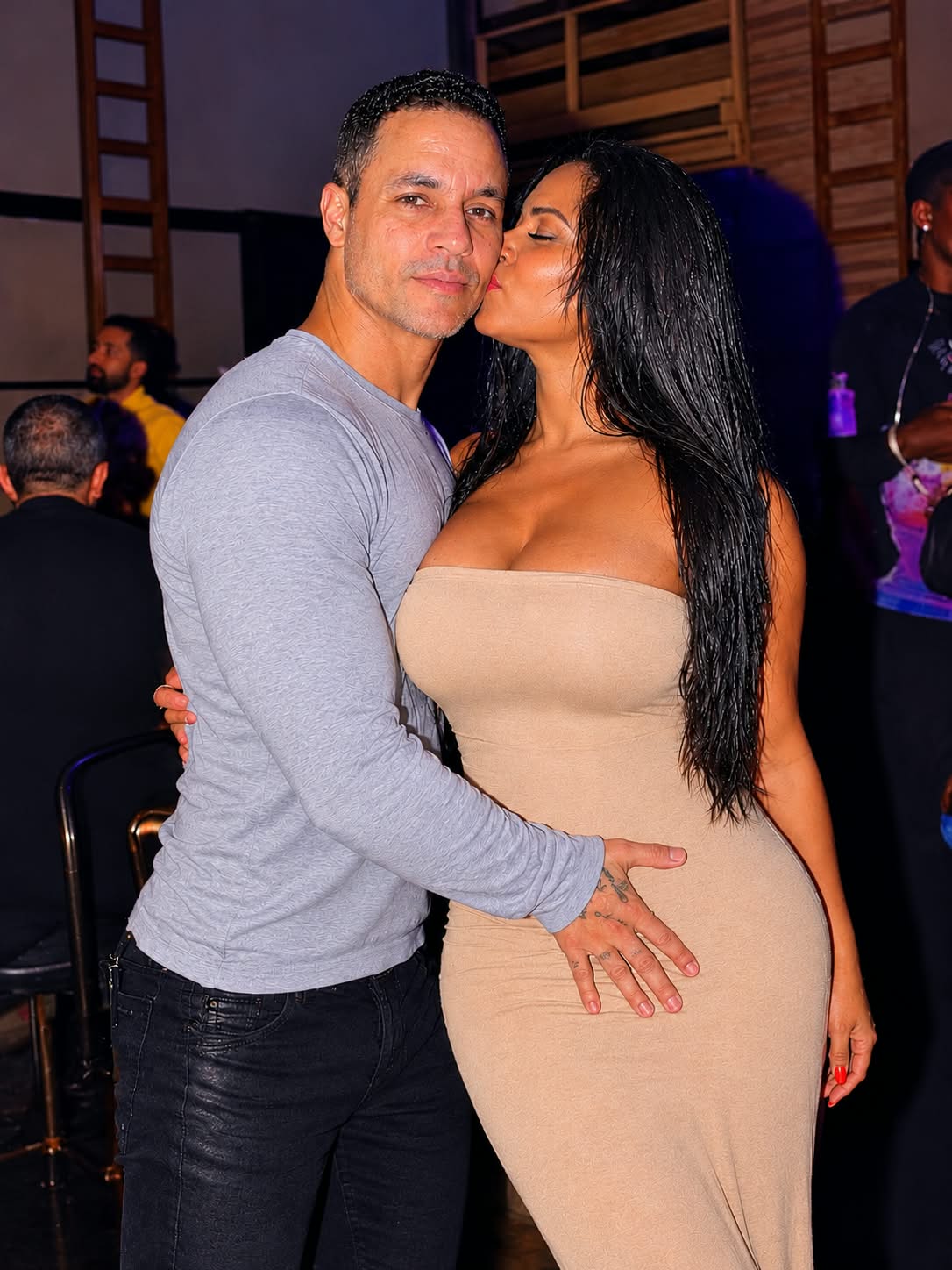
Enhance this photo with vibrant, rich, and vivid colors while maintaining a natural and realistic appearance. Increase color saturation, contrast, brightness, and sharpness for a beautiful, polished, professional look. Improve skin tones with warm, healthy undertones, enhance the beige dress, make the hair look glossy and detailed, and bring out the colors in the background. Balance the lighting, brighten the subjects, deepen the shadows, and add a subtle cinematic glow. Preserve the original faces, facial features, body shapes, clothing, poses, and expressions exactly as they are. Do not alter or distort any details. Keep the original composition and make the final image look stunning, elegant, vibrant, and high-quality.What you'll create
The image gains vivid color, stronger detail and subtle cinematic glow while retaining the original composition. Warm skin undertones, glossy hair and deeper shadows produce a polished photographic edit.
Usage instructions
Provide the original photo for editing. The prompt enriches color, detail, and lighting while asking the edit to preserve faces, poses, clothing, and composition. For a subtler finish, reduce the requested saturation and cinematic glow while keeping skin tones natural.
Frequently asked questions
Does this edit redesign clothing or poses?
No. Those details remain exactly as in the original.
Is the intended result stylized fantasy color?
No. Richer colors should remain natural and realistic.




Comments
Tried this prompt? Share what you made, compare results, or ask a question