Disney Pixar 3D Profile Avatar
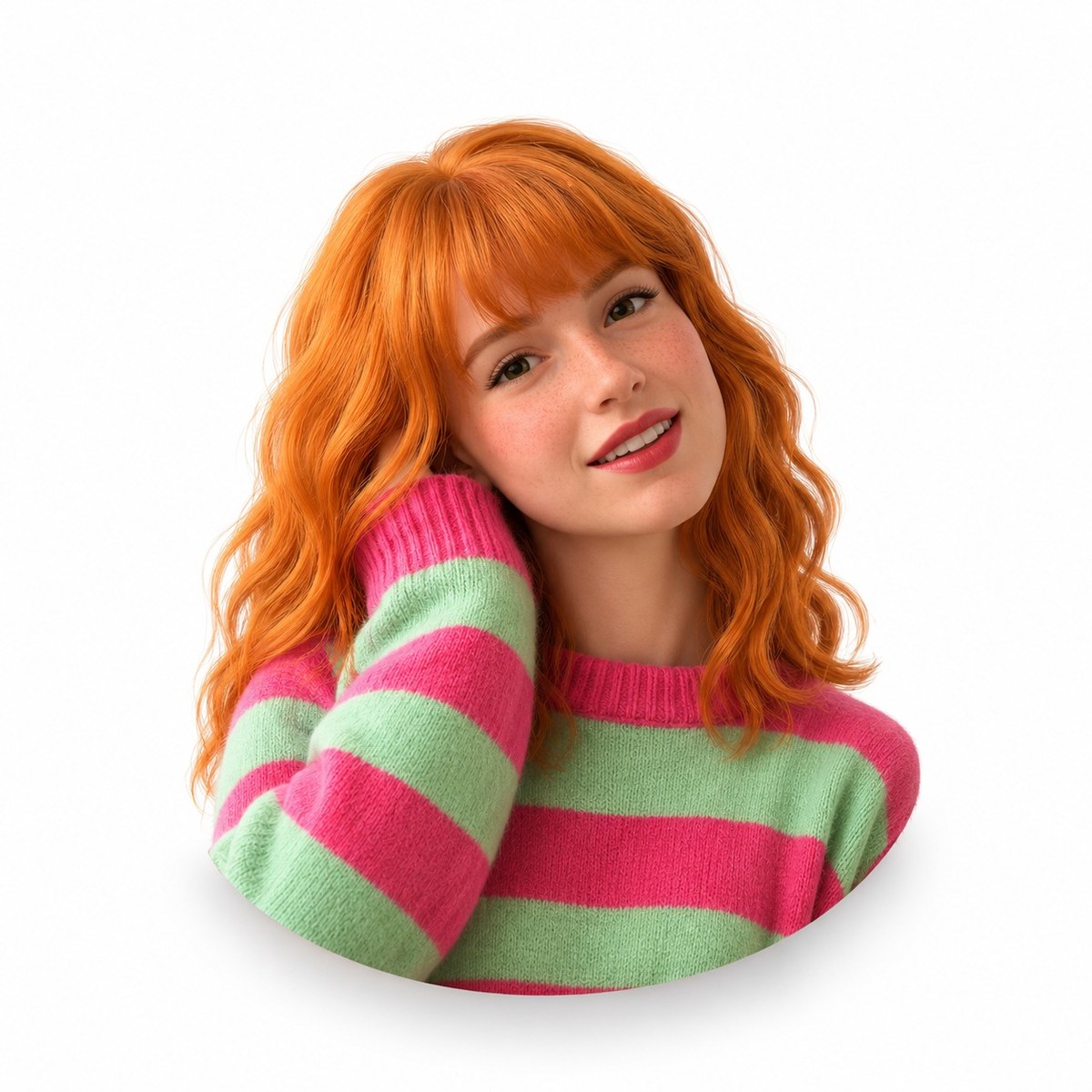
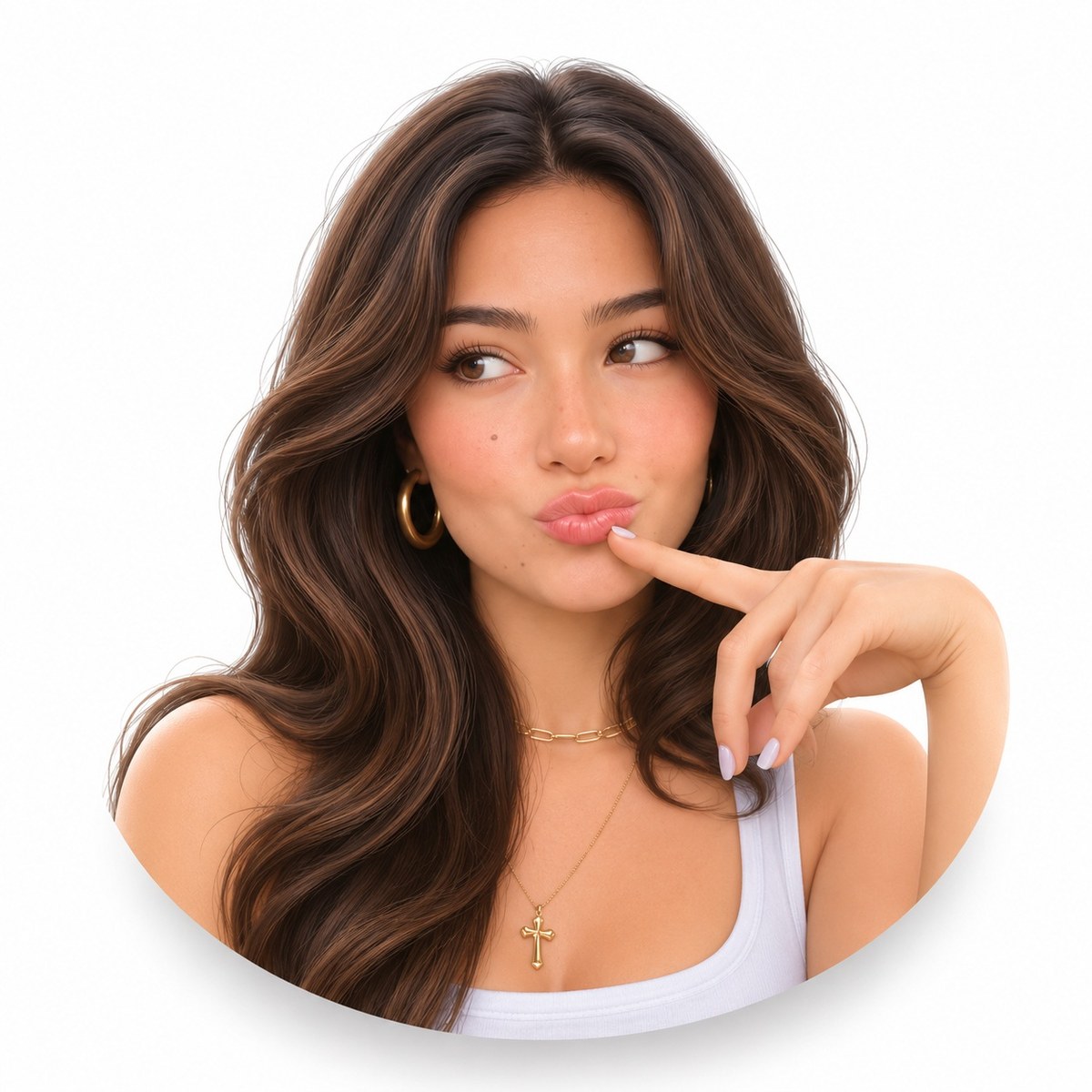
Create a centered, head-and-shoulders 3D avatar from a reference photo, formatted for a WhatsApp profile picture.
Example outputs

Prompt template
- Format
- Text
- Inputs
- Reference_photo (image) · Required
- Outputs
- Avatar (image)
Create a Disney Pixar 3D avatar from the provided reference photo. Preserve the person's identity. Show only the head and shoulders as a small, centered bust, with generous white padding, a softly rounded lower edge, and a subtle soft shadow. Use a white background, fair skin tones that are not warm or yellowish, and soft studio lighting. Make it suitable for a WhatsApp profile picture, in a 1:1 aspect ratio.What you'll create
A reference-based face becomes a friendly animated-style avatar on pure white. Generous padding, a rounded lower edge and soft shadow make the bust suitable for a compact messaging profile.
Frequently asked questions
Does the figure fill the square tightly?
No; generous white space surrounds the small bust.



Comments
Tried this prompt? Share what you made, compare results, or ask a question