Japanese Game-Style Split Poster from a Photo
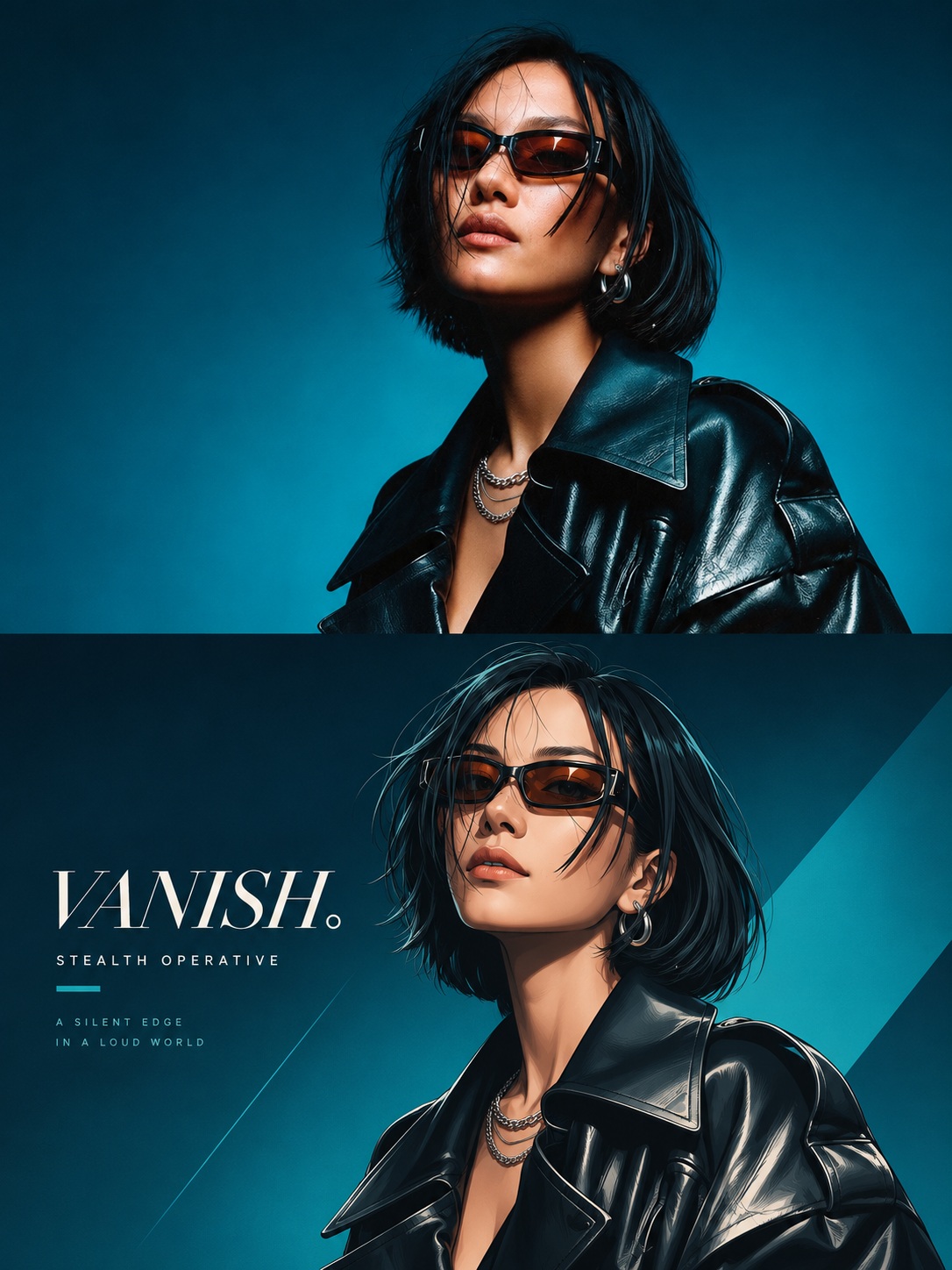
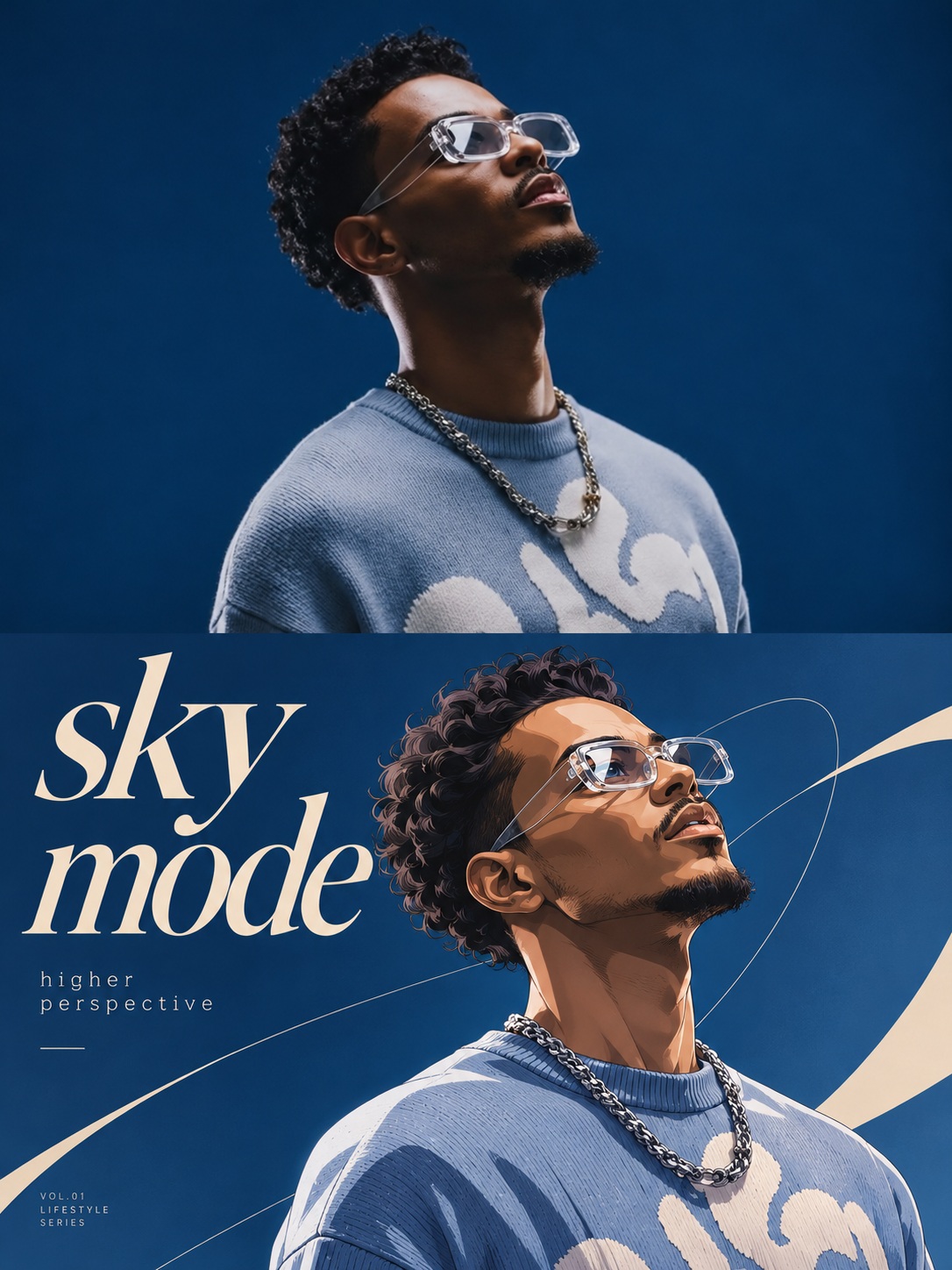
Turn a reference photo into a vertical 3:4 poster that pairs the original photograph with a Japanese game-style illustration and designed typography.
Example outputs

Prompt template
- Format
- Text
- Inputs
- Reference_photo (image) · Required
- Outputs
- Split_poster (image)
Transform the uploaded reference photo into a vertical 3:4 Japanese game-style split poster.

Divide the poster into two equal-height horizontal sections, each occupying exactly 50% of the image. Join them seamlessly at the center, with no white line or border.

In the upper half, preserve the original photograph’s subject, expression, movement, clothing, accessories, background, and lighting. Allow only subtle color grading and natural extension. Add no text in this section.

In the lower half, use the original photo as the sole reference to depict the subject as a high-precision, two-dimensional Japanese game illustration. Use precise colored linework, clear cel shading, delicate strands of hair, natural facial features, and carefully rendered material highlights. Preserve the original camera angle, gaze, posture, orientation, scene type, and defining characteristics. Show one complete illustration only: do not divide it into panels, create a collage or multiple angles, duplicate the character, or add characters.

Extract 3–5 colors from the original photo and use them to create a coordinated, visually impactful background with a small amount of geometric decoration. Do not use a fixed color scheme. Use negative space for an English main title of 1–4 words, a short subtitle, and small editorial microcopy. Use sophisticated, trend-aware typography, and do not cover the face. Add only “with a very small font size near the main font group in the lower half of the area.”

Preserve the overall recognizability of the original image. Avoid cheap cartoon styling, plastic-looking 3D, cluttered decoration, and meaningless text.
What you'll create
Two equal horizontal sections join without a border: the original photographic scene above and a cel-shaded reinterpretation below. Editorial typography occupies the illustrated section while preserving the subject’s recognizability.
Frequently asked questions
Where does text appear?
The upper photographic half has no text; typography belongs in the lower illustrated half.
Are the sections different sizes?
No. Each occupies exactly half the poster’s height.




Comments
Tried this prompt? Share what you made, compare results, or ask a question