Transform a Photo into a Naive Designer Illustration
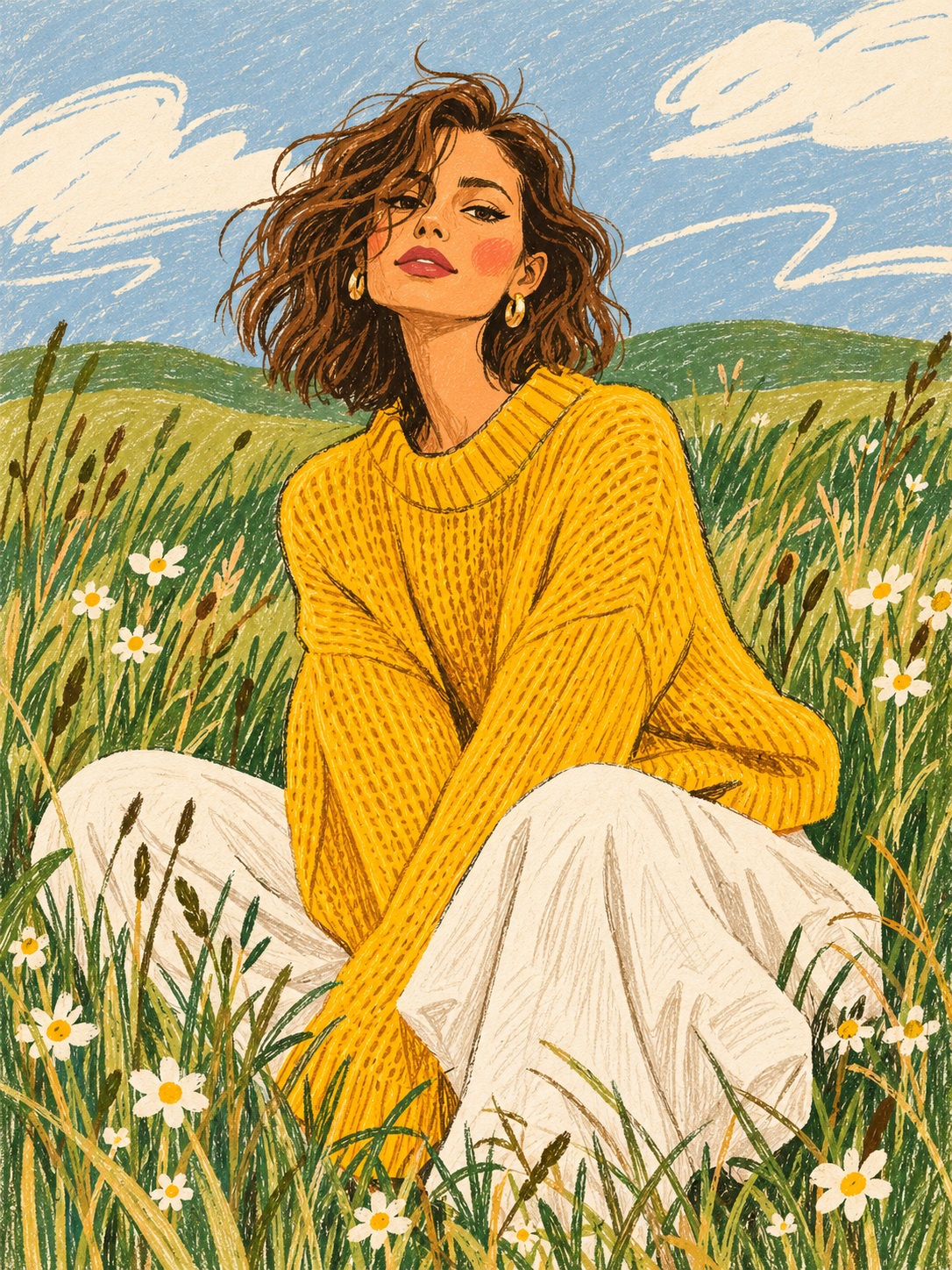
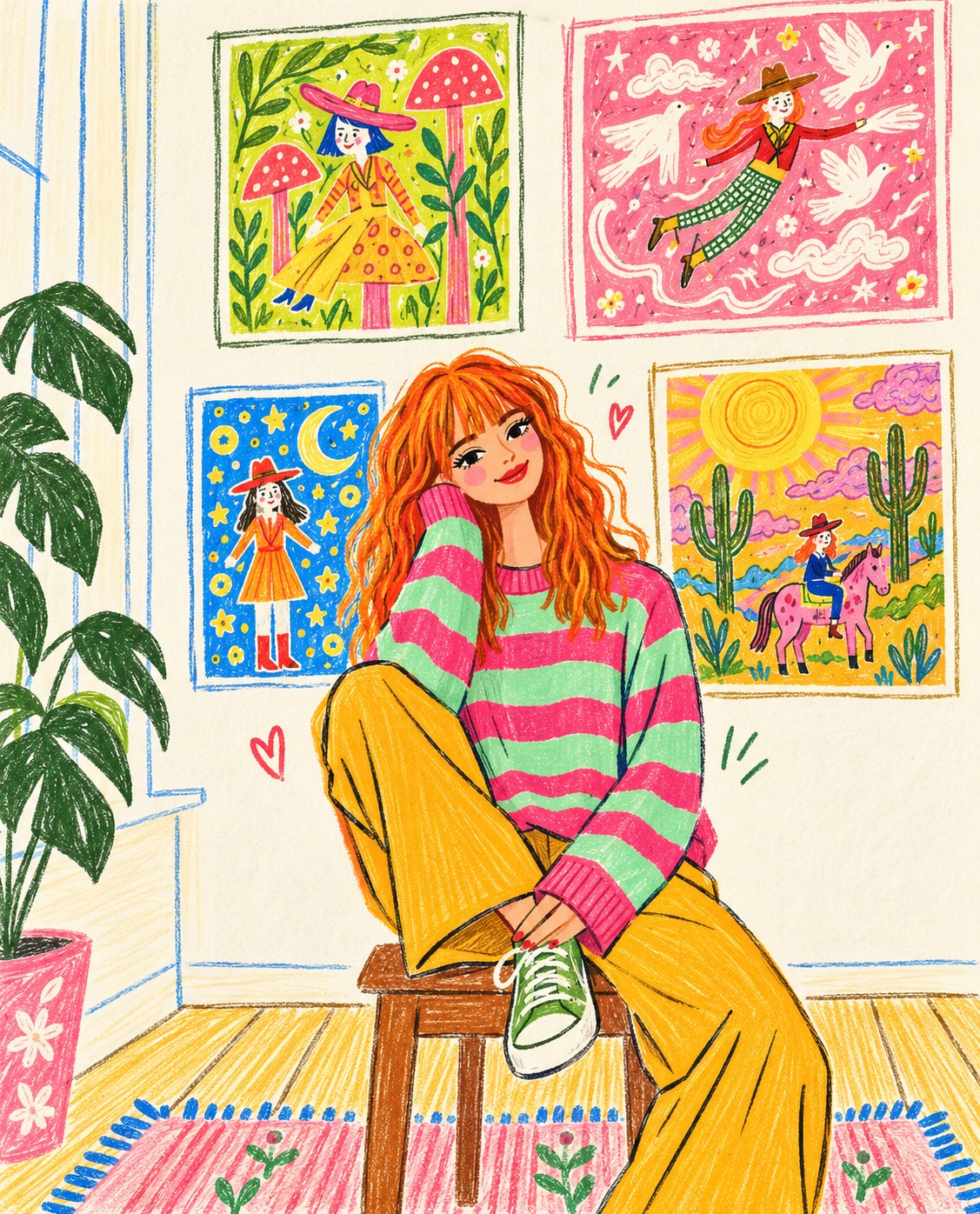
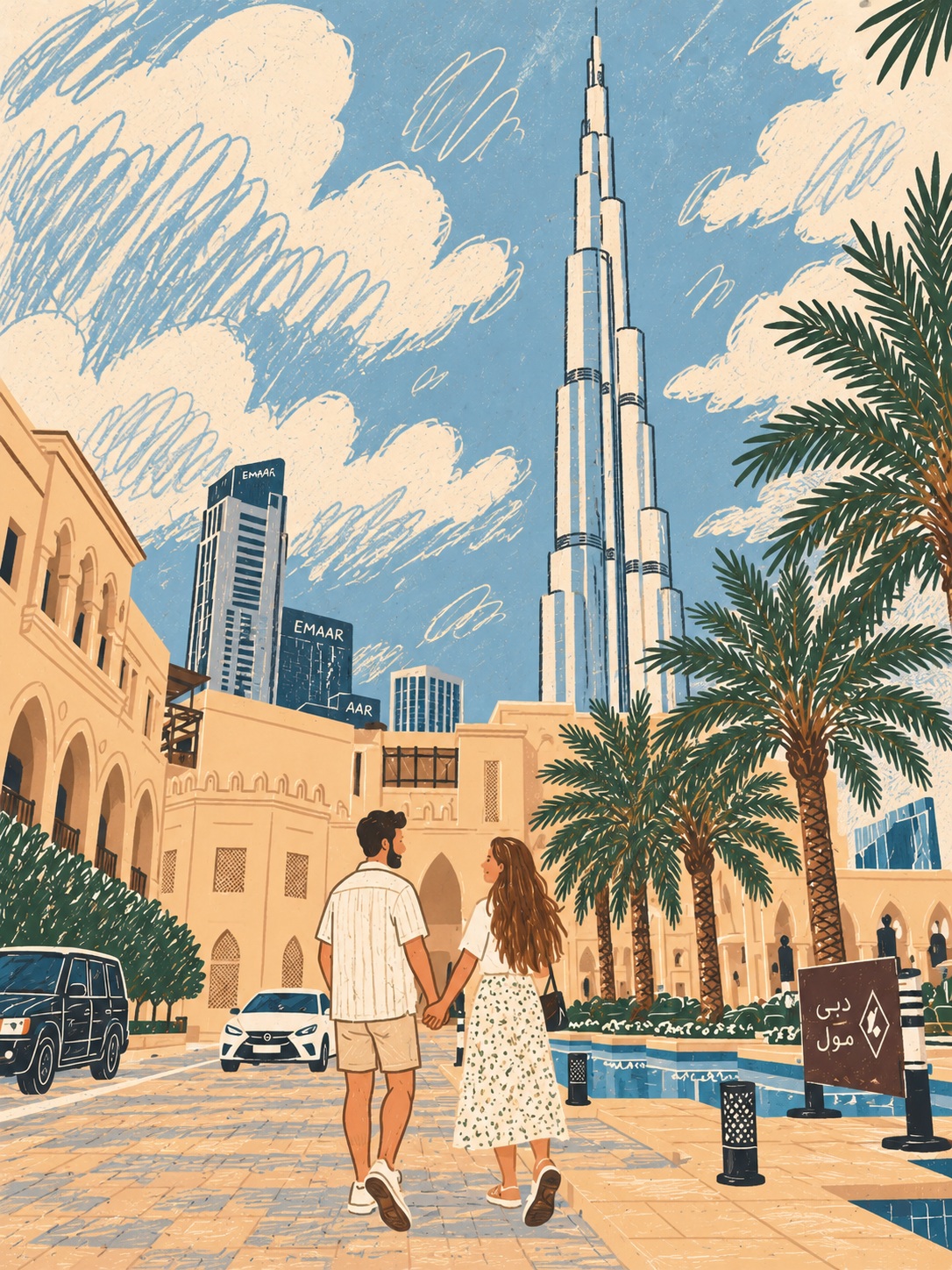
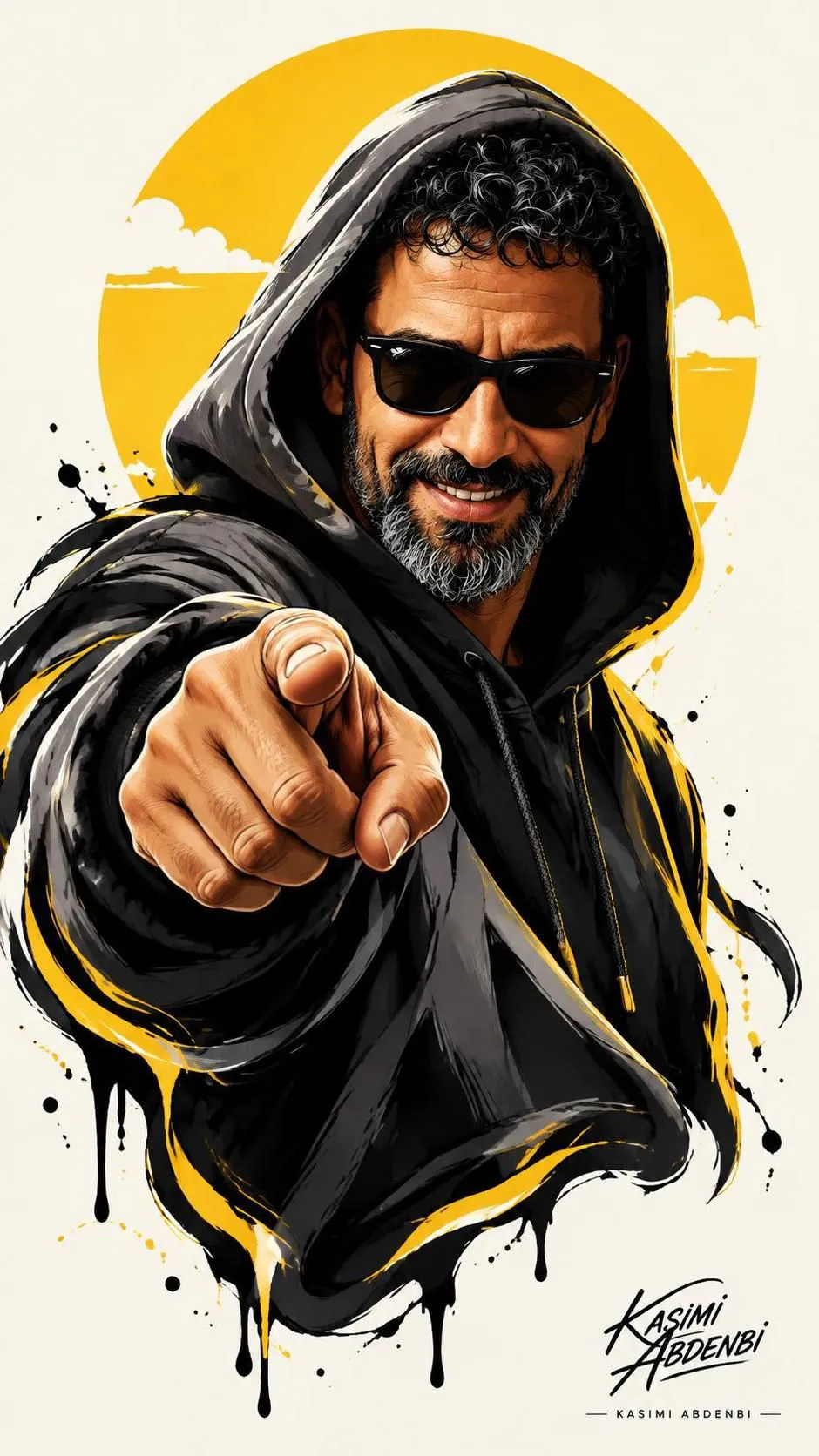
Turn a supplied photo into a minimalist, hand-drawn naive illustration with playful proportions and the look of a premium pencil poster.
Example outputs
Prompt template
- Format
- Text
- Inputs
- Reference_photo (image) · Required
- Outputs
- Illustration (image)
At https://dailyprompts.ru/studio, select GPT 2.5 and upload the photo to transform. Use this prompt:

Draw this photo as a contemporary, distinctive naive illustration. Use a minimalist style, hand-drawn lines, playful proportions, uneven contours, soft yet contrasting flat colors, and decorative strokes. Do not use shadows, gradients, or 3D. Give the result the look of a premium designer poster drawn in pencil. Use a 3:4 aspect ratio.
What you'll create
Hand-drawn lines and uneven contours simplify the source into flat contrasting colors. Decorative strokes and playful proportions create a premium pencil-poster feel without dimensional shading.
Frequently asked questions
Are shadows or gradients included?
No; shadows, gradients and 3D effects are explicitly excluded.





Comments
Tried this prompt? Share what you made, compare results, or ask a question