Turn a Photo into a Naïve Christmas Illustration Poster
Transform a reference photo into a playful, minimalist Christmas illustration poster while preserving its main subjects and composition.
Example outputs
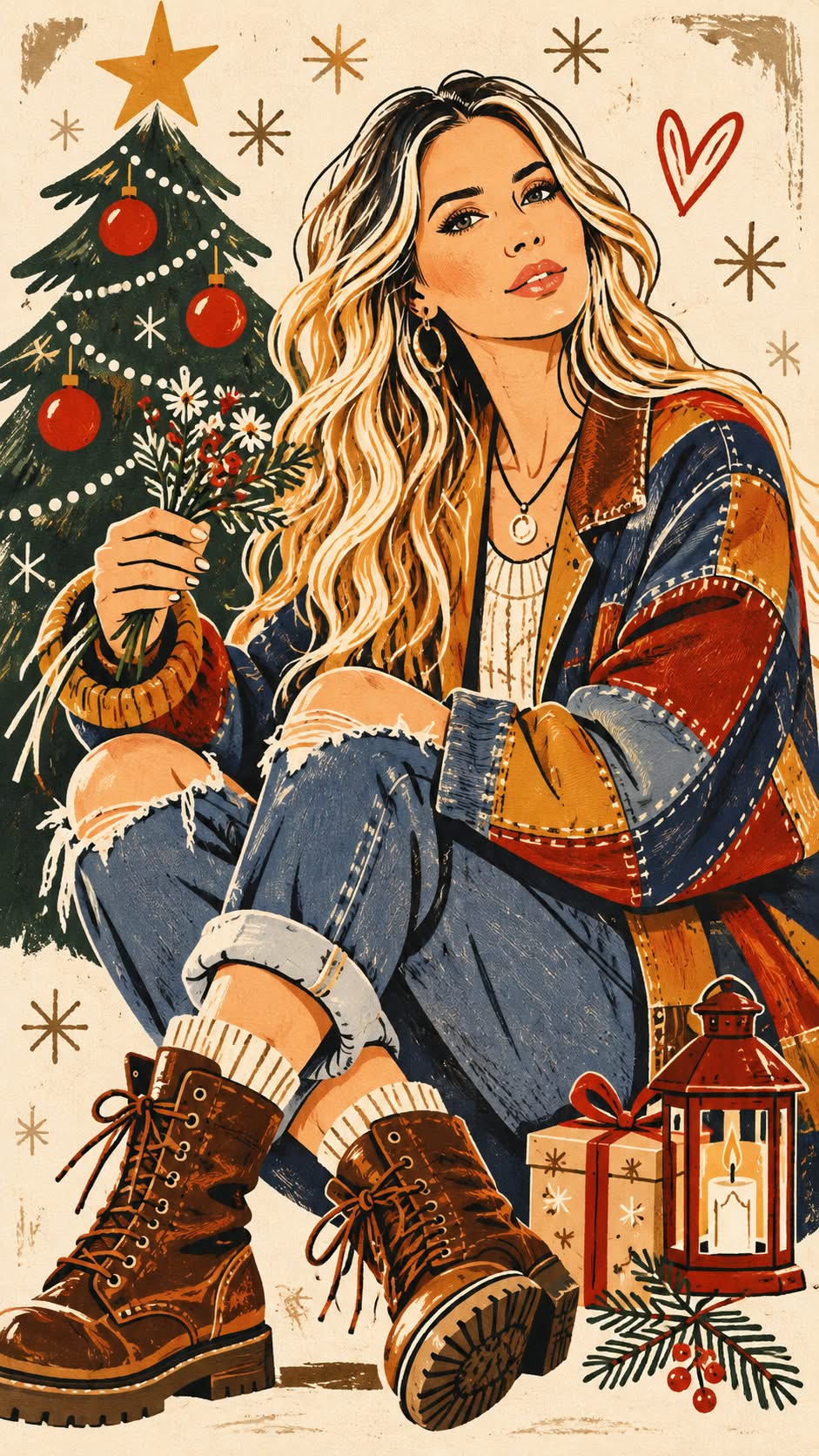
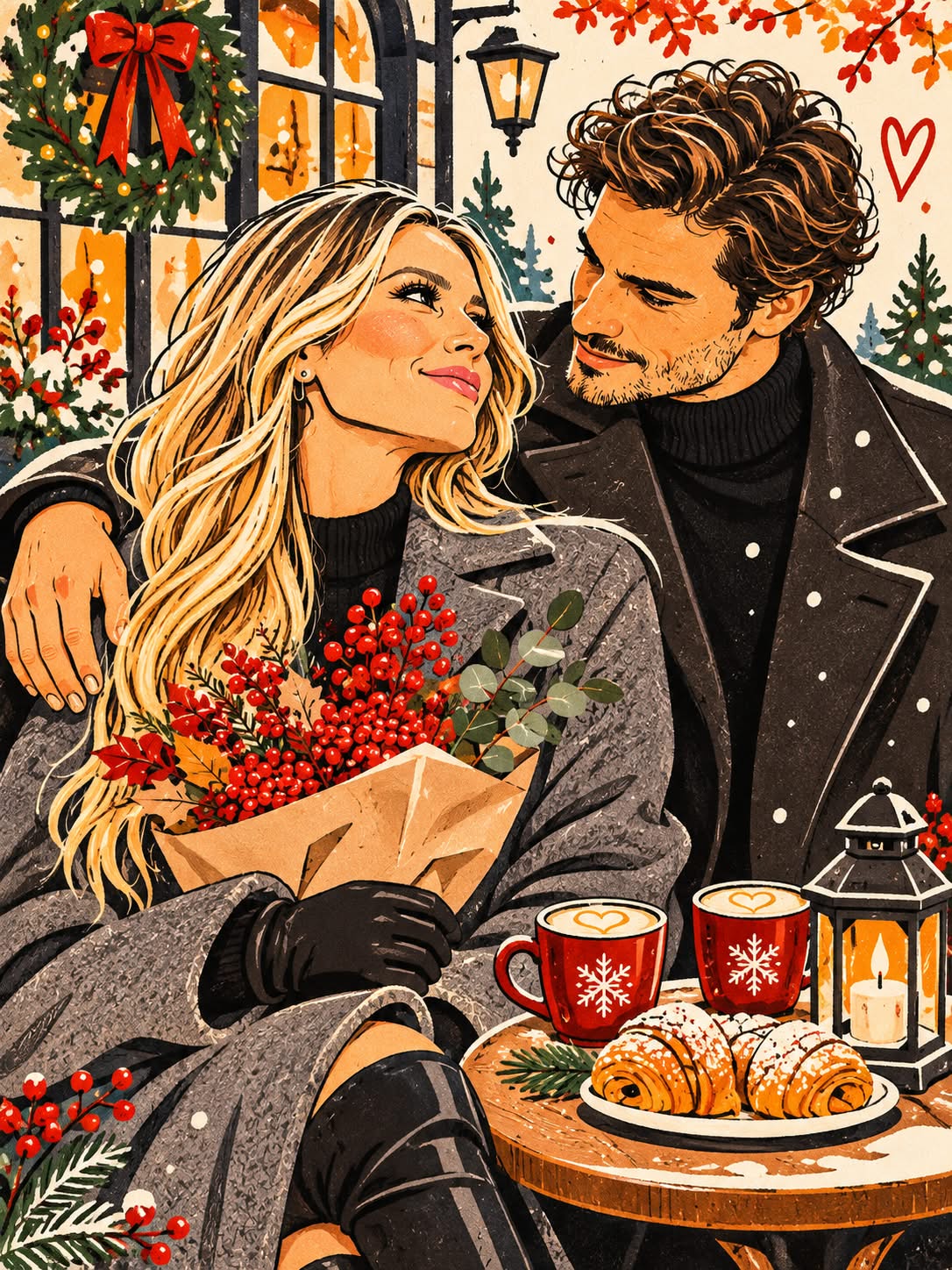
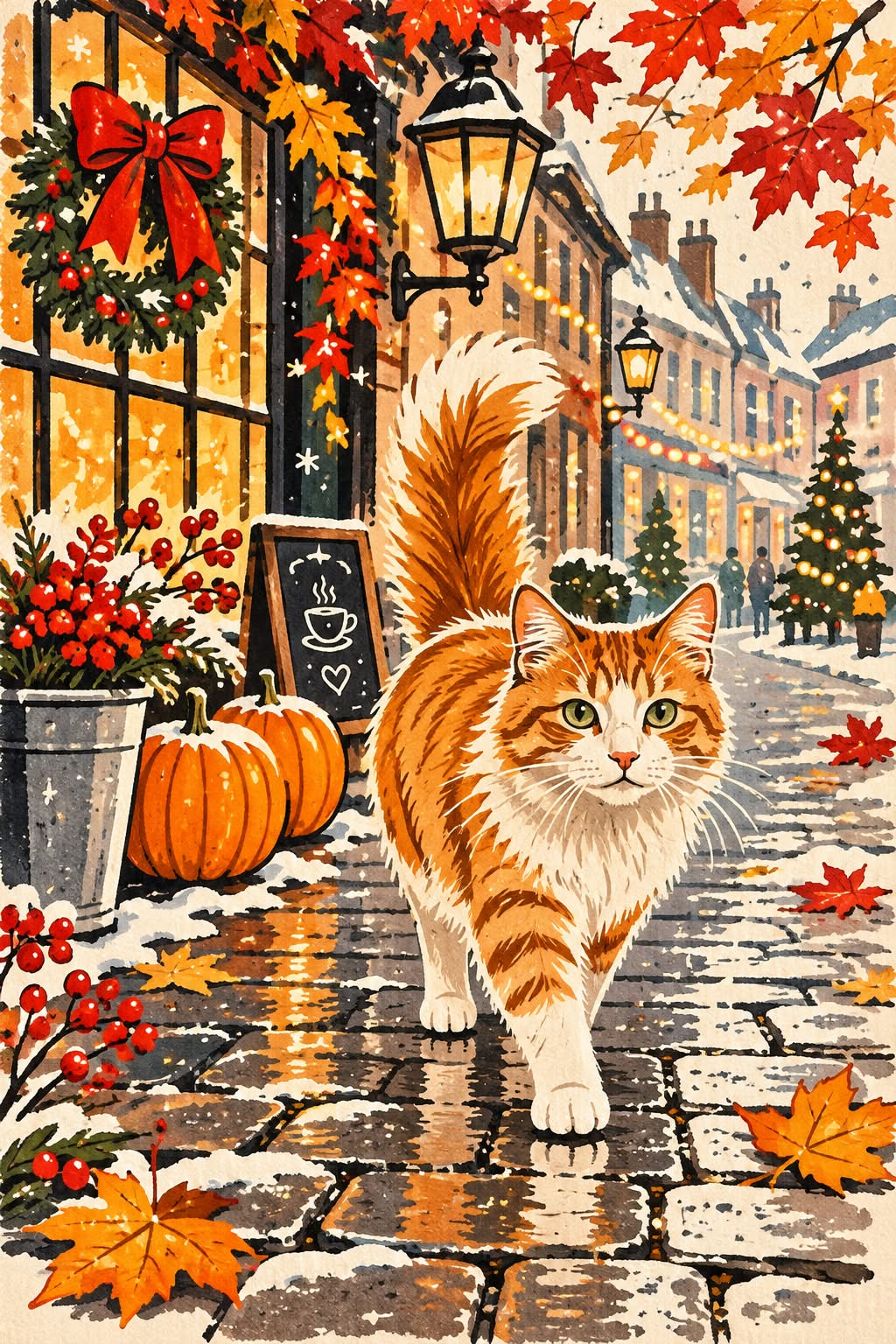
Prompt template
- Format
- Text
- Inputs
- Reference_photo (image) · Required
- Outputs
- Christmas_illustration_poster (image)
Transform the uploaded photo into a modern, original Christmas illustration in a naïve style. Preserve the recognizability and distinctive features of the main subjects, along with their poses and the composition of the original photo. Use a minimalist hand-drawn aesthetic, slightly humorous proportions, irregular outline lines, flat contrasting colors, and decorative marks. Add cozy Christmas details such as evergreen sprigs, garlands, snowflakes, and festive ornaments.

Use a palette of cream, evergreen, rich red, and terracotta. Avoid dimensional shadows, gradients, photorealism, and 3D. The result should be a stylish, original designer poster with the texture of a printed illustration. Use a vertical 9:16 format and high quality.
What you'll create
Create a vertical Christmas poster based on a supplied photo, preserving its main subjects, poses, and composition. Render it as a minimalist, naïve illustration with playful proportions, festive decorations, a specified color palette, and a printed texture.
Usage instructions
Provide the photo whose main subjects, poses, and composition should be retained. The prompt reimagines it as a flat, print-textured Christmas illustration; adjust the specified palette if you want a different festive color scheme.
Frequently asked questions
What input does this prompt require?
Provide the photo whose main subjects, poses, and composition should be preserved.
Can I change the aspect ratio?
The saved template specifies a vertical 9:16 poster. To request a different ratio, edit that instruction in the template.




Comments
Tried this prompt? Share what you made, compare results, or ask a question