Cinematic Roaring Lion Logo
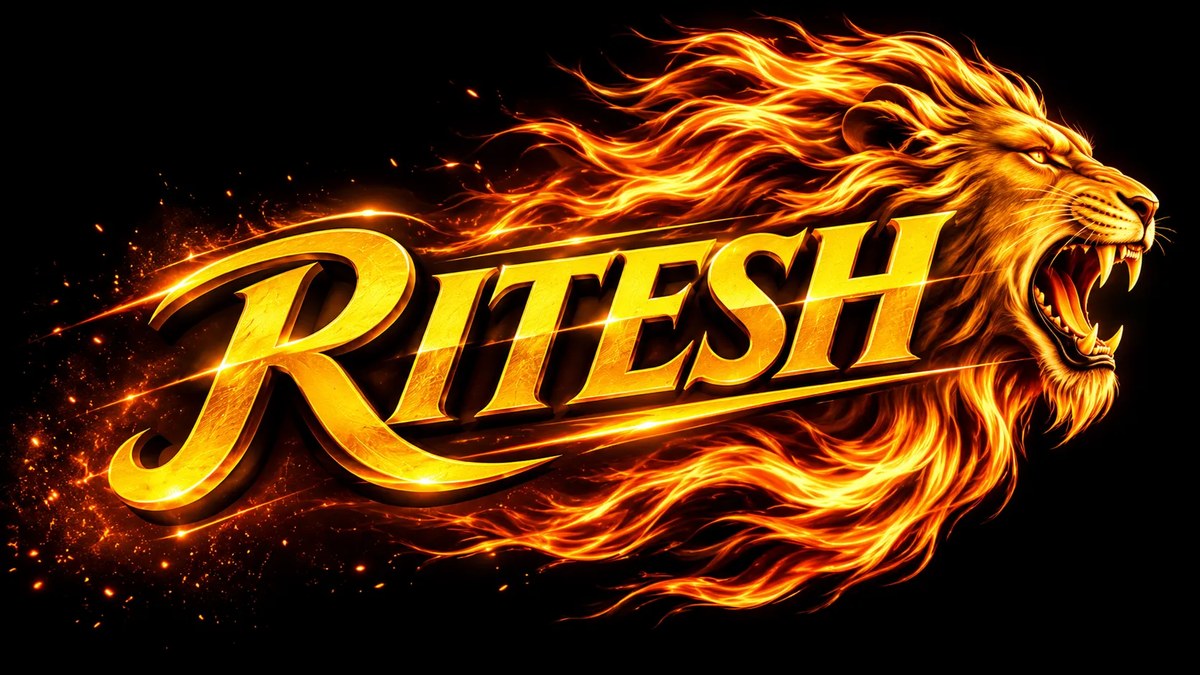
Create a widescreen 3D logo with bold yellow serif lettering and a roaring lion emerging beside it. Customize the displayed text while retaining the fiery, high-contrast look
Example outputs
Prompt template
- Format
- Text Parameterized
- Inputs
- Logo_text (text) · Optional · Default: RITESH
- Outputs
- Logo (image)
Create an epic 8K cinematic logo featuring “${logo-text:RITESH}” in massive yellow serif typography, with a fierce roaring lion emerging from the right side. Give the lion a flowing fiery orange-yellow mane and glowing amber eyes, surrounded by blazing energy trails, flying sparks, and embers. Use a deep black background, dramatic lighting, ultra-detailed textures, and a premium luxury 3D design. Create a powerful composition in 16:9 widescreenReplace the ${…} placeholders with your values
before using this prompt. See parameters
and defaults below
Parameters
Replace each placeholder with your own value, or use its default when one is provided
${logo-text:RITESH}
logo-text
Default: RITESH
What you'll create
This prompt creates an 8K widescreen luxury 3D logo with a roaring lion emerging beside bold yellow serif text. Fiery trails, sparks, and dramatic lighting contrast against a deep black background
Usage instructions
Frequently asked questions
Can I change the text in the logo?
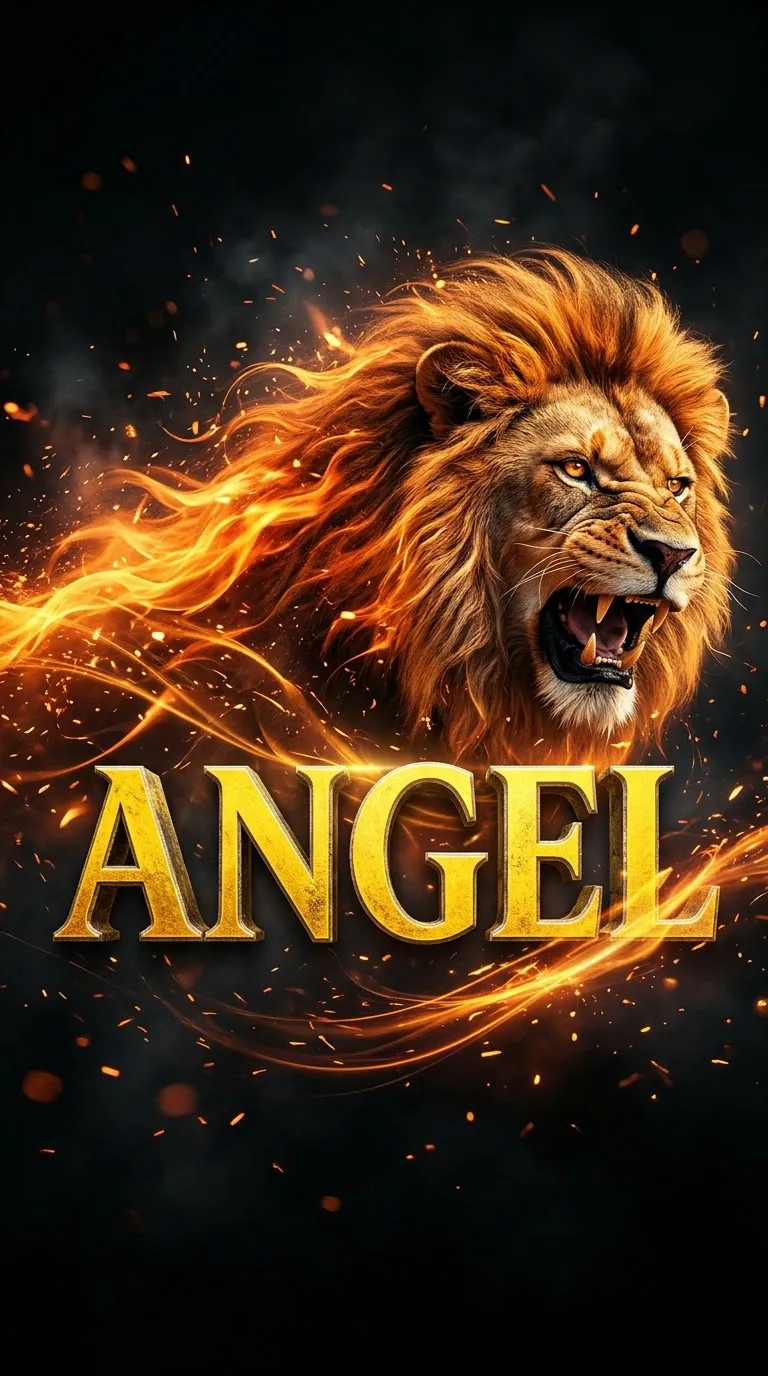
Yes. Replace the default text with the name or wording you want displayed
Which details establish the fiery look?
The flowing orange-yellow mane, blazing energy trails, sparks, embers, and glowing amber eyes create the fiery effect





Comments
Tried this prompt? Share what you made, compare results, or ask a question