Enhance and Upscale a Photo to 4K
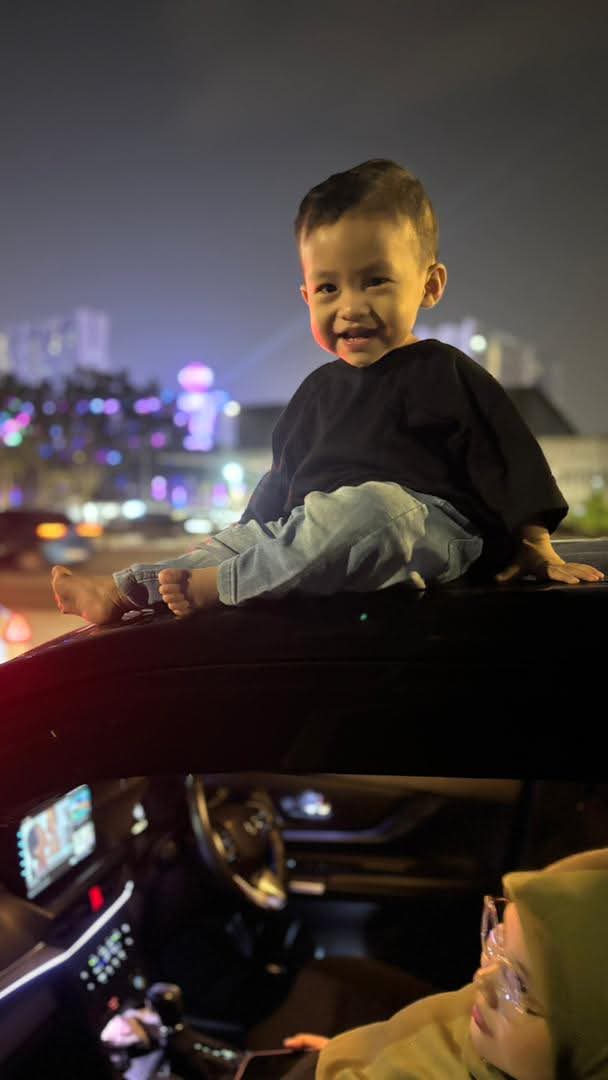
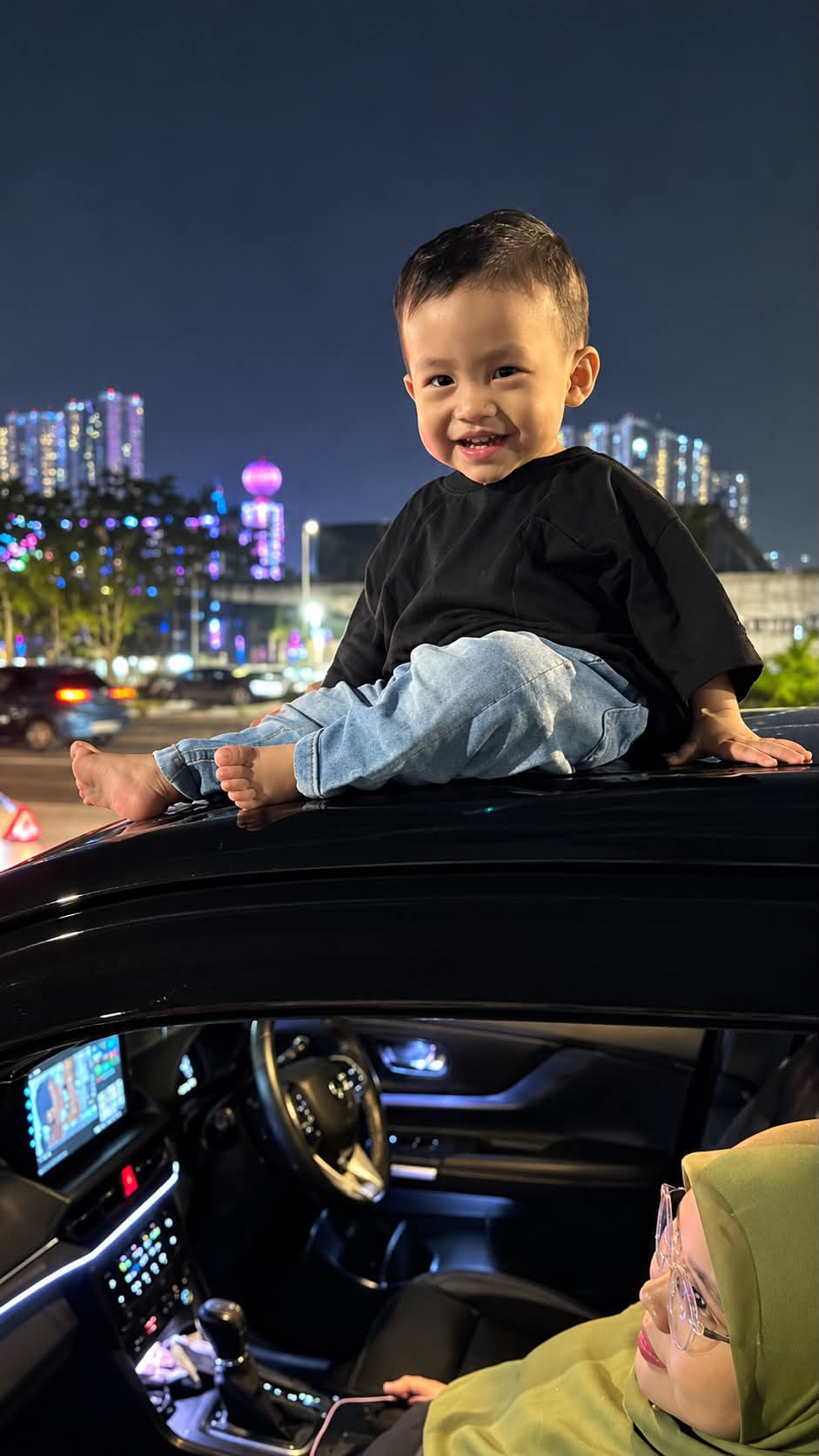
Improve an image’s clarity, facial details, and colors while preserving the original face, identity, clothing, and pose.
Example outputs
Prompt template
- Format
- Text
- Inputs
- Image (image) · Required
- Outputs
- Enhanced4Kimage (image)
Using the provided image, upscale it to 4K. Remove noise and blur, sharpen details, and enhance facial features naturally. Use vibrant but realistic colors and professional photo quality. Do not change the face or identity. Keep the same face, clothes, and pose.What you'll create
The image retains the same face, clothing and pose while improving clarity. Vibrant realistic color and restrained facial enhancement create a cleaner photograph.
Frequently asked questions
Can the identity change during enhancement?
No. The same face and identity remain.
What target resolution is requested?
4K.




Comments
Tried this prompt? Share what you made, compare results, or ask a question