Photorealistic Creepy Clown Portrait
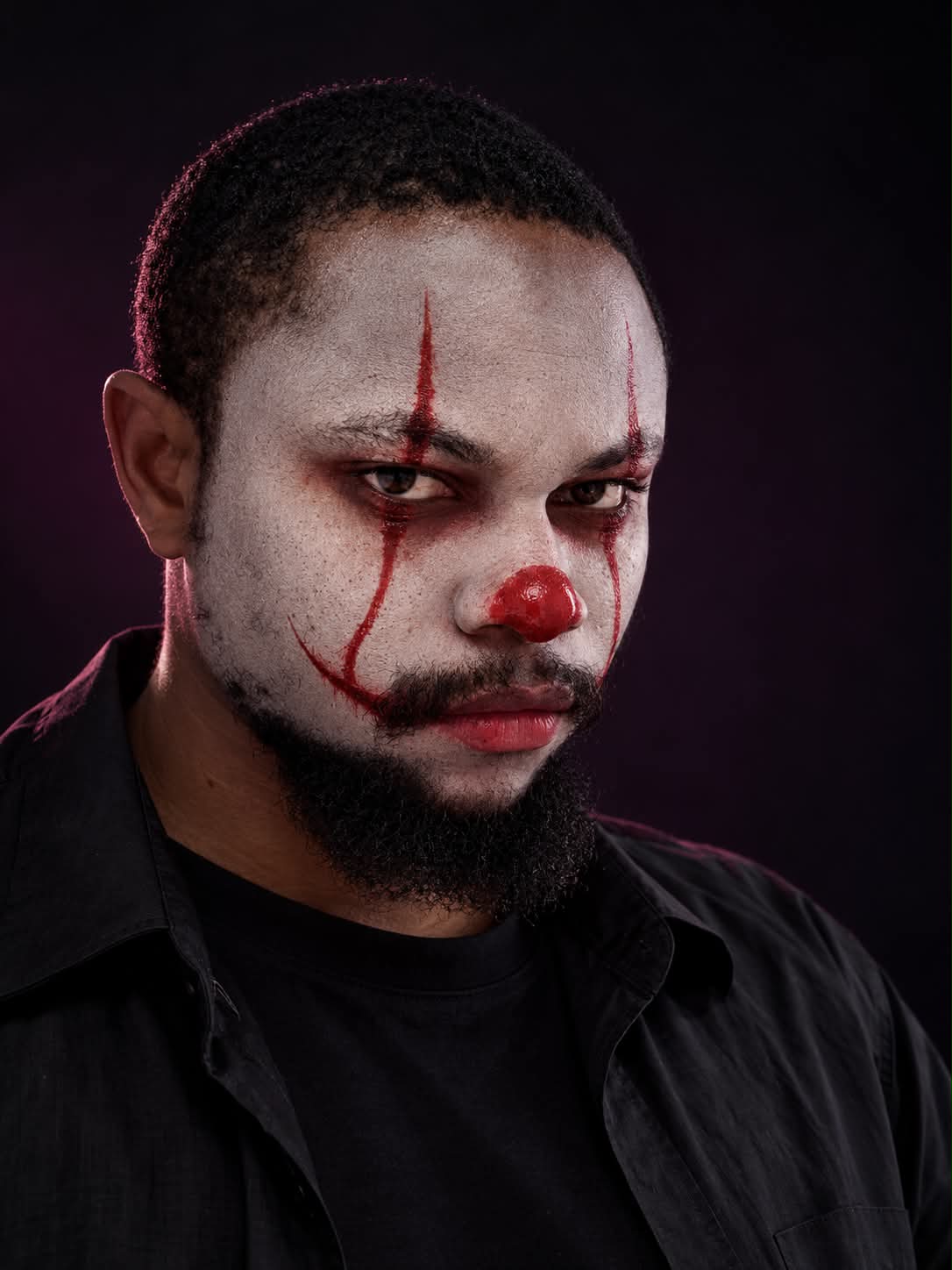
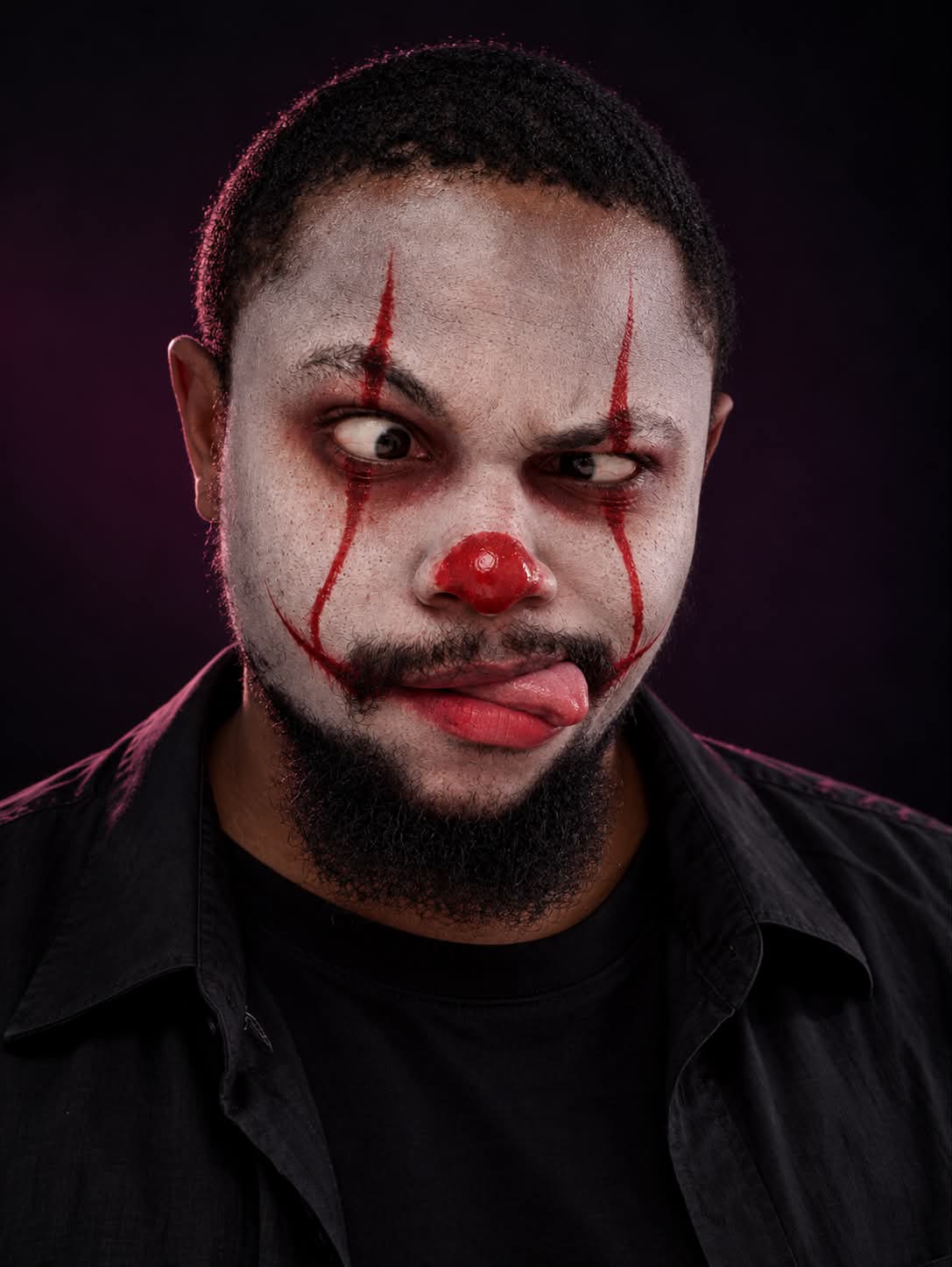
Create a hyperrealistic digital painting of a young adult man wearing minimalist creepy clown makeup.
Example outputs
Prompt template
- Format
- Text
- Outputs
- Clownportrait (image)
Create a hyperrealistic, photorealistic digital painting portrait of a handsome young man in his 20s. He has intense hazel eyes staring directly at the camera. He wears minimalist creepy clown makeup: matte white face paint, a bright glossy red clown nose, sharp red vertical lines extending from his eyebrows down beneath his eyes and curving into an exaggerated red smile at the corners of his mouth, subtle smudged dark red eyeshadow, and natural red lips. He has pale skin and wears a black T-shirt beneath a black open-collared shirt. Use a dark, moody gradient background transitioning from black to dark purple, dramatic soft studio lighting, and rim light on his hair. Show ultra-detailed skin texture, 8K detail, and sharp focus.What you'll create
An adult man looks directly ahead with hazel eyes beneath matte white paint and curved red clown lines. Layered black shirts, soft studio light and hair rim highlights keep the image photorealistic.
Frequently asked questions
What keeps the clown styling restrained?
Minimal makeup relies on white paint, red lines and a glossy red nose.



Comments
Tried this prompt? Share what you made, compare results, or ask a question