Exaggerated Comic Cartoon Photo Transformation
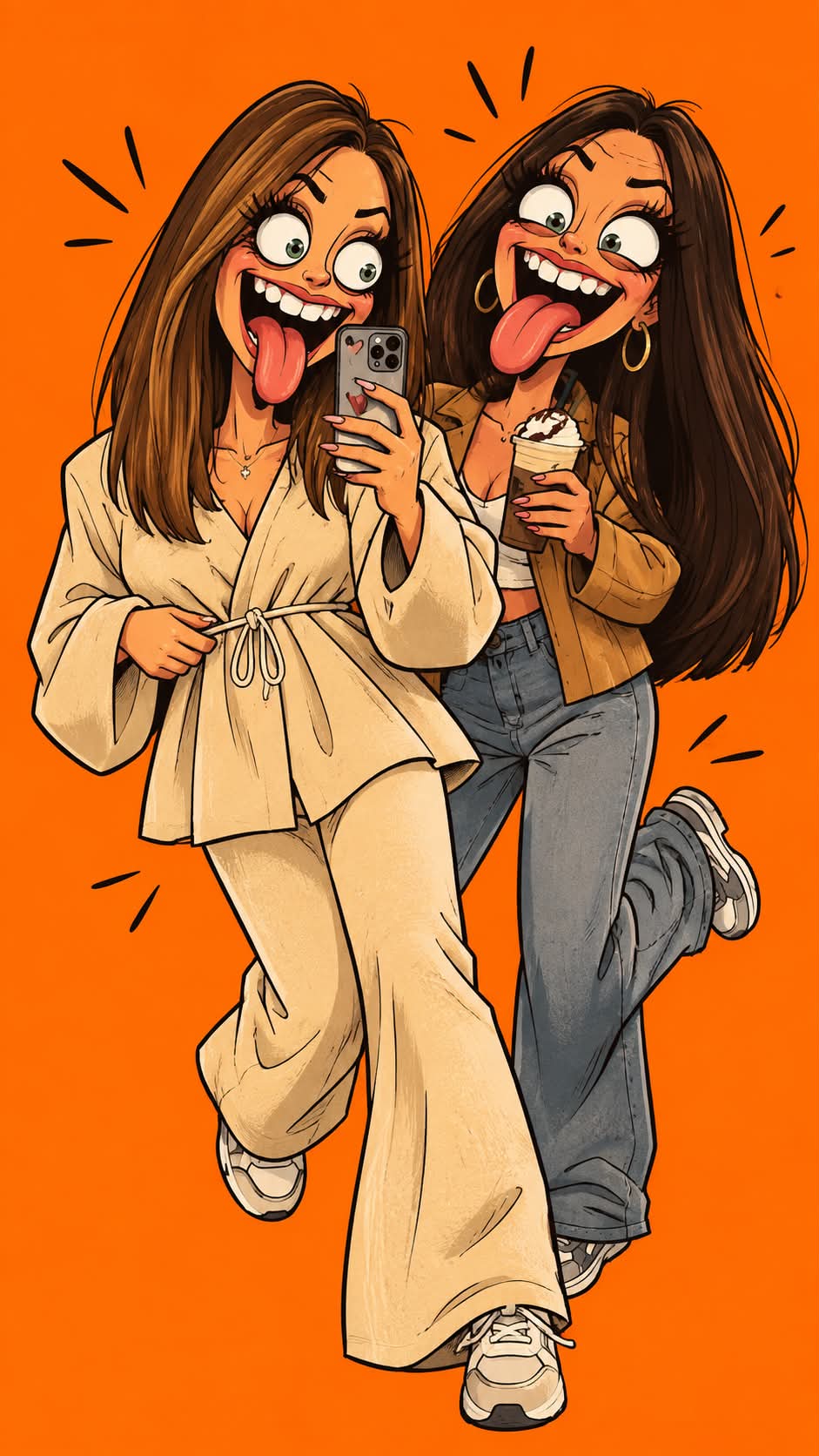
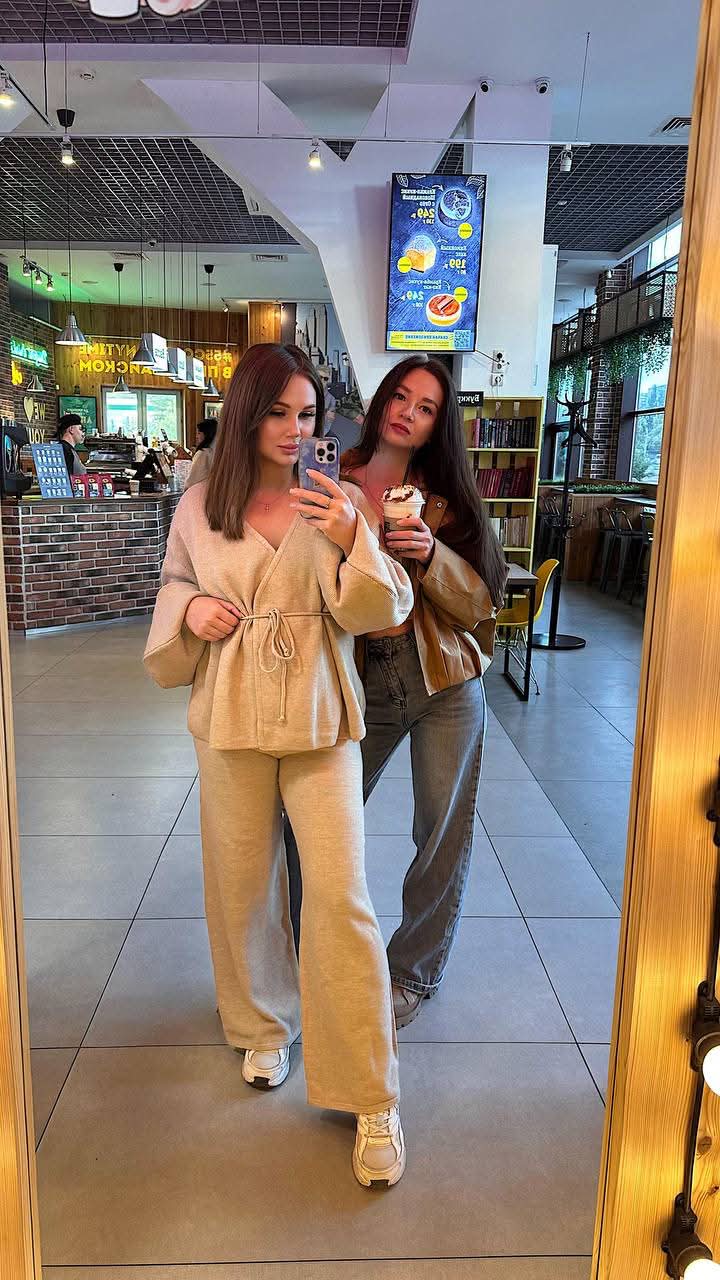
Turn a photo into a bold, expressive 2D cartoon while preserving the subject’s pose and outfit.
Example outputs
Prompt template
- Format
- Text
- Inputs
- uploaded_photo (image) · Required
- Outputs
- cartoon_illustration (image)
Turn the uploaded photo into a 2D digital cartoon illustration in an absurd, expressive comic style. Make the character’s eyes bulge wide, the mouth extremely open in an exaggerated, disproportionate way, the tongue stick out, and the teeth look large and messy. Give the character an overly dramatic, comical expression. Use a bold, humorous drawing style with thick outlines and bright flat colors. Set the background to a solid, vibrant orange to make the character stand out. Keep the same pose and outfit as in the original photo, but simplify the design into a cartoon style. The body may float or take on a dramatic, funny motion to enhance the visual effect.What you'll create
The source pose and clothing become a bright flat-color drawing with dramatically exaggerated facial expression. Wide eyes, an open mouth and a protruding tongue create the intentionally ridiculous comic effect.
Frequently asked questions
Must the pose and outfit remain identifiable?
Yes. They follow the original photo despite the exaggerated rendering.
What background is requested?
A solid vibrant orange field makes the character stand out.


Comments
Tried this prompt? Share what you made, compare results, or ask a question