Festive South Indian Saree Portrait
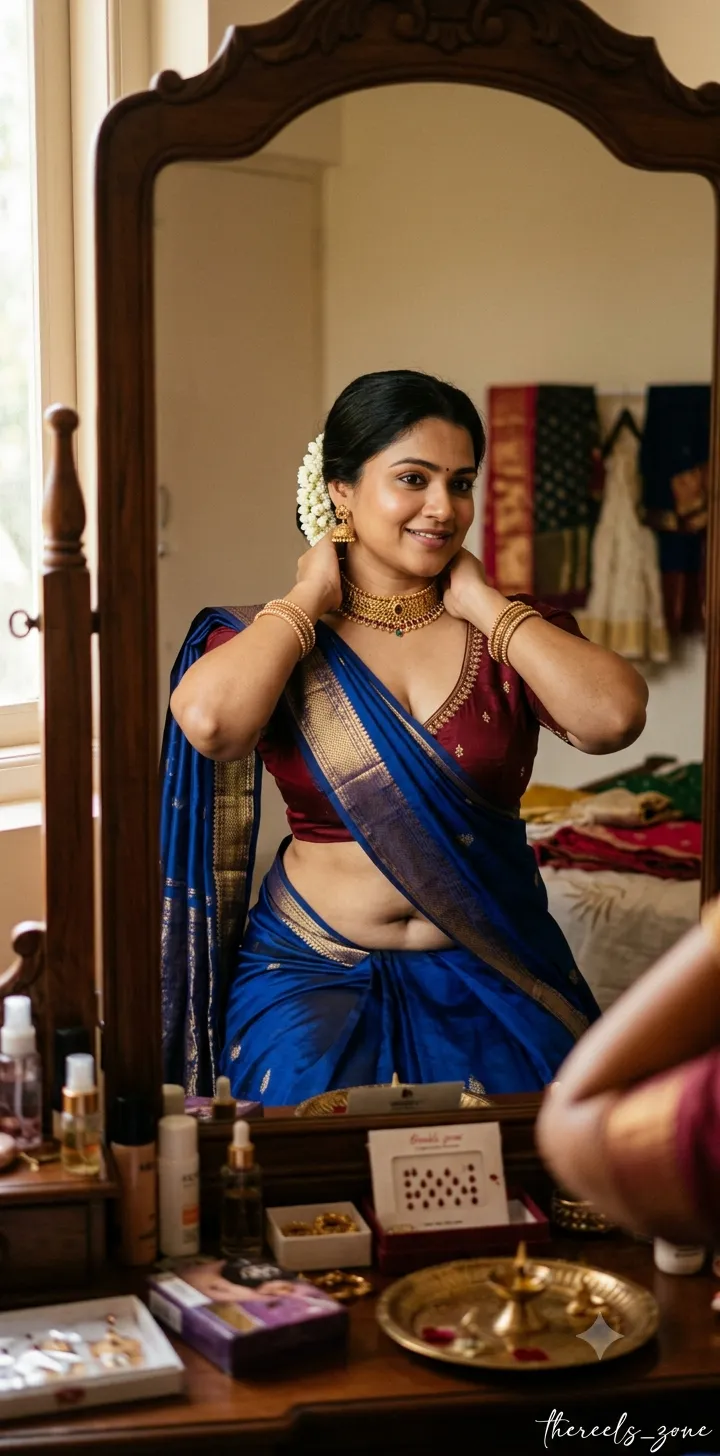
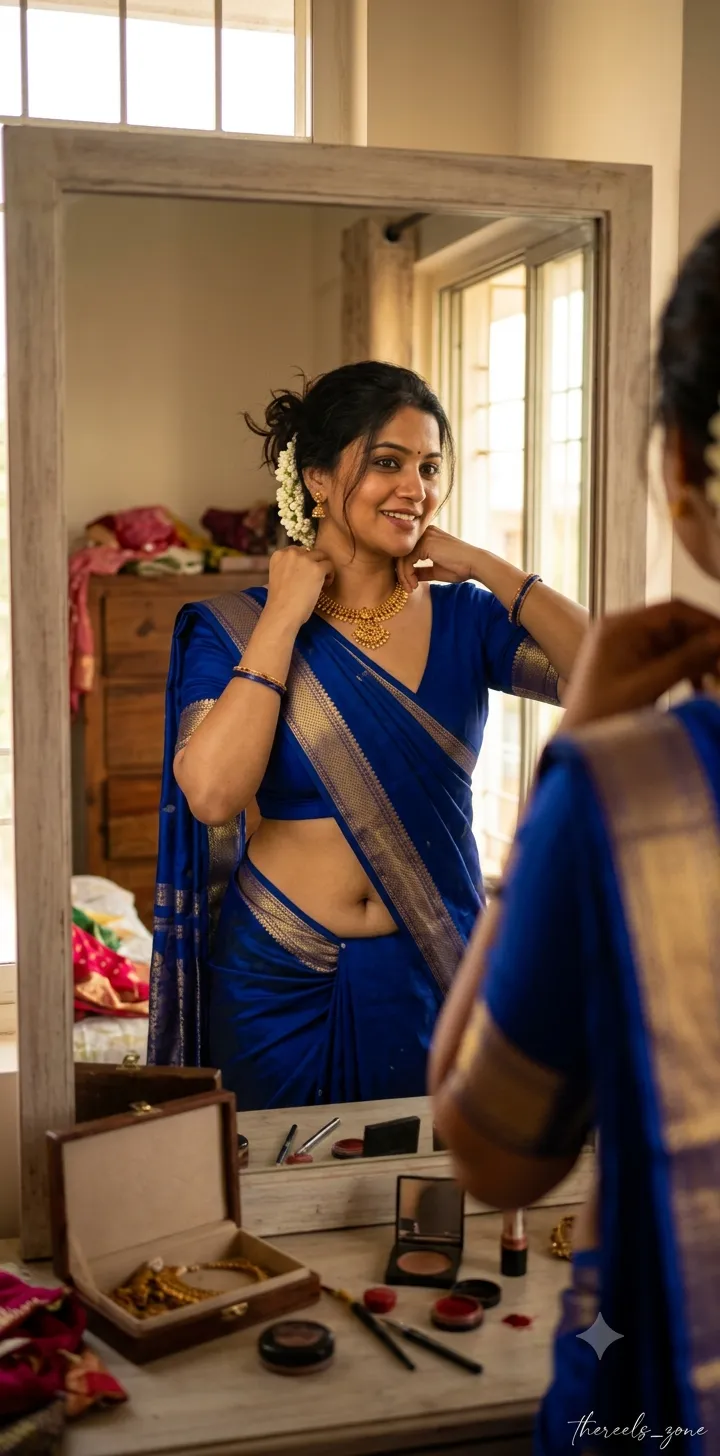
Create a candid indoor portrait of a woman getting ready for a festive occasion, with warm window light and a joyful mirror-side moment. Customize the signature text and portrait aspect ratio while keeping the supplied defaults
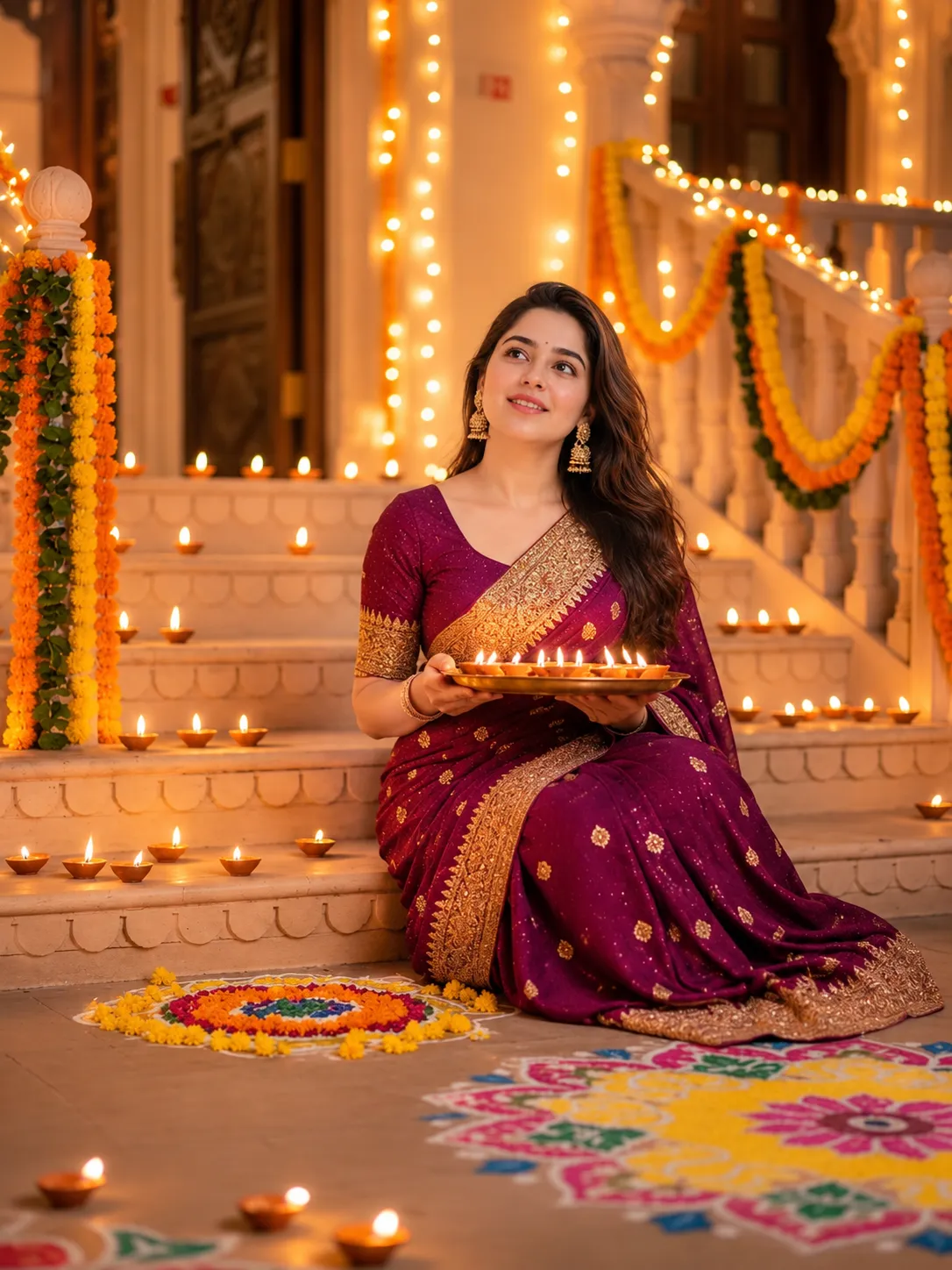
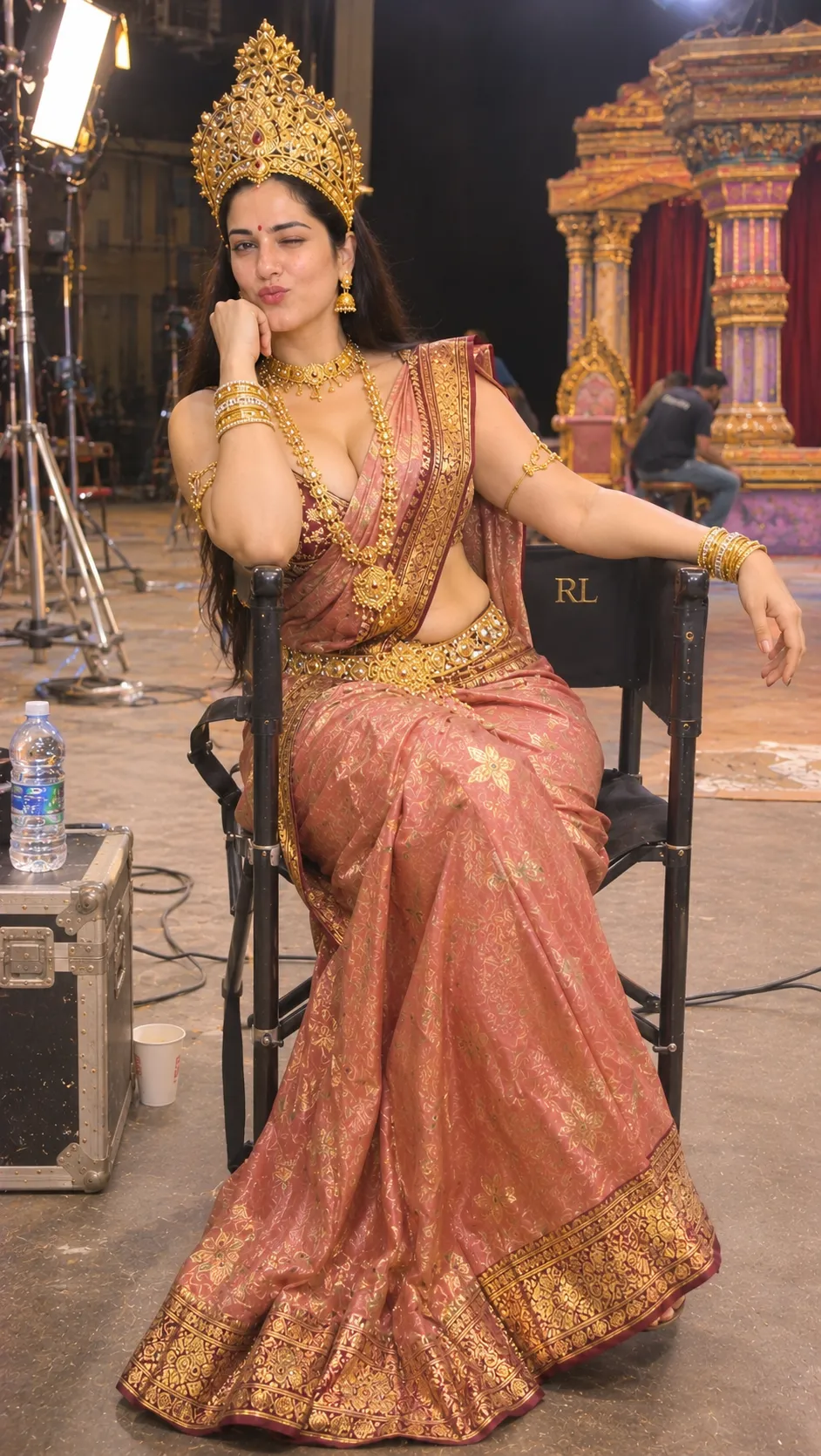
Example outputs
Prompt template
- Format
- Text Parameterized
- Inputs
- signature (text) · Optional · Default: thereels_zone aspect_ratio (text) · Optional · Default: 9:18
- Outputs
- Portrait (image)
Generate a candid indoor portrait of a beautiful, curvy South Indian woman, 35+ years old, getting ready for a festive occasion. She is wearing a rich, royal-blue silk saree draped low, revealing her midriff and navel, paired with a plunging V-neck blouse that highlights her cleavage. She is looking into a mirror, putting on a gold necklace, with a soft, joyful expression. The lighting is warm and natural, coming from a nearby window. Place the ${signature:thereels_zone} signature in stylish cursive in the bottom-right corner. Aspect ratio: ${aspect-ratio:9:18}.Replace the ${…} placeholders with your values
before using this prompt. See parameters
and defaults below
Parameters
Replace each placeholder with your own value, or use its default when one is provided
${signature:thereels_zone}
signature
Default: thereels_zone
${aspect-ratio:9:18}
aspect-ratio
Default: 9:18
What you'll create
This prompt creates a candid indoor portrait of a curvy South Indian woman getting ready for a festive occasion. Warm natural window light, a mirror-side necklace moment, and the specified saree and signature shape the scene
Generation settings
Usage instructions
Frequently asked questions
Can I change the signature text?
Yes. Replace the default thereels_zone text with the signature you want shown in cursive at the bottom right
What aspect ratio does the prompt use?
The default is 9:18, a tall portrait aspect ratio


Comments
Tried this prompt? Share what you made, compare results, or ask a question