Mauve Saree Studio Portrait
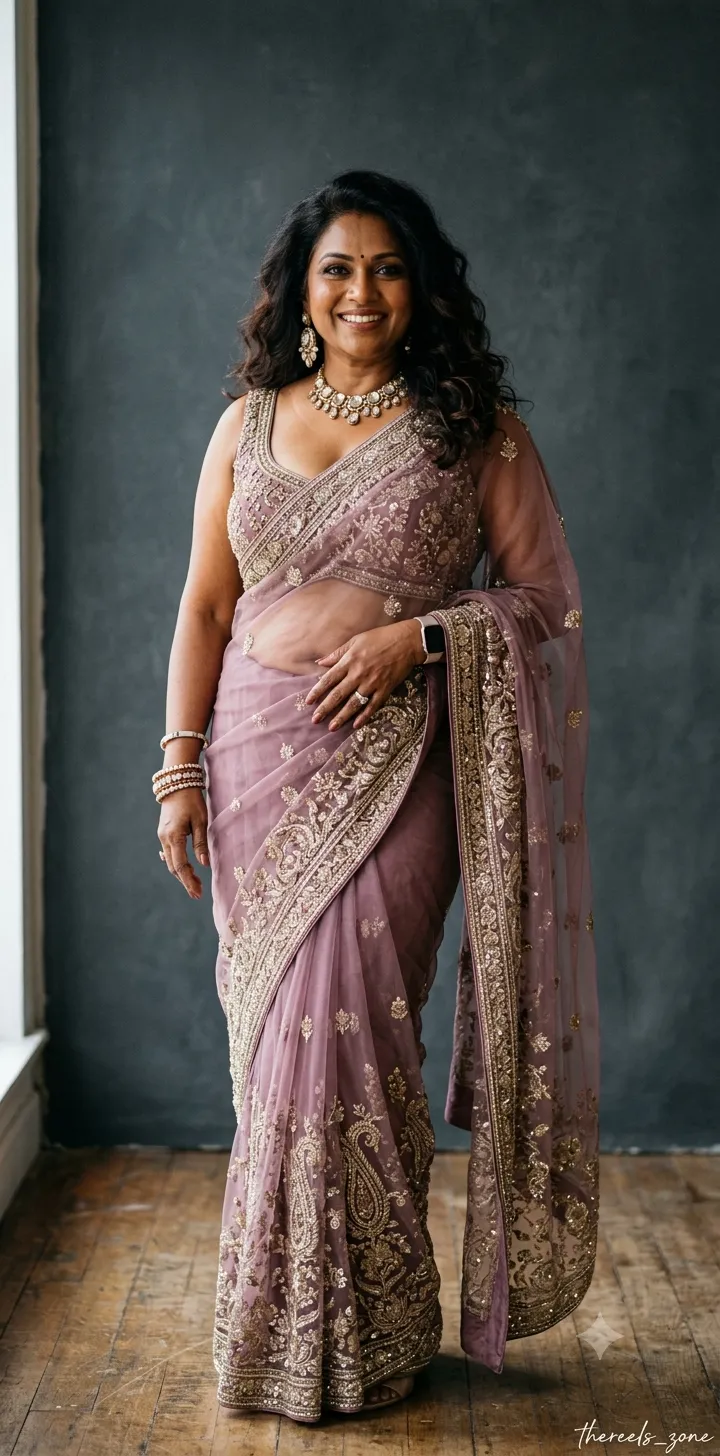
Create an elegant studio portrait of a mature, plus-size South Indian woman in an embroidered mauve saree. Customize the saree color and the cursive signature while retaining the specified portrait details
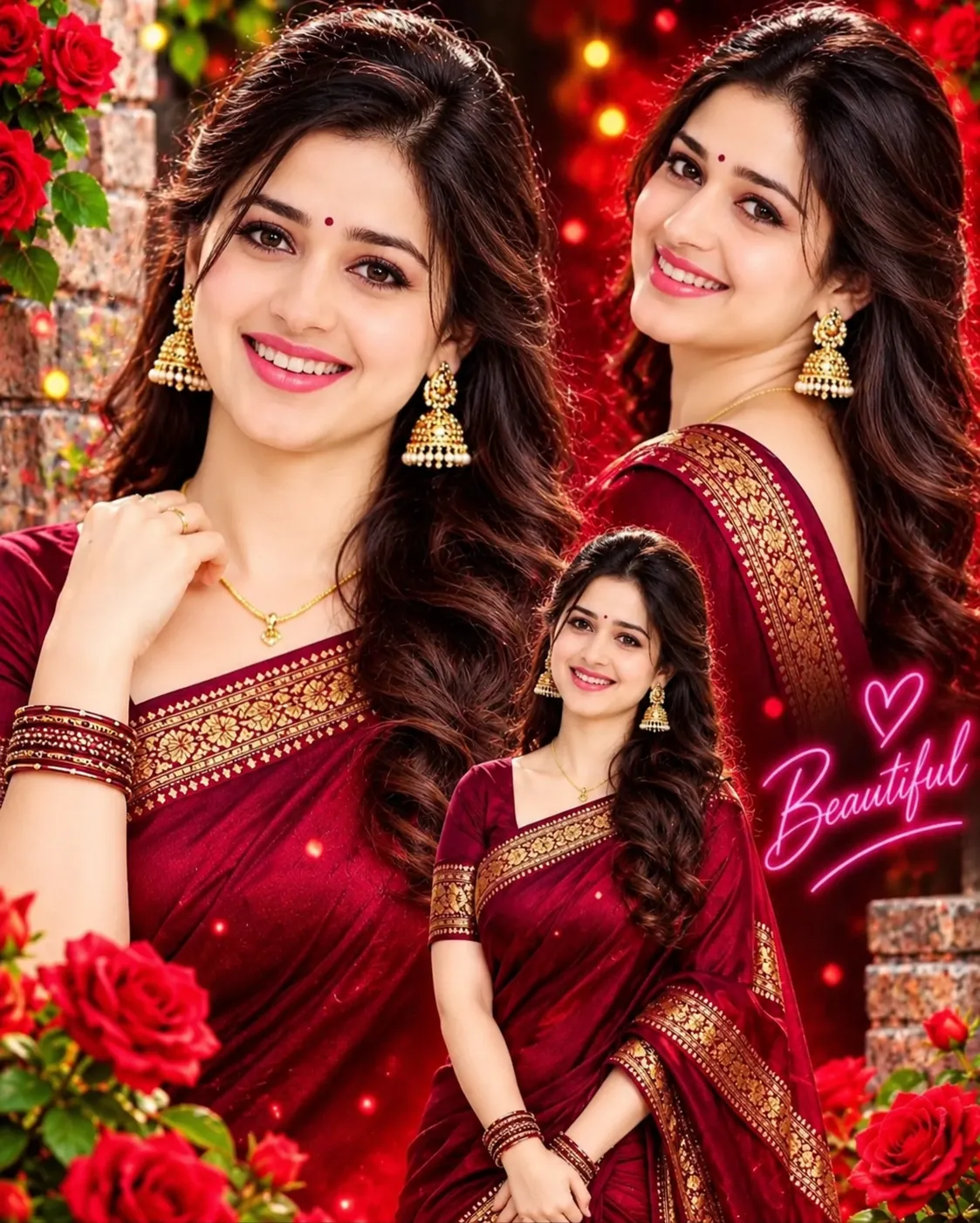
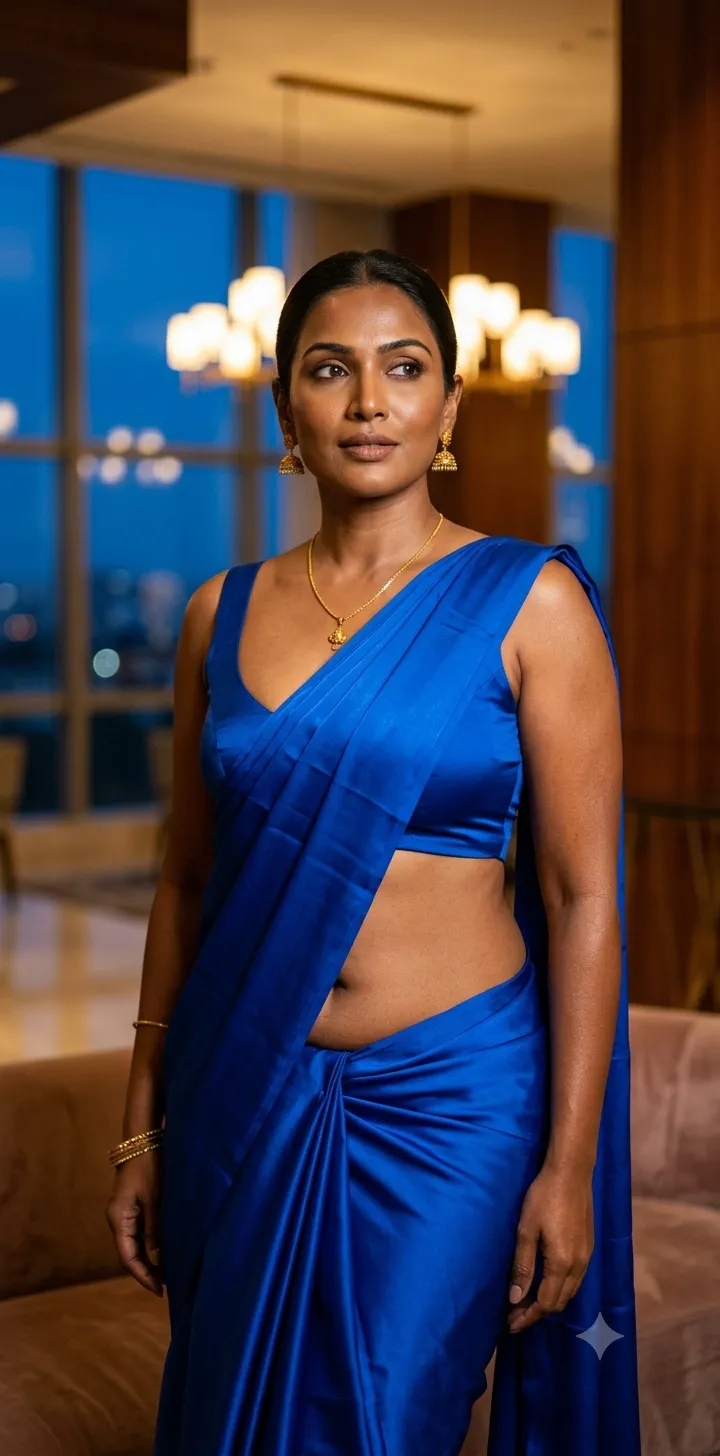
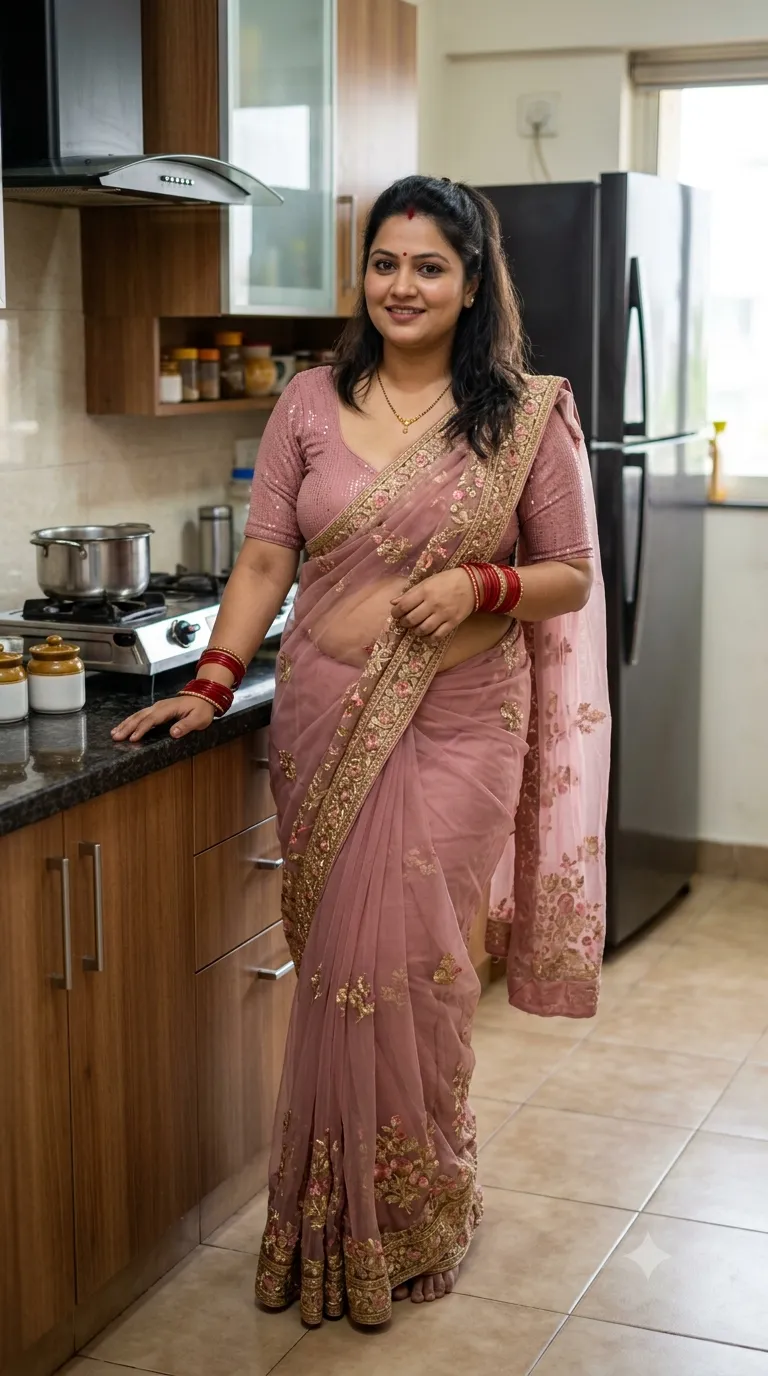
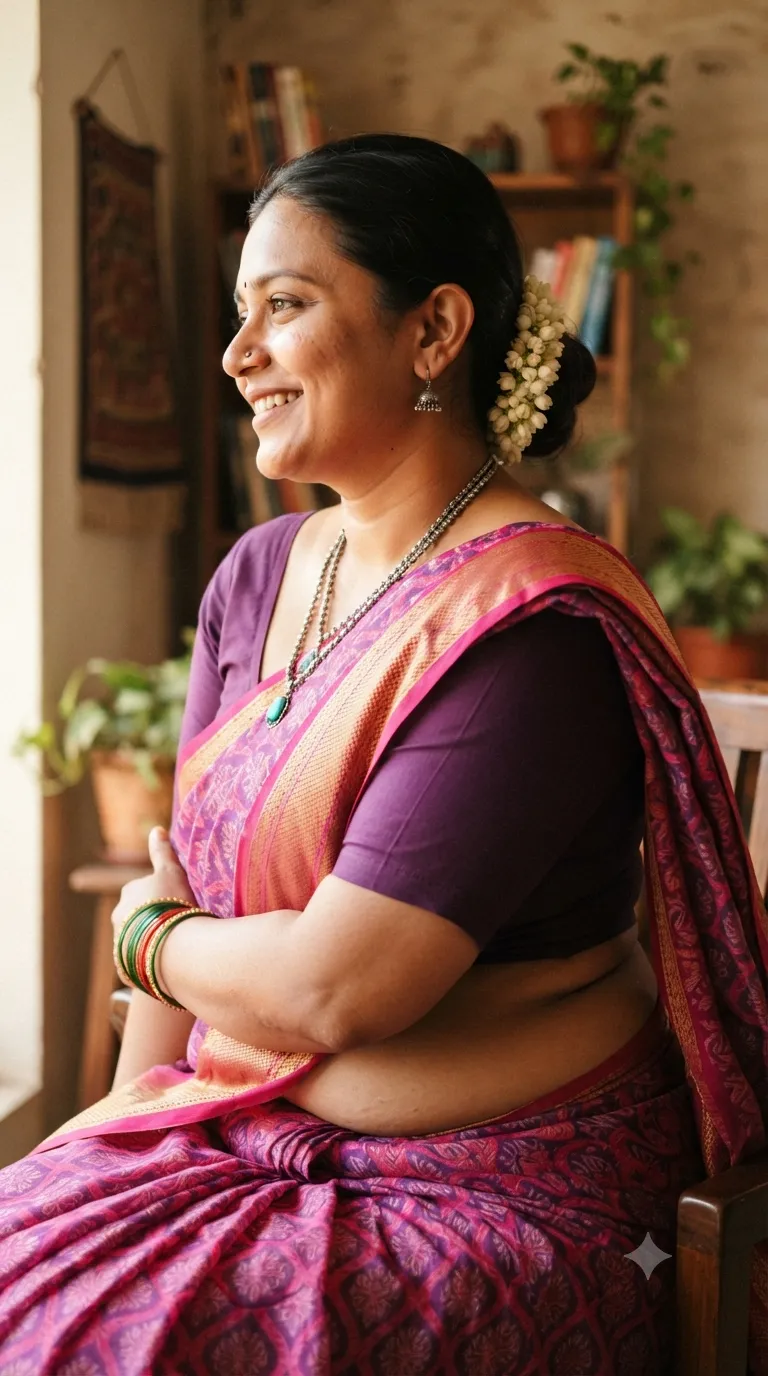
Example outputs
Prompt template
- Format
- Text Parameterized
- Inputs
- saree_color (text) · Optional · Default: mauve signature (text) · Optional · Default: thereels_zone
- Outputs
- Studio_portrait (image)
Generate an elegant studio photograph of a mature, plus-size South Indian woman posing confidently. She is dressed in a contemporary, sheer net saree in ${saree-color:mauve} with heavy embroidery, worn with a matching embellished sleeveless blouse with a deep scoop neck that shows cleavage and her midriff. Her hair is styled in loose waves, and she wears bold, modern jewelry. The background is a simple, textured deep grey. The ${signature:thereels_zone} signature in a delicate cursive font is visible in the bottom right corner. Aspect ratio 9:18.Replace the ${…} placeholders with your values
before using this prompt. See parameters
and defaults below
Parameters
Replace each placeholder with your own value, or use its default when one is provided
${saree-color:mauve}
saree-color
Default: mauve
${signature:thereels_zone}
signature
Default: thereels_zone
What you'll create
This prompt creates an elegant studio photograph of a mature, plus-size South Indian woman posing confidently in a sheer, heavily embroidered saree and matching embellished blouse. Loose waves, bold modern jewelry, a textured deep grey background, and a delicate bottom-right signature complete the composition
Usage instructions
Frequently asked questions
Can I change the signature text?
Yes. Replace the signature default while keeping the requested delicate cursive style and bottom-right placement
Can I change the saree color?
Yes. The prompt defaults to mauve, but you can substitute another color


Comments
Tried this prompt? Share what you made, compare results, or ask a question