Convert an Image to a Video Game Theme
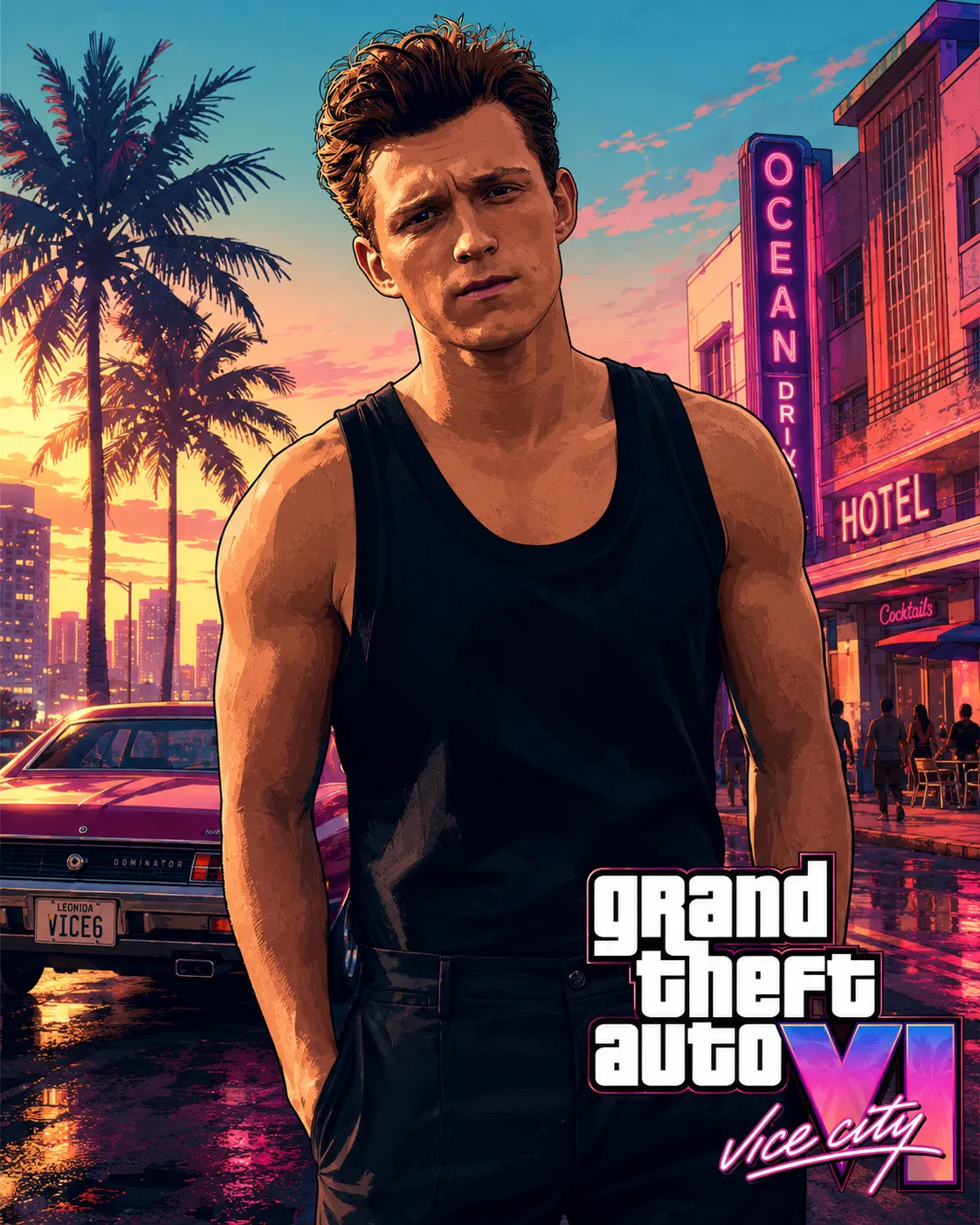
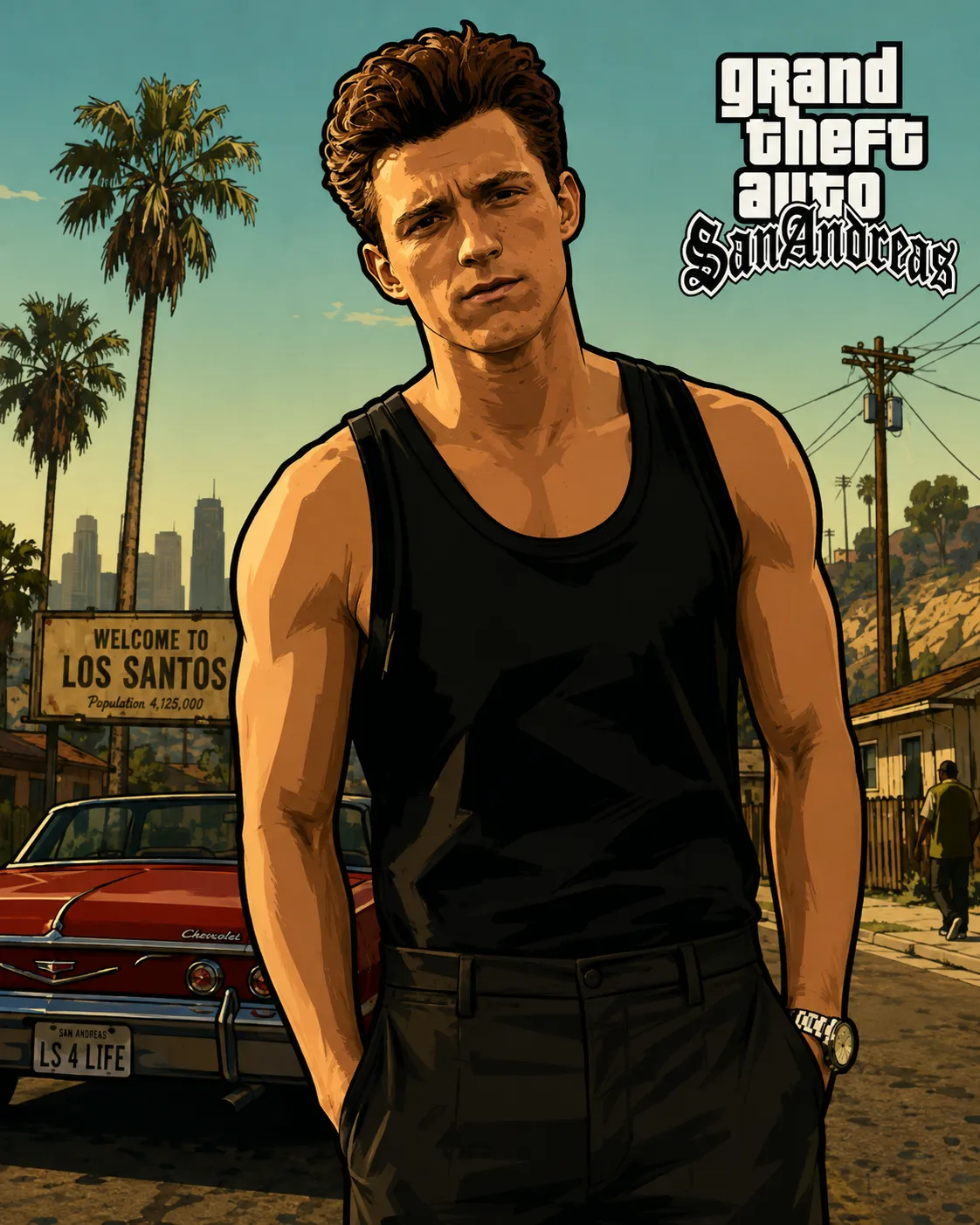
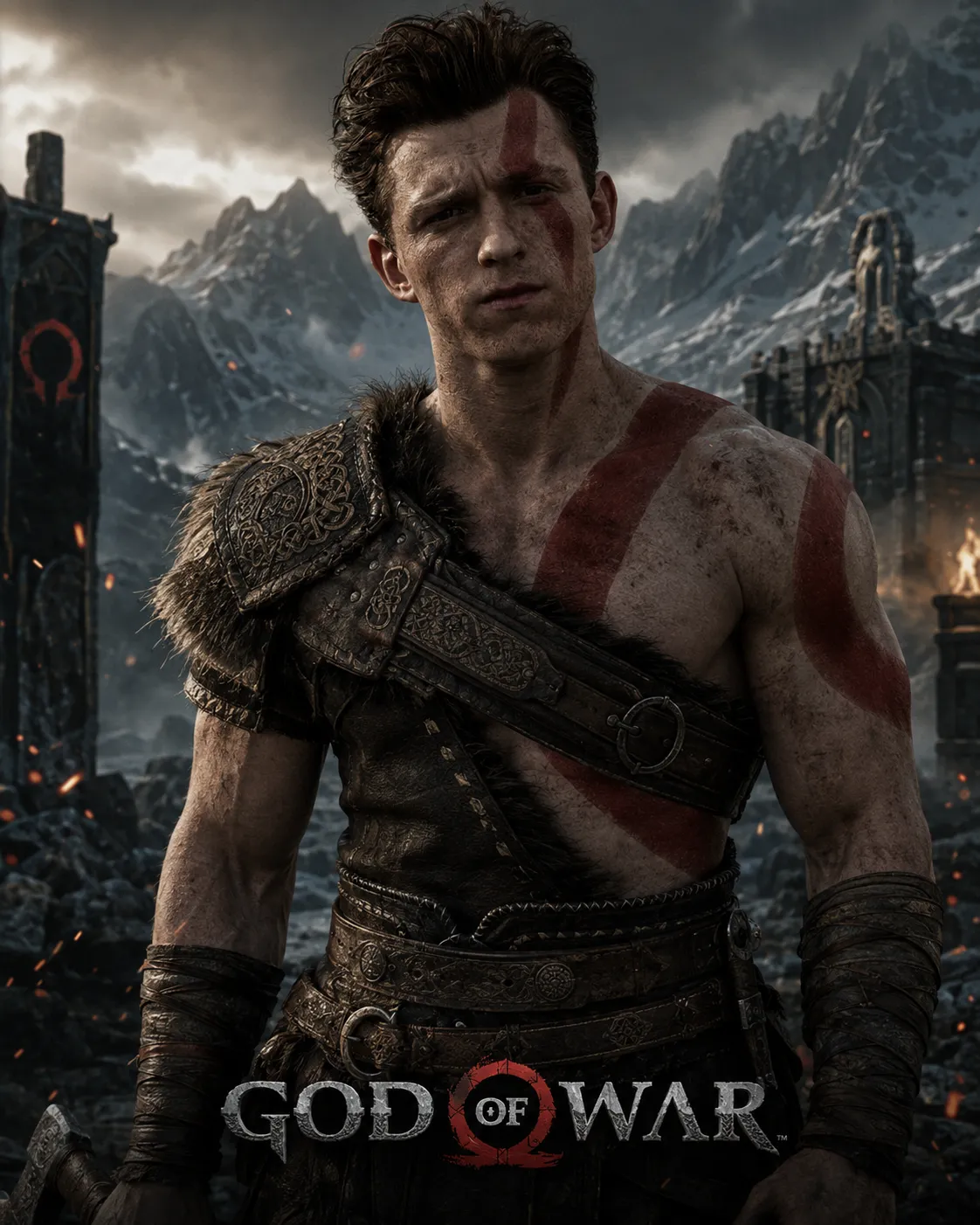
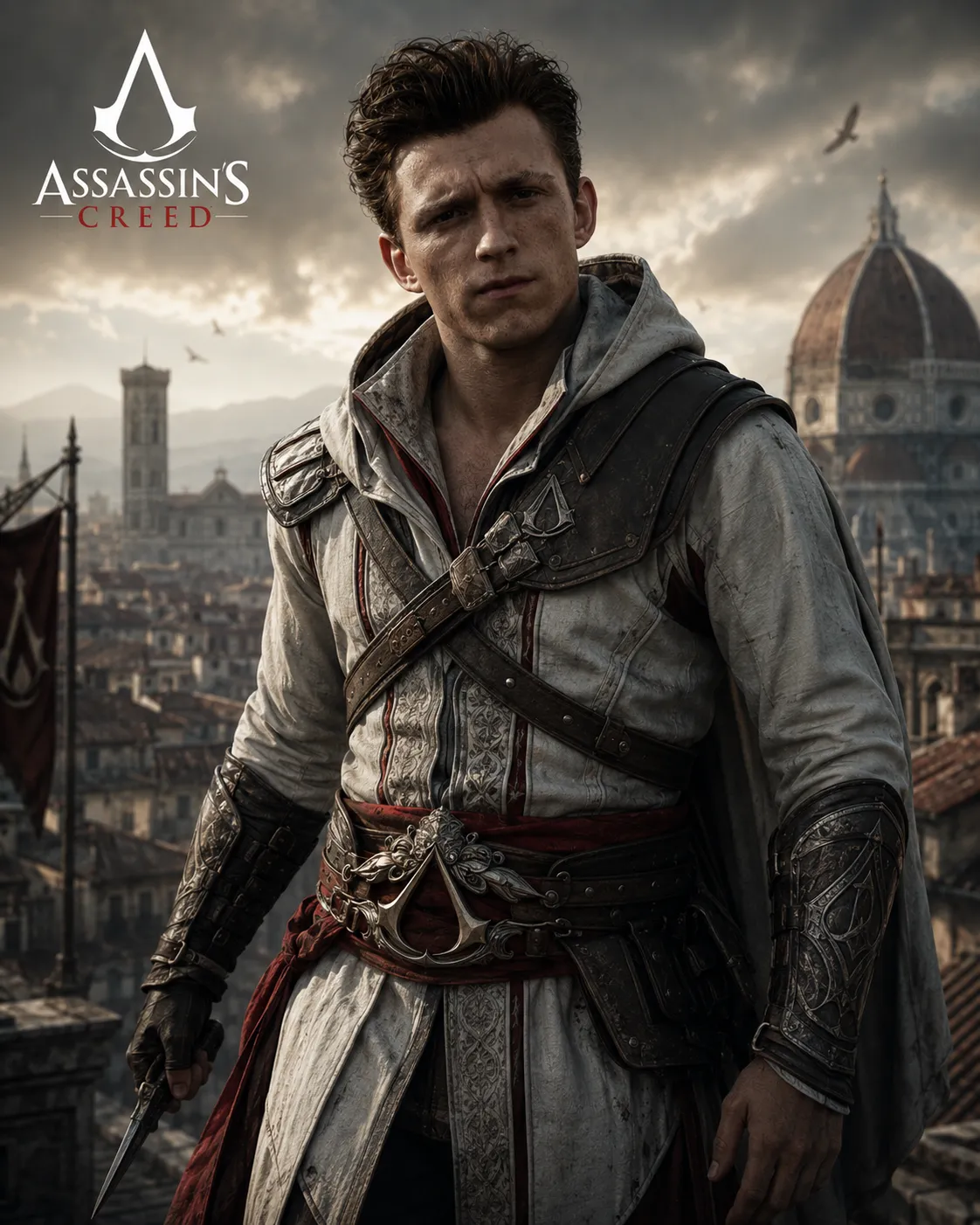
Transform an uploaded image into the theme of a video game, using a slash command to specify the game.
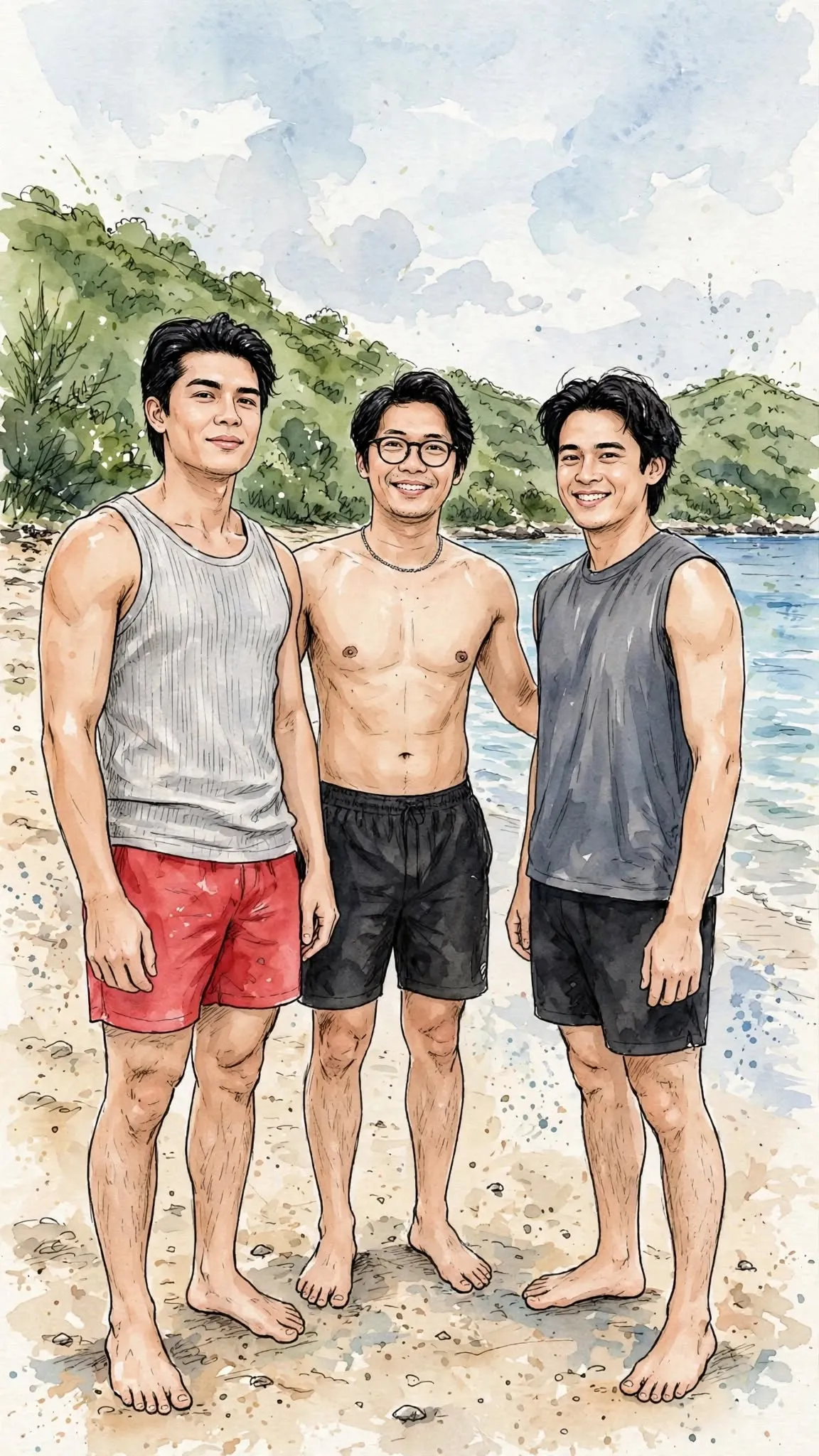
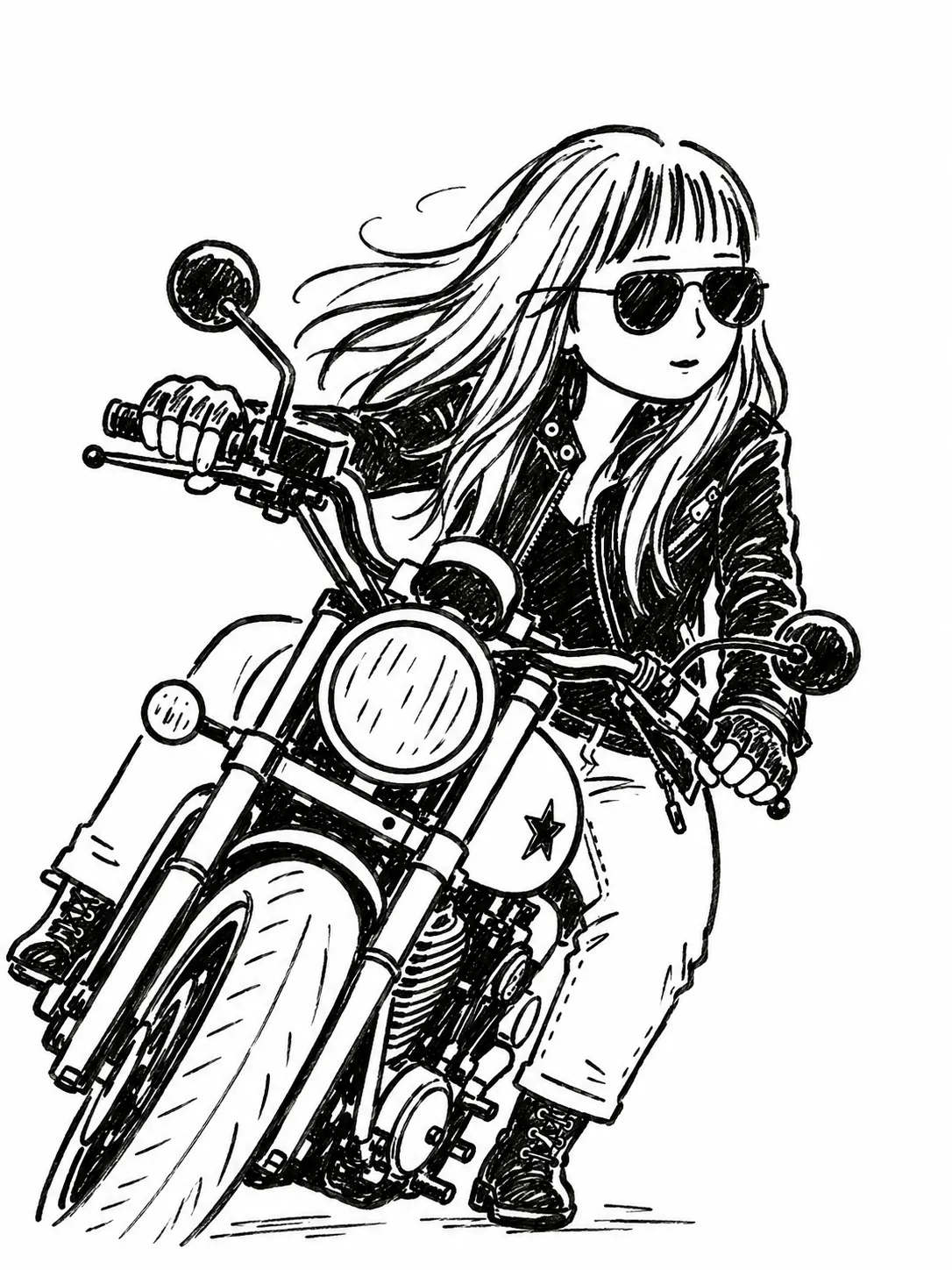
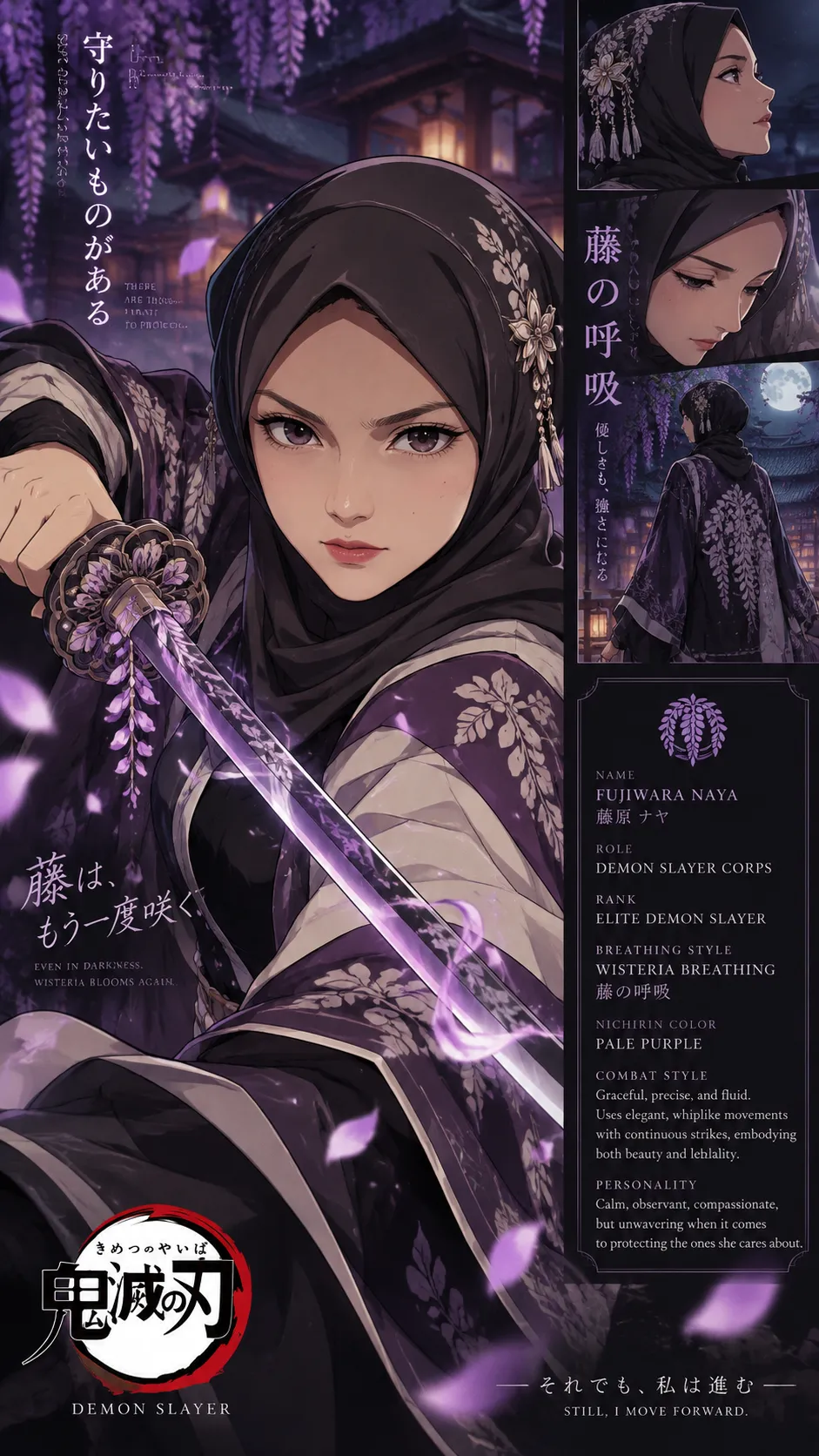
Example outputs
Prompt template
- Format
- Text Parameterized
- Inputs
- source_image (image) · Required game_command (text) · Optional · Default: /Gta6styletheme
- Outputs
- themed_image (image)
In ChatGPT, apply the command ${game-command:/Gta6styletheme} to the uploaded image and convert it into the corresponding game's visual theme.Replace the ${…} placeholders with your values
before using this prompt. See parameters
and defaults below
Parameters
Replace each placeholder with your own value, or use its default when one is provided
${game-command:/Gta6styletheme}
game-command
Default: /Gta6styletheme
What you'll create
The source image receives a game-themed appearance according to the supplied command. The default command requests a GTA 6-style theme.
Frequently asked questions
Can the theme command change?
Yes, the game-command parameter controls the requested theme.



Comments
Tried this prompt? Share what you made, compare results, or ask a question