- Category
- Art & Illustration
Create an Original Gravity Falls–Style Forest Character
Transform a person into an original 2D animated character in the visual style of Gravity Falls, set in a mysterious, inviting conifer forest.
By Threads — Published on — Modified on
Example images


Prompt template
0 copies
- Format
- Text Parameterized
- Inputs
- Person_photo (image) · Required Style_reference_images (image) · Required
- Outputs
- Illustrated_character_scene (image)
Replace the ${…} placeholders with your values
before using this prompt. See parameters
and defaults below.
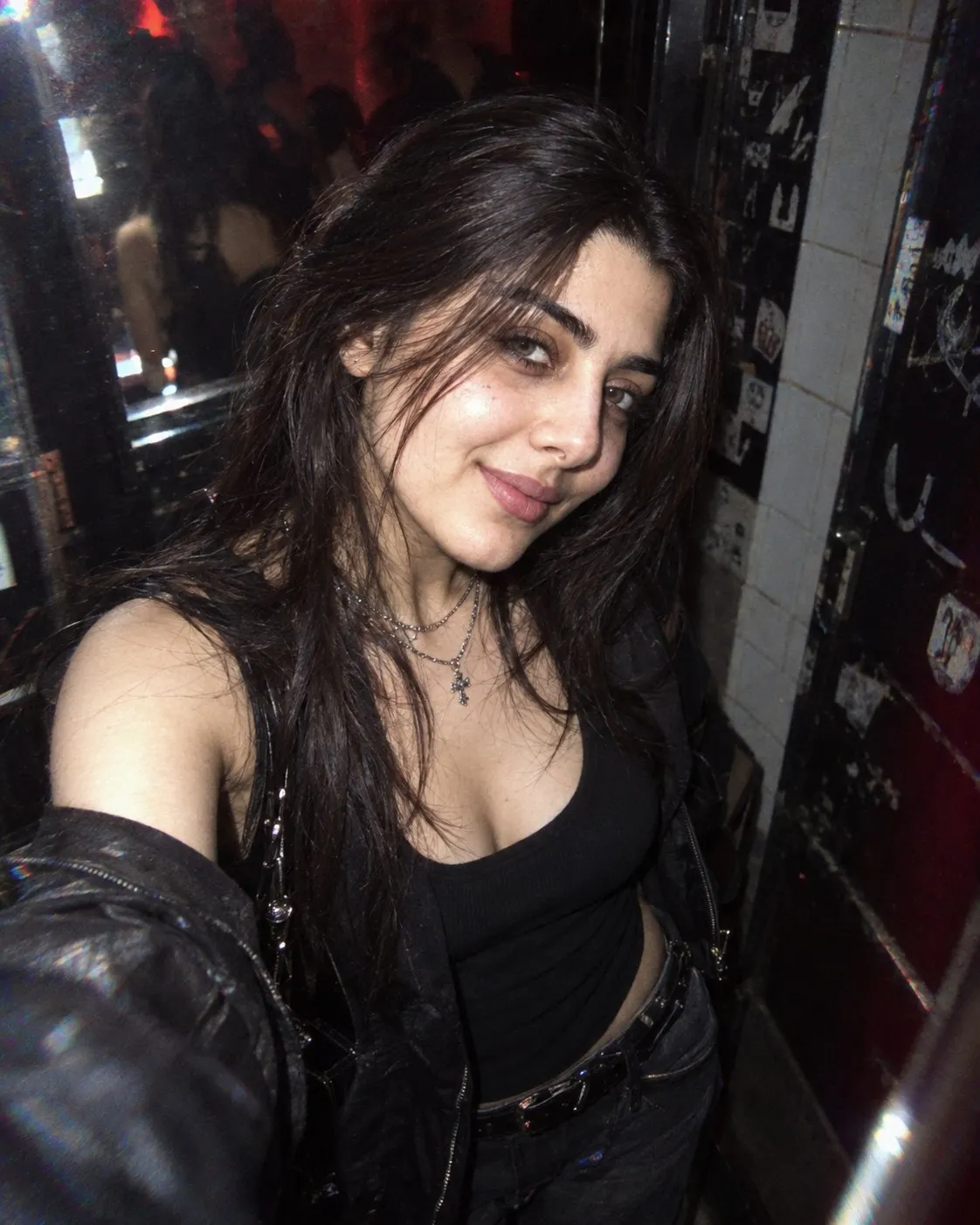
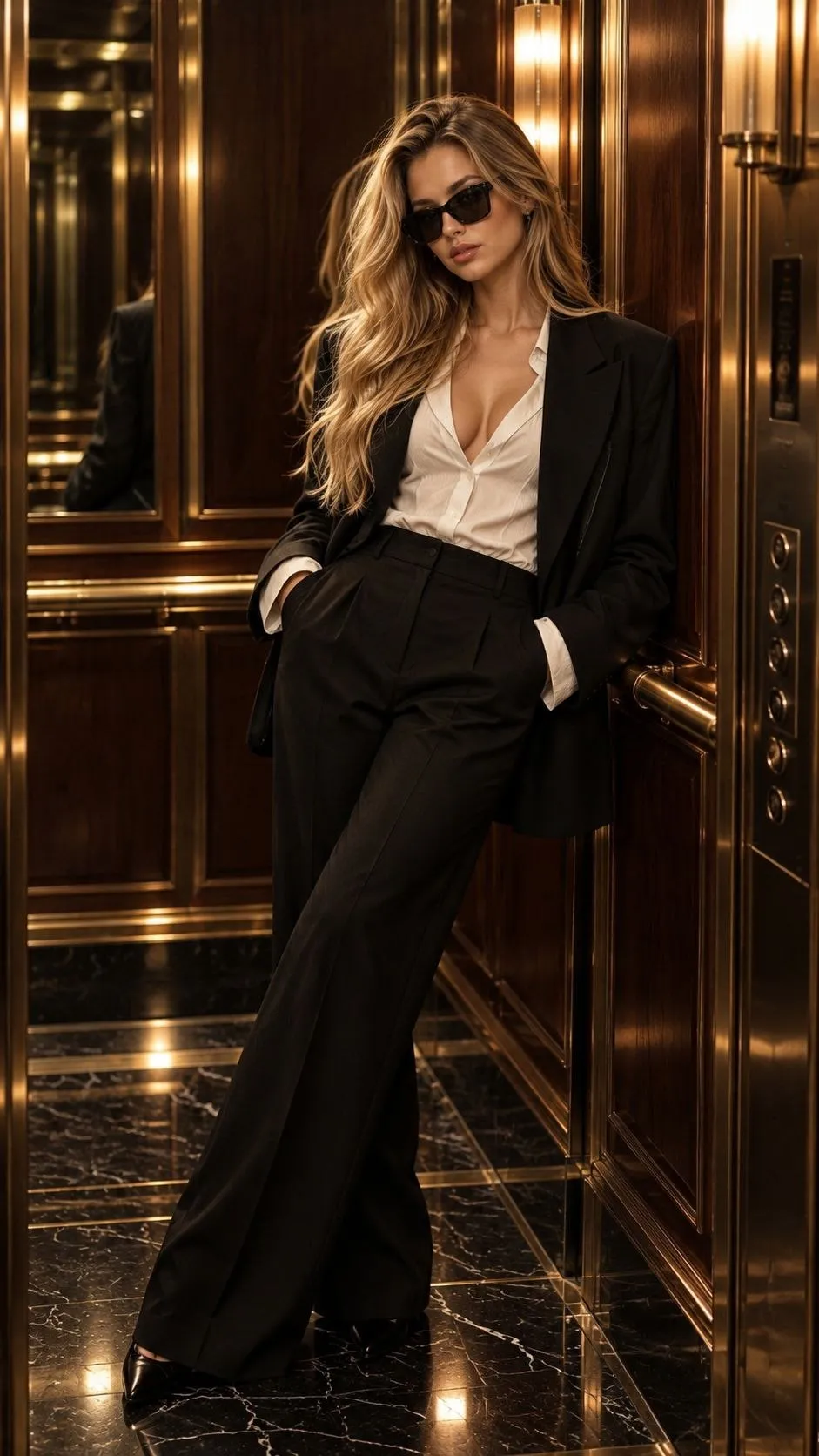
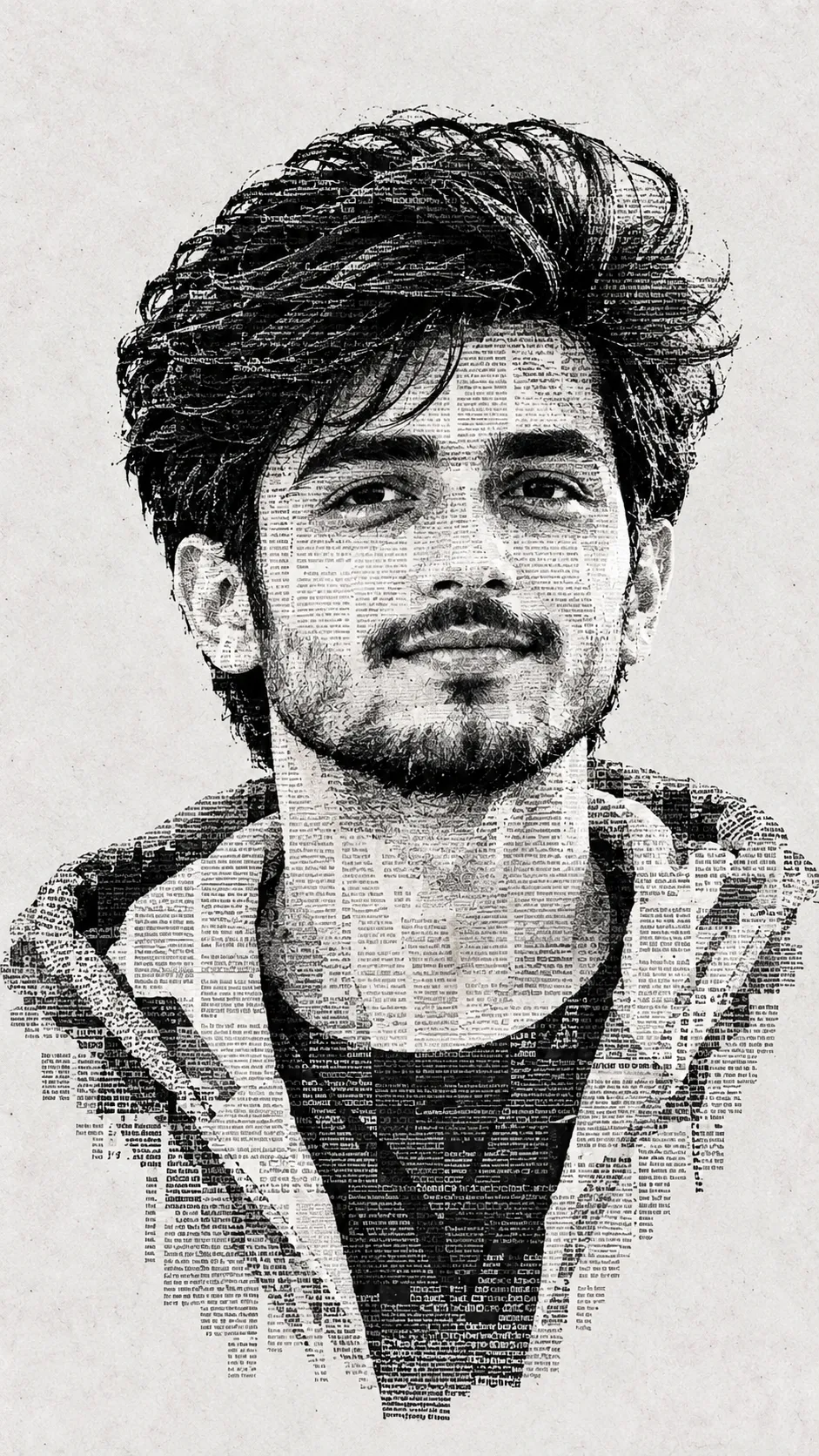
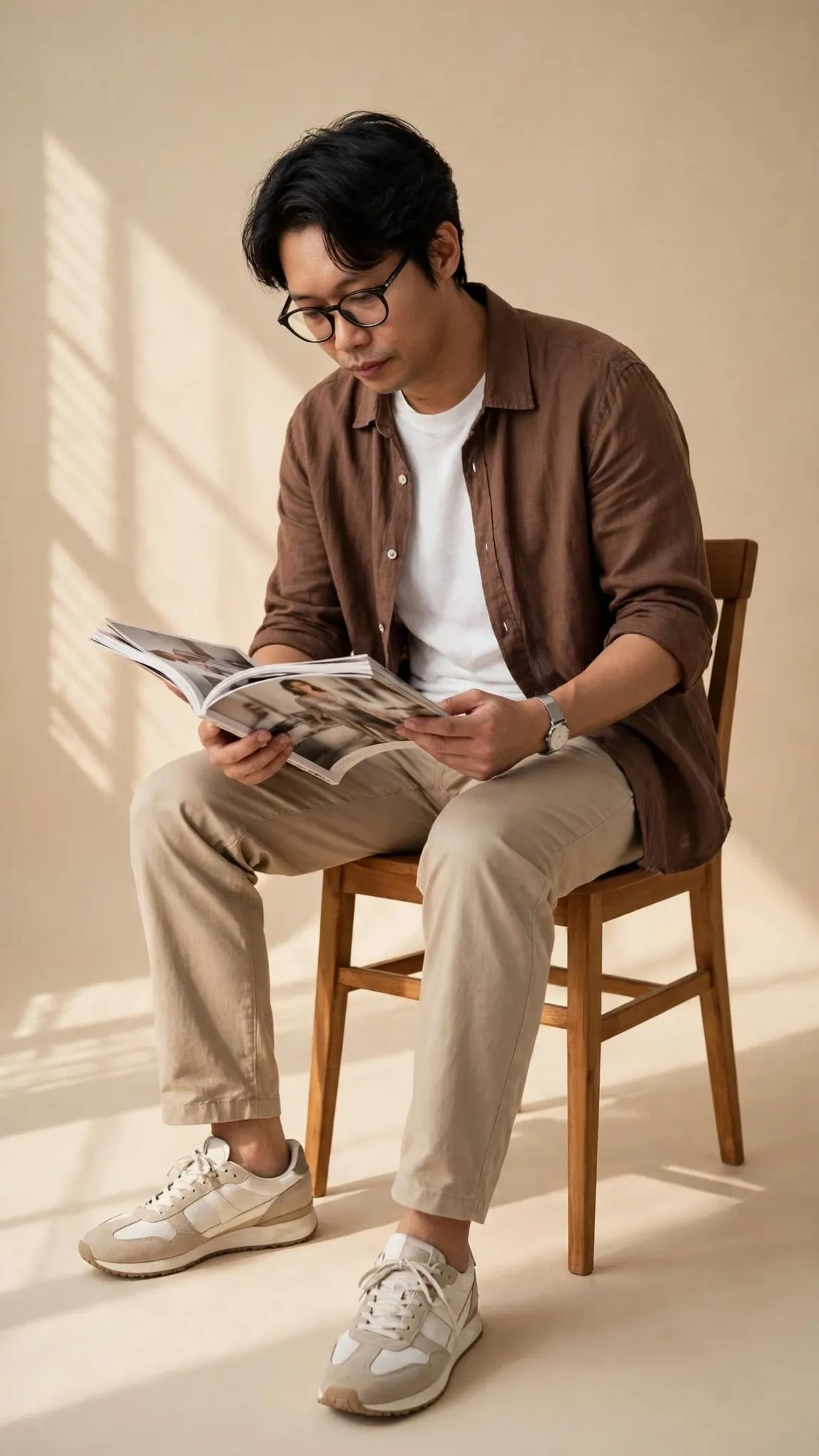
Use the person’s photo only as a reference for gender, approximate age, build, personality, pose, hairstyle, overall silhouette, and clothing color palette:

${person-photo}

Use the attached images as visual references for the show’s artistic language, character design, linework, proportions, palette, lighting, and forest atmosphere:

${style-reference-images}

Transform the person into a fully original character visually rendered in the style of the animated series “Gravity Falls.” Do not copy or evoke any of the series’ main characters. Create a new, unnamed character who could naturally exist in the show’s world.

CRITICAL: The character must look like a genuine character from the Gravity Falls universe, not a realistic person with a cartoon filter applied. Completely redesign their appearance in the show’s distinctive 2D animation style. Do not retain realistic facial features, photorealistic proportions, skin texture, or realistic anatomy. Convey the person’s likeness primarily through their hairstyle, build, age impression, clothing, pose, and overall mood—not through realistic portrait resemblance.

FACE AND ANATOMY

Create a face in the characteristic Gravity Falls style: a slightly exaggerated cartoon head, expressive large eyes, a simple nose shape, a small expressive smile or mouth, and a clear dark outline. Keep the face simple, graphic, and easy to read even at a small size.

Make the eyes large and expressive, but not perfectly round and not in the style of “The Simpsons.” They may differ slightly in size or position to create lively cartoon asymmetry. Keep irises and pupils simple, without realistic detail.

Make the nose simple, graphic, slightly protruding, and characteristically cartoonish. Do not use a realistic nose shape or complex anatomical detail.

Keep the mouth simple but highly expressive. Convey emotion through the shape of the mouth, eyebrows, eyes, and head position.

Keep the ears simple and stylized. Draw cartoon hands with four fingers; do not use realistic hand anatomy.

Give the body slightly exaggerated cartoon proportions: the head may be somewhat large relative to the body, with simplified limbs and stylized hands and feet. Do not draw muscles, ribs, collarbones, tendons, or other realistic anatomical details.

Make the silhouette slightly irregular and lively, with the expressive asymmetry characteristic of Gravity Falls. The character should look as if they truly belong in the show’s original 2D animation.

SKIN

Use a natural but entirely cartoon-style skin-color fill. Do not use photorealistic skin tones, pores, texture, highlights, or micro-details.

Render the skin with a simple flat or subtly stylized fill that suits the Gravity Falls palette. Very soft cartoon shadows are acceptable, but avoid realistic lighting.

HAIRSTYLE

Preserve the hair type, length, and main color from the photo, but completely transform the hair into a graphic hairstyle in the spirit of Gravity Falls.

Make the hair read as a single cartoon shape with a clear silhouette, a few large distinct locks, and characteristic irregular edges. Do not use realistic individual strands, photorealistic texture, or elaborate shine.

You may exaggerate the hairstyle slightly to make it more expressive and natural within the character’s cartoon design.

BUILD

Use the original photo only to determine the person’s overall build.

Translate a thin person into a slender cartoon character, a larger person into a rounder character, a tall person into an elongated figure, and a shorter person into a compact figure. Convey build through the overall silhouette only.

Do not use realistic body anatomy.

CLOTHING

Do NOT copy the clothing literally from the photo.

Identify the clothing category, level of formality, and main colors, then redesign the outfit in the style of clothing worn by Gravity Falls characters.

The clothing should look like ordinary cartoon-character attire: simple T-shirts, hoodies, shirts, jackets, sweaters, jeans, shorts, skirts, dresses, vests, and other everyday garments.

Preserve the basic type of the original outfit: a dress remains a dress, trousers remain trousers, a skirt remains a skirt, and so on.

Use the photo’s color palette as a guide, but do not reproduce the outfit literally.

Add simple graphic details when they suit the character, such as pockets, a collar, large buttons, stripes, a simple pattern, or a small decorative element.

Avoid realistic fabric, complex seams, photorealistic folds, micro-textures, and logos.

PERSONALITY AND EXPRESSION

Read the person’s mood and personality from the photo and translate them into expressive cartoon facial features in the spirit of Gravity Falls.

Use the position of the eyebrows, the size and direction of the gaze, the shape of the eyes and mouth, the tilt of the head, hand position, and pose.

Make the expression lively, slightly exaggerated, and comically expressive. The character may look curious, surprised, confident, thoughtful, frightened, cheerful, or slightly suspicious.

Capture the characteristic Gravity Falls blend of humor, adventure, and mild weirdness.

SETTING

Place the character in a mysterious conifer forest reminiscent of the woods around Gravity Falls. Use the attached images as visual guides for the overall atmosphere, color palette, and artistic language.

In the background, show a dense conifer forest with tall pines and firs, irregular woodland growth, ferns, bushes, moss, grass, small rocks, fallen trees, and old stumps.

Create the feeling of a quiet, slightly mysterious forest near a small American town. Sunbeams may pass between the trees. Layers of conifer forest in the distance should create depth.

Add small unusual environmental details, such as strange mushrooms, an old wooden signpost, tracks on the ground, an unusual bush, a small mysterious object, or subtle details that suggest a mystery.

Do not use recognizable locations or buildings from the series, including the Mystery Shack or any other specific places. Make the location entirely original while keeping it visually consistent with the forest atmosphere of Gravity Falls.

The ground should be an uneven forest path or a small clearing. Include grass, leaves, branches, and small plants in the foreground. Make the background considerably more detailed than the style of “The Simpsons,” while keeping it hand-drawn.

ATMOSPHERE

The overall mood is a mysterious summer forest, adventure, mild supernatural strangeness, and cozy oddness.

Let sunlight filter through tall pines, creating patches of light and soft shadows on the ground. Give the air a subtle sense of mystery.

Do not make the scene horrifying or gloomy. It should be an atmospheric adventure forest in the spirit of Gravity Falls.

COLOR PALETTE

Use the muted natural palette characteristic of Gravity Falls:
- Deep conifer green
- Dark green
- Olive
- Gray-green
- Brown
- Warm beige
- Muted yellow
- Bluish gray
- Warm wood tones

Avoid neon or excessively saturated colors.

Let the character stand out slightly from the forest while still fitting naturally into the scene’s overall palette.

GRAPHICS

Use classic 2D digital animation visually close to the aesthetic of Gravity Falls: a clear dark outline, expressive linework, flat base colors, simple cartoon shadows, and localized areas of color.

Use irregular, lively contours characteristic of hand-drawn animation. Do not make the lines perfectly geometric or sterile and vector-like.

Make the background more detailed than the character, with many stylized pines, branches, grasses, rocks, and woodland details, while keeping everything illustrated.

Use several depth layers: blurred or lower-contrast trees in the distance, more detailed trees and plants in the middle ground, and clearly readable elements in the foreground.

Soft cartoon shadows and a light atmospheric haze between forest layers are acceptable.

Do not use photorealistic lighting, 3D rendering, or realistic materials.

COMPOSITION

Show one character full-length, with their entire body visible in the frame.

Set the camera approximately at the character’s eye level.

Place the character in a small forest clearing or on a woodland path, with a clearly readable silhouette.

Leave enough open space around the character while filling the background with natural details.

Compose the image like a frame from an adventure episode of the animated series: the character is the focus, while the surrounding forest suggests a larger world and story.

TOP PRIORITIES

The person’s photo determines gender, approximate age, build, hairstyle, personality, pose, and the clothing color concept—but not their real facial features.

Use the attached screenshots as visual references for the show’s artistic language, character design, linework, proportions, palette, lighting, and forest atmosphere.

At first glance, the result must read as a new, original character from the world of Gravity Falls, standing in a mysterious conifer forest—not as a person’s photo with a cartoon filter applied.

EXCLUDE: photorealistic face, realistic facial features, realistic anatomy, realistic skin texture, pores, realistic eyes, realistic nose, realistic hair strands, photorealism, 3D render, CGI, hyperrealistic lighting, realistic clothing, detailed fabric texture, five fingers, realistic hands, realistic muscles, realistic shadows, glossy skin, neon colors, overly saturated colors, existing Gravity Falls characters, Dipper, Mabel, Stan, Soos, Wendy, Bill Cipher, Mystery Shack, recognizable locations from the show, copied character designs, exact recreation of an existing character.
Parameters
Replace each placeholder with your own value, or use its default when one is provided.
${person-photo}
person-photo
Required
${style-reference-images}
style-reference-images
Required




Comments — 0