- Category
- Photography
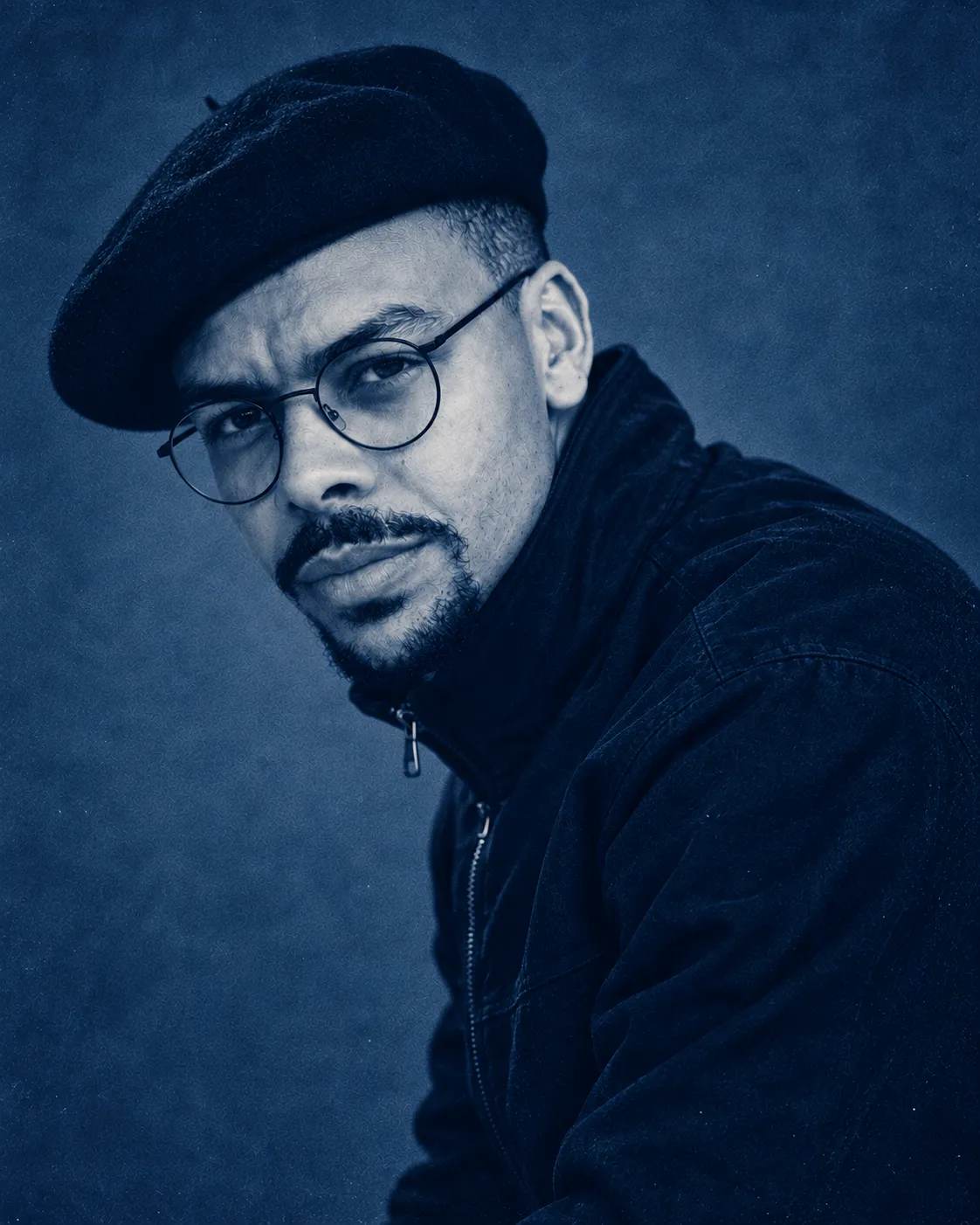
Handmade Cyanotype Print from a Photo
Turn a reference photo into a photographed, hand-coated cyanotype print on handmade paper, preserving its subjects and composition.
By Threads — Published on — Modified on
Example images


Prompt template
0 copies
- Format
- Text Parameterized
- Inputs
- reference_photo (image) · Required
- Outputs
- cyanotype_print_image (image)
Replace the ${…} placeholders with your values
before using this prompt. See parameters
and defaults below.
Turn the uploaded photo ${reference-photo} into a single sheet of hand-coated cyanotype paper, photographed as a physical object. Output one vertical 4:5 image.

Paper
The print is made on thick cotton-rag paper, with photosensitive solution applied by hand. It lies flat on a pale, solid-colored surface in soft natural light. There is only one image. It fills most of the paper while leaving a blank paper margin on all four sides, and all four edges of the paper are visible in the frame. At least one edge is torn by hand, with raised fibers. The paper has been washed and dried, so it is lightly rippled; light catches the shallow waves, and a thin, soft shadow falls along one side.

Coating
Because the solution was brushed on, the blue does not end in straight lines. In the margins, show places where the brush strokes ended, small skips where the paper shows through, and a few blue specks spattered onto the white paper.

Color
Dark areas are Prussian blue, midtones are pale cyan, and the brightest areas in the photo blow out to the paper’s unaltered white, with no blue at all. No gray, black, or other colors. The boundary between white and blue is abrupt, not softly blended, as in a contact print. Paper fibers show through the blue as irregular grain.

What to preserve from the photo
Keep the photo’s subjects, their number, positions, and outlines unchanged. Do not add anything that was not there or remove anything that was. Faces and bodies must retain their shape. Treat the photo only as a map of light and dark: areas that were bright become paper white, and dark areas become deep blue.

Failure conditions
The image fails if even one letter, number, signature, logo, stamp, or watermark appears anywhere. The count must be zero.
The image fails if fewer than three of the paper’s four edges are visible in the frame.
The image fails if colors other than blue, cyan, or the paper’s white cover more than 5 percent of the paper.
The image fails if the number of people, animals, or vehicles differs from the photo.
The image fails if grids, tick marks, dimensions, or drafting lines appear on the paper. This is not a blueprint.
The image fails if the brightest areas remain pale blue instead of reaching the paper’s white. It must not look like a blue filter was applied over the photo.
The image fails if all four edges of the paper end in clean, straight, machine-cut blue lines.
The image fails if anything other than the paper and the surface beneath it appears in the frame. No hands, clips, second sheet of paper, or props.

If every condition cannot be met
Prioritize blowing the brightest areas out to paper white and preserving the number of subjects. If the brushed margins conflict with other requirements, use a brushed edge on only one side and allow the other three edges to be cleanly cut.
Parameters
Replace each placeholder with your own value, or use its default when one is provided.
${reference-photo}
reference-photo
Required




Comments — 0
Tried this prompt? Share what you made, compare results, or ask a question.