Natural-Looking Image Prompt with Composition Options
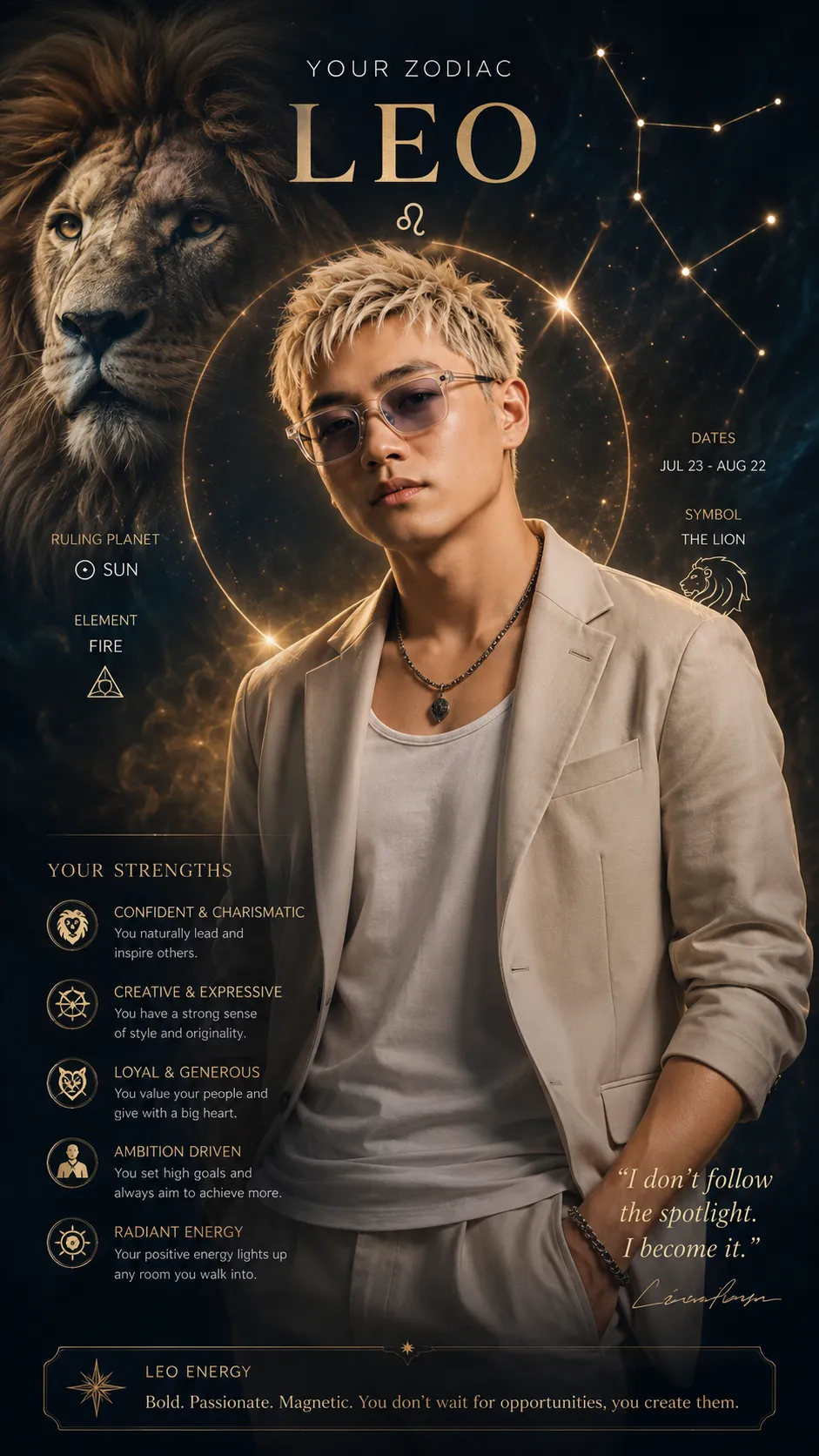
Create a polished image with natural color, photographic depth, and composition tailored for a thumbnail or slide illustration.
By Threads — Published on
Screenshots

Prompt template
Create an image of ${subject} in a ${style} style. Use natural daylight color around 5500K, avoiding blue or yellow color casts and keeping the tones natural. Use a 50mm lens and an F1.8-equivalent shallow depth of field, with a naturally blurred background and 4K-equivalent resolution.

Tailor the composition to this use: ${use-case}. If it is a thumbnail, leave clear space at the top or bottom for text and place the main subject slightly off-center. If it is a slide illustration, use a solid-color or gradient background and exclude unnecessary decorations, text, and props.

Remove unwanted elements, use soft natural shadows, avoid excessive saturation, and finish with a restrained, polished tone at high quality.
Parameters
${subject}
subject
Required
${style}
style
Required
${use-case}
use-case
Required





Comments — 0