- Category
- Design & Image
- Model
- midjourney
Photorealistic Image Prompt for Natural, Candid Results
Create a photorealistic image with natural skin and eyes, camera-specific details, imperfect lighting, and a candid feel. Includes a negative prompt to reduce common artificial-looking effects.
By Threads — Published on
Example images
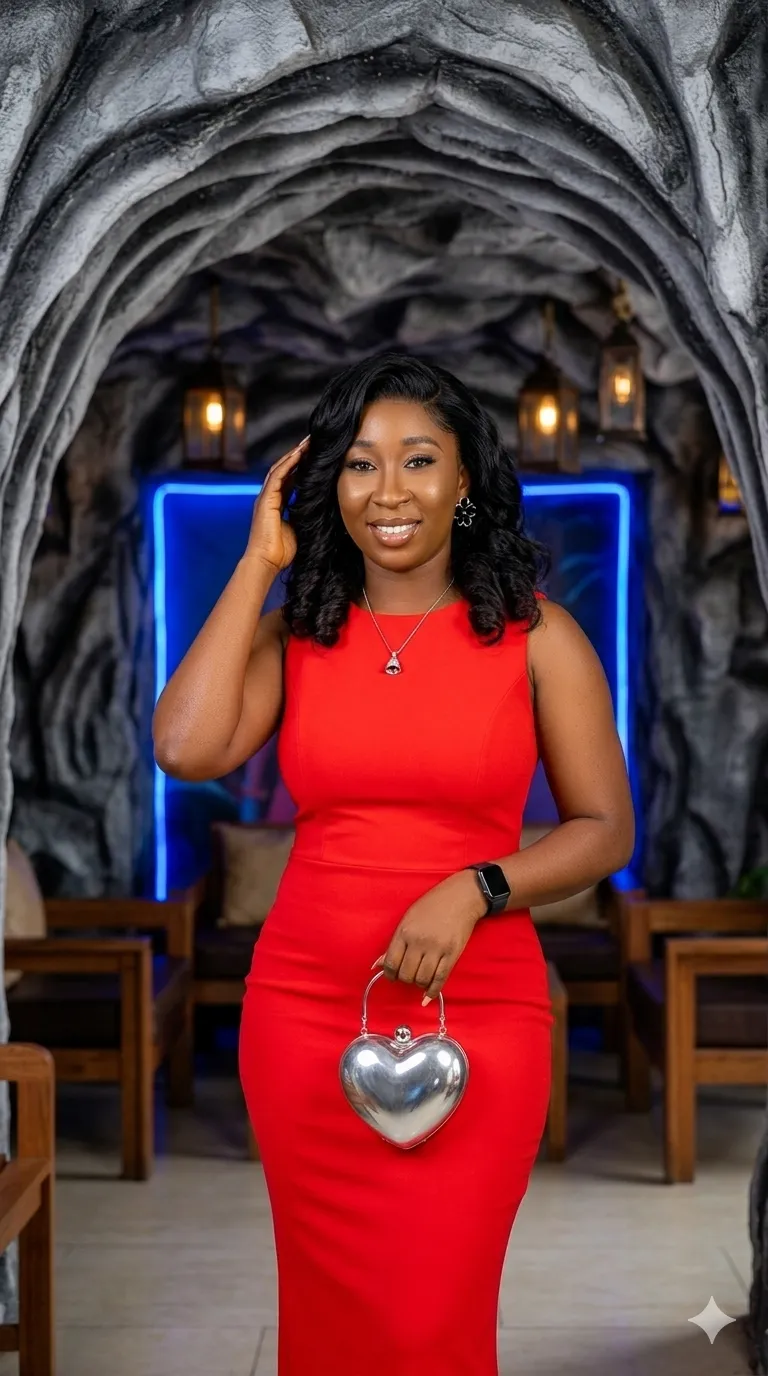
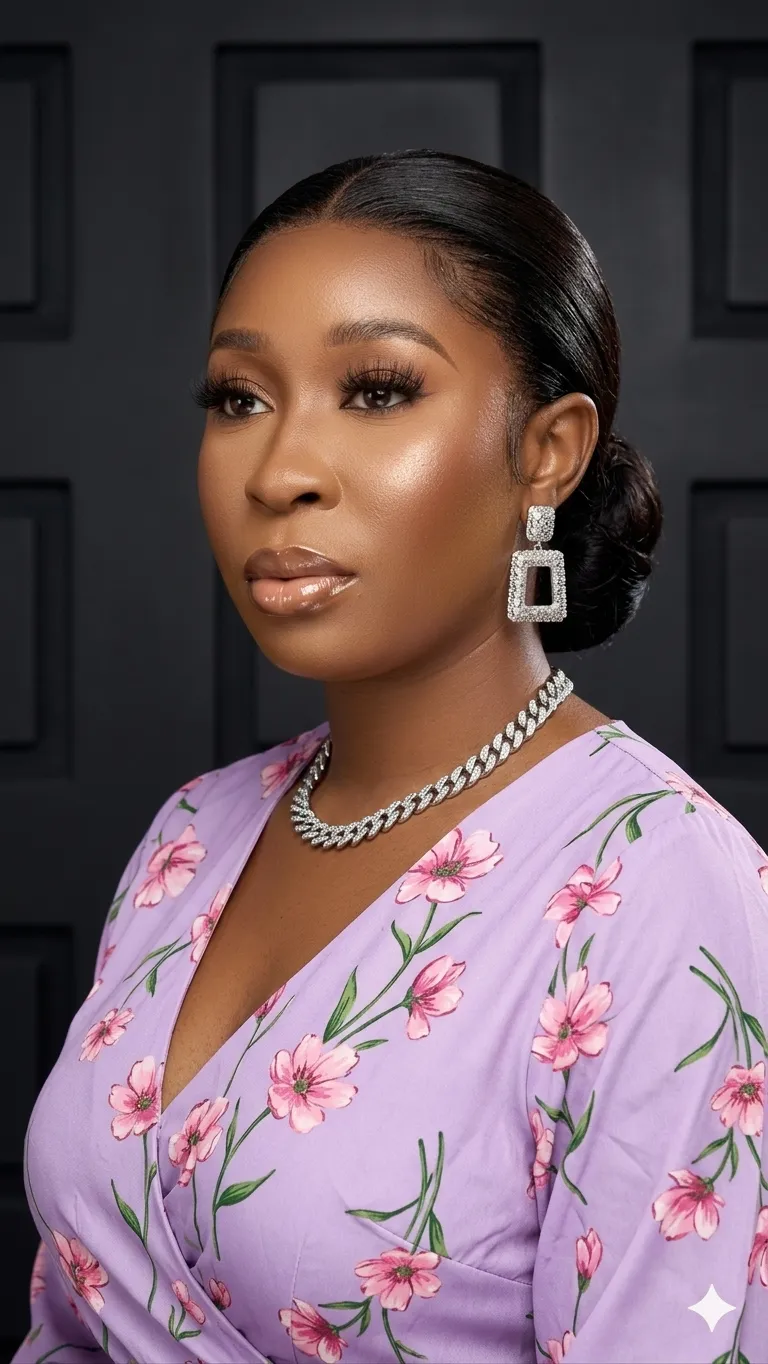
Prompt template
- Format
- Text Parameterized
- Inputs
- subject (text) · Required lighting (text) · Optional · Default: natural window light
- Outputs
- Generated_image (image)
Replace the ${…} placeholders with your values
before using this prompt. See parameters
and defaults below.
Create a photorealistic image of ${subject}. Show visible skin pores, fine lines, subtle imperfections, natural skin texture, and peach fuzz. Make it feel like a real photograph shot on Kodak Portra 400 with an 85mm lens at f/1.8 and shallow depth of field. Use ${lighting:natural window light} with directional shadows rather than flat, studio-perfect lighting. Add subtle film grain, faint motion blur, and natural sensor noise. Give the subject natural catchlights, slightly moist eyes, realistic reflections, and subtle redness in the waterline. Use a candid composition: caught mid-laugh, looking away from the camera, with natural asymmetrical features.

Negative prompt: airbrushed, smooth skin, CGI, 3D render, glossy, plastic, over-saturated.

Alternative lighting choices: golden hour with soft shadows; harsh midday sun. In Midjourney, the negative prompt can be added with --no.
Parameters
Replace each placeholder with your own value, or use its default when one is provided.
${subject}
subject
Required
                                        ${lighting:
                                            natural window light}
lighting
Default: natural window light


Comments — 0