- Category
- Photography
- Model
- openai-chatgpt
Refine a Product Photo on a White Studio Background
Reframe and enhance a product photo while preserving the product exactly, then add a simple label with supplied brand and contact details.
By Threads — Published on — Modified on
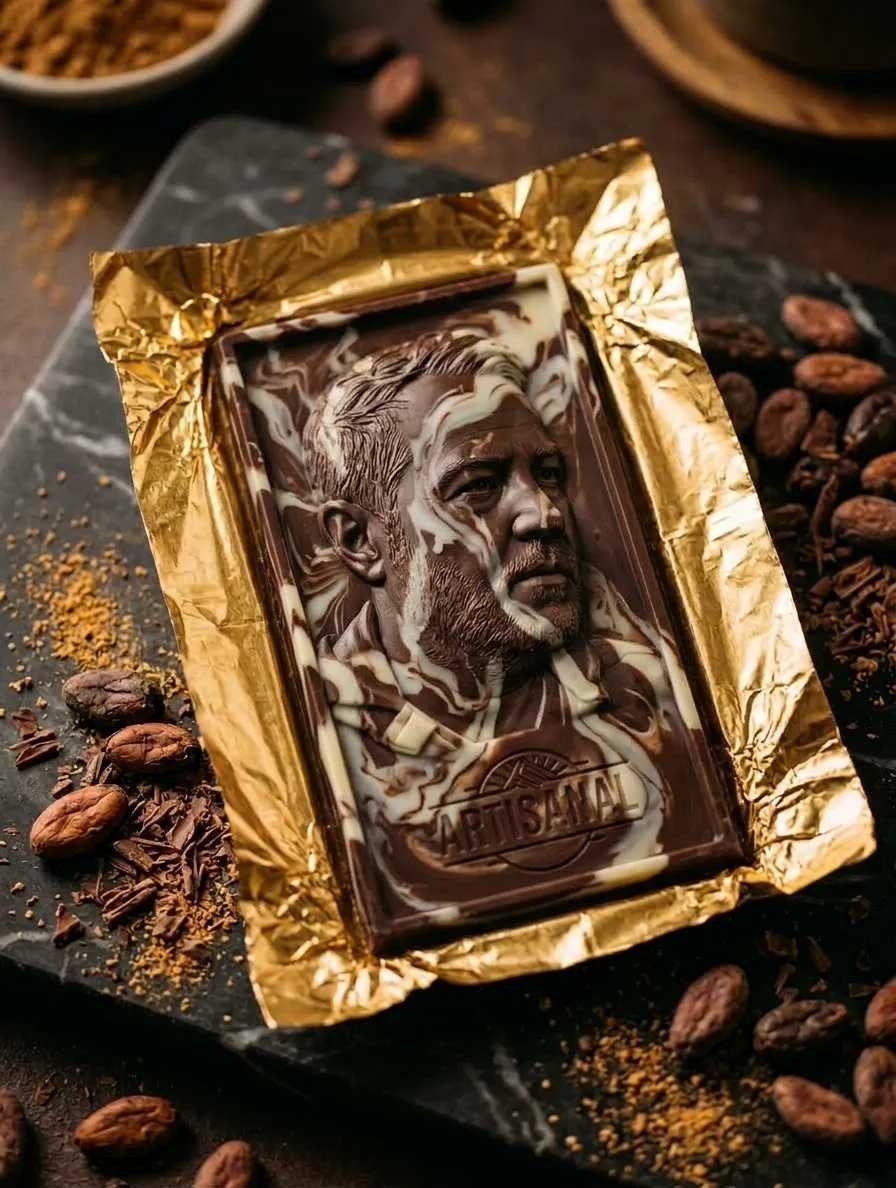
Example images


Prompt template
0 copies
- Format
- Text Parameterized
- Inputs
- Product_image (image) · Required brand_name (text) · Required product_name (text) · Required product_description (text) · Required contact_info (text) · Required
- Outputs
- Edited_product_image (image)
Replace the ${…} placeholders with your values
before using this prompt. See parameters
and defaults below.
Edit the provided product image while keeping the product 100% identical to the original. Make the product appear larger by zooming and reframing it, without cropping any part of it. Replace the original background with a clean, pure-white studio background. Improve brightness and clarity, and add natural-looking shadows. Keep the product as the main visual focus. Add a simple label with the following information:
- Brand: ${brand-name}
- Product name: ${product-name}
- Description: ${product-description}
- Contact information: ${contact-info}
Parameters
Replace each placeholder with your own value, or use its default when one is provided.
${brand-name}
brand-name
Required
${product-name}
product-name
Required
${product-description}
product-description
Required
${contact-info}
contact-info
Required


Comments — 0