- Category
- Photography
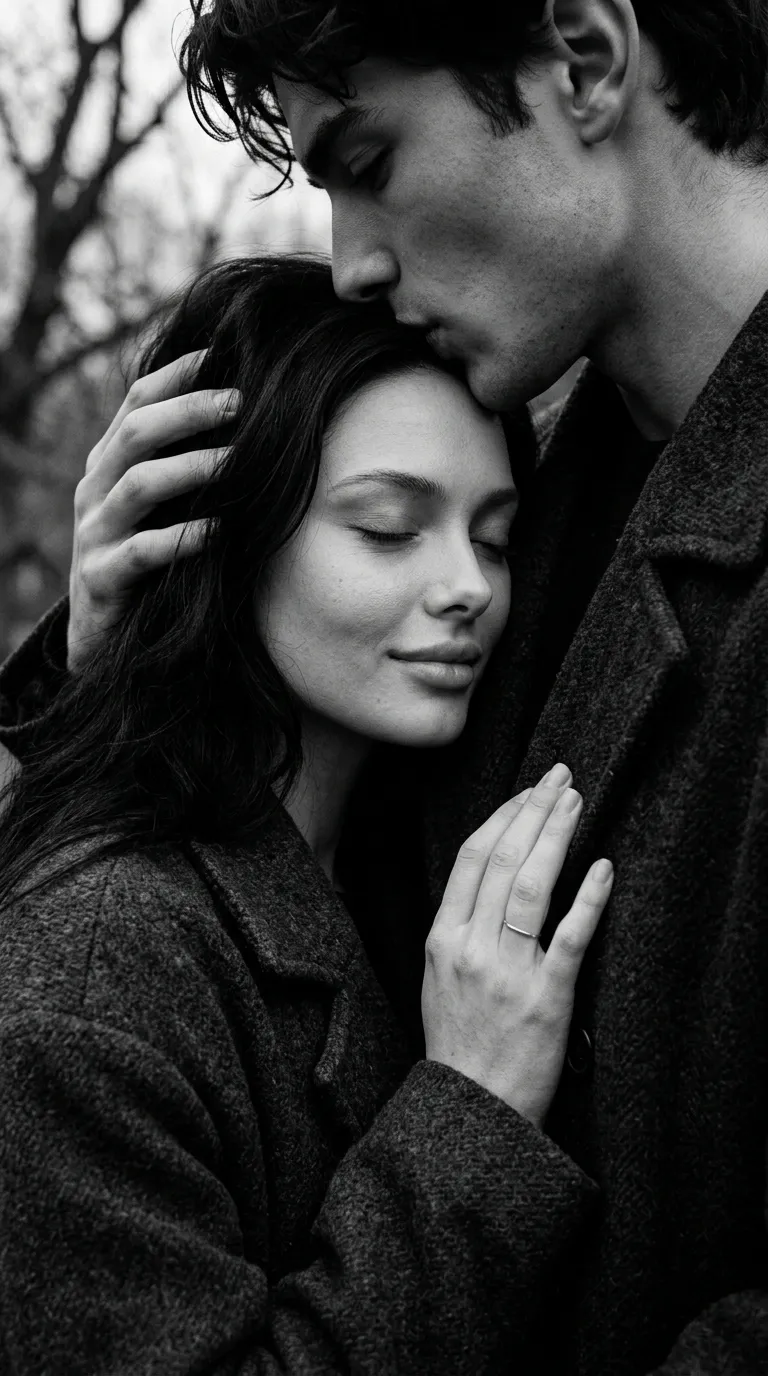
Romantic Black-and-White Couple Editorial Portrait
Create a high-contrast, photorealistic editorial portrait of an elegant couple in a romantic, slightly mysterious architectural setting.
By Threads — Published on — Modified on
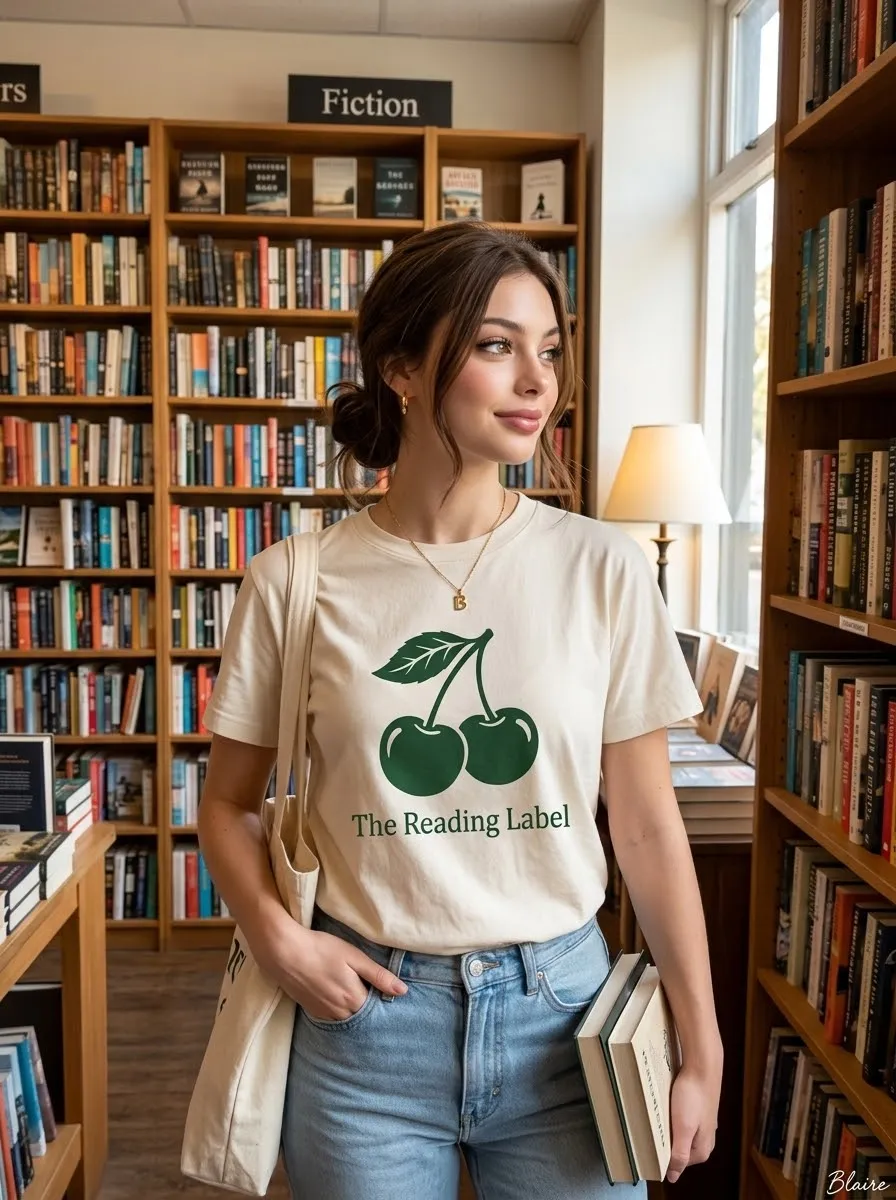
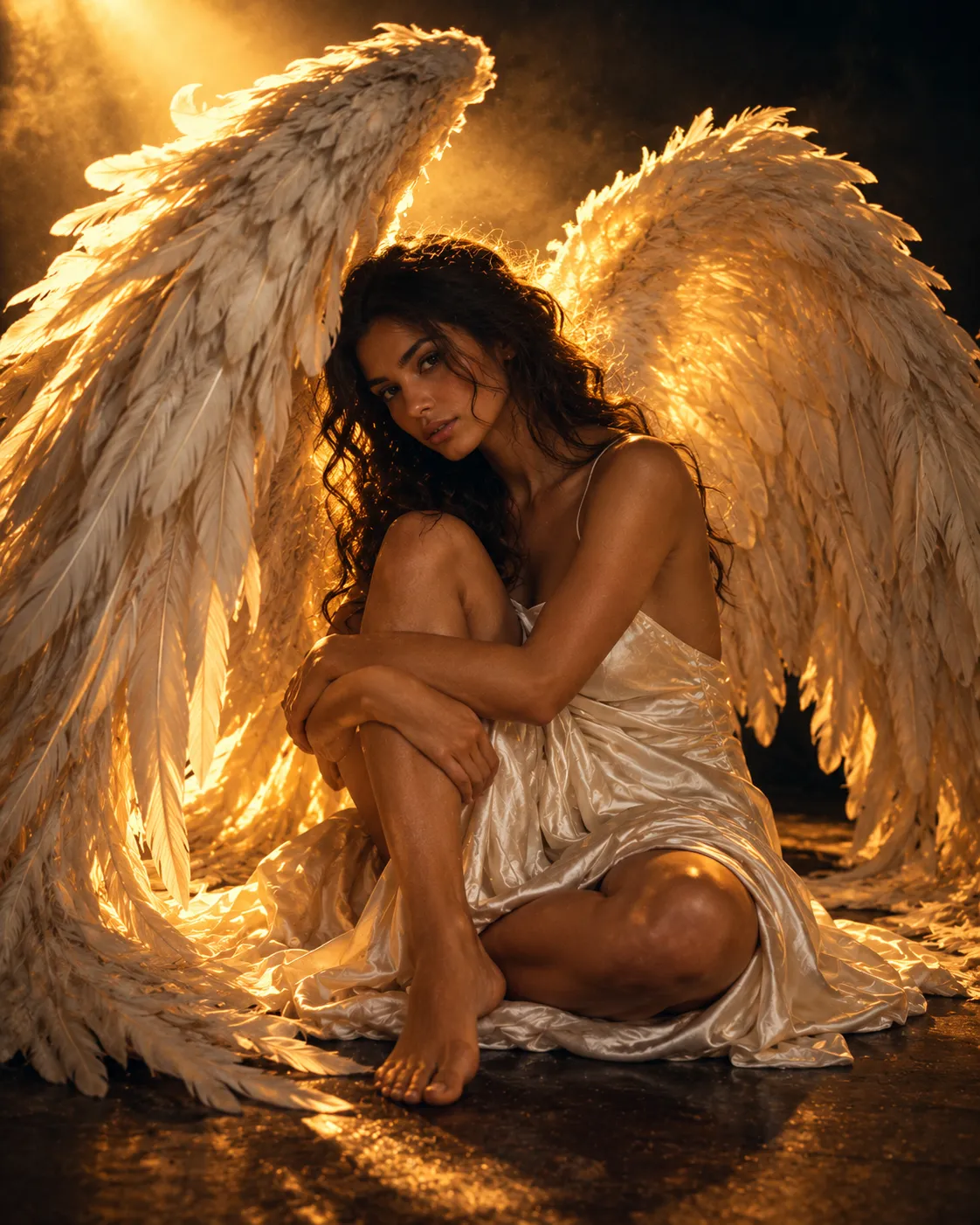
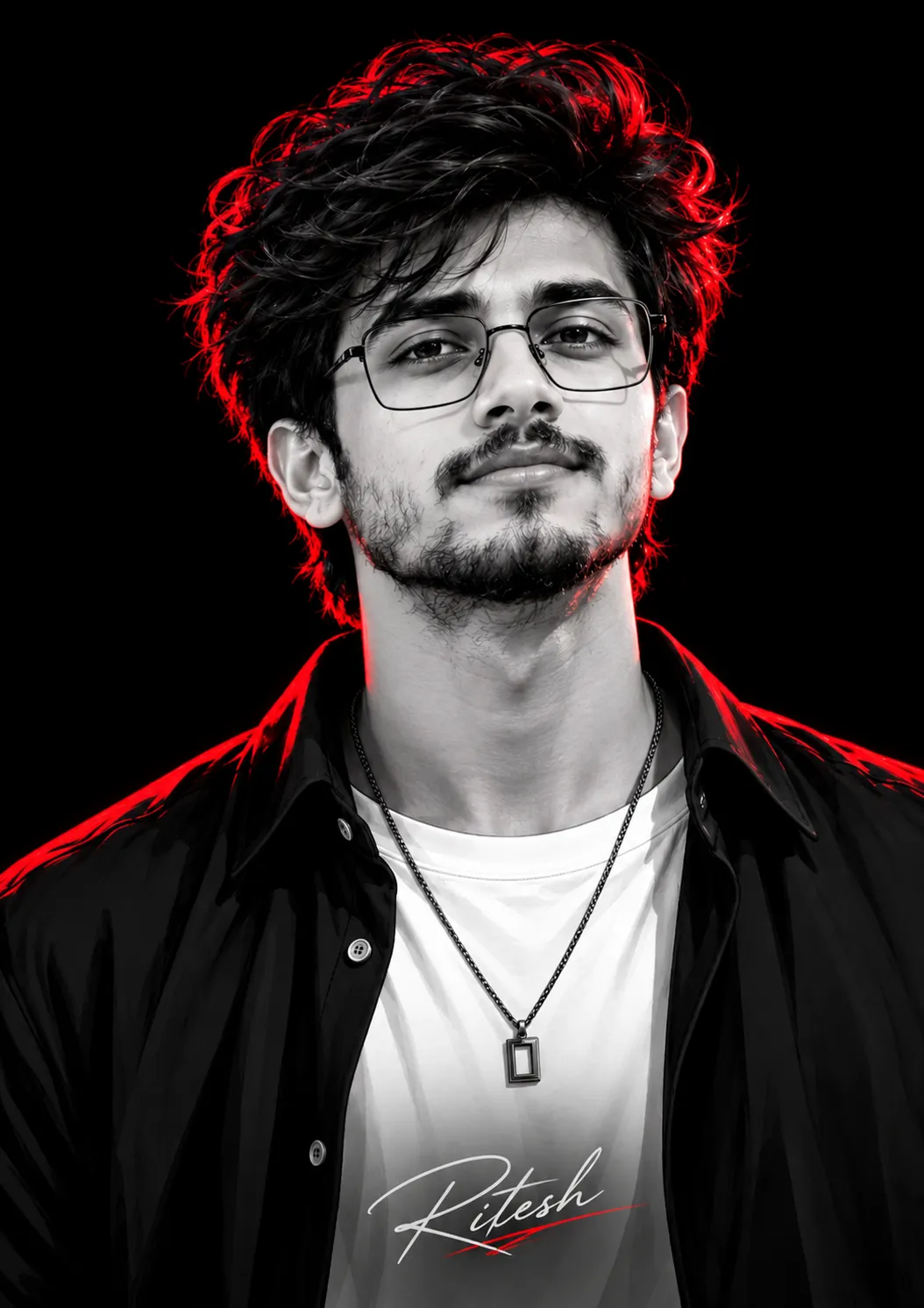
Example images

Prompt template
- Format
- Text Parameterized
- Inputs
- Reference_image (image) · Required signature_text (text) · Optional · Default: RAMAPROMPTS
- Outputs
- Generated_image (image)
Replace the ${…} placeholders with your values
before using this prompt. See parameters
and defaults below.
Create a photorealistic image in a 4:5 aspect ratio: an intimate, close-up, black-and-white portrait of an elegant couple. The woman wears sunglasses and looks playfully up at the man while lightly touching his lips with her index finger in a “shh” gesture. The man wears a dark suit, a patterned tie, a boutonniere, and matching sunglasses. Show an ornate metal bracelet and a diamond ring on the woman’s hand.

Use bright, natural light from above and slightly in front, with defined shadows and strong highlights on the couple’s hair, skin, and clothing. In the background, include sunlit architectural arches or columns, softly blurred. Give the image a high-end editorial photography style, shallow depth of field, sharp focus, a full tonal range, and a romantic, slightly mysterious atmosphere.

Avoid plastic-looking skin, an artificial AI-generated appearance, distorted hands or fingers, swapped faces, and any text or watermark other than the specified signature. Preserve the reference image’s facial features, eye colors, and hair length, cut, and color.

Add a discreet signature in the lower-right corner: ${signature-text:RAMAPROMPTS}, set vertically and rotated 90 degrees in Calibri Light, white, semi-transparent at low opacity, and medium-sized.
Parameters
Replace each placeholder with your own value, or use its default when one is provided.
${signature-text:RAMAPROMPTS}
signature-text
Default: RAMAPROMPTS



Comments — 0